What a favicon redraw actually does
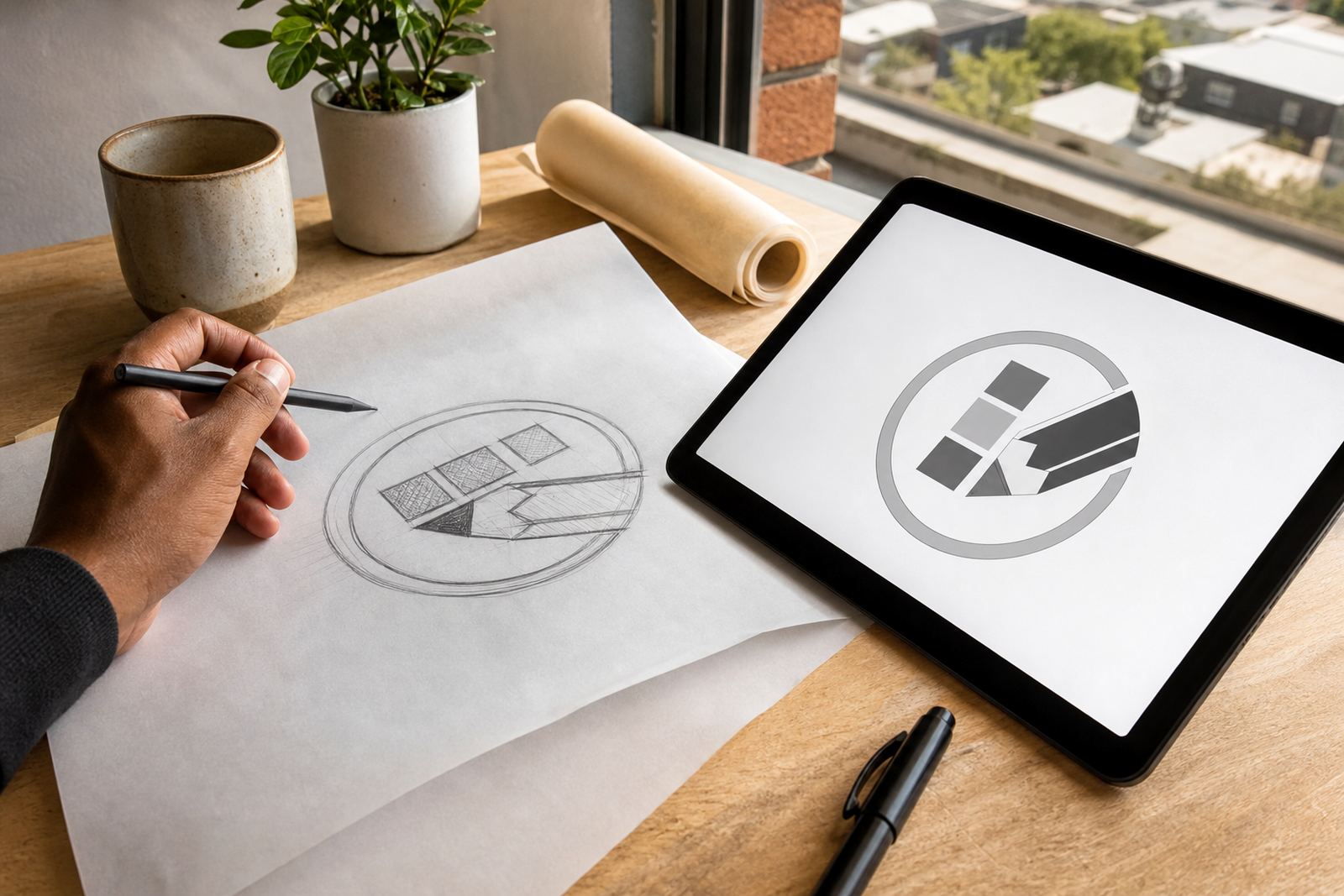
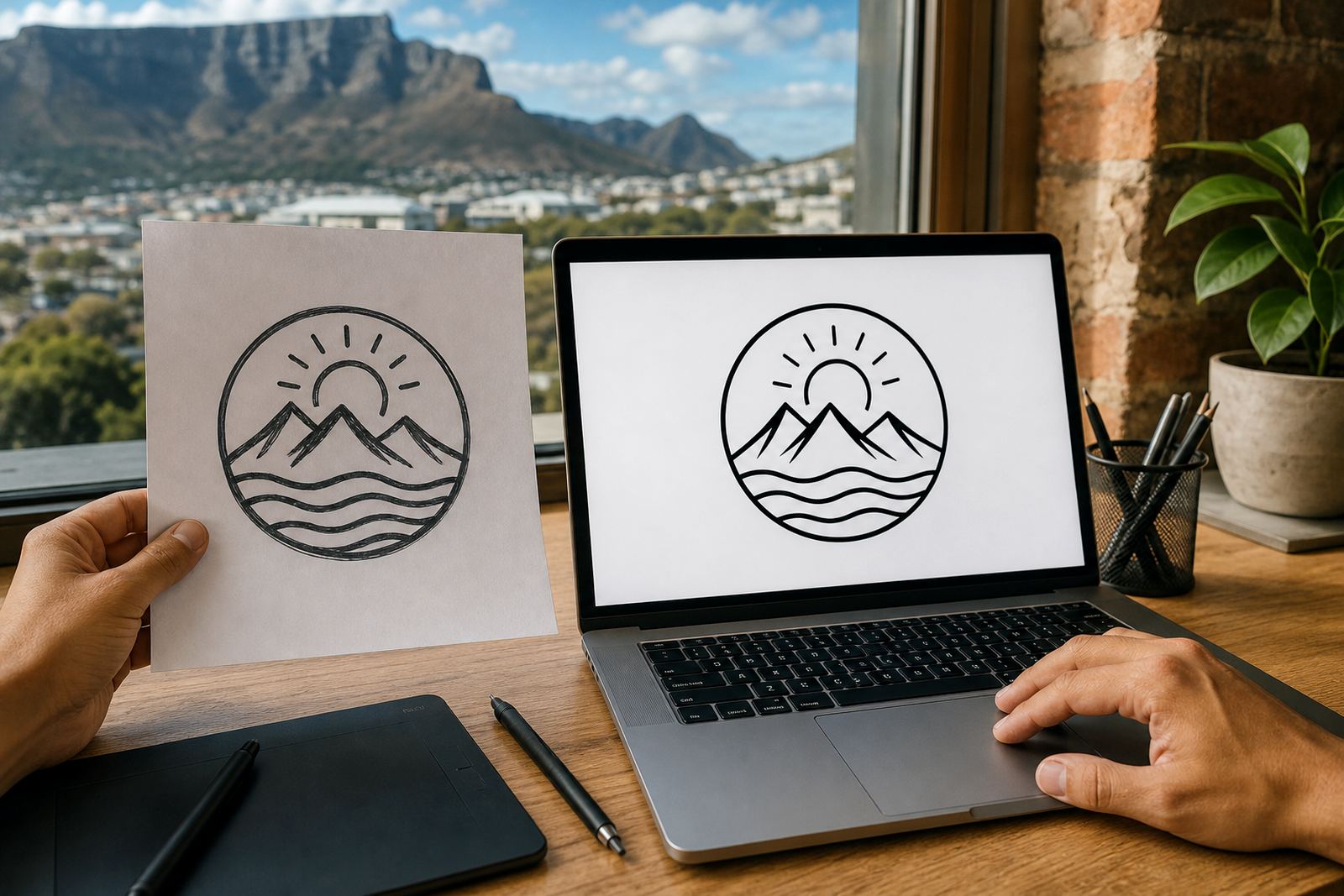
A favicon is the small icon that appears in a browser tab, bookmarks, mobile shortcuts and some app style contexts. At that size, fine detail, thin strokes and tiny text can disappear completely. A proper redraw strips the mark back to the parts that matter most, then rebuilds it as clean vector artwork that still reads at 16 px, 24 px and 32 px.
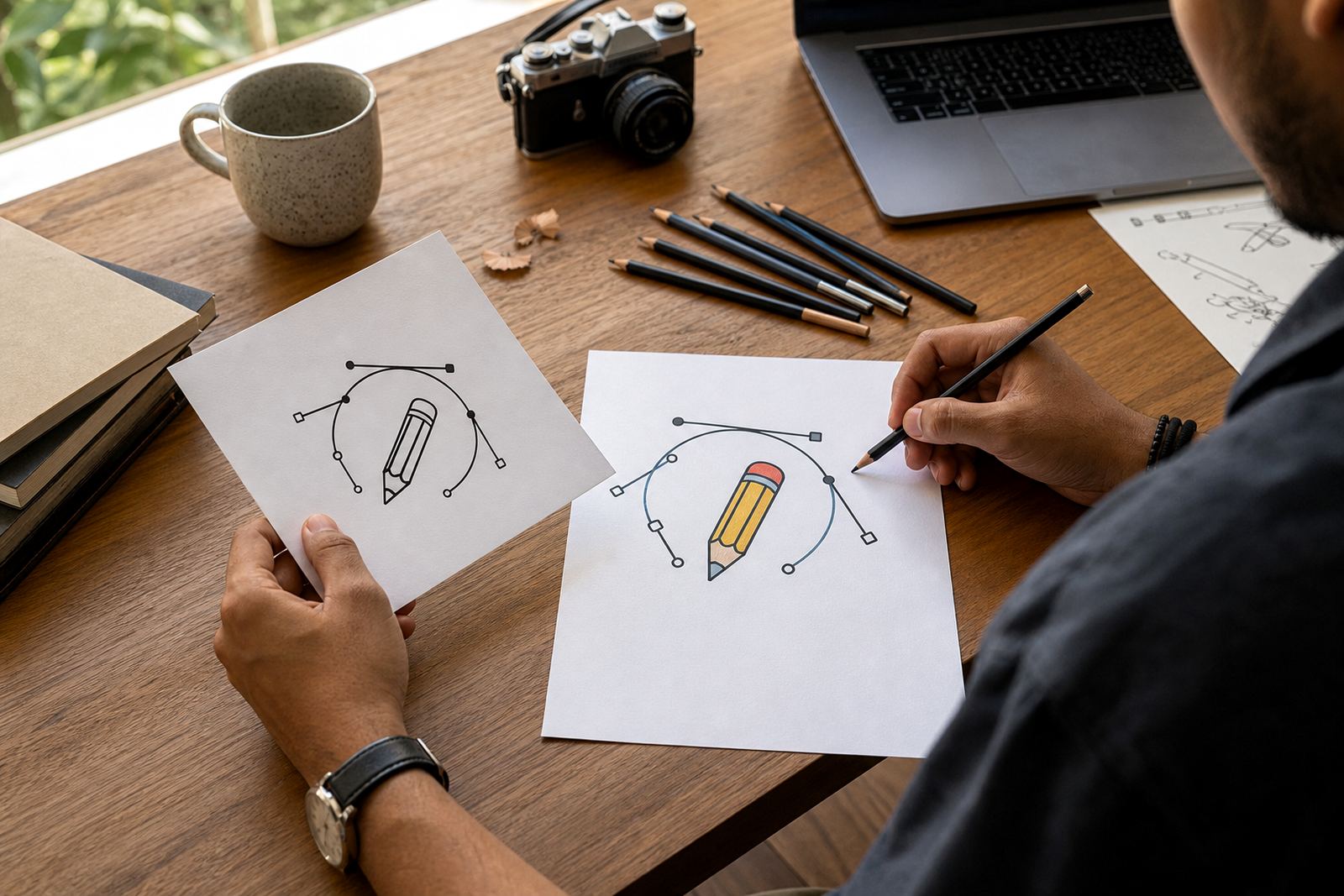
This is different from simply tracing every pixel in a low resolution file. Bitmap tracing can be useful for rough source material, but it often keeps unwanted bumps, jagged corners and soft edges from the original image. A hand redraw lets us correct shape, spacing and line weight so the final icon is sharper and easier to use across web and print applications.
When a tiny logo needs a cleaner build
Favicon redraws suit brands that already have a logo but need a smaller, tidier version for digital use. They are useful when the original artwork is too detailed, the text is unreadable, or the logo was supplied only as a JPG or PNG. We also work on marks that need a simplified companion icon for browser tabs, web portals, e-commerce stores and internal systems.
- Websites and online stores that need a clear tab icon
- Business portals and login pages
- Mobile shortcuts and home screen tiles
- Applications, dashboards and admin systems
- Letterheads, message signatures and small digital touchpoints
For businesses across South Africa, from Cape Town to Johannesburg, Durban, Pretoria and Bloemfontein, this is often the smallest artwork in the set but one of the most used.
How we redraw and simplify the mark
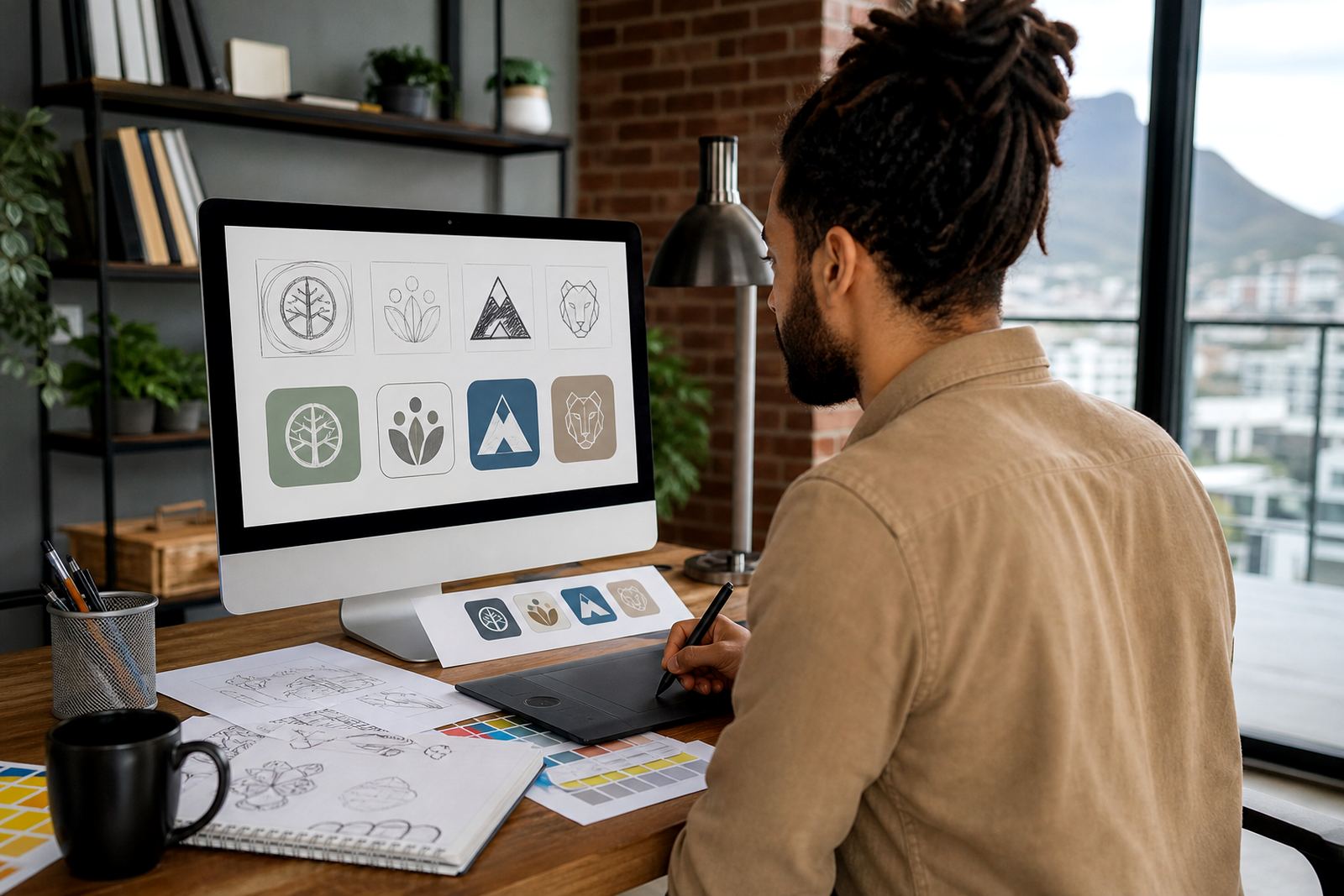
We start by looking at the source artwork and deciding what can be retained, what needs tidying and what should be removed for legibility. If the logo has a symbol, we may redraw only that symbol for favicon use. If it relies on initials, we adjust spacing and proportions so the letters do not close up at smaller sizes. Where necessary, we simplify details, thicken thin lines and flatten complex shading into clean solid shapes.
The output is prepared as vector artwork so it can be scaled for different uses without losing edge quality. In most jobs we supply the favicon artwork in SVG, EPS, PDF and AI format, with a raster export supplied where needed for quick upload to content management systems. If the source is too rough for direct tracing, we redraw by hand rather than forcing a poor trace result.
- Clean vector geometry for sharp edges
- Adjusted stroke widths for small-size clarity
- Optional single-colour and reversed versions
- Simple forms that work on light and dark backgrounds
- Exports for web, print and internal handover
Sizes, versions and file formats to ask for
Most favicon sets need more than one size because different browsers, devices and platforms display icons differently. A common package includes square artwork in 16 x 16 px, 32 x 32 px and 48 x 48 px, with larger source artwork kept on file for future use. We can also prepare icon variants for touch shortcuts and platform specific needs if the mark needs to appear crisply on high density screens.
Clients often ask for one master vector file plus a set of ready-to-use exports. That is usually the practical route. SVG is ideal for flexible digital use, EPS and AI are useful for design handover and print workflows, while PDF is handy for review and sharing. If the favicon must sit on a coloured header or a dark interface, we can supply both positive and reversed versions so the mark remains visible.
- 16 x 16 px, 32 x 32 px and 48 x 48 px exports
- Square icon layout for browser and app use
- Single-colour, full-colour or reversed variants
- SVG, EPS, PDF and AI vector formats
- Optional transparent background export
What to check before you send the artwork
Before ordering, make sure you own the logo or have the right to ask us to redraw it. If the artwork belongs to a designer, photographer or another business, send only what you are entitled to use. The clearer the source file, the better the result, but we can work from many kinds of input including a PDF, PNG, JPG or an old screenshot if that is all you have.
It also helps to confirm whether you want the favicon to match the main logo exactly or be simplified for small-scale use. Tell us if there is text that must remain, a colour that should stay consistent with your brand, or a shape that must not change. Small details matter here, and a short note saves time later.
- Confirm ownership or usage rights first
- Send the best source file available
- Say whether you want full colour or single colour
- Note any lettering that must stay legible
- Tell us where the icon will be used most often
Care, updates and practical use over time
Once the favicon is set up properly, it normally needs very little care. The main thing is to keep the master vector file safe and use the same approved version across your site, message signatures and online profiles. If your brand changes later, or if the original mark starts to look cramped on new devices, the artwork can be refined again without starting from scratch.
For businesses in coastal areas like Cape Town, Stellenbosch, Paarl and Port Elizabeth, digital files are not affected by humidity the way printed signage can be, but file management still matters. Keep a backed-up copy of the approved exports and the master file. If you hand the project to a web developer or printer later, send the correct version so they do not resize a low quality image and end up with blurred edges.
Our Observatory, Cape Town team handles favicon redraws for clients across South Africa and keeps the process practical. You submit the source artwork through the enquiry form on our contact page, we assess the complexity, and we prepare the file set needed for clean use across your digital channels.
Key facts
| Artwork type | Favicon redraw and simplified vector icon |
|---|---|
| Common sizes | 16 x 16 px, 32 x 32 px, 48 x 48 px |
| Core formats | SVG, EPS, PDF, AI |
| Useful source files | PNG, JPG, PDF, scan or screenshot |
| Recommended use | Browser tabs, bookmarks, mobile shortcuts and small UI icons |
| Rights requirement | Customer must own or have permission to use the source artwork |