

Start Here: Which Vector File Suits the Job?
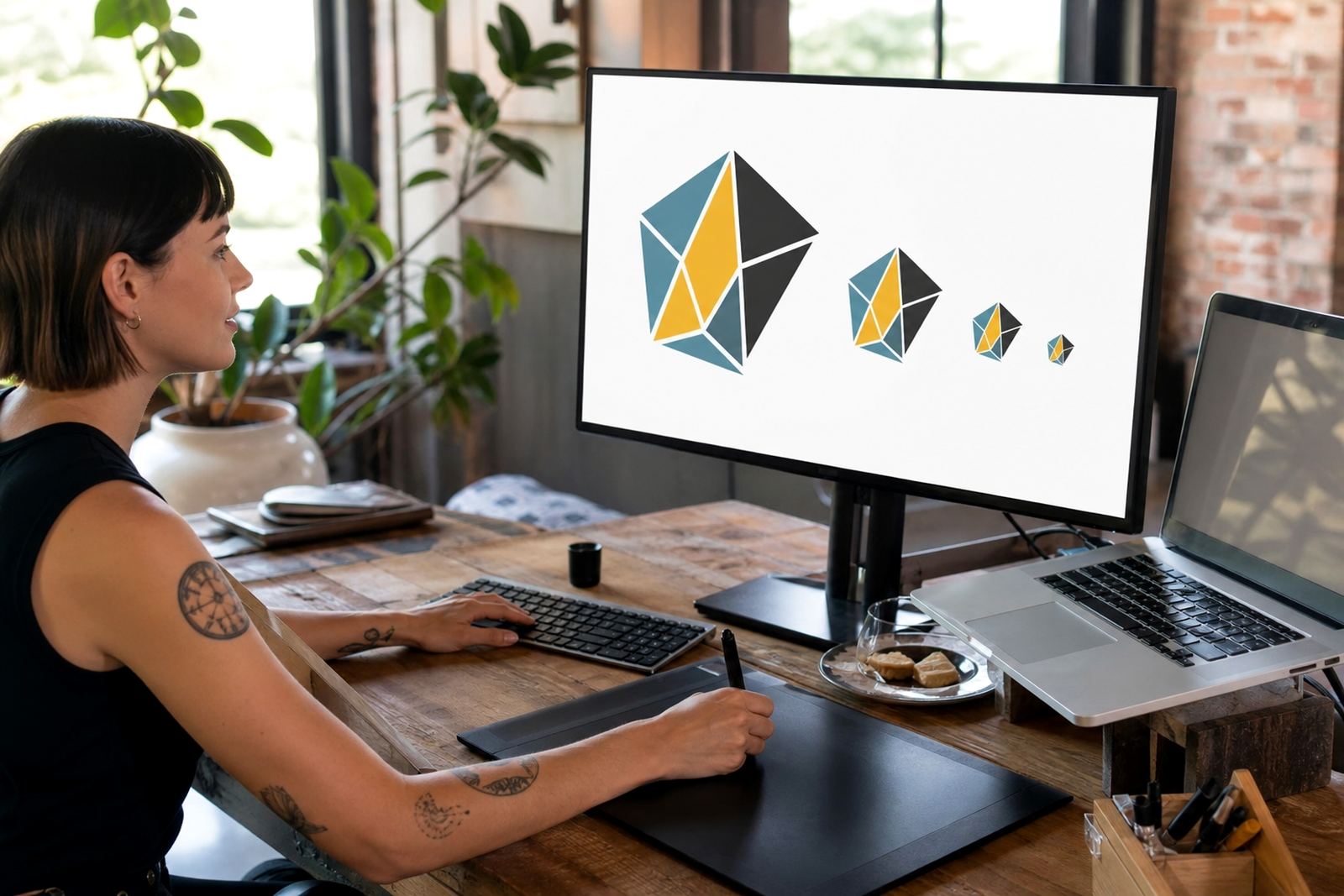
If you need a file for print, signage, embroidery, web use or supplier handover, the right format depends on where it will be used and who will open it next. SVG is often useful for web and digital use, while EPS, PDF and AI are common for print shops, sign makers and design teams that need editable artwork.
Our guides explain the difference in plain terms so you can match the file to the task, not just chase a name on the file extension. That matters when a logo must sit on a business card today and a large wall sign next week.
- SVG for digital use and scalable web graphics
- EPS for printers and sign production
- PDF for easy sharing and approval
- AI for editable working files where supported
Logo Redraws: When a Trace Is Not Enough
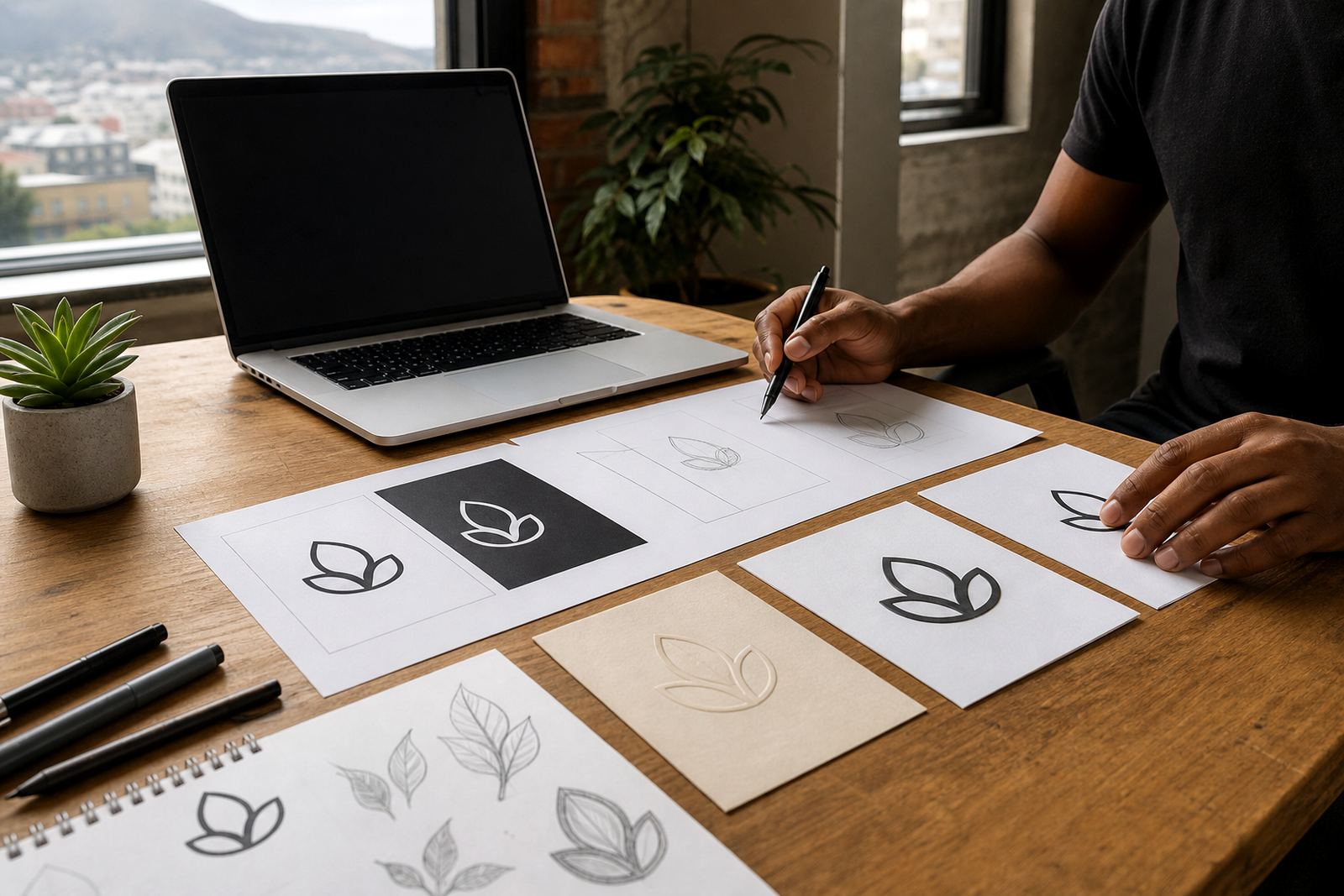
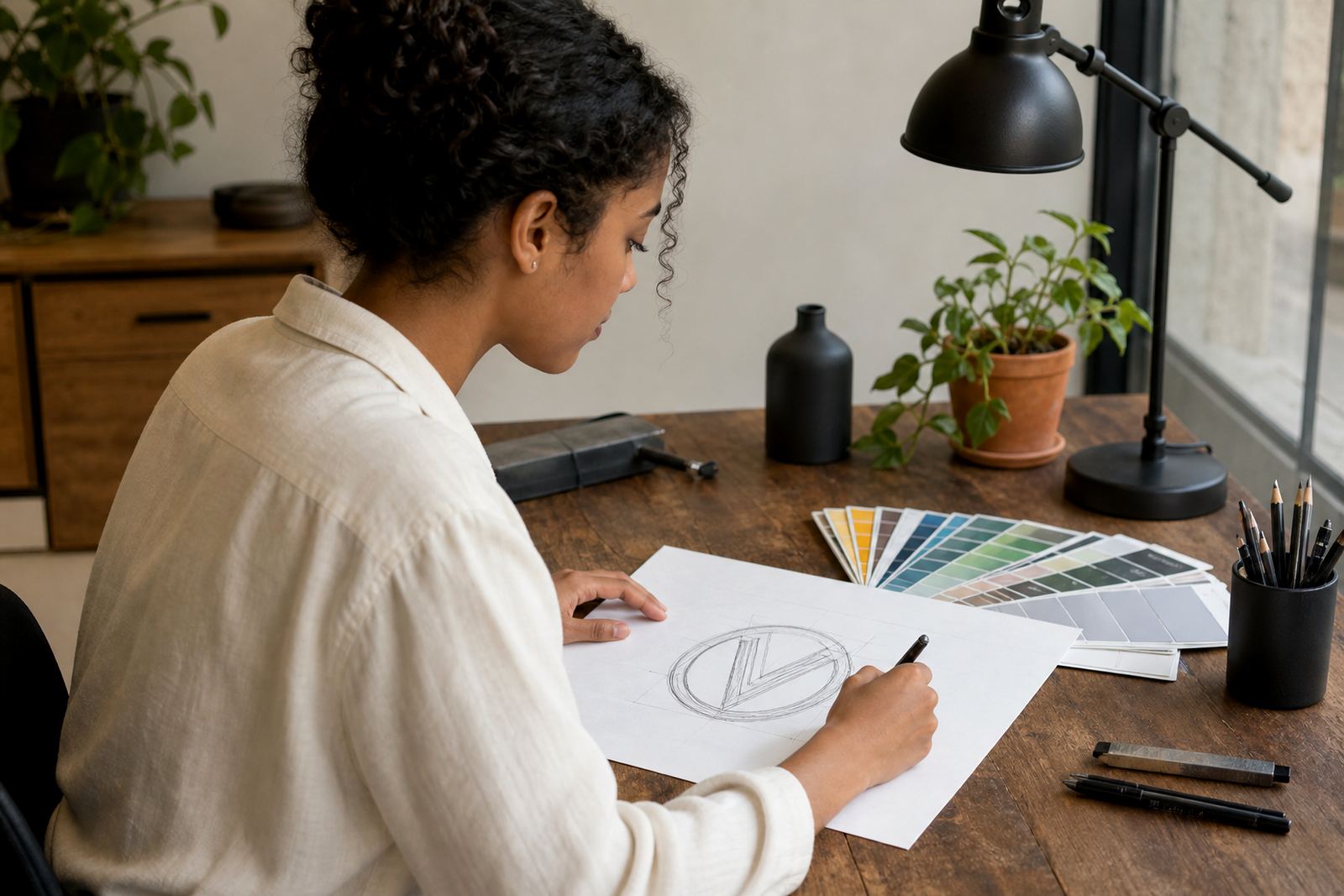
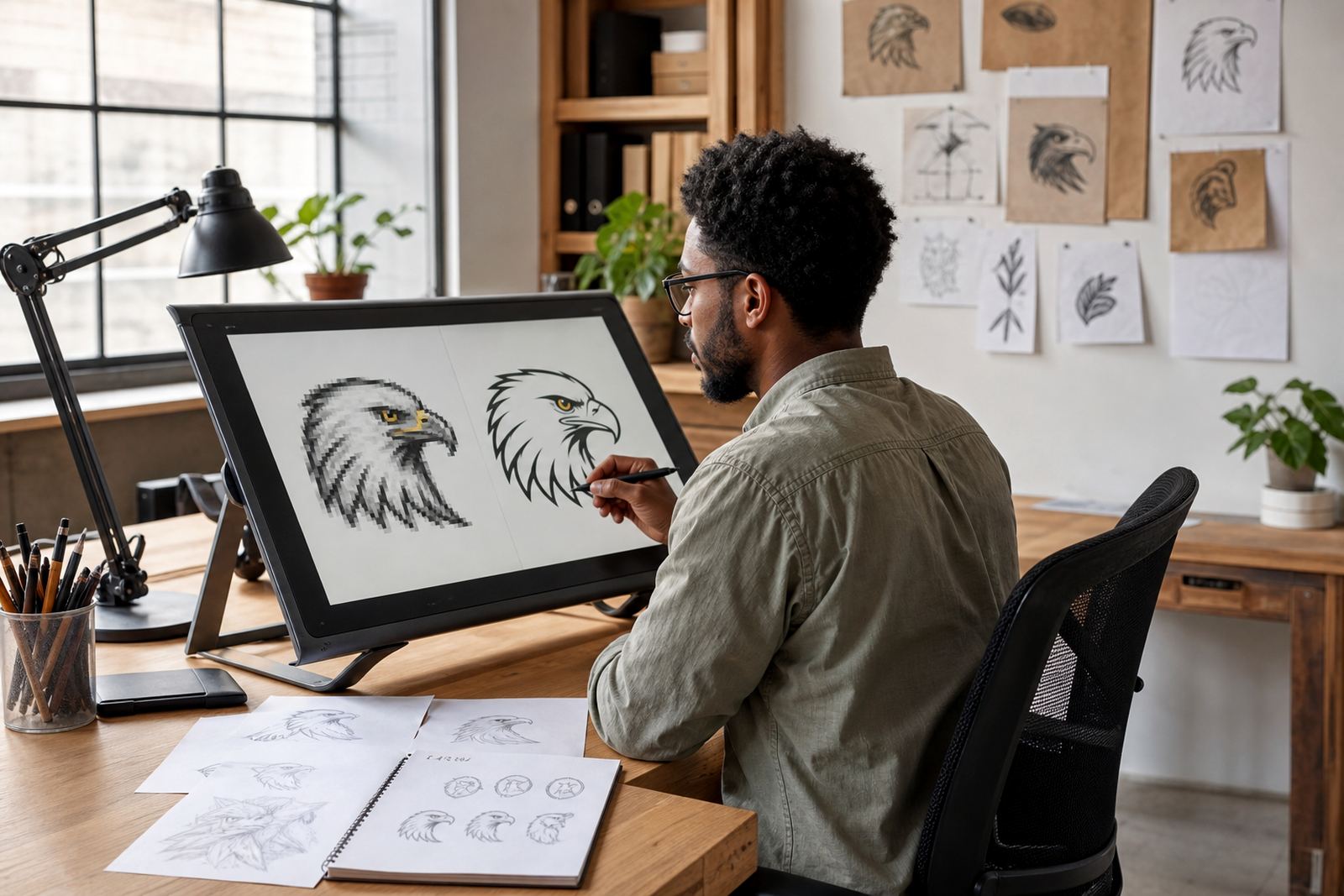
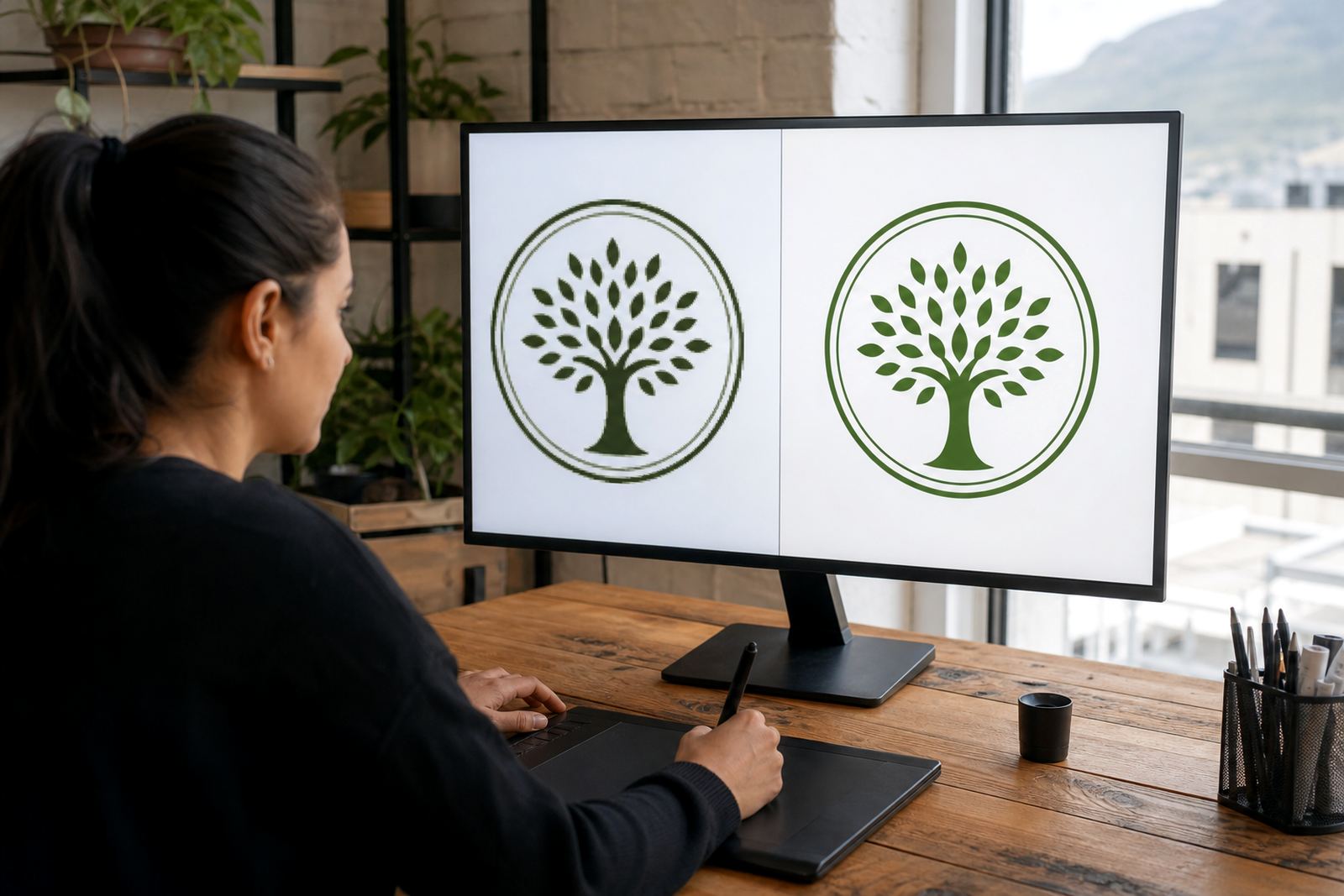
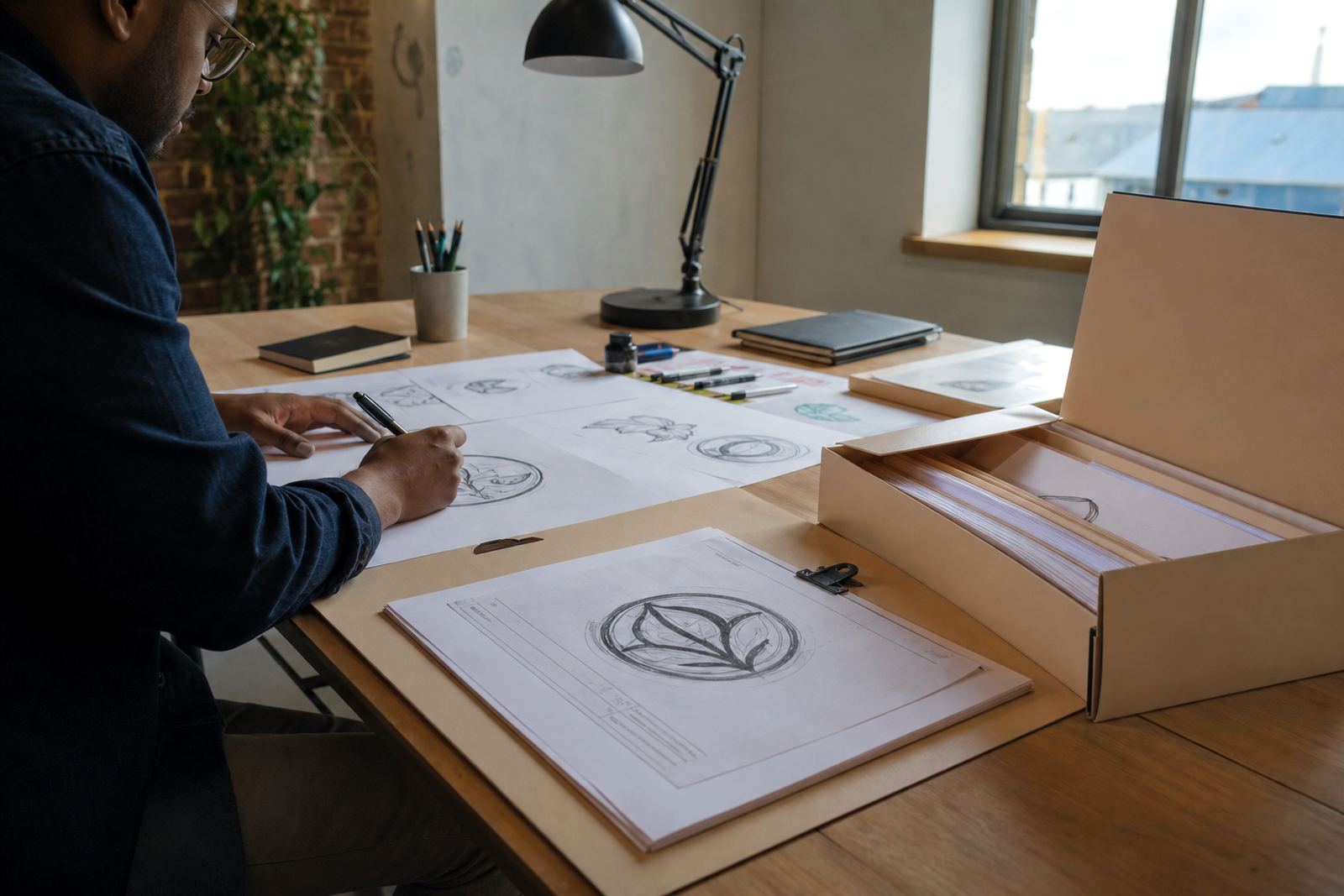
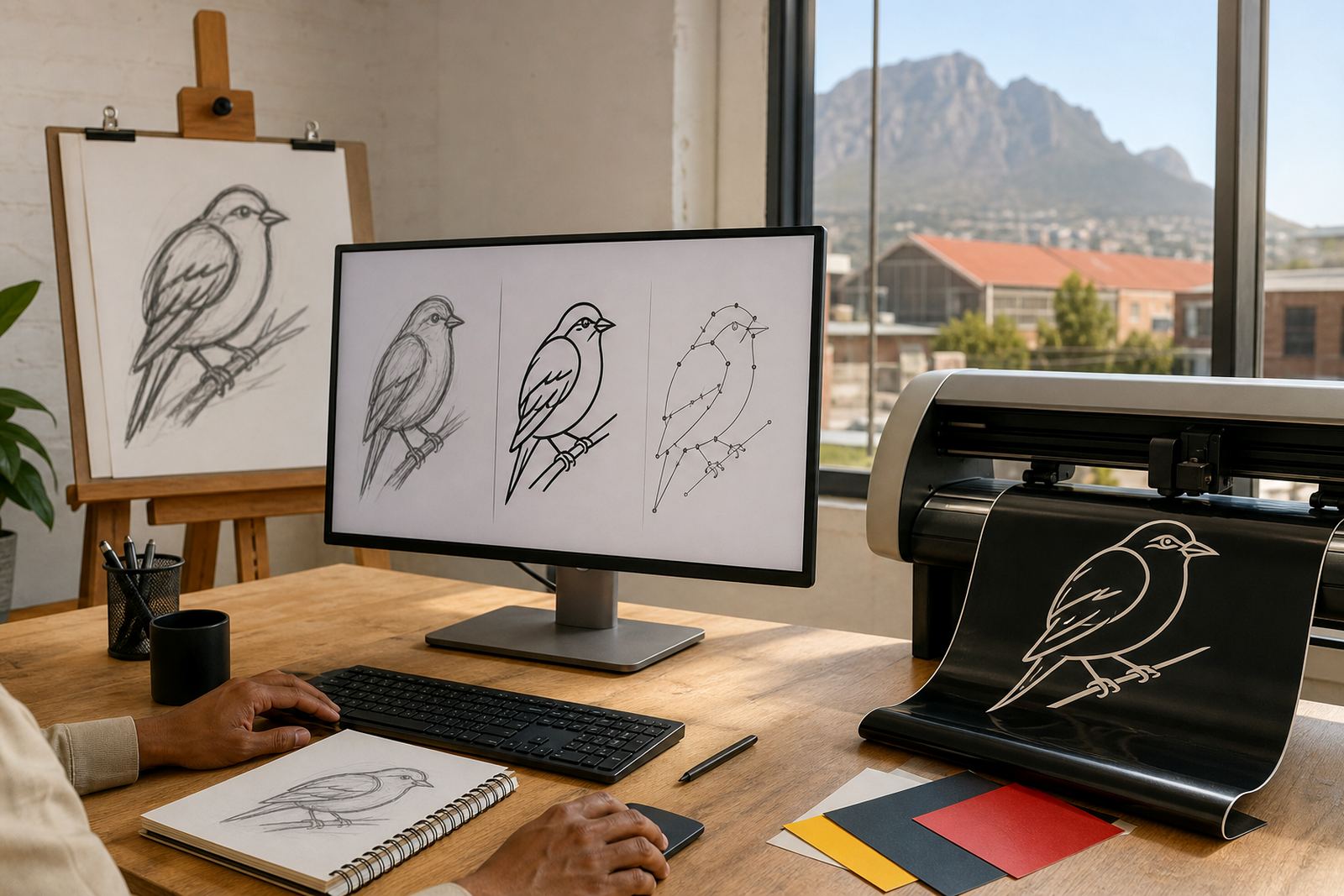
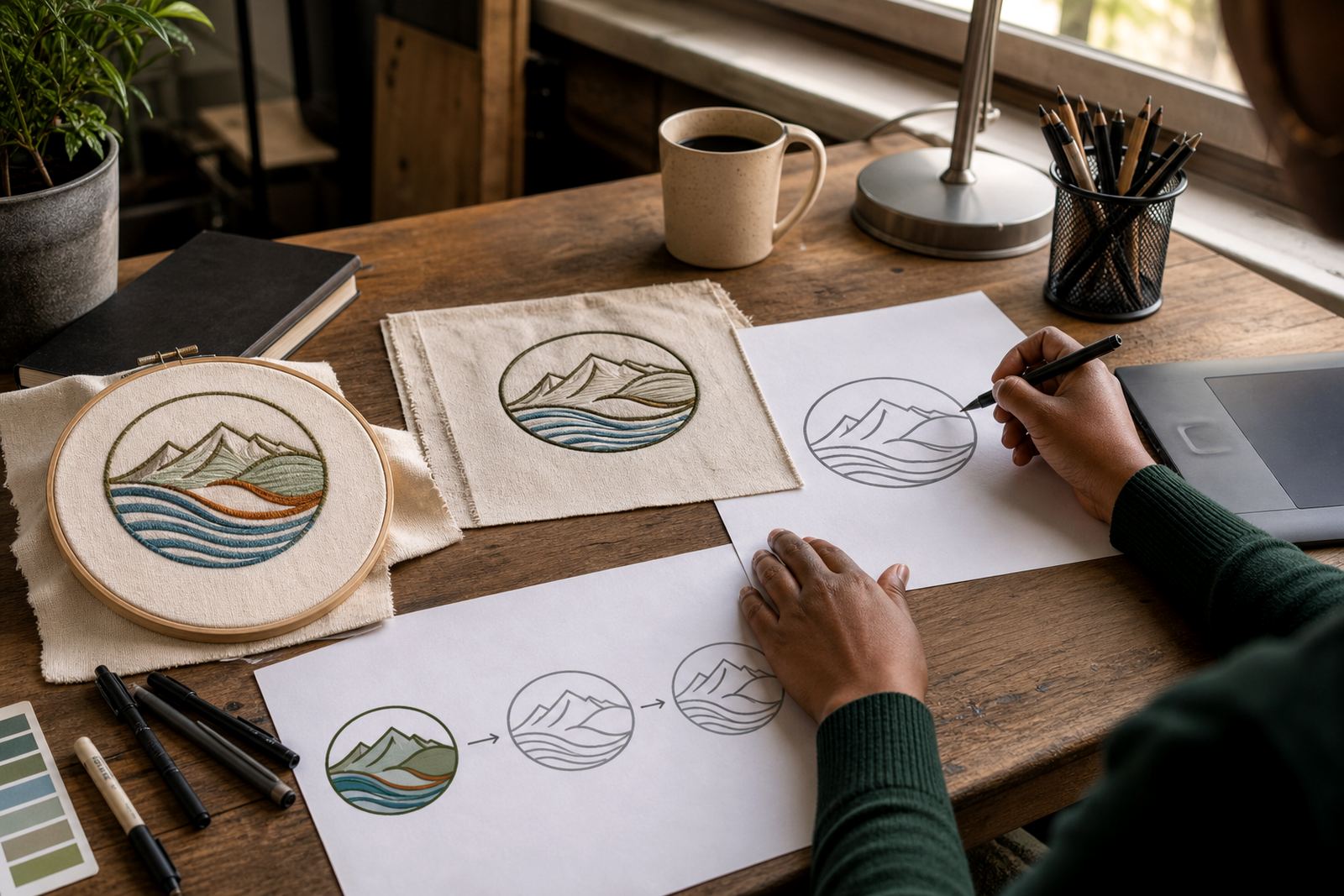
A quick bitmap trace can copy shapes from a low-resolution image, but it does not always clean up rough edges, uneven spacing or awkward curves. A hand redraw is different. The artwork is rebuilt properly, with attention to letter shapes, line weight and the balance between every part of the logo.
For faded scans, old business cards or compressed image files, a redraw usually gives a better result. It also helps when the original file is lost and the only copy is a photo from a phone or a tiny JPG from years back.
- Use tracing for simple source material where detail is still clear
- Use hand redraw for poor scans, old files or damaged artwork
- Choose redraws when accuracy and clean output matter
Artwork You Send: Rights, Source Files and Clear Instructions
Please only send artwork you own or have the right to use. That includes logos, sketches, reference images, badges, labels and illustrations supplied by your team or approved designer. If you are sending third party material, make sure you have permission before work begins.
The cleaner the starting file the better the result. A vector original is best, then a high-resolution image, then a clear scan or photo. If there are colours, spellings, font references or layout notes, include them with the brief so the artwork can be checked properly.
- Send the highest quality source file you have
- Include the intended use, such as print or digital
- Confirm any text, colours and spelling before redraw work starts
What Hand-Drawn Vector Illustration Can Cover
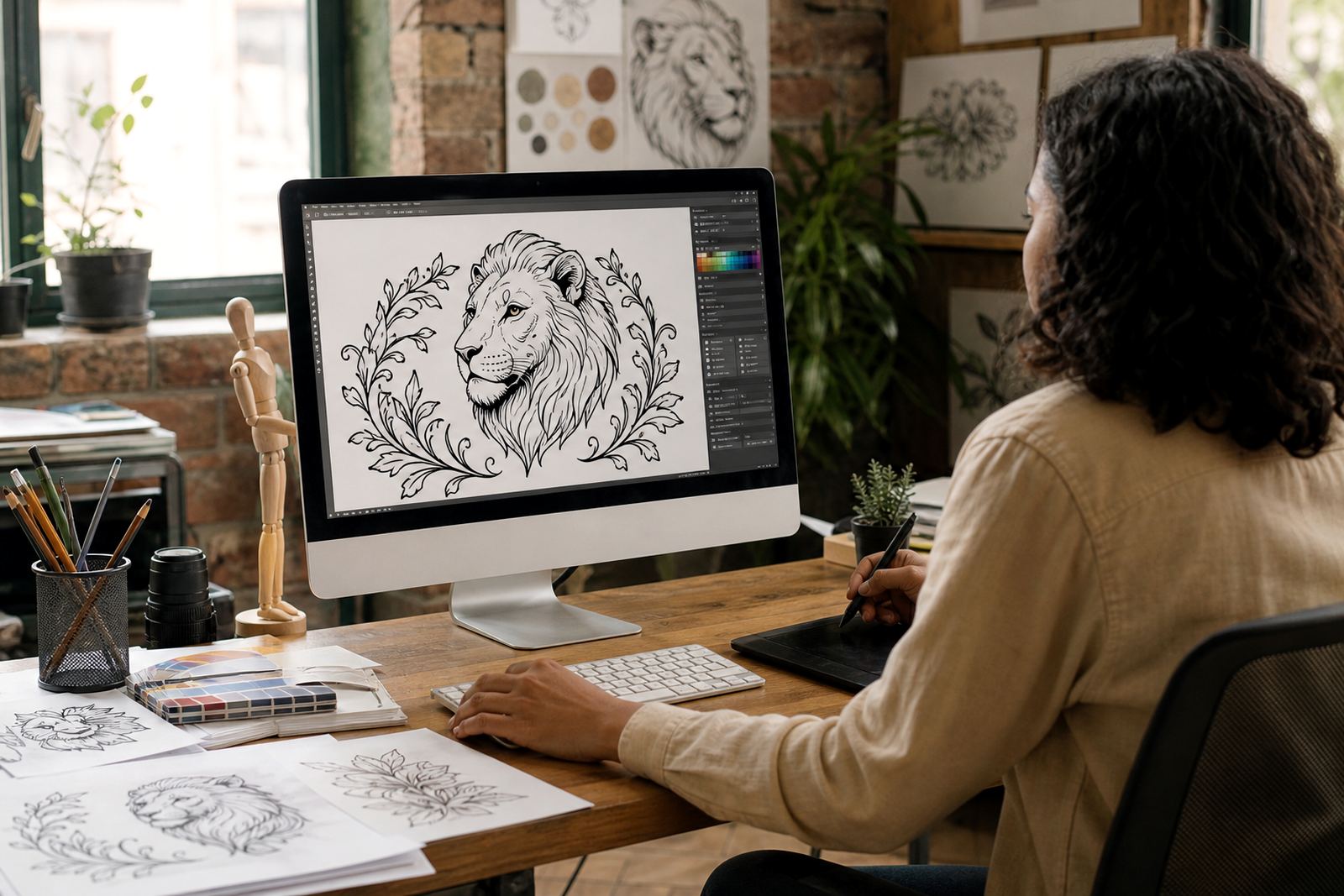
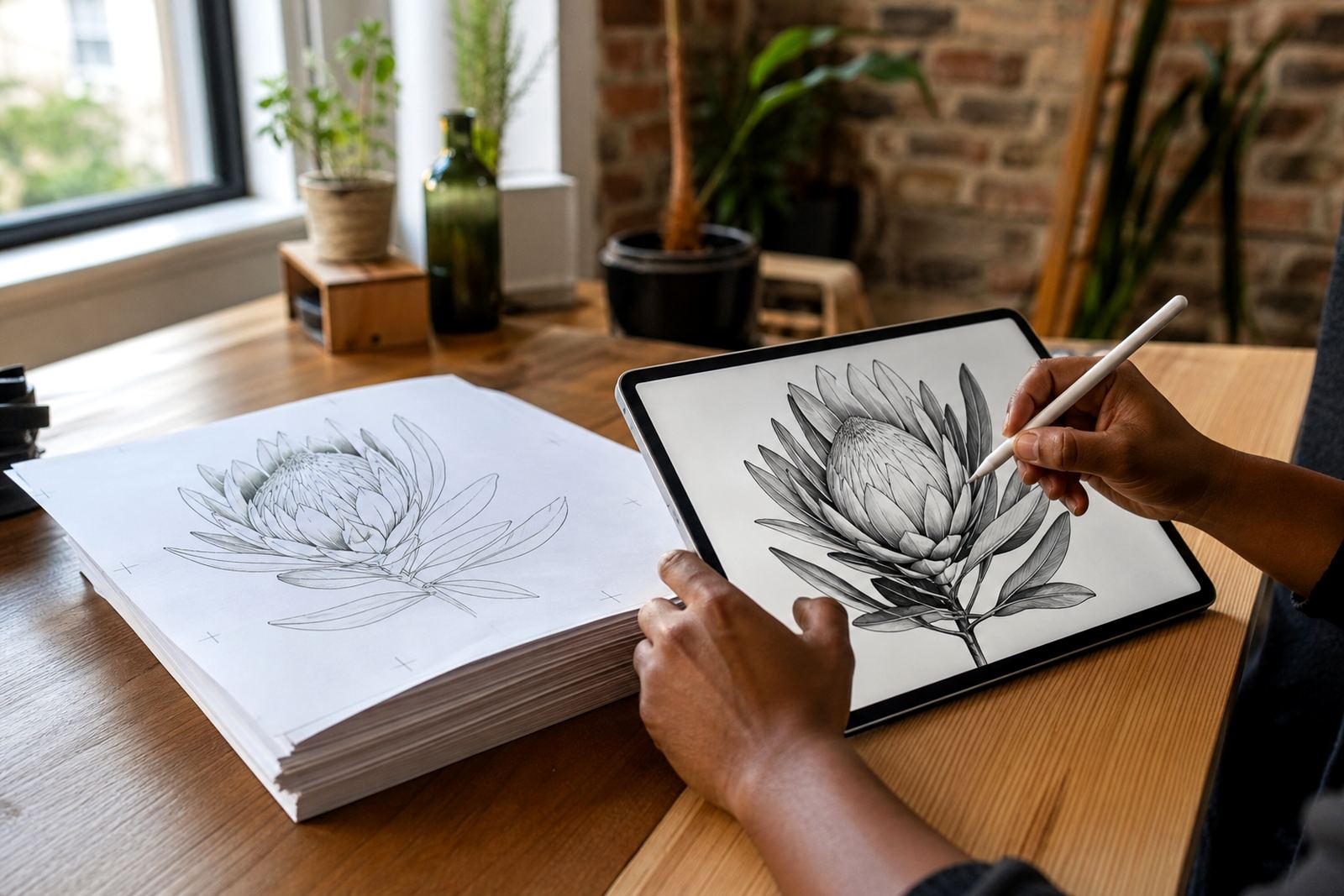
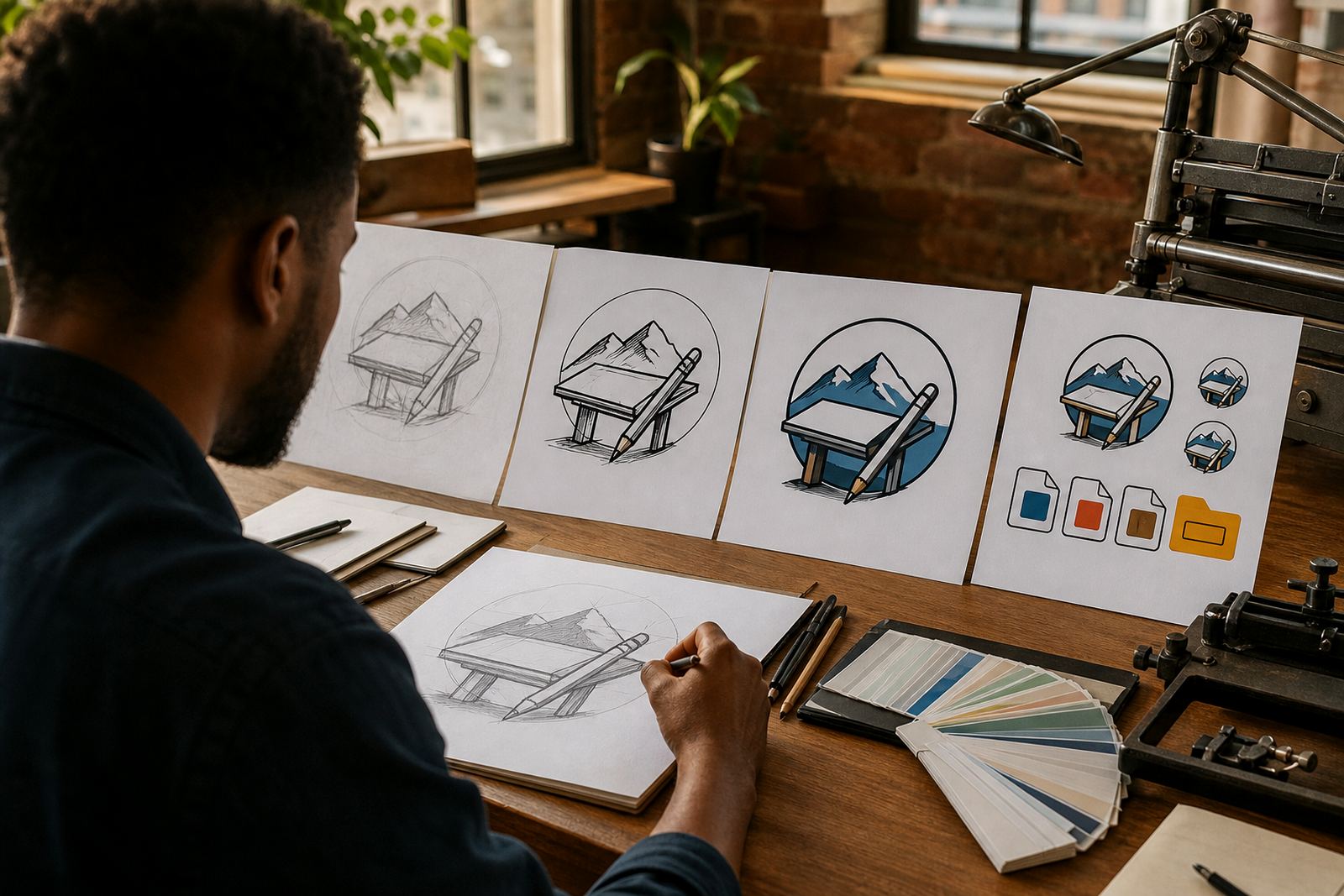
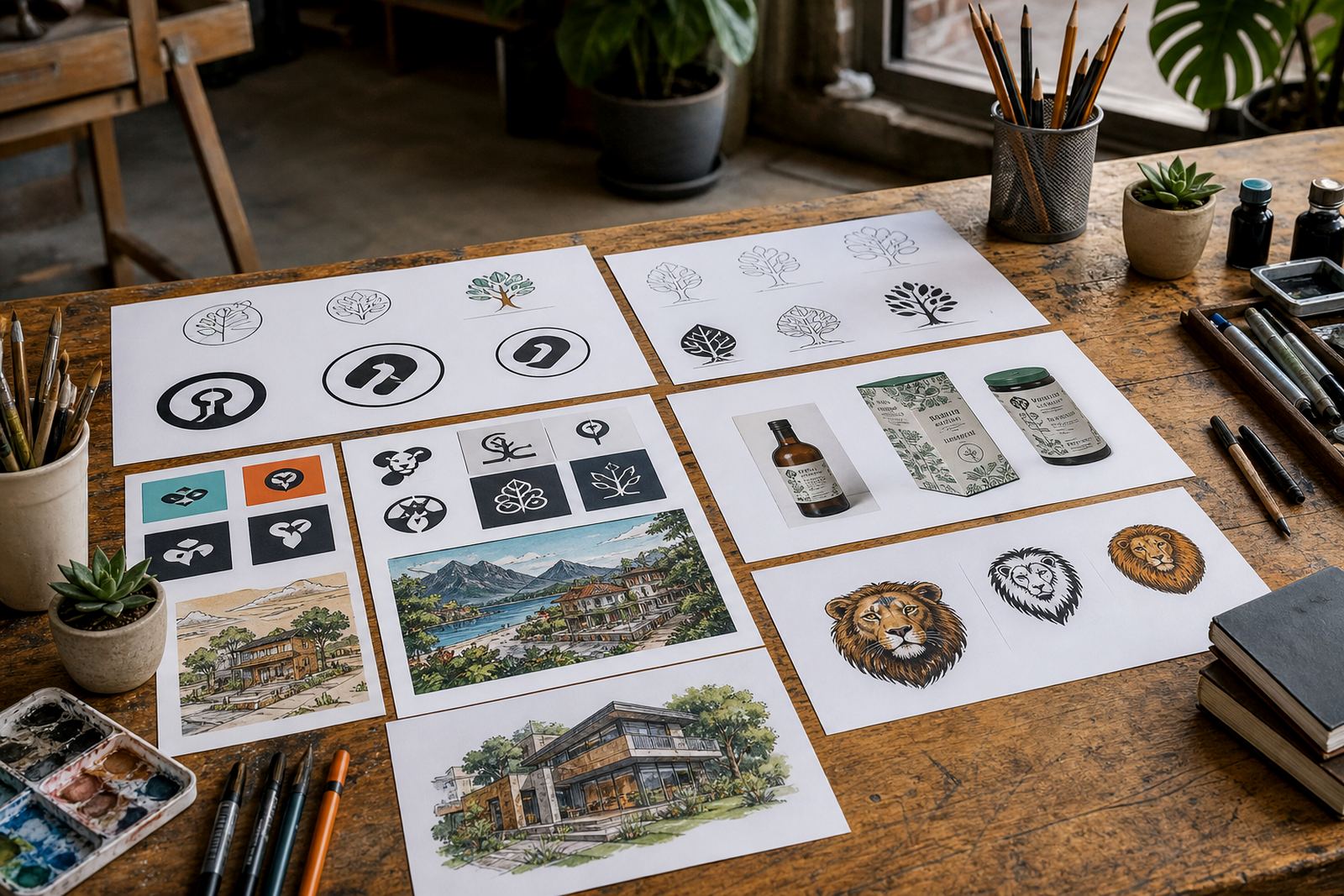
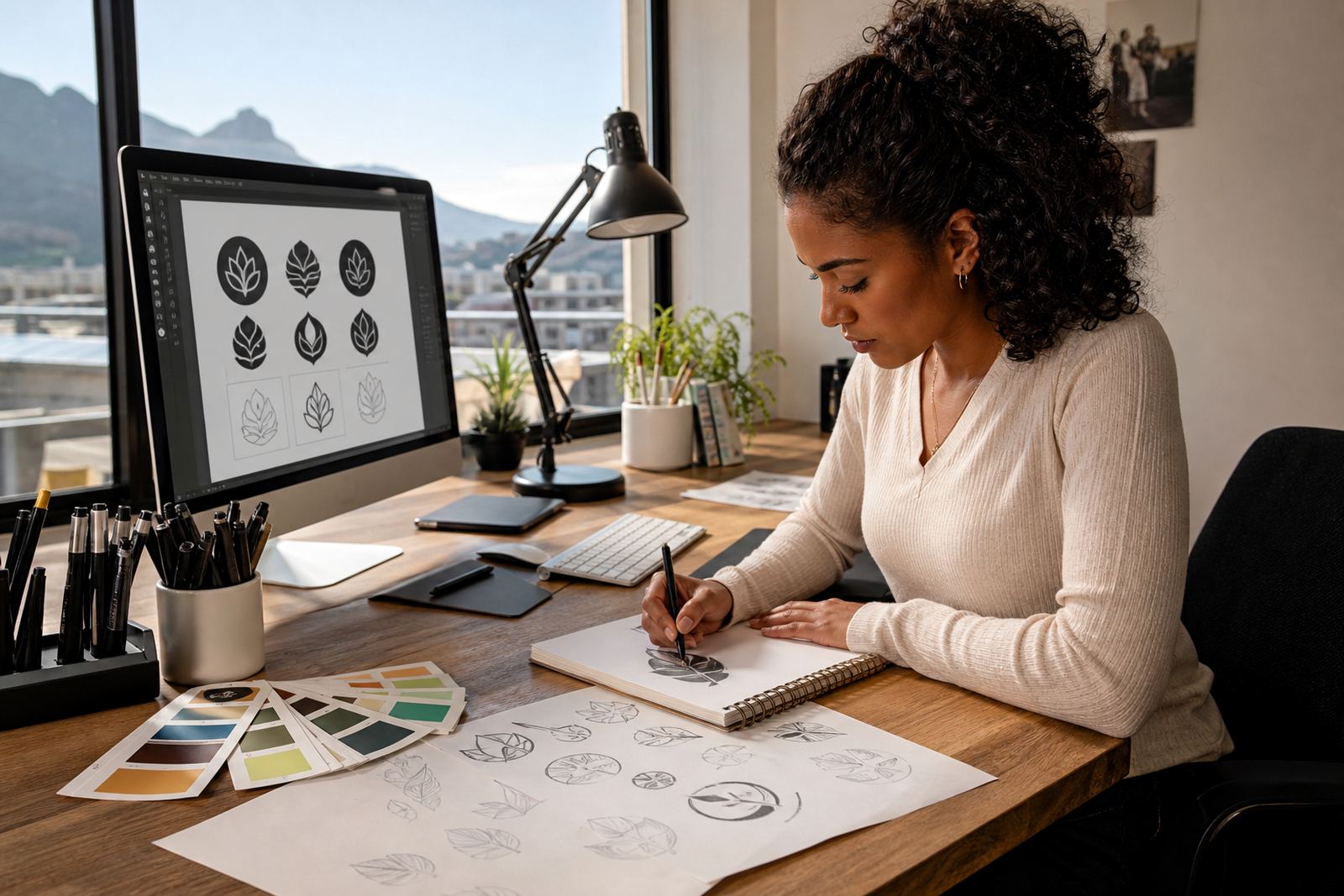
Hand-drawn vector illustration is useful when a brand needs more than a straight logo file. It can support custom brand icons, mascot artwork, packaging illustration, map illustration, menu illustration, sticker illustration, pattern illustration, infographic illustration, badge illustration, line illustration, scene illustration and social graphics.
These files are built so they can scale cleanly for small labels or larger formats like posters and signage. They are also easier to adapt later for local print requirements in Cape Town, Johannesburg, Durban, Pretoria, Bloemfontein and other towns where suppliers may ask for different file types.
- Use illustration for packaging, menus and promotional graphics
- Use icons and badges for brand systems and repeated use
- Use line and scene artwork where a more crafted look is needed
Preparing Files for Printers, Sign Makers and Municipal Use
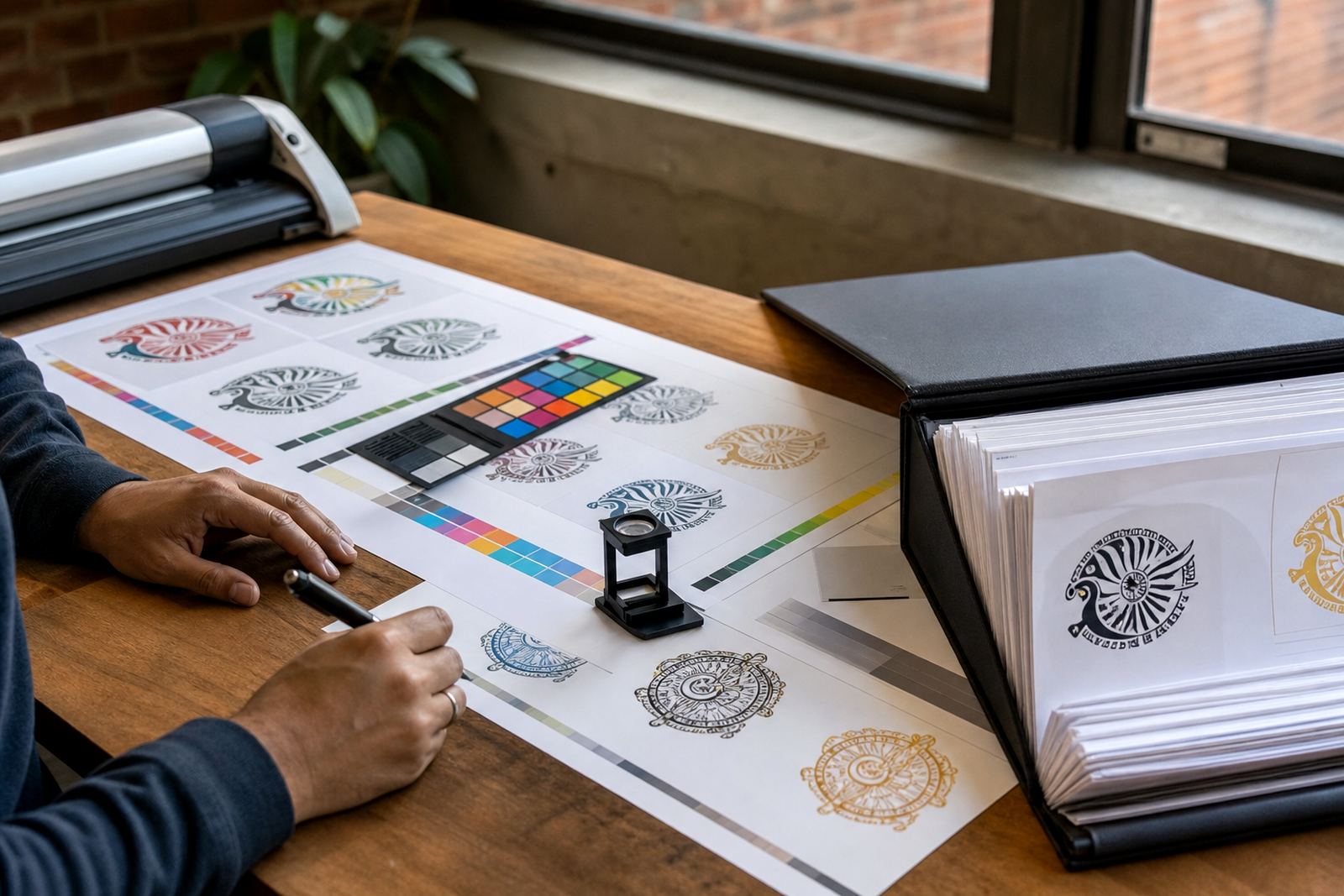
South African production jobs often involve more than one supplier, so file preparation needs to be practical. A print shop may want a PDF and EPS. A digital team may prefer SVG. A sign maker might ask for outlined text and clear colour references. If the job is for a municipal notice, market stall, trailer sign or shopfront panel, it helps to plan the final use early.
In coastal areas like Cape Town and Port Elizabeth, outdoor signage may face sun and humidity. Inland, the main concern may be visibility at distance and neat reproduction on different substrates. A good file should still hold its shape when scaled up or down, even if the original artwork started as a small sketch.
Working With Our Observatory Studio
Vectorization Studio has operated from Observatory, Cape Town, working on logo redraws and hand-drawn vector illustration for businesses across South Africa. The team includes Luyanda Mthembu, Ayesha Mafokeng, Pieter Skosana, Zanele Kajee, Teboho Molefe and Megan Khoza, with each project checked through from the first brief to the final file.
Clients from Stellenbosch to Pretoria often need guidance on what to send and what to request, especially when a logo was captured from an old letterhead or a rough file is all that remains. If you are not sure which format to choose, these guides are a solid place to start and a practical enquiry form is available on our contact page.