What tracing means in vector work
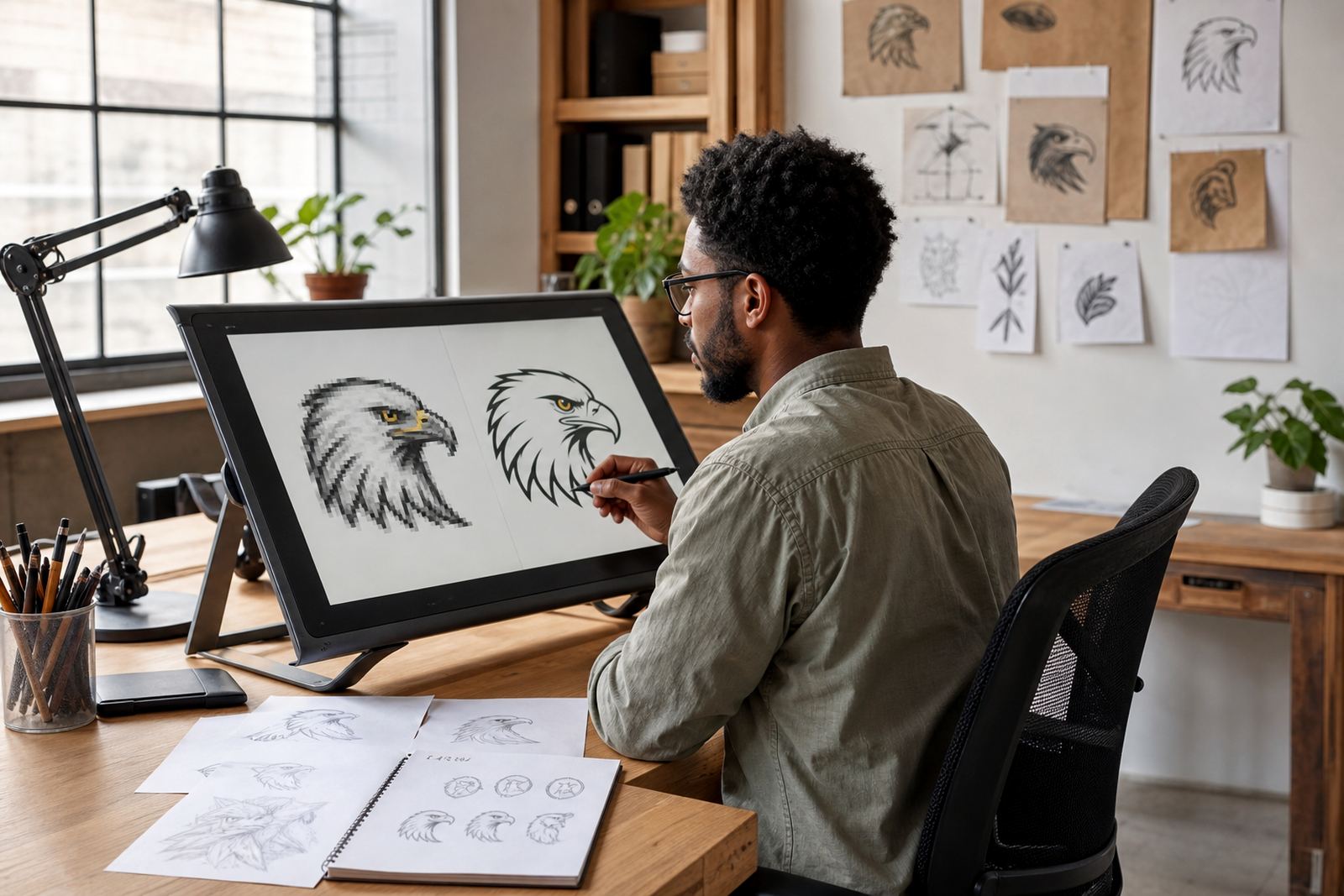
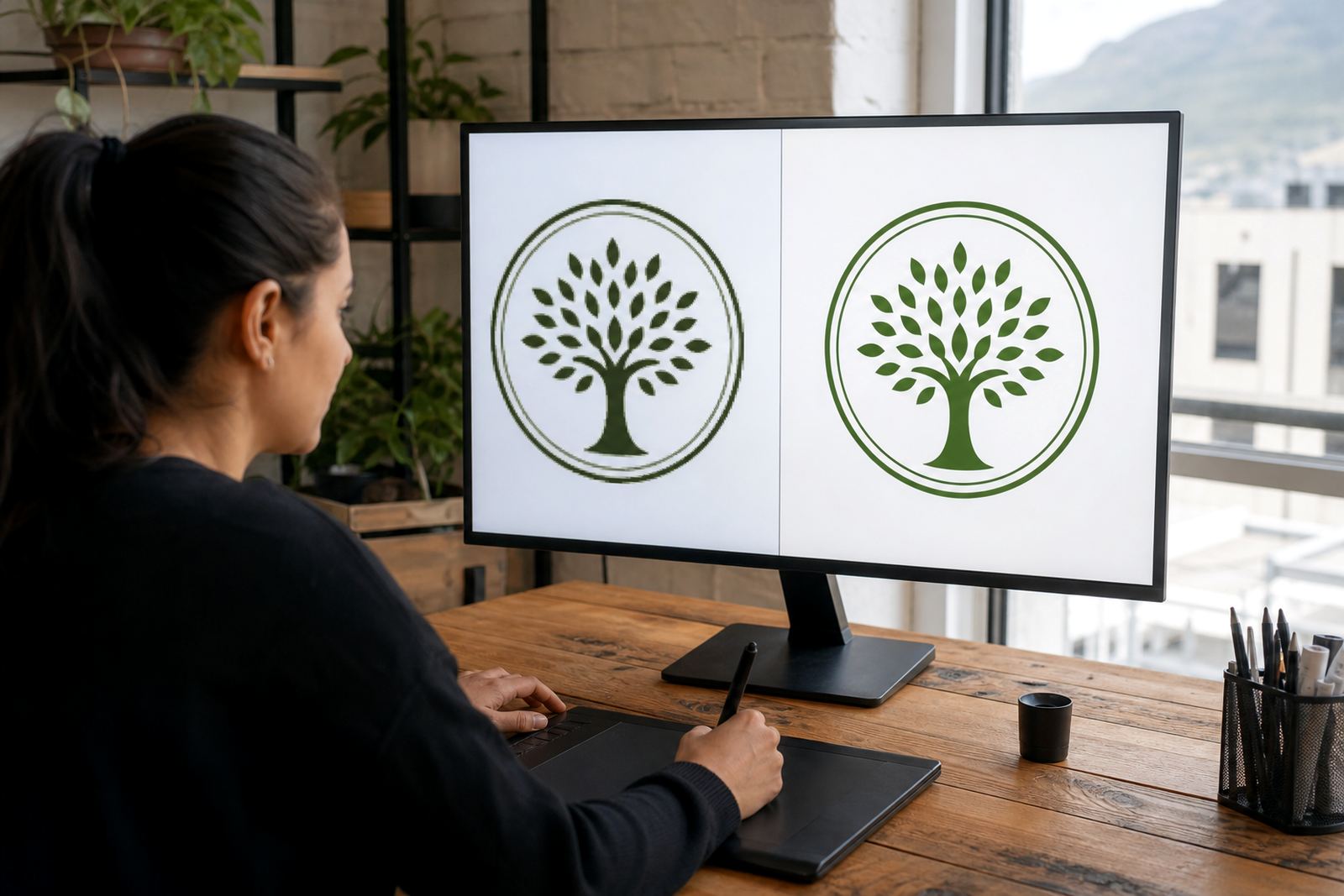
Tracing is the process of converting a flat image, usually a bitmap such as a JPG, PNG or TIFF, into vector paths that can scale cleanly. In simple terms, the artwork is followed point by point so the shapes can be redrawn in a programme that saves as SVG, EPS, PDF or AI. For logos with hard edges, simple icons, lettering and one-colour marks, tracing can be a practical starting point.
The key thing to understand is that tracing does not fix poor source material by itself. If the original is blurry, compressed, skewed or badly lit, the traced result will carry those problems unless someone cleans it up properly. A decent trace still needs judgement around corners, curves, joins and spacing, especially when the logo will be printed small on packaging, labels or municipal forms.
Bitmap tracing versus hand redraws
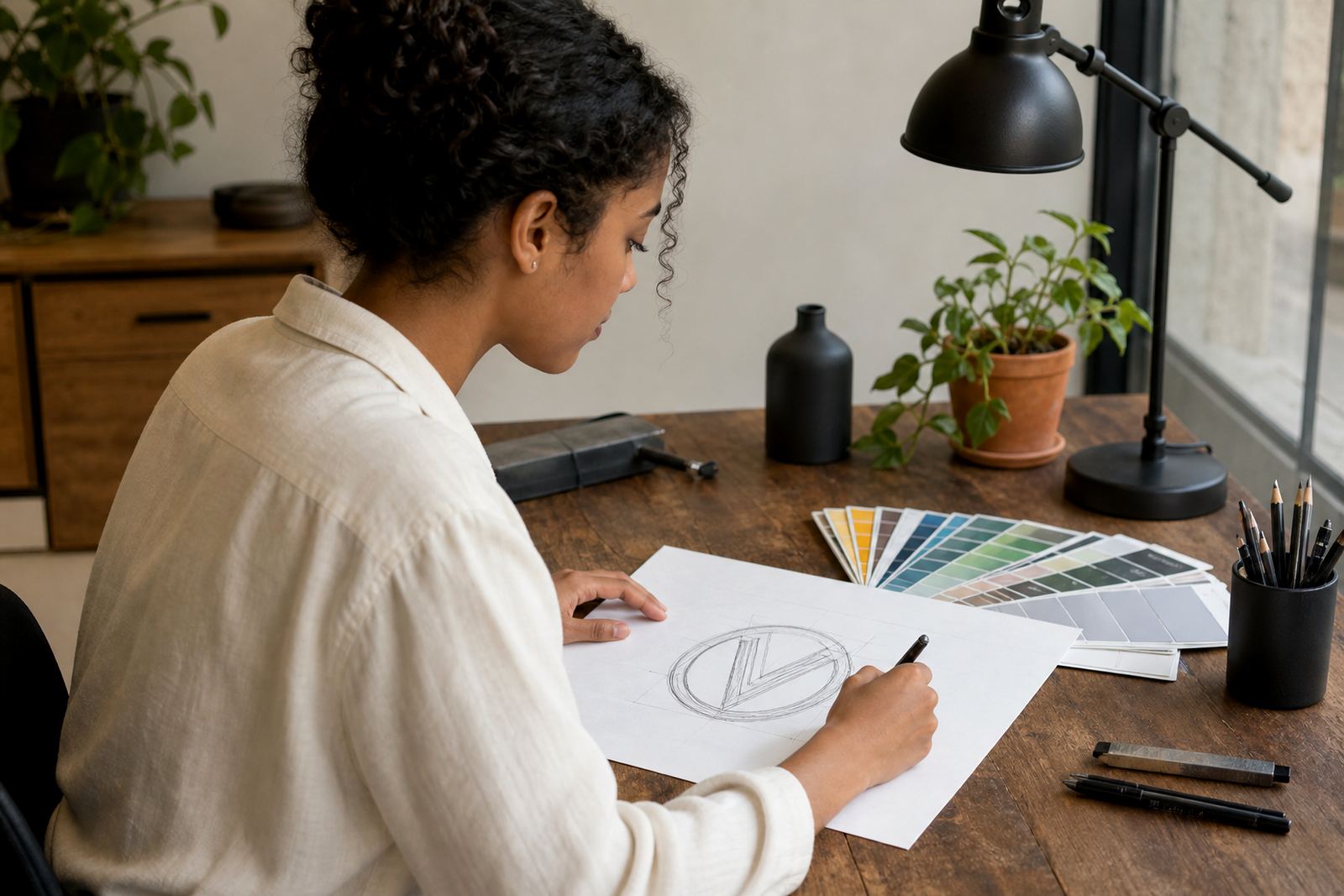
Bitmap tracing is best when the original artwork is fairly tidy and the goal is to reproduce it accurately. A hand redraw is better when the source is rough, the logo has been scanned from old stationery, or the artwork has fine details that need proper correction. With a hand redraw, the artist rebuilds the shapes from scratch, which gives better control over line weight, symmetry and spacing.
Many people ask for a trace when what they really need is a redraw. That is common with older local businesses that only have a low-resolution image from a supplier invoice or a social media post. If the artwork has been stretched, flattened or altered over time, tracing it can copy those faults. A hand redraw takes longer, but it gives a cleaner master file for signage, vehicle decals, embroidery and print.
- Choose tracing for neat, simple artwork with clear edges.
- Choose a hand redraw for poor scans, worn logos or awkward letterforms.
- Choose illustration when the goal is to create a fresh visual, not copy an existing mark.
- Ask for SVG, EPS, PDF and AI so your printer can use the correct format.
What to send before a redraw starts
The best starting point is always the highest quality artwork you have. A clean original file, a flat scan or a sharp photograph taken straight-on will save time and reduce guesswork. If you only have a picture on your phone, make sure it is not tilted, cropped or taken in low light. For hand-drawn illustration work, send any notes about the look you want, the intended use and the size of the final piece.
It also helps to confirm that you own the artwork or have the right to use it. If the logo belongs to a previous designer, employer or supplier, get permission before asking for a redraw. This matters for businesses that are updating labels, menus or signage and need to avoid disputes later. It is a simple point, but one that saves a lot of admin.
- Send the best file you have, even if it is old.
- Include a clear photo of the full artwork if the file is not available.
- Note where the final art will be used: print, web, signage or packaging.
- Say whether you need colour matching, black only, or a one-colour version.
How we clean up traced artwork
Once a trace begins, the artwork is checked for shape accuracy, smooth curves and consistent line thickness. Small defects are removed and any unnecessary points are reduced so the file stays tidy and light. This helps when the logo is opened in different software or sent to a printer in Cape Town, Johannesburg, Durban, Pretoria or Bloemfontein. It also makes the file easier to resize for social graphics, stickers and badges.
For South African business use, the finish has to work in more than one setting. A logo may need to hold up on a small invoice header in Observatory, a shopfront sign in Stellenbosch, or a delivery decal in Paarl where sun and dust can be hard on printed surfaces. Good cleanup means the art still reads clearly when it is reduced, reversed or placed on a busy background.
When a true redraw is the safer option
Some logos look simple at first glance but become messy once traced. Thin lettering, overlapping shapes, hand lettering with uneven spacing, and old artwork saved from a faxed page can all cause problems. In those cases, a true redraw gives better control over the final result. It is also the better route when the logo needs to be adapted for large-format printing, laser cutting or detailed illustration work.
For businesses in coastal areas, moisture and salt air can show flaws in a sign or decal very quickly, so the artwork needs to be crisp from the start. If the file will be used on packaging for a food product, a menu board, or a label that must stay legible under strong light, the redraw should be based on the right proportions and not just a quick trace. That extra care matters more than people think.
File formats and handover checklist
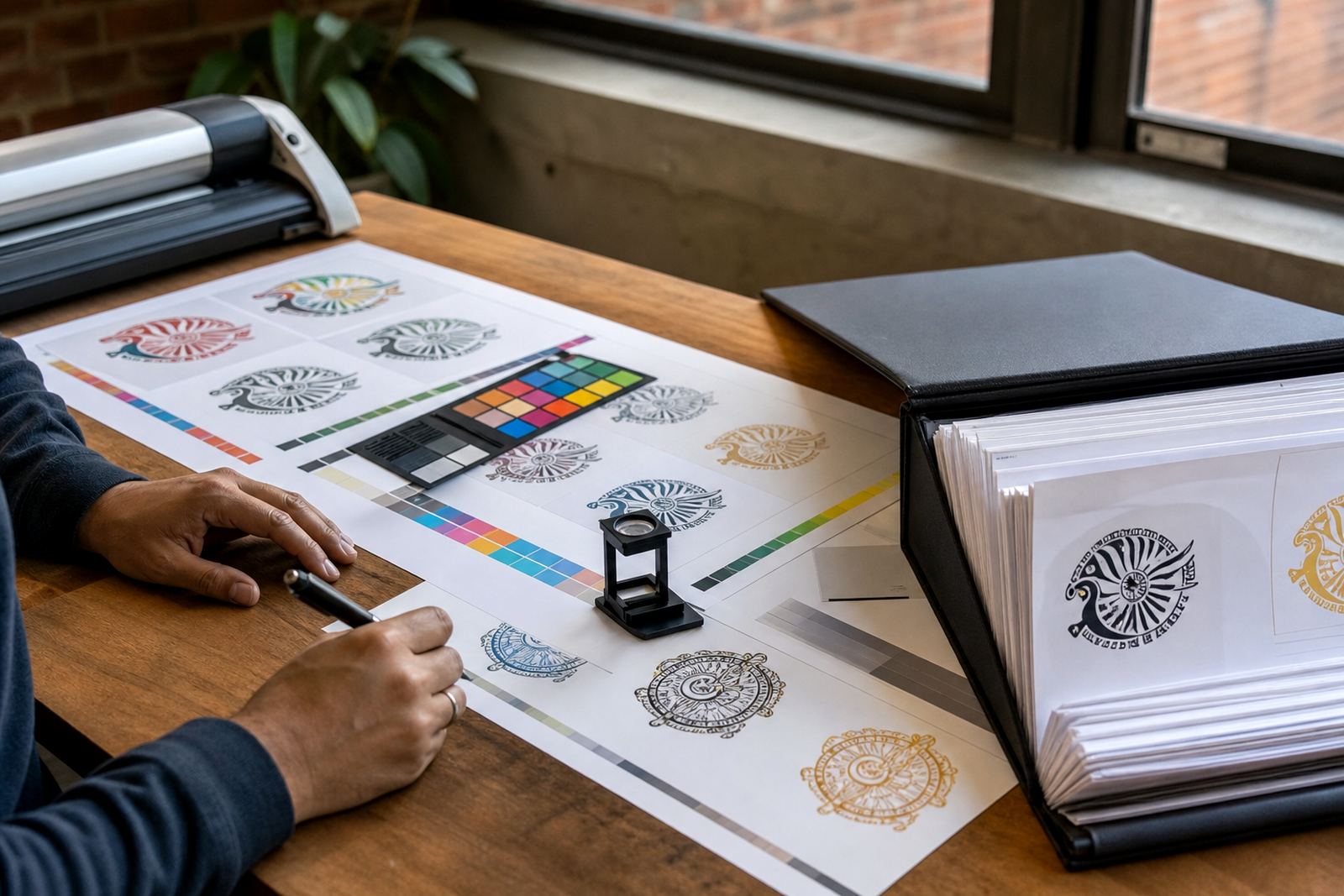
The final artwork should be delivered in formats that suit both print and digital use. SVG is useful for web and scaled graphics. EPS is often preferred for printers and sign makers. PDF is easy to share and proof. AI is helpful when a designer needs to make later edits. A good handover also includes a flattened preview so the client can see the intended result without opening specialist software.
Before you sign off, check the file names, colour values and versioning. Make sure the artwork opens cleanly, the text is outlined where needed, and the logo looks right in black, white and full colour. If the piece is an illustration, confirm the intended crop and any background element, because a small change at the end can affect the whole composition. It is worth checking once more than rushing it out.
- Confirm the final formats: SVG, EPS, PDF and AI.
- Ask for one print-ready version and one preview copy.
- Check spelling in any text that appears inside the artwork.
- Store the final files in a safe folder for future reprints.