Start with the right artwork for print
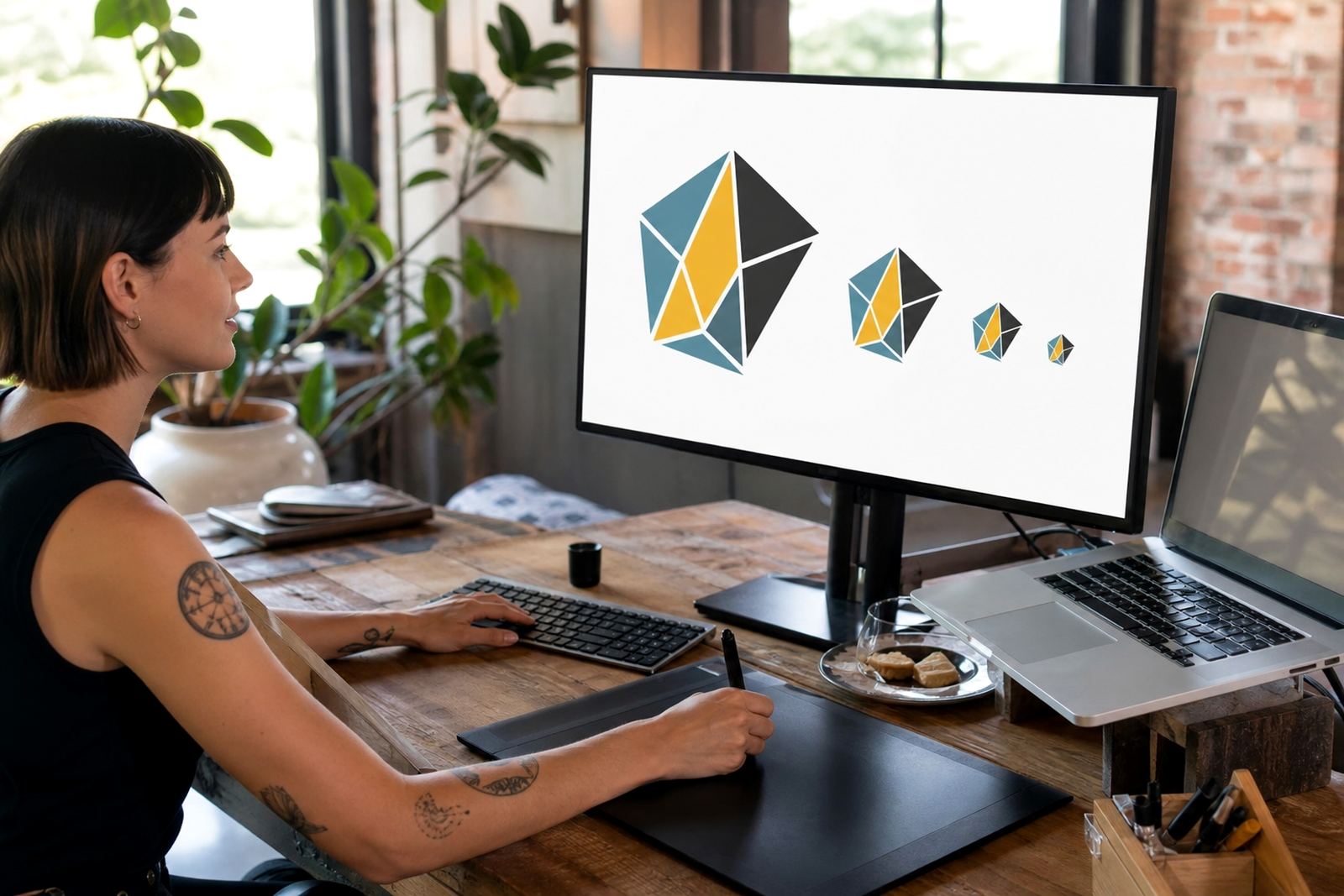
For clean print results, vector artwork is usually the safest place to begin. A vector file keeps lines, shapes and text as editable paths, so it can scale from a small label to a large shop sign without getting soft or blocky. That matters for flyers, menus, stickers, badges, packaging sleeves and other print work where sharp edges make the final piece look tidy.
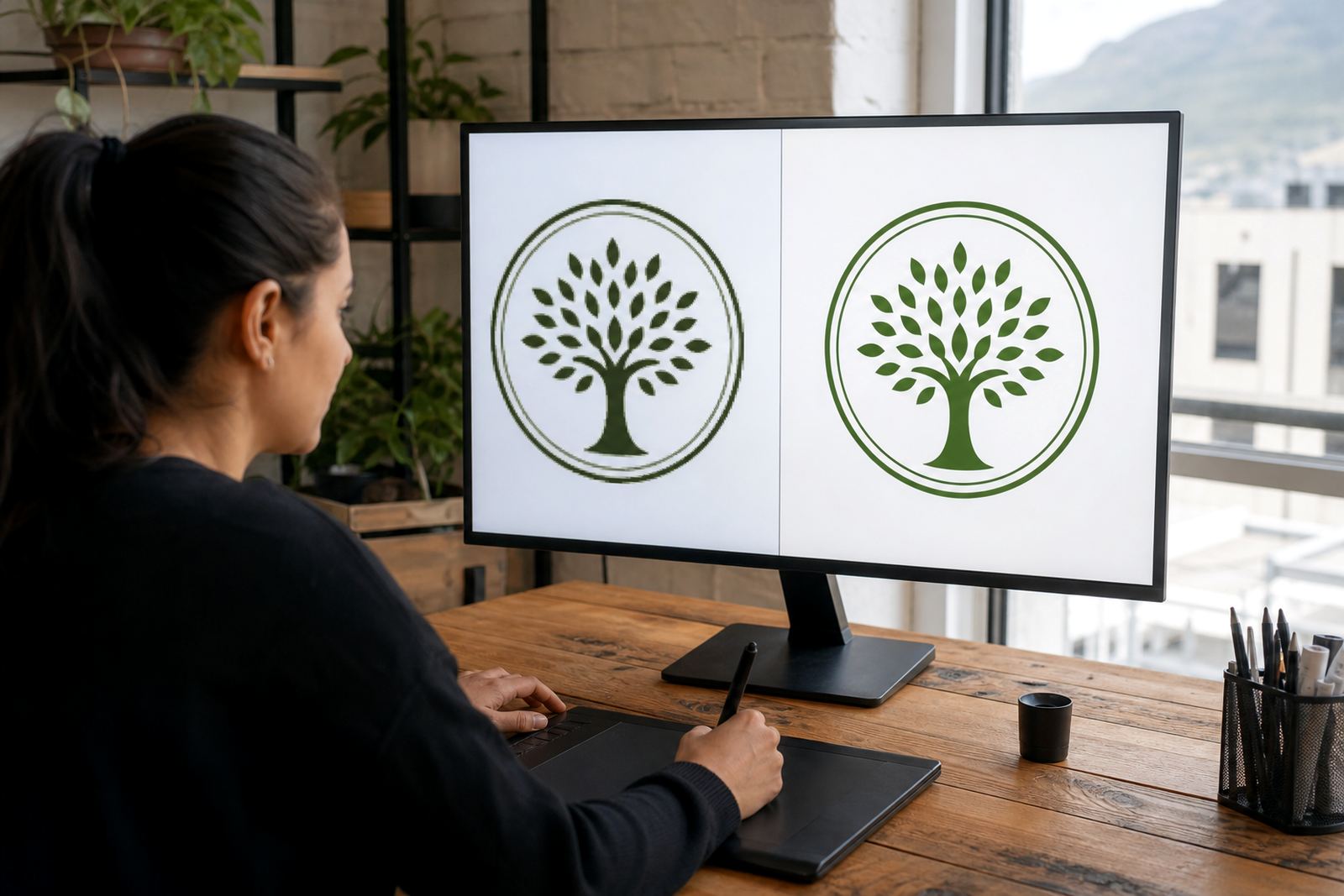
If you only have a low-resolution image, a printer may still use it for proofing, but it is not ideal for final production. A bitmap image is built from pixels, so when it is enlarged the edges can blur. A logo that looks fine on your phone may not hold up on a box, banner or product label. For most print jobs, it is better to work from vector artwork where possible.
- Best for print: SVG, EPS, PDF and AI files with proper vector paths
- Also useful: linked or outlined text, clearly named layers and spot colour notes
- Not ideal as final artwork: low-resolution JPG, PNG or screenshot files
When a logo needs a redraw rather than tracing
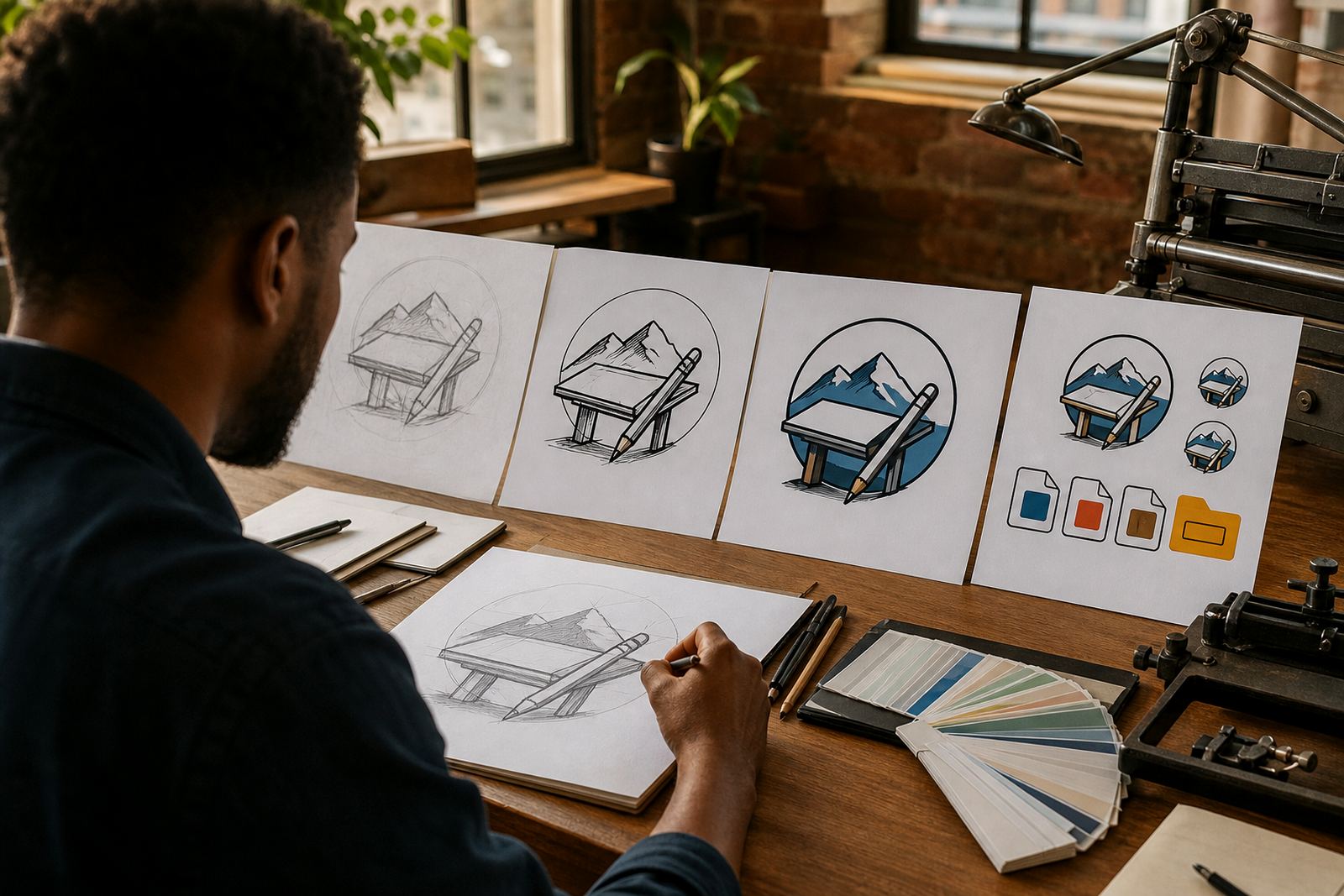
There is a difference between bitmap tracing and a hand redraw. Tracing follows the visible pixels in a raster image and converts them into vector paths. That can work for simple shapes, but it often carries over rough edges, uneven curves and noise from the original file. A hand redraw is more careful. The artwork is rebuilt from scratch so the lines, spacing and proportions are clean and consistent.
For older logos, scanned letterheads or images taken from a website, a hand redraw is often the better option. It gives you a proper master file that can be used across print sizes and finishes. It also helps when the original file has been stretched, compressed or copied too many times. In Cape Town or Bloemfontein, where business stationery may need to work across several suppliers, a clean redraw keeps everyone on the same page.
- Choose tracing when the image is simple and already clear
- Choose a hand redraw when the original is fuzzy, distorted or incomplete
- Choose illustration when the artwork needs character, texture or custom detail
The print file formats that are most useful
Different printers and designers prefer different file types, but a few formats are commonly useful for general print work. SVG is handy for digital artwork that must stay sharp at any size. EPS is still used in many print workflows because it handles vector paths well. PDF is widely accepted and useful for sending a print-ready version with layout, outlines and bleed. AI files are often used as working master files for editable vector artwork.
We usually recommend keeping one clean master file and then exporting the version needed for the printer. That way the artwork is not edited in ten different places, which can lead to colour drift or missing elements. In areas like Johannesburg and Pretoria, where jobs may pass between marketing teams, print houses and sign installers, a tidy file set saves a lot of back-and-forth.
- SVG: strong for scalable artwork and simple digital handover
- EPS: useful for legacy print workflows and vector compatibility
- PDF: common for final print submission and approval
- AI: editable working file for vector artwork and illustrations
What to check before you send artwork to print
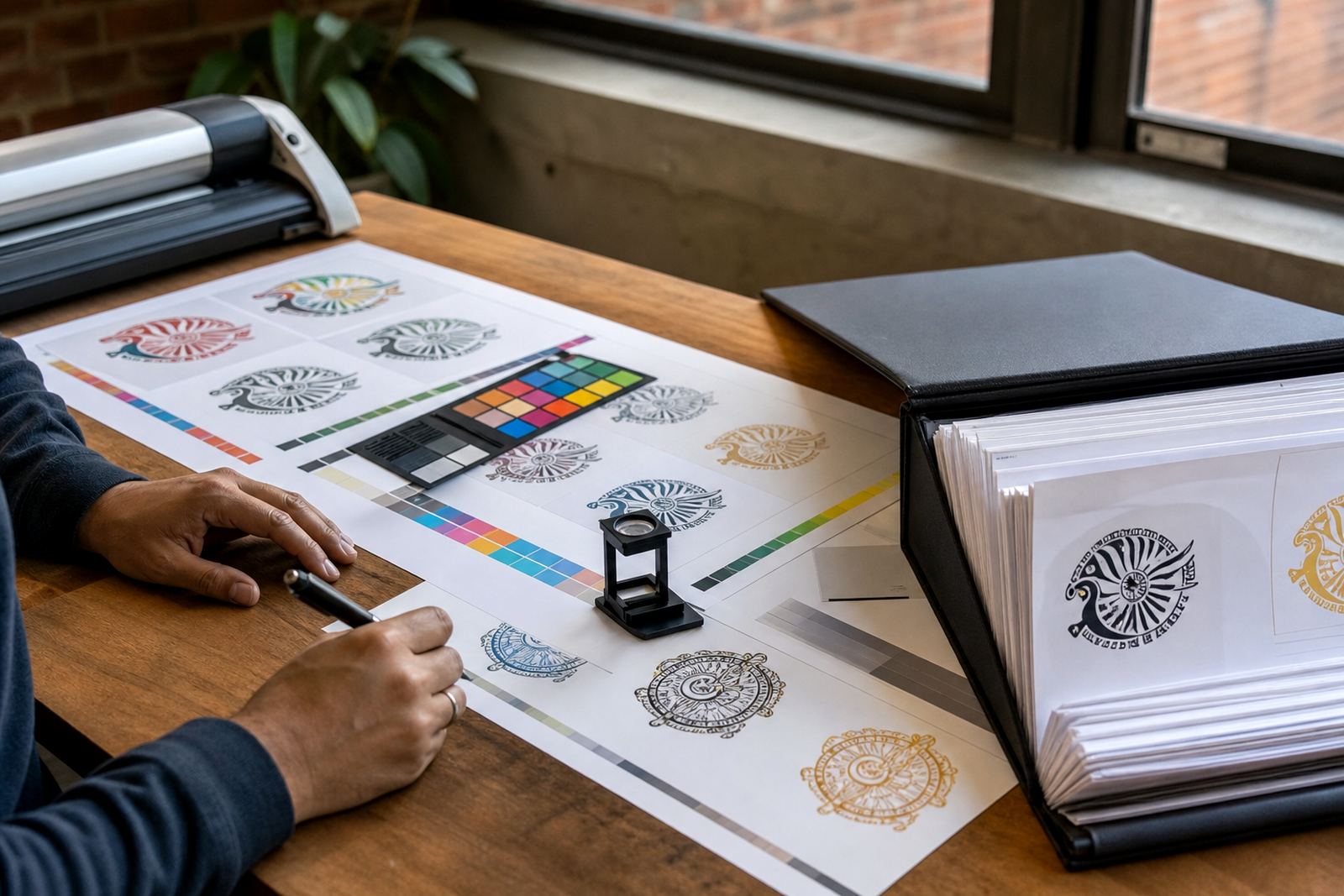
Before you submit any file, check the basics. If text is still live, make sure the correct font is available or convert it to outlines. Confirm that colours are set correctly for the print process, especially if the artwork must match a logo already used on packaging or signage. If the job needs bleed, build that into the page size so nothing important sits too close to the edge.
It also helps to inspect the artwork at 100 percent and again at a larger zoom. Small errors in line weight, missing anchor points or stray shapes can show up after printing. A careful prepress check can catch these issues before the file goes to a press in Durban or a short-run digital printer in Port Elizabeth, where reprints can be costly and time sensitive.
- Check that all text is correct and properly outlined where needed
- Check that colours are labelled clearly for print or digital use
- Check bleed, trim marks and safe margins
- Check that logos and icons sit cleanly on the page
Rights, approvals and what you should own
Only send artwork you own or have the right to use. That includes logos, mascots, patterns, illustrations, maps and social graphics. If a designer, photographer or previous agency created the original work, make sure you have permission to use it before asking for a redraw or conversion. This matters for businesses across South Africa, especially when a file is being reused for packaging, menus, stickers or promotional print.
Once the artwork is redrawn or converted, it is still important to keep your source material in order. Save the original file, the approved proof and the final print version in separate folders. That makes it easier to update the file later if the address changes, the slogan changes, or a municipal approval requires a small amendment. Luyanda Mthembu and the team in Observatory usually ask for the clearest source file available, because it helps the artwork move through proofing faster and with fewer corrections.
- Confirm you have usage rights before sending any logo or illustration
- Keep a copy of the approved proof for future reprints
- Store final files in a clear folder system by job and date
A simple checklist for sending print files
If you want the cleanest result, use a short checklist before you send your files through the enquiry form. Include the original artwork, the size you need, where it will be printed and whether you want a redraw, a trace or a new illustration. If the job must suit more than one use, say so upfront. A logo for a letterhead, label and shop sign may need different export versions even though the core artwork stays the same.
For many businesses, the practical path is to keep one master vector file and then export the formats required for each supplier. That may include a PDF for print, an SVG for digital use and an EPS or AI file for ongoing editing. If you need custom brand icons, a mascot illustration, packaging illustration or a menu graphic, the same logic applies: start with a clean master, then build the outputs from there. It keeps the process orderly, and yes it saves a fair bit of time when the printer needs an updated file at short notice.
- Send the clearest source artwork you have
- Tell us the final use: print, packaging, signage or digital
- Say which file type you need at the end
- Include any colours, spelling changes or layout notes
- Confirm you own the artwork or have permission to use it