What an SVG file does for your logo
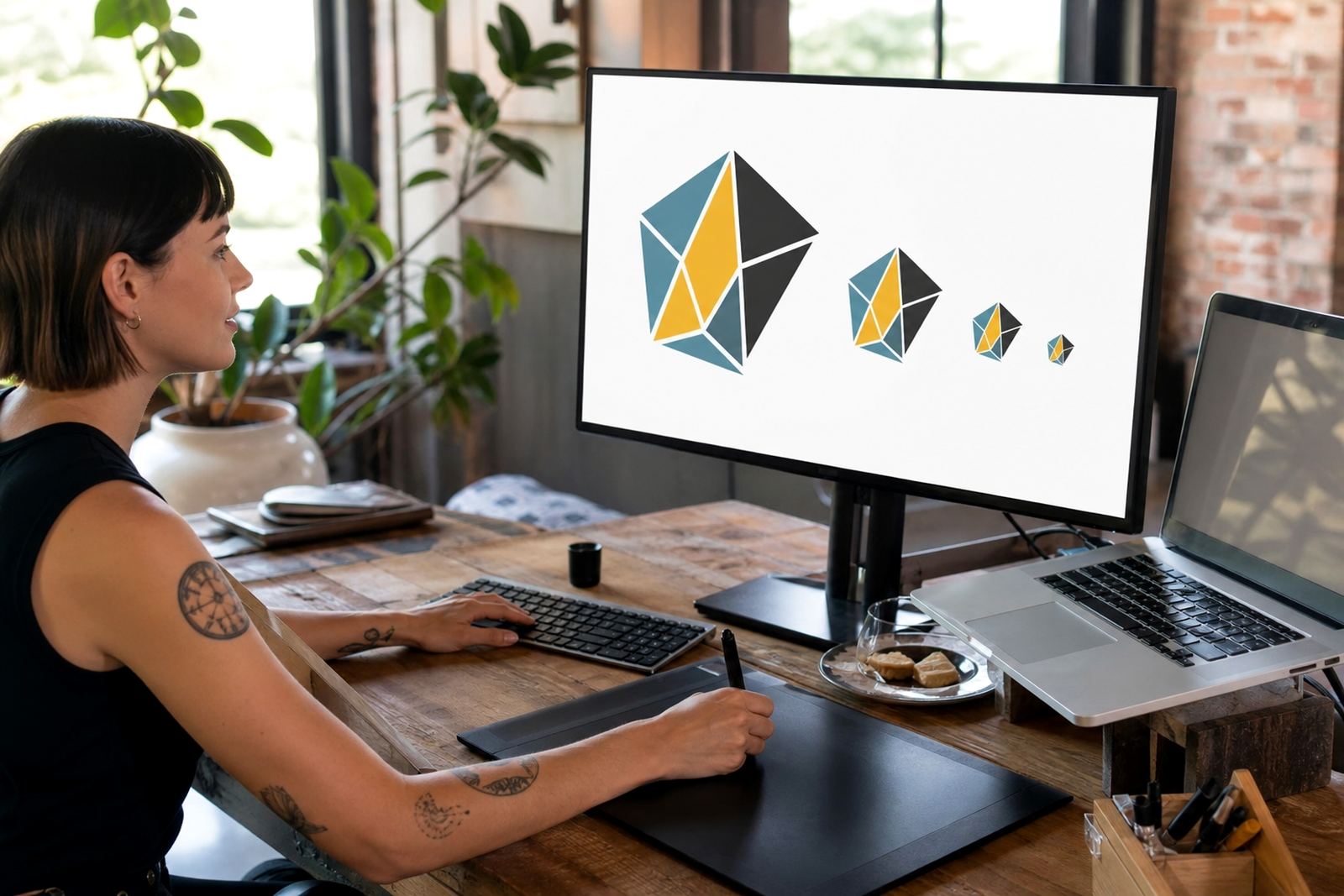
SVG stands for Scalable Vector Graphics. It is a vector file format, which means the artwork is made from points, paths and shapes rather than fixed pixels. That makes it ideal for website logos, app icons, simple line illustrations and other digital artwork that must stay sharp on phones, tablets and high resolution screens.
For South African businesses, SVG is useful when the same logo must work on a homepage banner, WhatsApp profile image, message signature and digital ads.SVG is not always the only file you need, but it is often the cleanest format for web use.
When to choose SVG over bitmap files
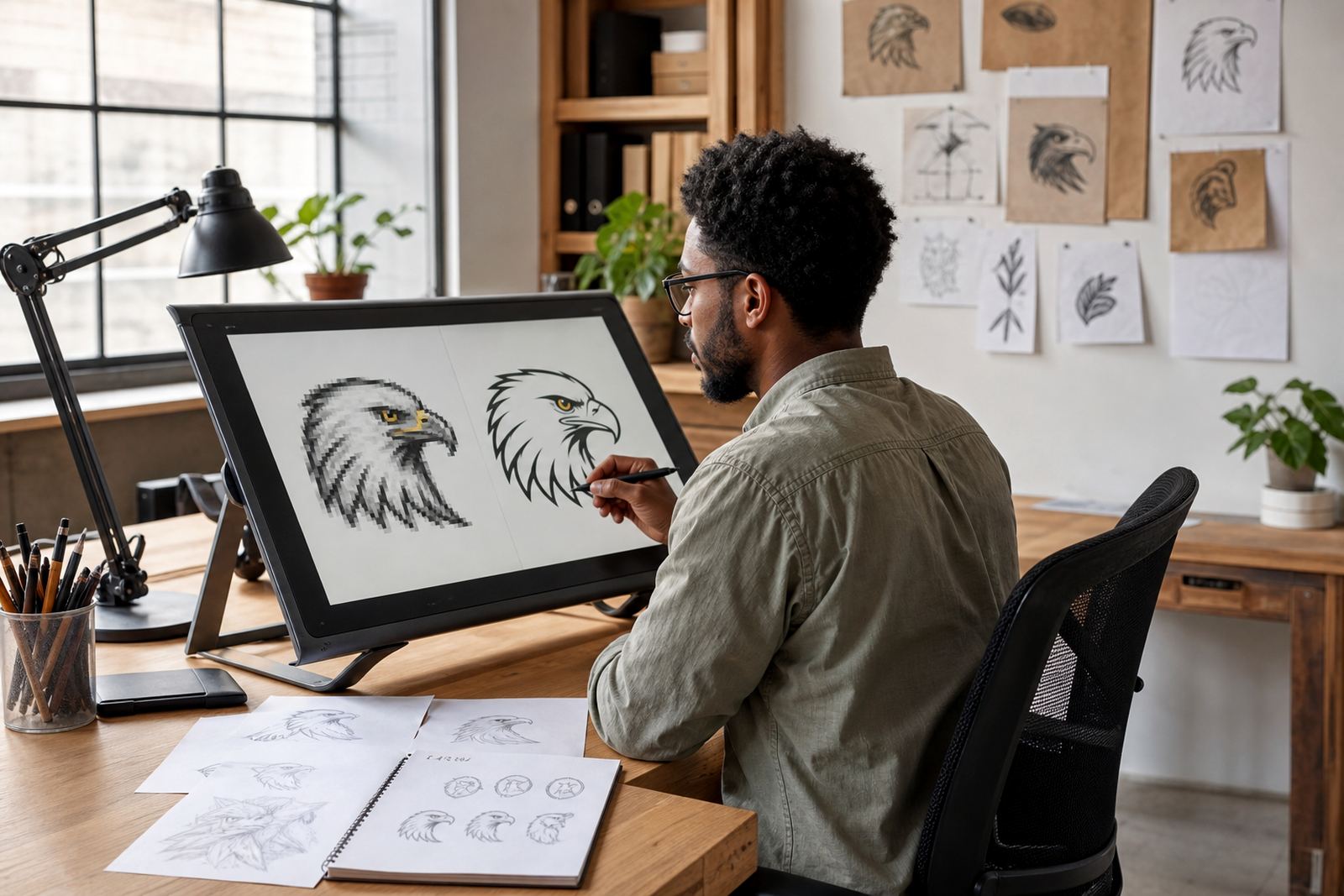
Bitmap images such as JPG, PNG and GIF are made from pixels. They can be fine for photos, but they do not scale cleanly when enlarged. If a logo arrives as a low resolution bitmap, tracing it by hand or rebuilding it as vector artwork is often the better route. That way, the final logo can be exported in SVG for web use, and also in PDF, EPS or AI for print and production work.
- Use SVG for website logos, icons and simple artwork with clean edges.
- Use bitmap files only when the image is photographic or already final for screen display.
- Ask for vector files if the logo will be used on signage, labels, embroidery or large format print.
- Keep a master vector file so future edits do not start from a blurry image.
If you only have a screenshot or a compressed file, that can still be worked from, but the quality of the source matters. A crisp original always gives a better finish than a stretched image pulled from a social post.
Bitmap tracing or hand redraw, which is better
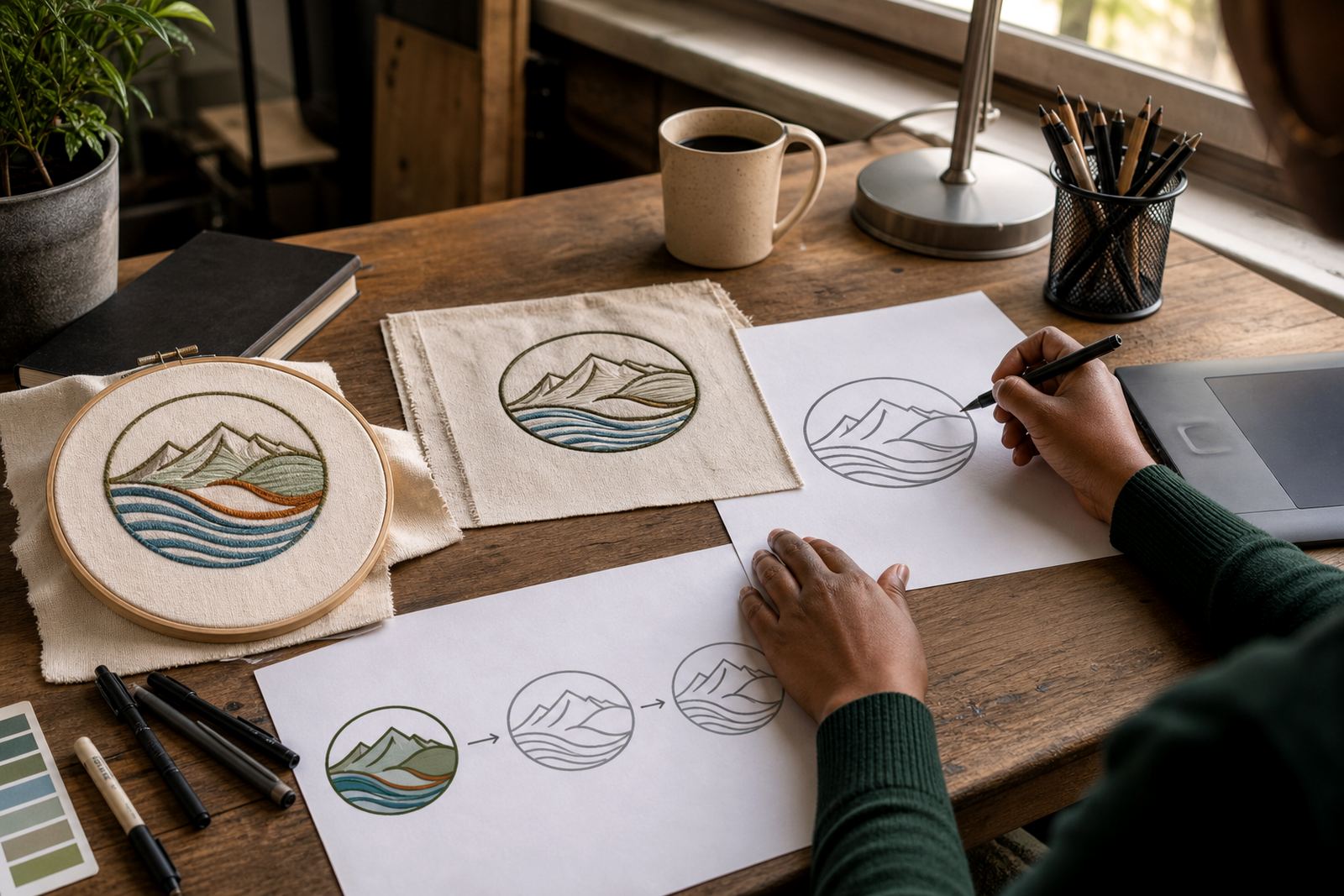
Bitmap tracing follows the pixels in a low quality image and converts them into vector paths. It can be suitable for simple logos with flat shapes and limited detail. Hand redraw means the artist rebuilds the logo from scratch, matching the letterforms, spacing and shapes with more care. For older marks, damaged files or artwork with uneven edges, a hand redraw usually gives a cleaner result.
In practice, the right choice depends on the source artwork and how the logo will be used. A traced file may be acceptable for a quick web version, but a hand redraw often gives better control over curves, stroke weights and negative space. That matters when a logo must look right on a small mobile screen, a printed invoice and a large shopfront sign.
- Choose tracing for simple, clear artwork with no major flaws.
- Choose hand redraw for poor quality scans, rough sketches or older logos.
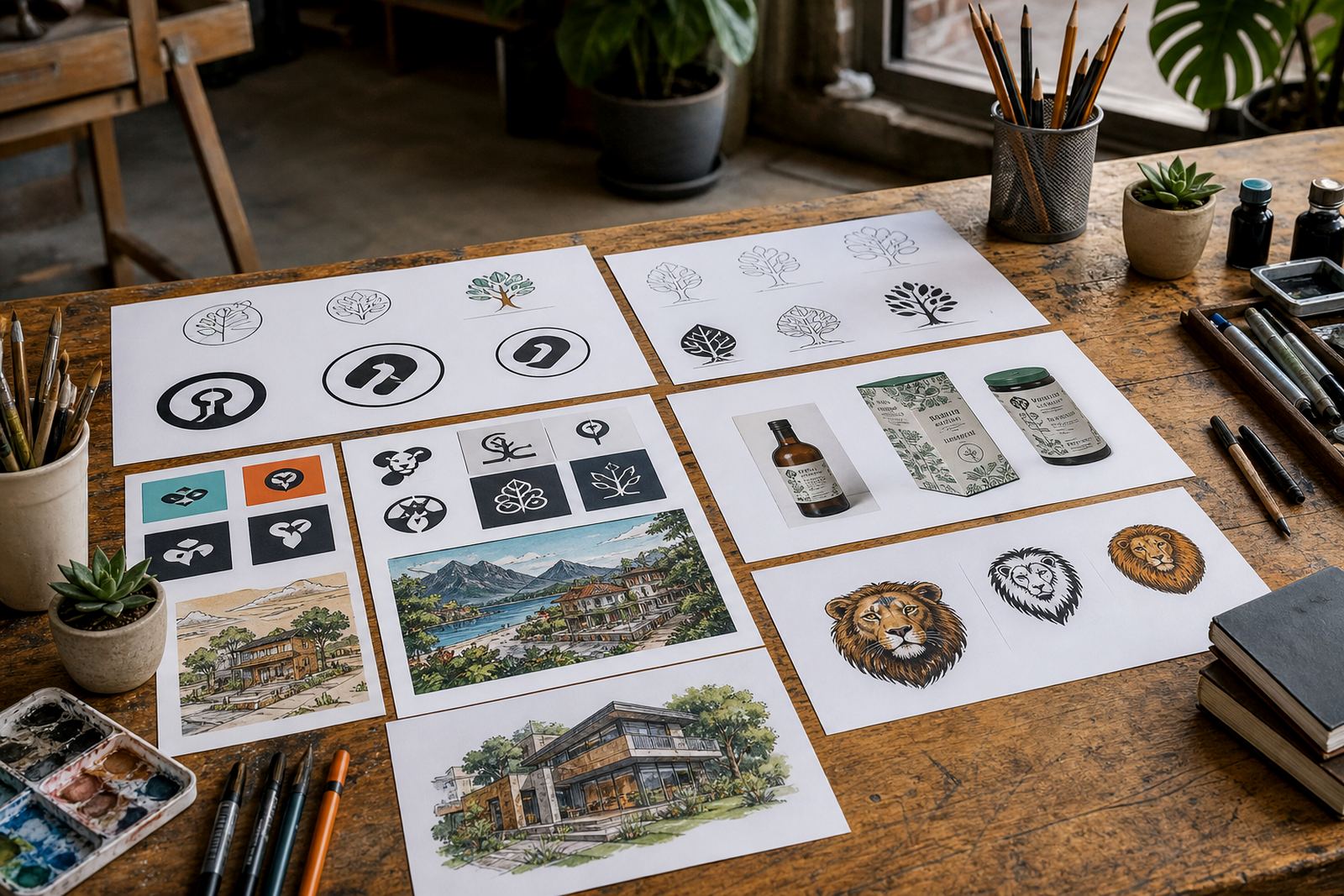
- Choose illustration work when you need added detail, texture or custom character.
What files to ask for after the artwork is finished
Once the redraw or illustration is complete, it helps to have a proper file set. SVG is the main file for websites, but other formats have their place. PDF is handy for quick sharing and print proofing. EPS is still used by many printers and production teams. AI files are useful as editable working files for future changes. If your logo will go onto packaging, menus, stickers or municipal signage, having the right file types can save time later.
Check that the artwork is delivered in the right colour versions too. You may need full colour, black, white and a one colour version. If your brand is used on both dark and light backgrounds, ask for files that handle both cases cleanly, with enough spacing around the mark.
- SVG for web and digital use.
- PDF for sharing and simple print workflows.
- EPS for print suppliers and production use.
- AI for editable master artwork.
What to prepare before sending your logo or sketch
Before you send artwork for vector work, make sure you have the rights to use it. If the logo was designed by someone else, or includes borrowed artwork, you must own it or have permission to have it redrawn. That protects both you and the artist doing the work. A clean brief also helps. Include the spelling of the business name, any tagline, preferred colours, and a note on where the logo will be used.
It also helps to send the best source you have. A PDF, original artwork file, scanned drawing or even a clear photo can work, but a sharper file will usually produce a better result. If there are details that must stay exactly as they are, say so upfront. If you want small changes, such as cleaner lines, balanced spacing or a stronger silhouette, mention that as well.
- Confirm ownership or rights to the artwork.
- Send the clearest source file available.
- List the required uses, such as web, print or signage.
- Note any colours, proportions or details that must stay consistent.
How SVG supports brands across South Africa
Whether your business is in Observatory, Cape Town or working from Johannesburg, Durban, Pretoria, Bloemfontein, Port Elizabeth, Stellenbosch or Paarl, a clean SVG makes daily brand use easier. It can be placed on a website header, a digital proposal, a social graphic or a menu without losing clarity. For businesses near the coast, it also helps to keep a consistent digital master while print versions are adjusted for humidity, paper stock and production conditions.
At Vectorization Studio, our team handles logo redraws and hand-drawn vector illustrations for businesses across South Africa, from custom brand icons to mascots, maps, menu illustrations and social graphics. We work from Observatory, Cape Town and take enquiries through the form on our contact page. If you need a logo redrawn or a custom illustration built as a usable vector file, start with a clear source and a simple note on where it will be used.