Start with the right kind of artwork
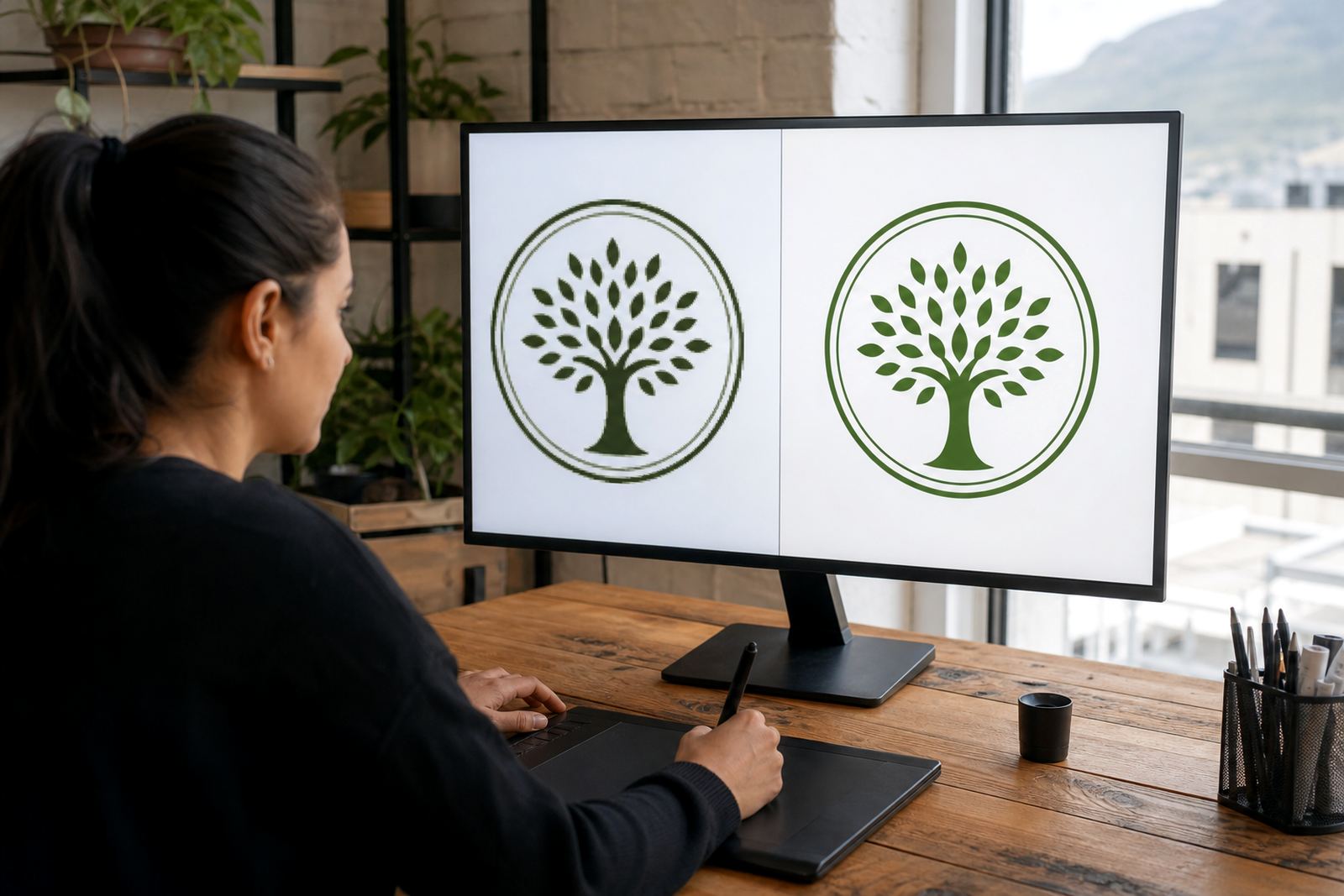
Before any drawing begins, check what you already have. A clean vector file can be scaled from a small social media icon to a shopfront sign without losing quality, while a bitmap image like a JPEG or PNG may need careful tracing or a full hand redraw. If the original artwork is low resolution, blurred, or saved from a screenshot, it often needs more work than clients expect.
For business branding, the usual goal is a file set that works across print, digital, embroidery, vehicle graphics and packaging. That normally includes SVG, EPS, PDF and AI formats, because different suppliers and production teams handle files in different ways. In South Africa, where one printer may want PDF and another may ask for EPS, having the right set saves time and avoids rework.
- Use vector files for scaling without jagged edges
- Use bitmap files only as source references or for limited digital use
- Keep the artwork clean, simple and easy to reproduce
- Ask for files that suit both screen and print use
Trace or redraw: know the difference
Bitmap tracing and hand redraw are not the same thing, even though people often use the terms as if they mean the same job. Tracing follows the shape of an existing image and turns it into vector paths. It works well for simple logos, symbols and line-based graphics, especially when the source artwork is clear.
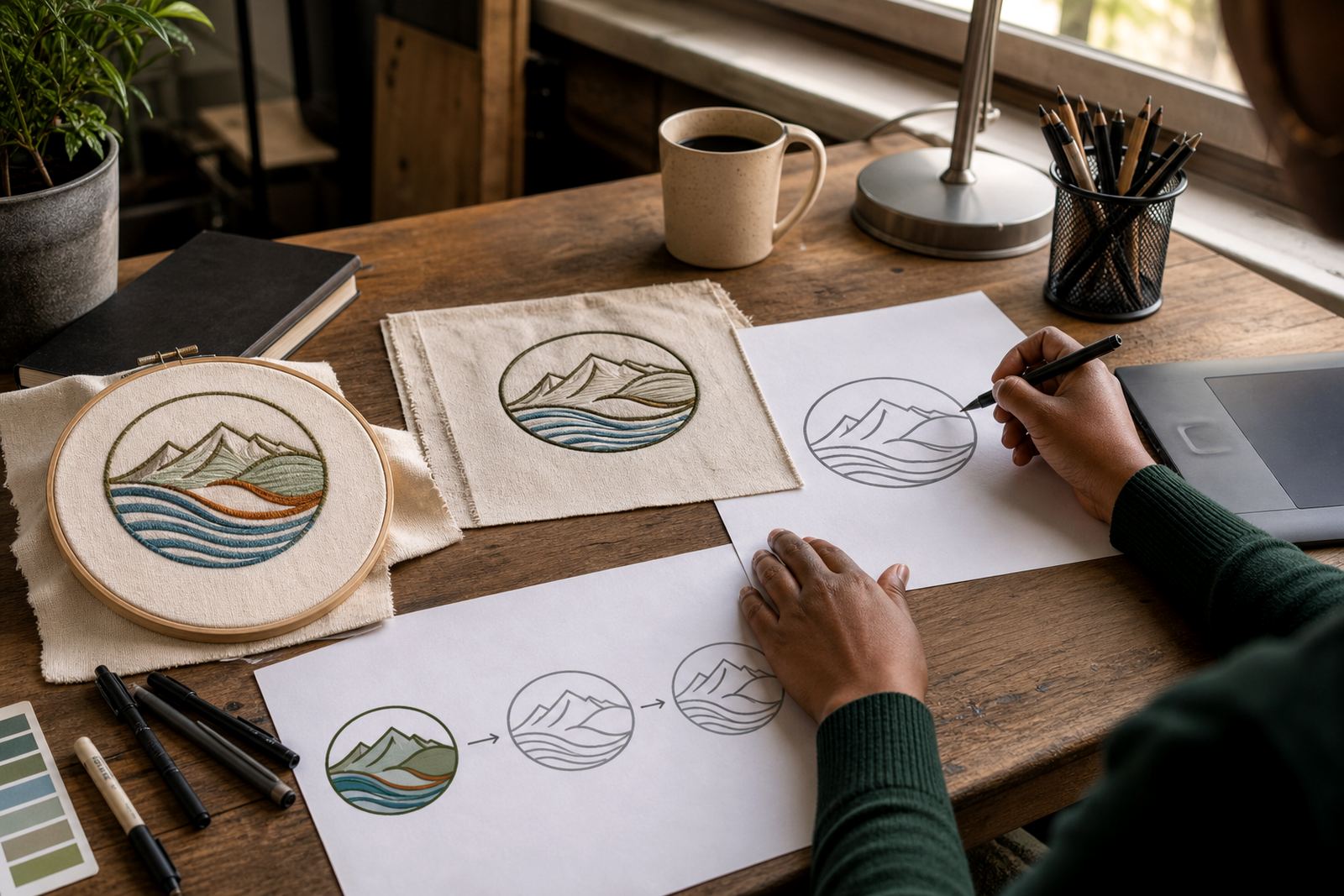
A hand redraw goes further. It is useful when the artwork needs proper cleanup, better proportions, or a more refined finish. If a logo has uneven curves, broken edges, or old scanning marks, a manual redraw gives a neater result. This matters for signage in windy coastal areas, laser cutting, vehicle branding and print jobs where every curve shows.
- Choose tracing for clean, simple source artwork
- Choose hand redraw for damaged, dated or messy files
- Use illustration work when the image needs a more crafted look
- Always keep the original file for reference, even if it is poor quality
What to send before the work starts
Clear instructions help us produce artwork that suits your business and your production needs. If you are sending a logo redraw or custom illustration request, include the best source file you have and say where the final artwork will be used. A menu illustration for a restaurant in Stellenbosch needs a different approach from a badge for a corporate presentation or a pattern for packaging in Durban.
It also helps to explain what must stay the same. Some clients want an exact redraw. Others want a cleaner version with a few corrections. If you need a mascot illustration, map illustration, or infographic illustration, say whether it should feel playful, formal, technical or local. The more specific the brief, the fewer revisions later on.
- The original artwork, even if it is low quality
- Notes on colours, fonts and proportions if known
- Where the artwork will be used, such as print, web or signage
- Any must-keep details, such as a symbol, shape or text style
- A clear note if the artwork is for redrawing only or for new illustration work
Rights, permissions and ownership
Only send artwork that you own or have the right to use. That includes logos from your own business, artwork you commissioned properly, or files where you have permission from the copyright owner. If the source material belongs to another business, artist or photographer, it must be cleared before redraw or reuse. This protects you, and it protects everyone handling the file.
When a project is completed, ask what deliverables are included and how they may be used. A proper handover should make it clear which file types are supplied and whether the artwork is intended for print, digital, or both. If you need the same illustration used across Cape Town, Johannesburg and Pretoria branches, it is worth keeping the file naming tidy so your team does not mix up versions.
- Send only artwork you are allowed to use
- Keep proof of ownership or permission where needed
- Check that the final files cover your intended use
- Store the master files safely for future reprints and updates
Choosing the right illustration style for business use
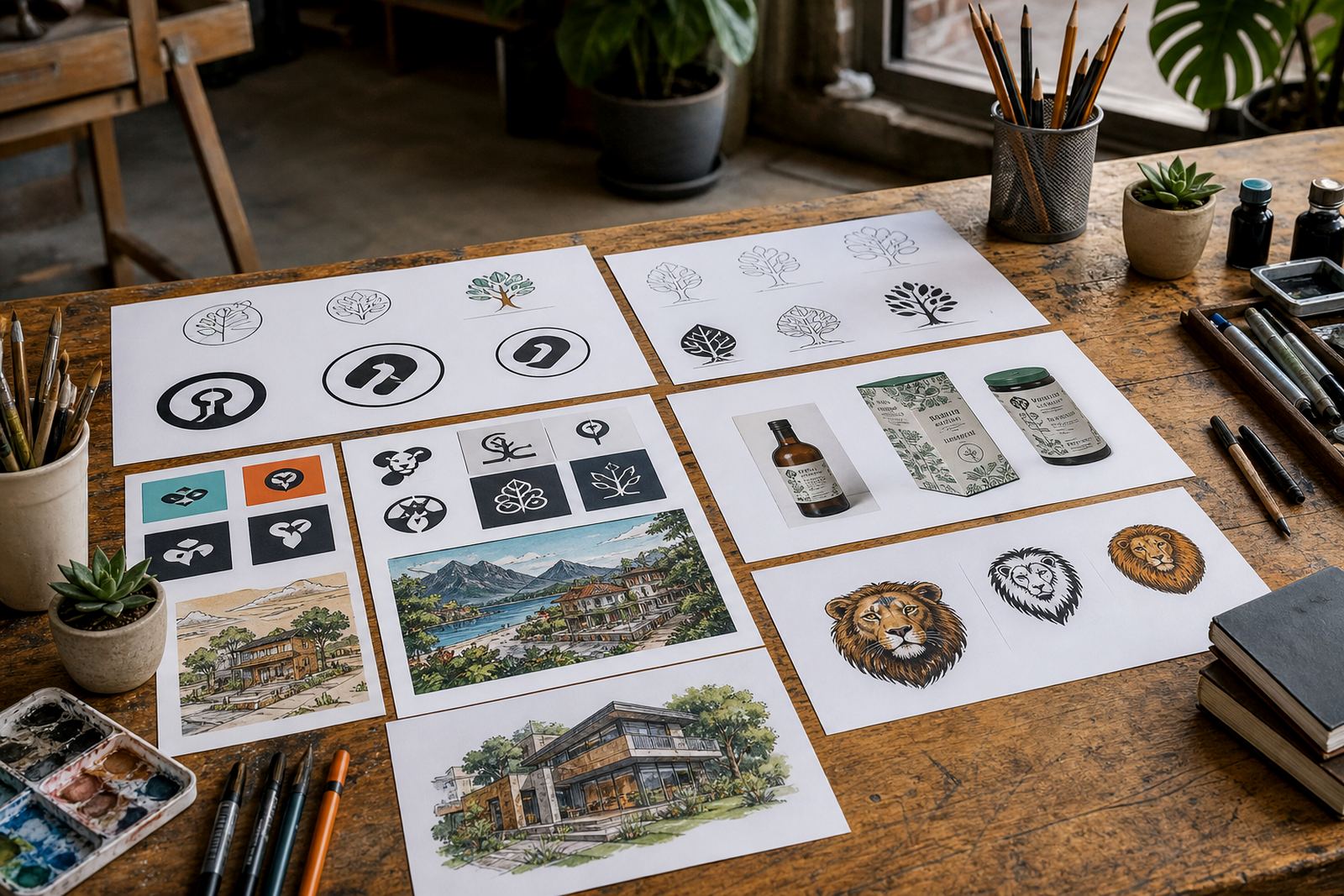
Not every business needs the same style of illustration. A brand icon for a packaging range may need crisp lines and simple shapes, while a scene illustration for a brochure can carry more detail. For social graphics, clarity matters most. For menu illustration or sticker illustration, the artwork must still print well at a small size and hold together on different papers and finishes.
South African businesses often need artwork that works in mixed conditions, from laminated menus in humid coastal towns to printed badges for events in dry inland venues. Good vector illustration holds its shape across all of that. It should also stay legible when resized for a website banner, a pavement sign, or a small label on a retail product.
- Custom brand icons for simple, repeatable brand marks
- Mascot illustration for friendly, character-led branding
- Pattern illustration for packaging, textiles and wrapping
- Line illustration for clean technical or editorial use
- Scene illustration for detailed storytelling and marketing material
How a careful production process helps the final result
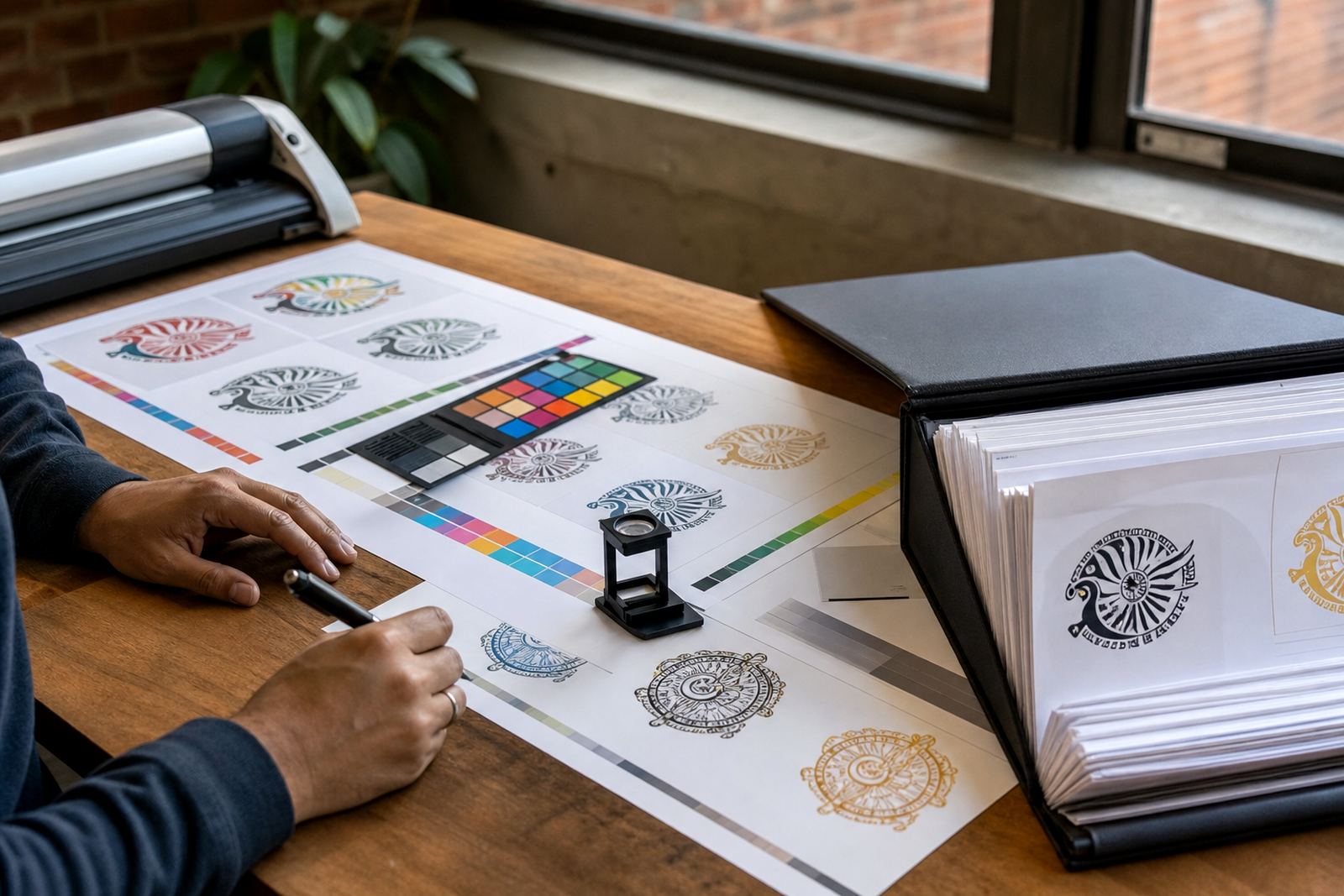
A good illustration job needs more than drawing. It needs checks on line weight, colour balance, file structure and how the artwork will behave in production. That is why prepress matters. If a design is going to print, be cut, etched or scaled across multiple uses, every detail has to be set up correctly. One misplaced anchor point can cause trouble later, especially with large-format work or spot colour separation.
Quality control also matters at the end. Files should be checked for clean curves, closed paths where needed, proper spacing and sensible naming. If the artwork needs to be used by different teams in Cape Town, Port Elizabeth or Bloemfontein, the handover should be straightforward. A clear process saves time, cuts mistakes and keeps the artwork usable long after the first job is done.
- Review the artwork at full size and small size
- Check that colours match the brief and production method
- Confirm the correct file formats: SVG, EPS, PDF and AI
- Make sure the files open cleanly on your side before the job closes