Start with artwork you are entitled to use
Before any redraw or digitising prep begins, make sure you own the logo artwork or have written permission to use it. That includes icons, fonts, illustrations and any supplied marks from a designer, printer or previous agency. If the artwork belongs to someone else, it should not be sent through for embroidery work until the rights are sorted out.
Good source files save time and give cleaner results. A flat vector file is usually the best starting point, but a clear bitmap can sometimes be used for tracing or hand redraw if the original is missing. When a logo is already low resolution, stretched, shaded or built from tiny details, it often needs proper cleanup first.
- Confirm ownership or usage rights in writing
- Send the highest quality version you have
- Include any approved colour references
- State where the logo will be stitched, such as caps, polos or workwear
Choose the right artwork path: tracing or hand redraw
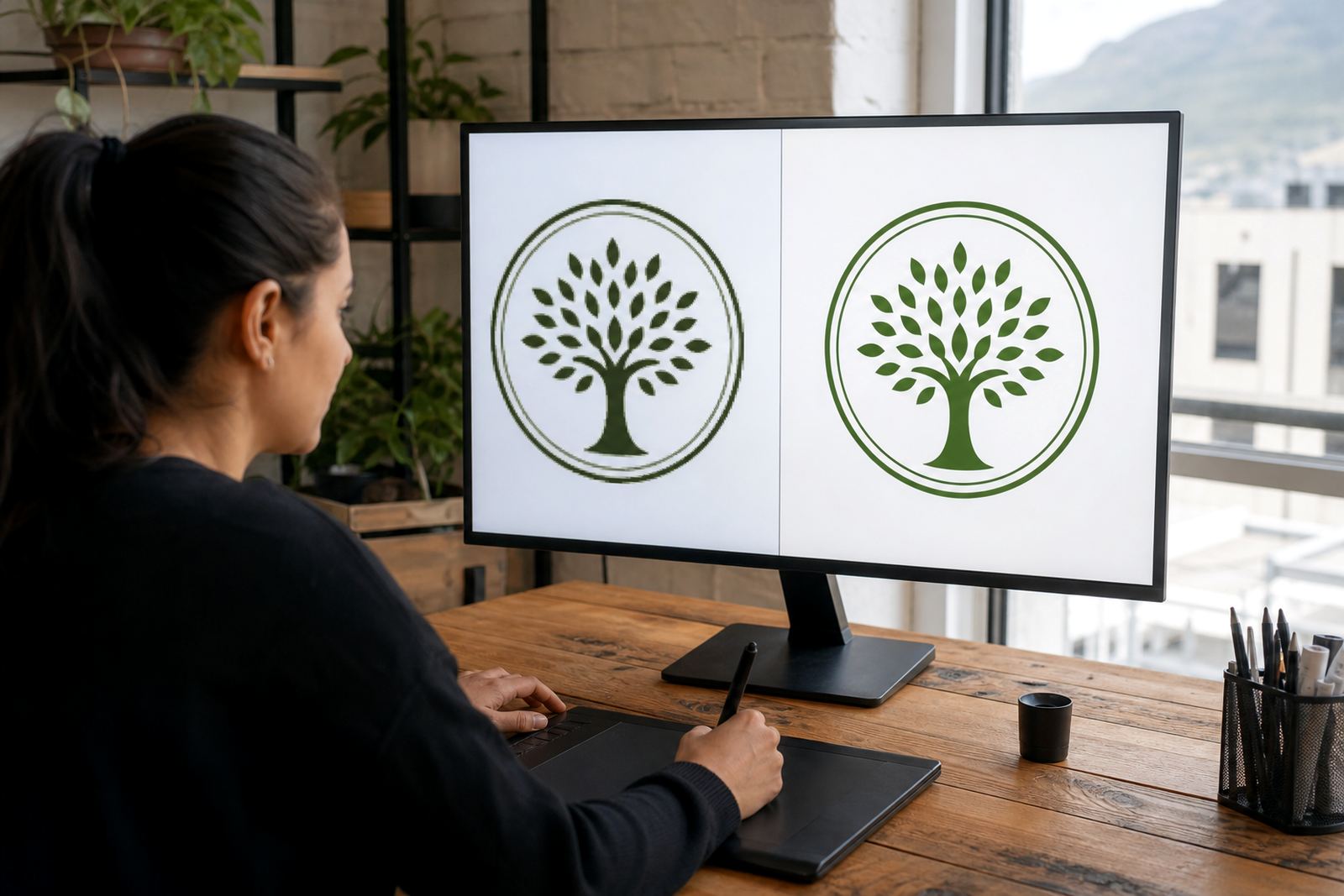
There are two common ways to prepare a logo for embroidery. Bitmap tracing uses a raster image as the base and converts it into vector paths. It can work well for simple marks with solid shapes, but it follows the existing pixels, so any wobble, blur or distortion in the source may carry through.
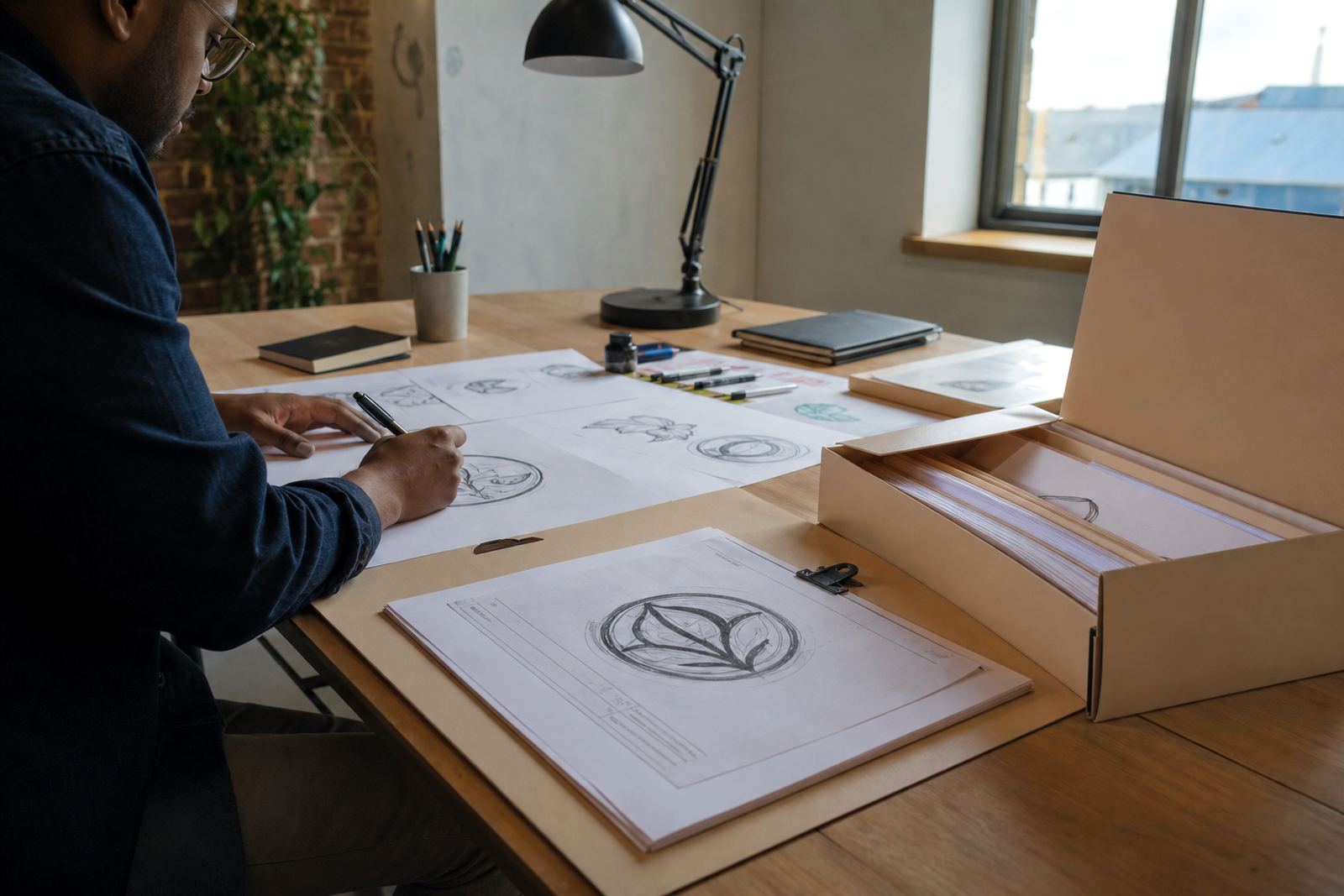
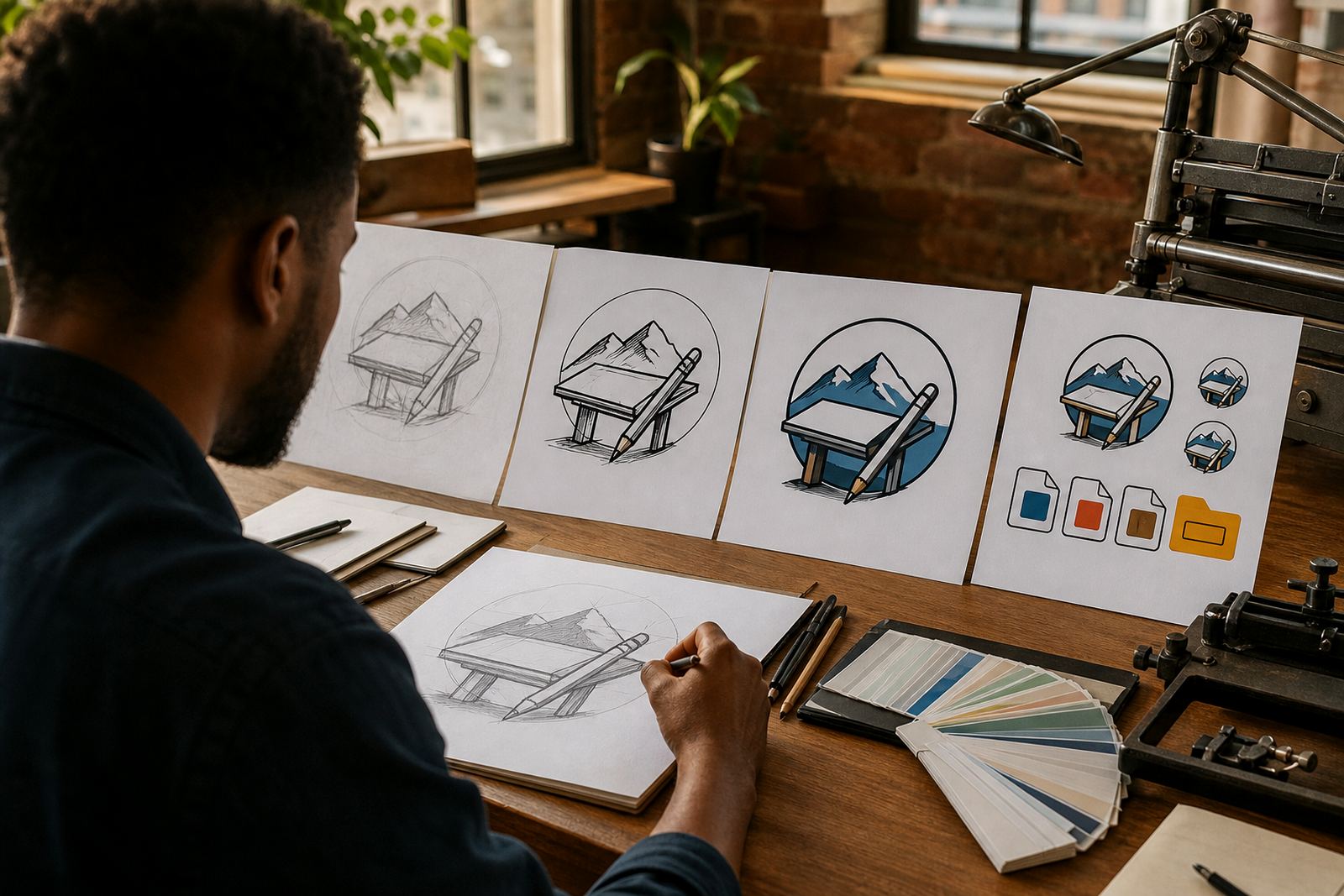
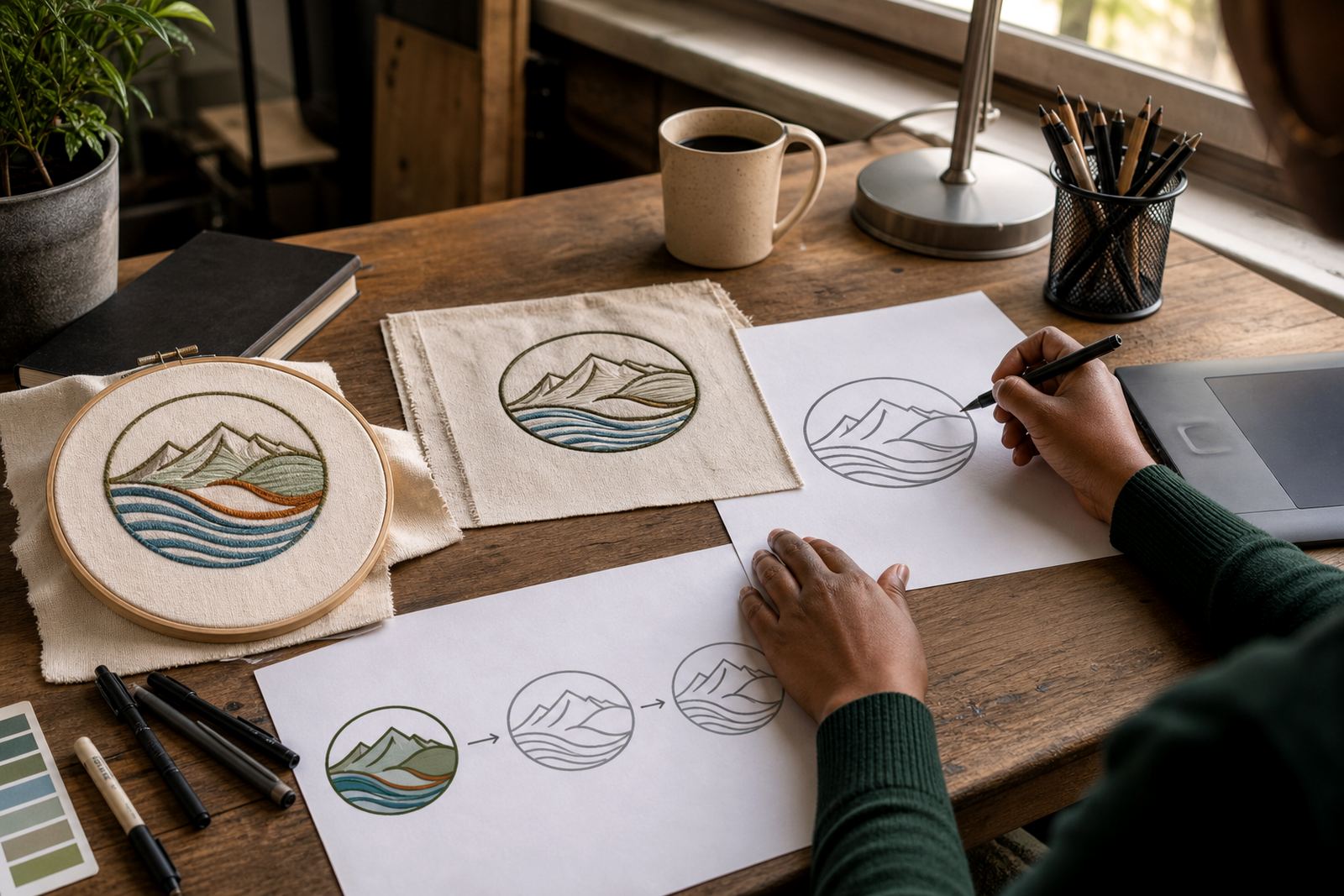
A hand redraw is better when the logo needs proper cleanup, sharper geometry or small changes so it stitches better. It also helps when the source file is old, incomplete or saved at a very low resolution. For detailed emblems, mascots or line work, a hand redraw often gives a more controlled result than a straight trace.
- Use tracing for simple artwork with clean edges
- Use hand redraw for damaged, fuzzy or complex artwork
- Ask for a stitch friendly version if the logo has tiny text or thin lines
- Keep copies of the original artwork and the approved redraw
Reduce detail so the needle can follow it
Embroidery is not print. Fine gradients, soft shadows and very small details tend to disappear or turn muddy once thread is involved. A good logo for stitching usually has fewer elements, stronger outlines and spacing that allows each part to stand apart. If letters are too close together, they can fill in. If a line is too thin, it may not show properly after stitching.
As a rule, anything smaller than a few millimetres can become a problem, especially on caps and left chest placements. The size of the finished item matters as much as the logo itself. A mark that looks fine on a letterhead may need reworking for a 90 mm wide cap front or a compact polo badge.
- Remove tiny text where possible
- Replace thin strokes with slightly heavier lines
- Limit small gaps inside letters and symbols
- Avoid gradients, transparency and soft shading
Pick colours that stitch cleanly in local conditions
Embroidery thread should be selected with the garment and use case in mind. Coastal humidity in places like Cape Town and Port Elizabeth can affect how workwear is stored, while dusty site uniforms in Pretoria or Bloemfontein may need tougher colour contrast. The aim is not only visual accuracy but a logo that stays readable after washing, handling and daily wear.
Where exact colour matching is important, supply Pantone references if you have them, or at least a clear sample of the approved brand colour. Keep in mind that stitched colour will never match print exactly, because thread sheen, fabric texture and stitch direction all change the final look. Small adjustments are normal and often necessary.
- Provide approved brand colours where available
- Allow for slight thread variation from print colours
- Check contrast against the garment colour
- Keep the colour count practical for the stitch method
Send the right file formats and artwork notes
For embroidery prep, vector files are usually the cleanest option. SVG, EPS, PDF and AI are the common formats used for editable artwork. If those are not available, a high resolution bitmap can still be useful as a reference for redraw or tracing. What matters is that the shapes are clear, the proportions are correct and the logo is supplied without extra clutter.
Along with the file, include a short note on what should stay untouched and what may be simplified for stitching. If there are multiple versions of the logo, point out the preferred one. That helps avoid confusion when artwork is used for uniforms, promo items or branch specific garments across South Africa.
- Send SVG, EPS, PDF or AI where possible
- Attach a high resolution PNG or JPG if that is the only source
- State the required size and placement
- Include any text that must be kept exactly as supplied
Final checks before the artwork goes to the machine
Once the logo has been redrawn or cleaned up, it should be checked again for practical embroidery limits. This means looking at line weight, spacing, overall balance and whether the design can still be read at the final size. A badge that looks good on screen may need small adjustments before it becomes a stitched patch, cap logo or jacket mark.
For businesses with multiple sites, it is worth confirming one approved master file for all branches. That keeps the logo consistent in Cape Town, Johannesburg, Durban, Pretoria and Bloemfontein, and it avoids the usual problem of different versions turning up on different garments. A clean master also makes future reorders easier.
- Check readability at the final stitched size
- Confirm spelling, spacing and proportions
- Approve one master version for future use
- Keep the clean source file stored for reorders and new garments