Start With the Right Artwork for the Sign Type
Not every file suits every sign. A small shop front cut from vinyl, a printed panel for a braai area, and an illuminated fascia all ask for different file handling. For cut lettering and shape work, vector artwork is usually the best starting point because it stays clean at any size and gives neat edges on the cutter. For printed signs, a high quality file can still work, but the layout needs enough detail for close viewing and outdoor weather.
If your logo started life as a photograph, screenshot or low-resolution image, it may need a redraw before it can be used properly. That matters more in places like coastal Cape Town and Port Elizabeth where humidity can affect adhesive performance, and in inland towns where harsh sun can show up weak edges fast. A sign file should be easy for the fabricator to read, scale and separate into colours without guesswork.
Vector Files vs Bitmap Tracing: What Changes on the Shop Floor
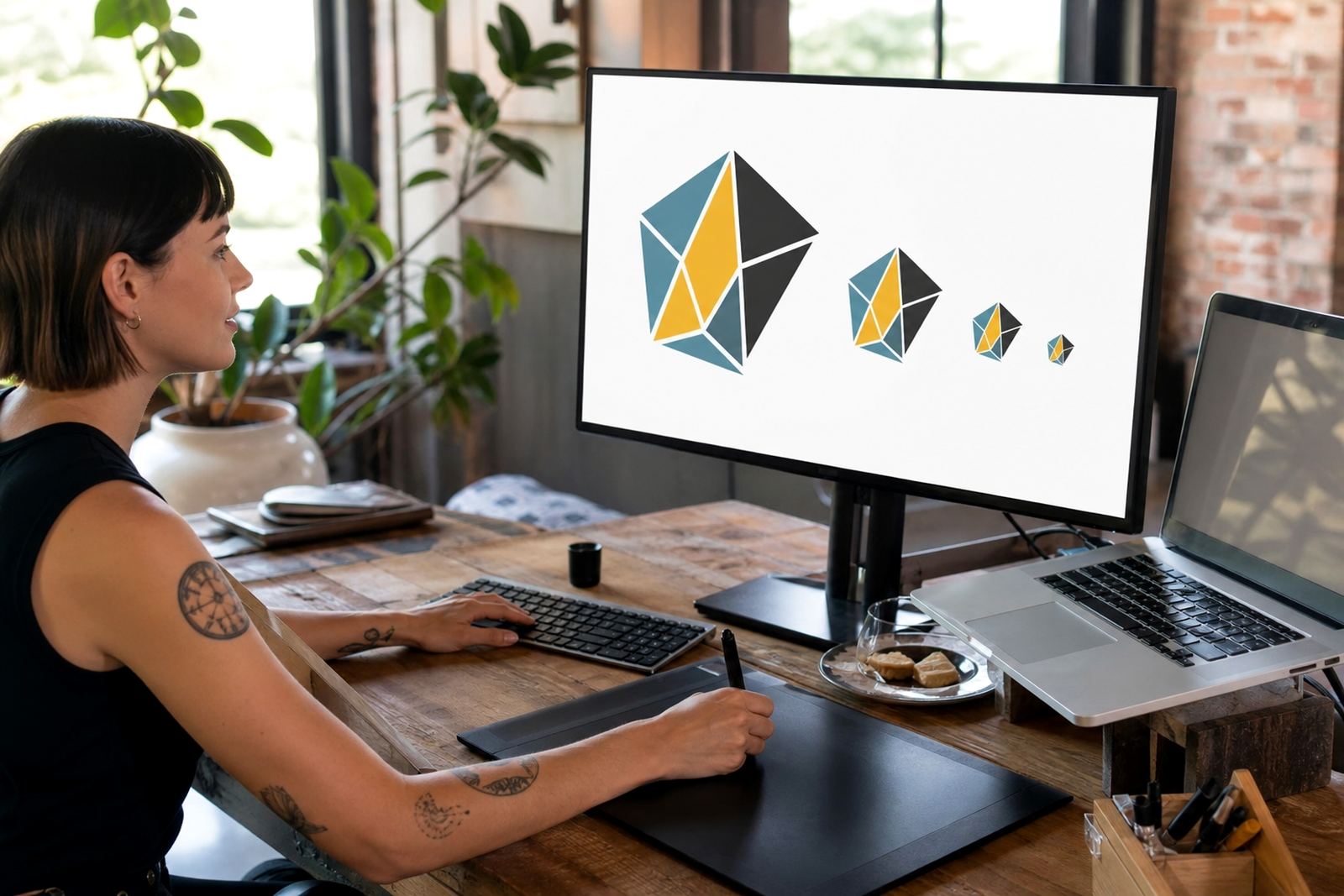
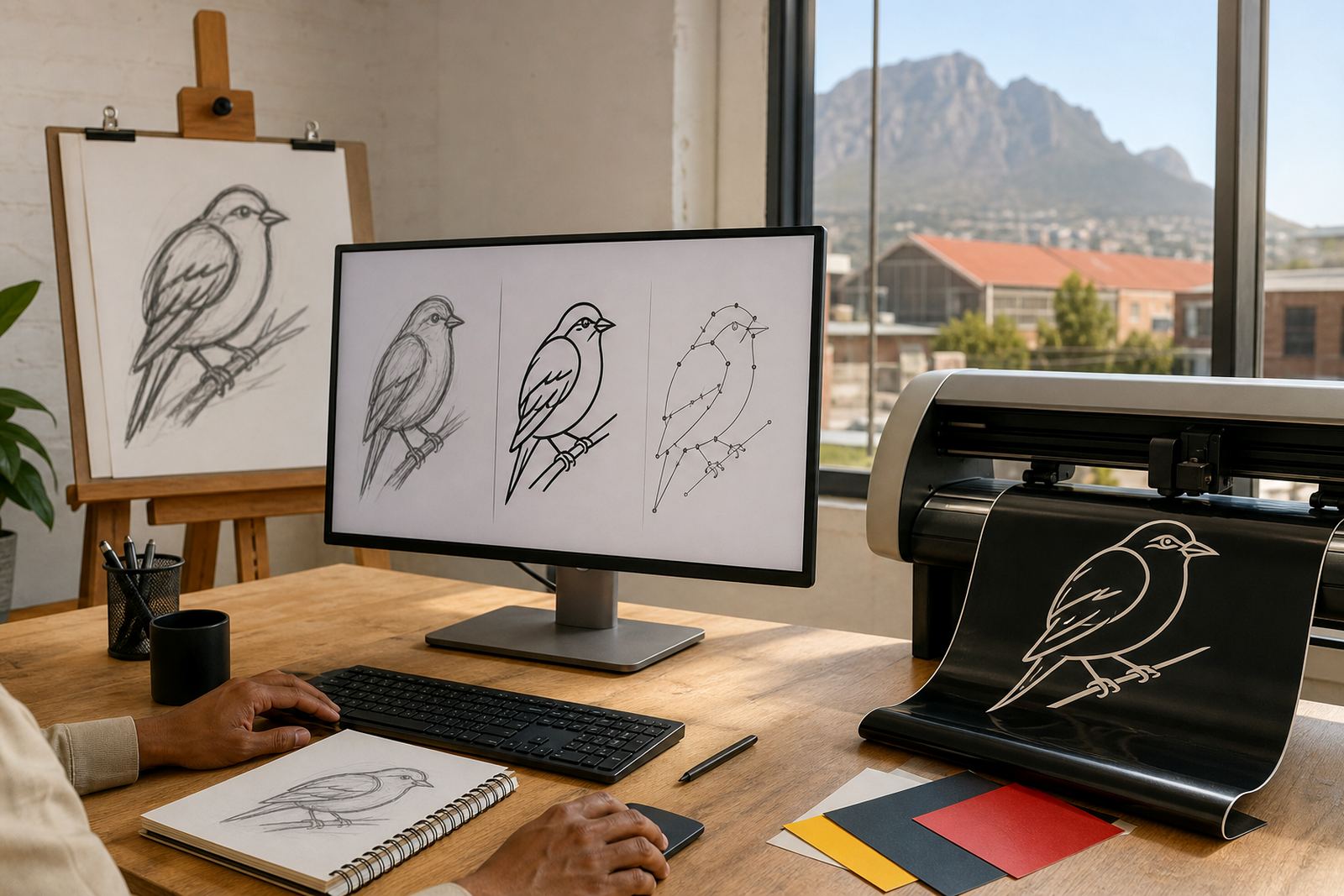
Vector files are built from lines, curves and points, so they can scale from a vehicle door to a large pylon sign without turning fuzzy. Common production formats include SVG, EPS, PDF and AI. A bitmap, by contrast, is made of pixels. If it is enlarged too far, the edges can step and blur. That is why bitmap tracing is sometimes used only as a starting point, not as the final answer.
A traced logo can be useful where the source artwork is simple and the details are solid. But tracing is not always enough for fine lettering, custom icons or hand-drawn marks. In those cases a hand redraw gives cleaner spacing, better curves and more control over each part of the mark. For signs that will be cut in vinyl or routed from board, that extra control matters.
When a Hand Redraw Is Better Than a Trace
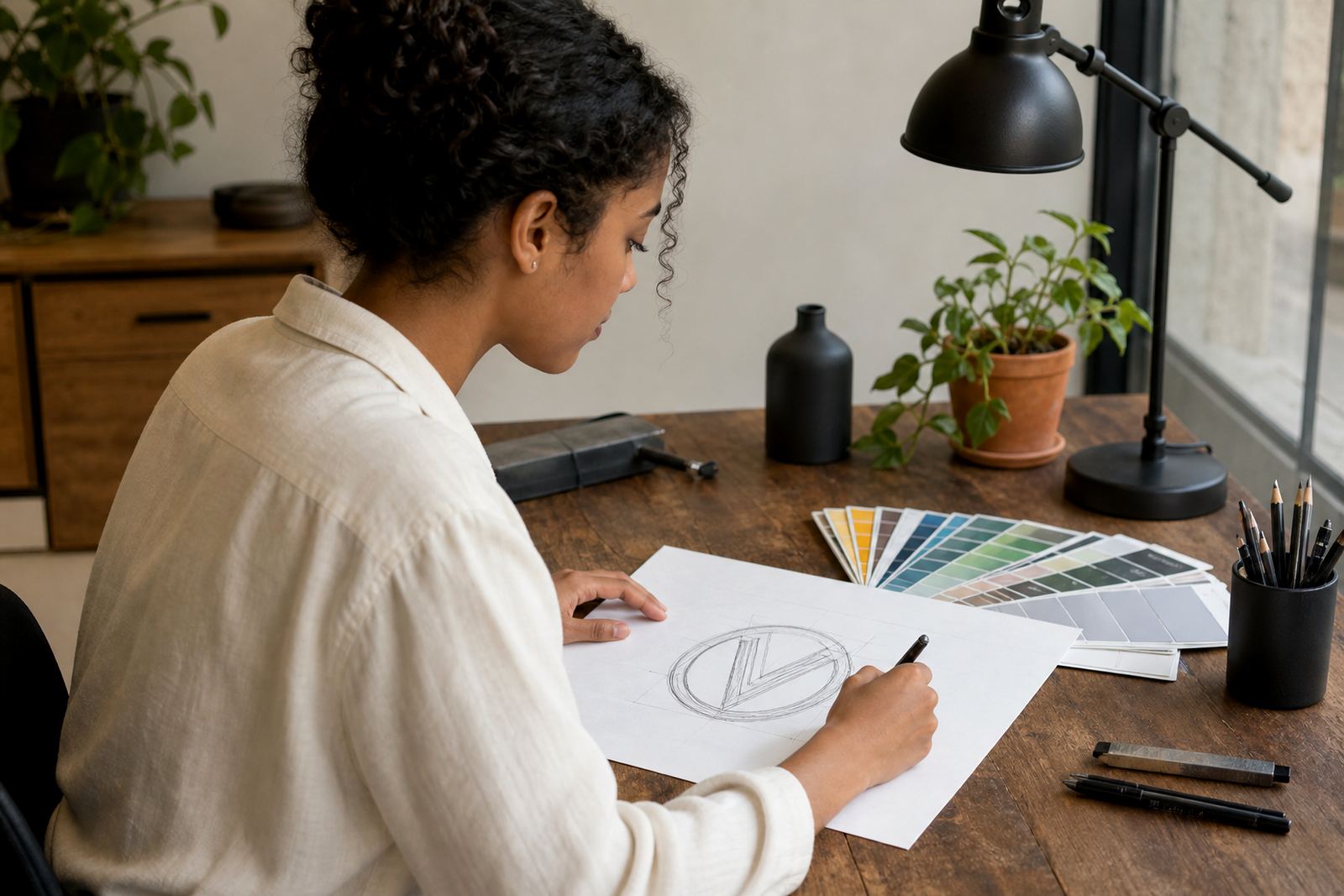
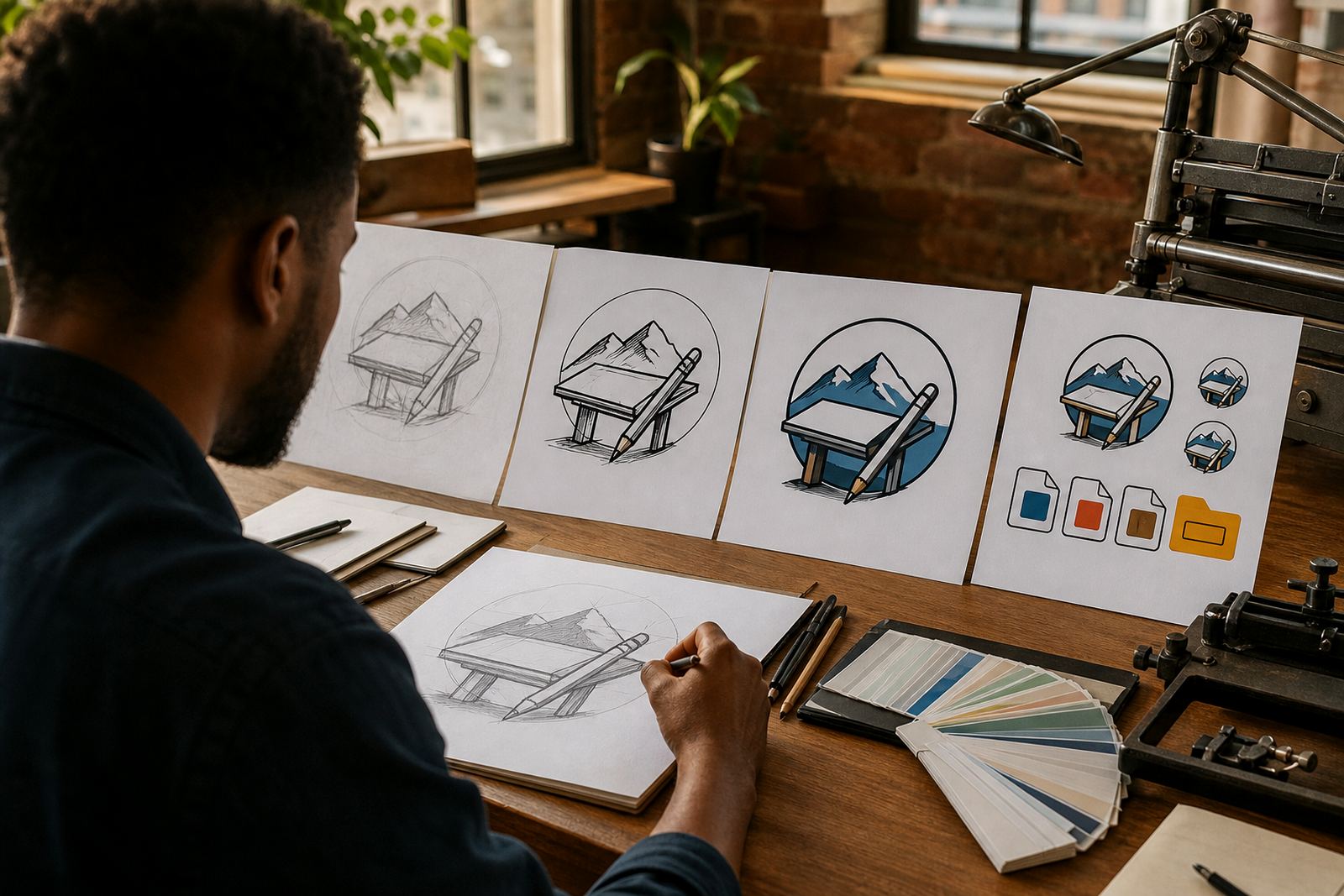
Some logos are too rough for automated tracing. Thin strokes break apart, corners become messy, and small text can distort. A hand redraw is better when the logo must be crisp at sign size, when the original is old, or when the artwork has to be adapted for single-colour cut graphics. It also helps when the line treatment needs to suit the material, whether that is acrylic, aluminium composite, frosted film or vinyl.
- Use a hand redraw when the logo is low-resolution or saved as a photo.
- Use a hand redraw when fine lines need to be thickened for cutting.
- Use a hand redraw when the sign will be viewed from a distance and clarity matters.
- Use a hand redraw when the artwork needs separate colour layers for production.
For a brand with curved strokes, small badges or decorative borders, a careful redraw can make the sign feel sharper and more balanced. The file then moves into production with fewer changes and less back and forth.
Check Line Weights Before You Send the File
Line weight is one of the most overlooked parts of sign prep. If a line is too thin, it can drop out on a cutter or look weak once printed. If it is too thick, the shape can lose detail and the artwork may feel heavy. Before sending anything, check whether the smallest lines will still hold up at the actual sign size. For cut graphics, small internal spaces also need enough room so they do not close up during weeding.
A practical rule is to think about the final viewing distance. A fascia sign on a busy street in Johannesburg needs different treatment from a door decal in Stellenbosch. The same artwork may need thicker strokes, fewer tiny gaps, or simplified detail for outdoor reading. This is where a clean vector file saves time because it lets the signmaker adjust strokes without rebuilding the whole mark.
File Checklist for Clean Sign Production
Before you submit artwork, work through a simple checklist. It helps avoid delays, especially if the sign is going to a tight municipal deadline or a site with access limits. Clear files also reduce the chance of colour shifts, broken letters or unnecessary rework.
- Send the original vector file if you have one, in SVG, EPS, PDF or AI format.
- Make sure you own the artwork or have rights to use and supply it.
- Confirm all fonts are outlined or converted to shapes where needed.
- Check that colours are clearly named if the sign uses separate layers.
- Remove hidden objects, stray points and extra artboards.
- For bitmap source files, send the largest and cleanest version available.
If the sign will include multiple panels, directional arrows or separate cut layers, label each part clearly. That small bit of order makes a big difference once the job reaches the cutter, printer or installer.
How We Handle Files for Shops, Vehicles and Building Signs
Some jobs need more than one version of the same artwork. A shopfront may need a cut vinyl logo for the door, a printed version for a board, and a simplified mark for window frosting. Vehicle graphics may need the logo redrawn for better legibility at speed, while a menu board might need cleaner spacing for smaller reading distance. We prepare artwork with production in mind so the file fits the job, not just the screen.
We work with businesses across South Africa, including Cape Town, Johannesburg, Durban, Pretoria and Bloemfontein, as well as places like Paarl, Stellenbosch and Port Elizabeth.Good sign files hold up better when the weather turns or the installer has to work on a tight site schedule.
What to Send Through the Enquiry Form
Use the enquiry form on our contact page and include the current file, a short note on the sign type, and any size details you already have. If the artwork is being redrawn, say whether you need a full logo redraw, a line-art version, or a hand drawn illustration for a feature panel. If you are unsure, send the clearest file you have and explain where the sign will be used.
It also helps to mention whether the artwork will be cut, printed or both. That tells us whether the line treatment must be thickened, simplified or split into parts. A little detail upfront can save a lot of time later, and it keeps the job moving without unnecessary changes.