Start with the job your logo has to do online
Before choosing a file format, think about where the logo will live. A website header needs a clean file that stays sharp on screens of different sizes. An online store may need a version that works in a narrow product bar, while social profiles need a mark that still reads clearly in a small circle or square. If the logo has fine lines, text inside a badge, or old artwork scanned from paper, it may need more careful preparation before it is used online.
A file that is too heavy can slow things down. A file that is too small can blur. The goal is a logo that looks tidy, loads quickly and stays consistent across your website, Google profile, online shop and social pages.
- Use a simple logo version for headers and profile pictures.
- Keep a full detail version for print and large format use.
- Check how the logo looks on light and dark backgrounds.
- Make sure small text remains legible at mobile size.
Bitmap tracing or hand redraw: what is the difference?
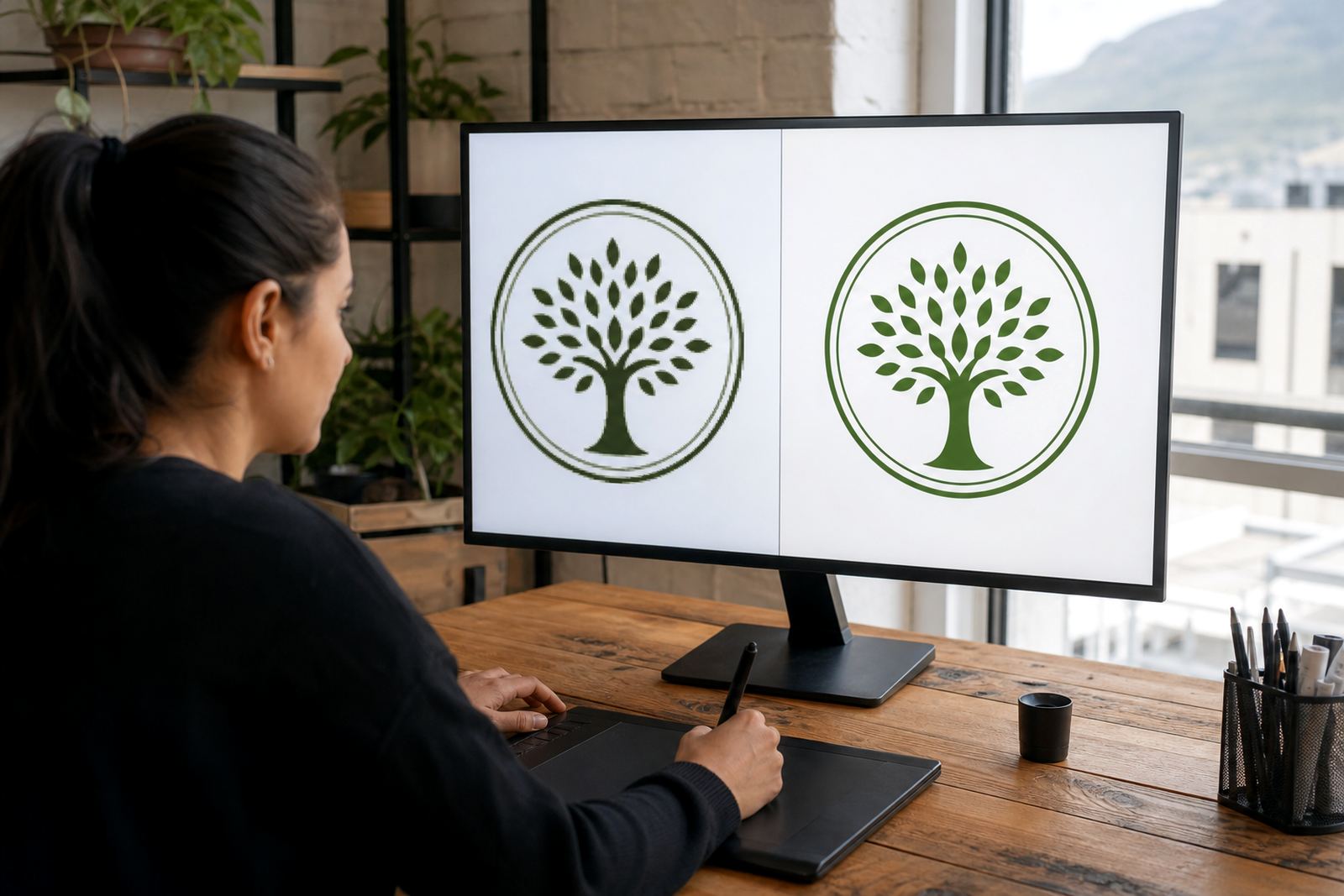
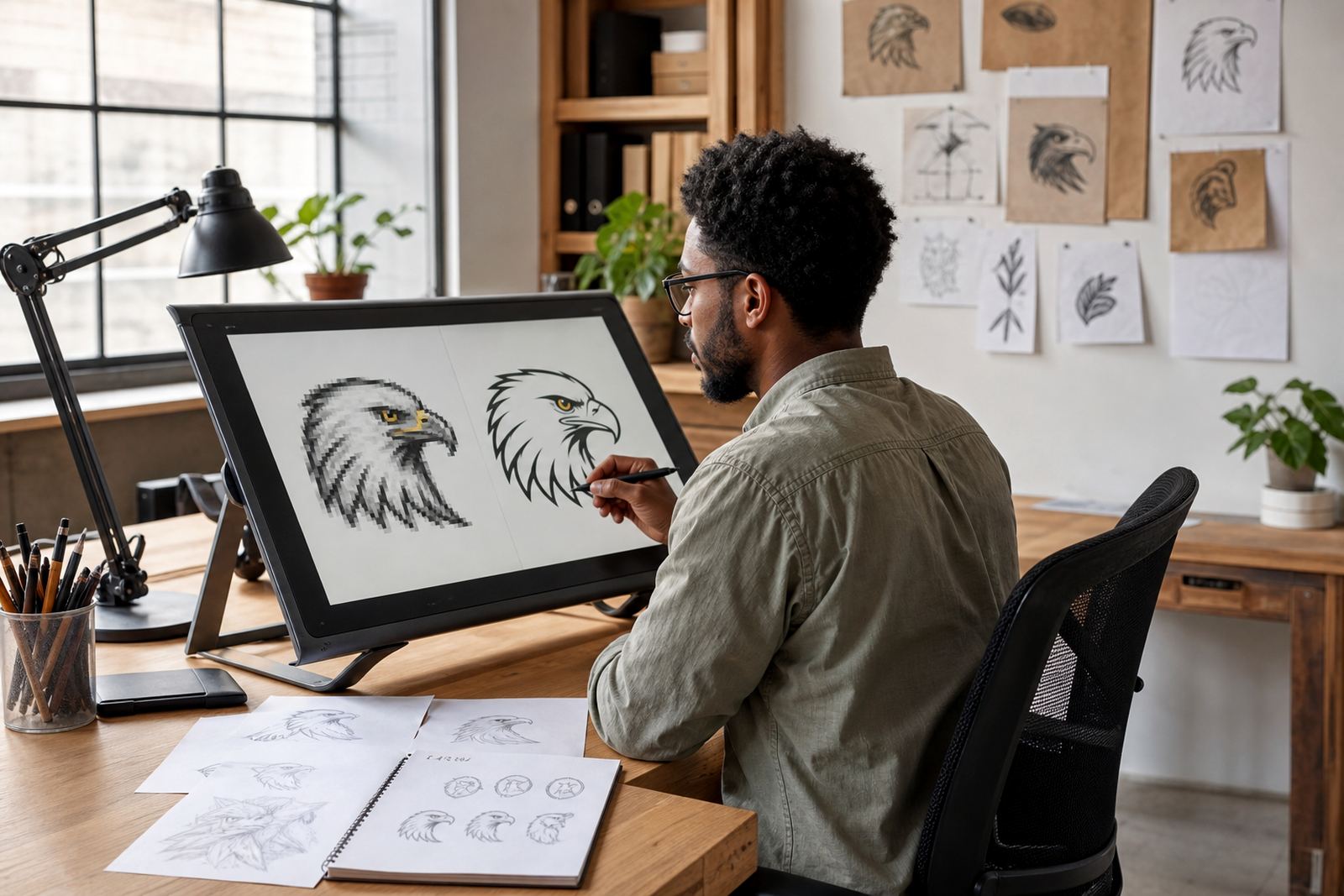
When clients send old logos, there are usually two ways to rebuild them. Bitmap tracing means working from a flat image such as a JPEG or PNG and converting it into vector paths. It can be useful when the original artwork is unavailable, but it depends heavily on the quality of the source. If the image is fuzzy, stretched or compressed, the trace may carry those flaws through into the new file.
A hand redraw is more exacting. The artwork is rebuilt manually, shape by shape, so curves, line weights and spacing can be corrected rather than copied as-is. This is often the better choice for logos that need a cleaner finish, or for illustrations that must feel crafted rather than mechanical. It also helps when the logo has been altered over time and needs to be brought back into line with the intended mark.
- Choose tracing when the source image is clear and simple.
- Choose hand redraw when quality, accuracy and finish matter most.
- Use a redraw when the current logo has jagged edges or uneven spacing.
- Use illustration work when the brand needs a more detailed custom image.
Vector files that matter for websites and profiles
Vector files are the preferred master files for brand artwork because they scale without losing quality. They are especially useful if your logo must be used on a billboard one day and a website icon the next. For digital use, the most common formats are SVG, EPS, PDF and AI. Each serves a different purpose, and it helps to keep more than one version on hand.
SVG is the most practical file for websites because it can stay sharp at any size and often keeps file weight low. EPS is widely used for printing and by sign makers, while PDF is handy for sharing approved artwork with suppliers. AI is a working file used by designers and production teams when future edits are needed. If you only have a bitmap file, like a PNG or JPG, it is worth converting it properly before relying on it for long term use.
- SVG for websites, online stores and digital apps.
- PDF for sharing approved artwork with printers and suppliers.
- EPS for signage, packaging and wide format production.
- AI for editable master artwork and future changes.
What to send before a logo redraw starts
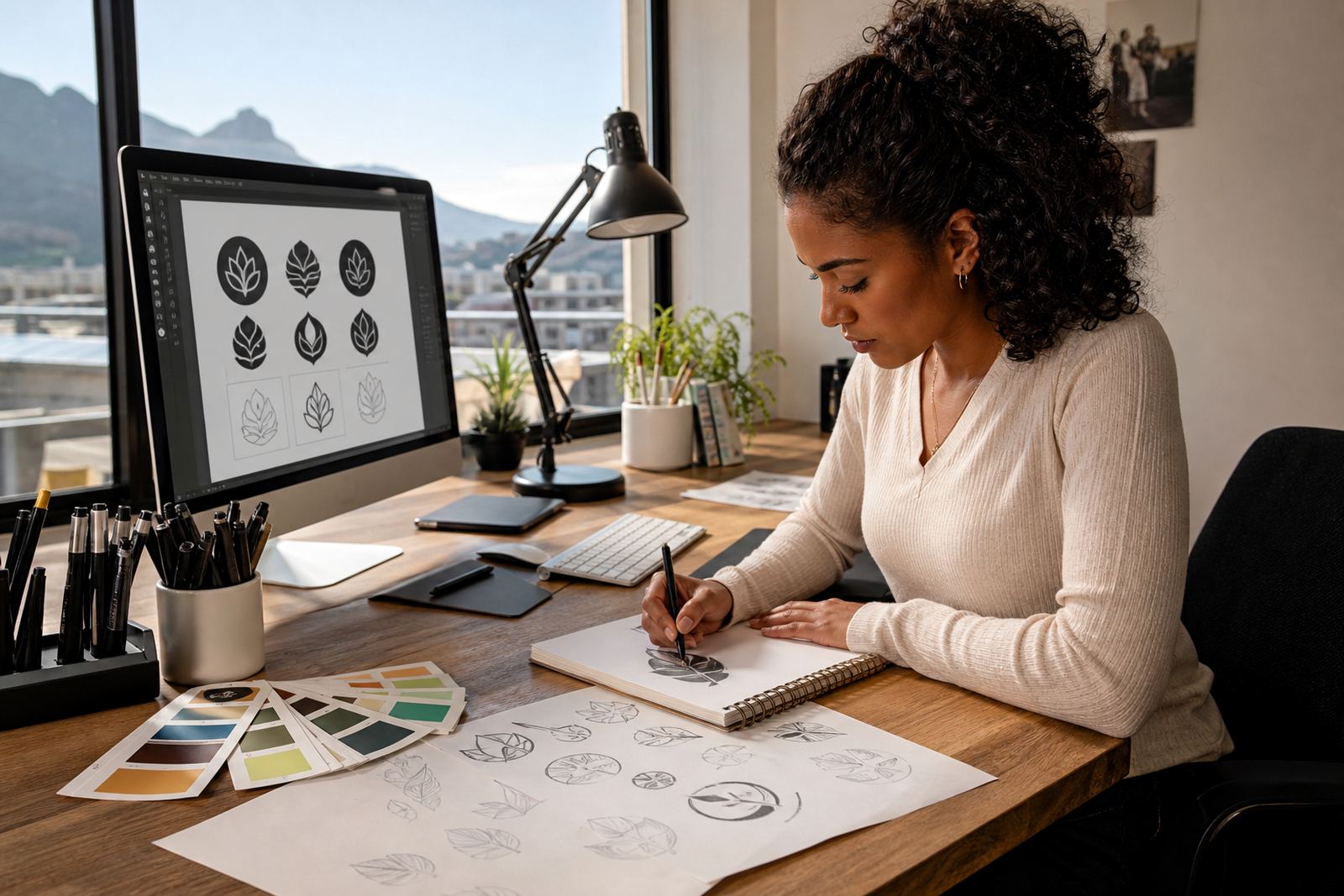
Good source material saves time and helps avoid guesswork. The best starting point is the clearest version of the logo you have, even if it is old. If you have original artwork, a vector file, or a high resolution scan, send that first. If the logo includes text, patterns or a mascot, any reference that shows the shapes and spacing clearly will help. Customers must own the artwork they send or have the rights to use it. That includes logos supplied by former designers, old agencies or in-house staff.
It also helps to say where the logo will be used. A website top bar has different needs from a product sticker, a social avatar or a menu header. If the brand has existing colours or a preferred style, include that too. Where possible, keep the original file untouched and send copies for reference, so the source remains safe.
- Send the clearest available version of the logo.
- Share the intended use, such as web, shop or profile image.
- Confirm that you own the artwork or have permission to use it.
- Include notes on colour, spacing and any text that must stay unchanged.
A simple checklist for choosing the right format
There is no single file that suits every use, so the safe approach is to keep a small file set ready. For most businesses, one web file, one print file and one editable master file will cover the basics. If the logo is mostly used on screens, SVG should be near the top of the list. If the artwork is detailed or needs a fixed layout for printing, PDF and EPS are useful backups. If edits are likely later, keep the working file too.
Think about the people who will handle the files after you receive them. Your web team may want a clean SVG. Your printer may ask for a PDF or EPS. Your social media manager may only need a transparent PNG for quick uploads. Keeping the files organised makes life easier when you are rushing to update a campaign, a new branch listing or a seasonal offer. It also avoids unnecessary back and forth, which is a pain when time is tight.
- SVG for web use.
- PDF for shared approval and print handover.
- EPS for production and signage.
- AI for future edits and artwork management.
- PNG for temporary digital use where transparency is needed.
Hand-drawn illustrations for brand elements beyond the logo
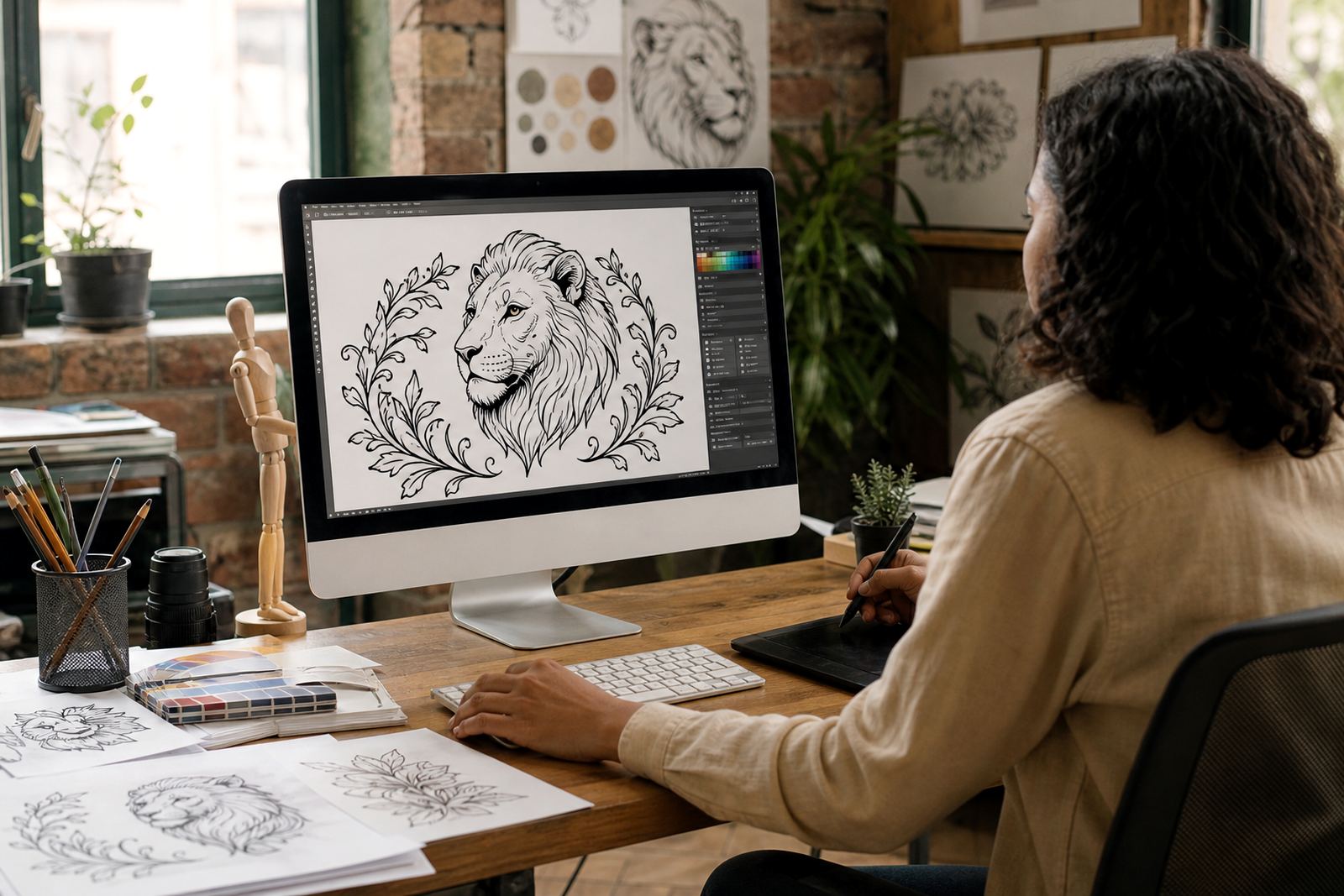
Some brands need more than a clean logo redraw. They need custom illustrations that work across packaging, menus, maps, social graphics or badges. Hand-drawn vector illustration is useful when a business wants a more personal visual style, or when a simple traced version would feel flat. This can include icons, mascots, line art, scenes, stickers and patterns that match the main brand mark.
For businesses in Cape Town, Johannesburg, Durban, Pretoria, Bloemfontein and surrounding areas such as Stellenbosch, Paarl and Port Elizabeth, this can be helpful for labels, online shops and local campaign material. A good illustration set stays clear on screens and still holds together when enlarged for print. If the artwork needs to sit beside the logo, it should share the same line weight, tone and spacing so everything feels like part of the same family.
What a practical file handover should include
Once the logo has been redrawn or illustrated, the handover should be easy to use. You should receive the main file formats you need, along with clear labels for each version. That way the right file can go to the website, the printer, the social profile or the packaging supplier without confusion. A neat handover also makes it simpler for a new staff member to take over the brand files later on.
A useful pack normally includes master files, web-ready files and a brief note on how each version should be used. If the logo has colour variants, ask for those too, such as full colour, one colour and reversed versions for dark backgrounds. Keep the files in one place and back them up so they are not lost when someone changes phone, laptop or office storage.
- Main vector files in SVG, EPS, PDF and AI.
- Web versions in the correct size and background treatment.
- Colour variations for light and dark use.
- Simple file names so staff can find the right version quickly.