What an EPS file actually does in print production
EPS stands for Encapsulated PostScript. In simple terms, it is a vector-based file format that many print workflows can open and handle without the artwork losing quality when it is scaled up. That makes it useful for logos, icons, badges, line art and other artwork that may need to move from a business card to a billboard sized layout.
For South African businesses, EPS is often requested by printers, signage shops and packaging suppliers because it sits comfortably in older and newer production setups. It is also handy when a file needs to be passed between design, prepress and production teams without flattening the artwork too early.
When EPS is the right choice for your artwork
EPS is a practical choice when the final use may involve a mix of print sizes, especially if the artwork must stay clean on sharp edges and solid fills. If your logo needs to go on stationery, vehicle graphics, brochures, labels or exhibition panels, EPS can be a sensible delivery format.
- Logos that need scaling from small to large
- Simple illustrations with defined shapes and line work
- Artwork for printers that still prefer vector handover files
- Brand marks that may be reused across many suppliers
If the artwork includes photos, soft shadows or other pixel based effects, EPS may not be the best fit on its own. In those cases, the output often needs a careful setup so the file remains practical for print.
Bitmap tracing versus hand redraw: why the method matters
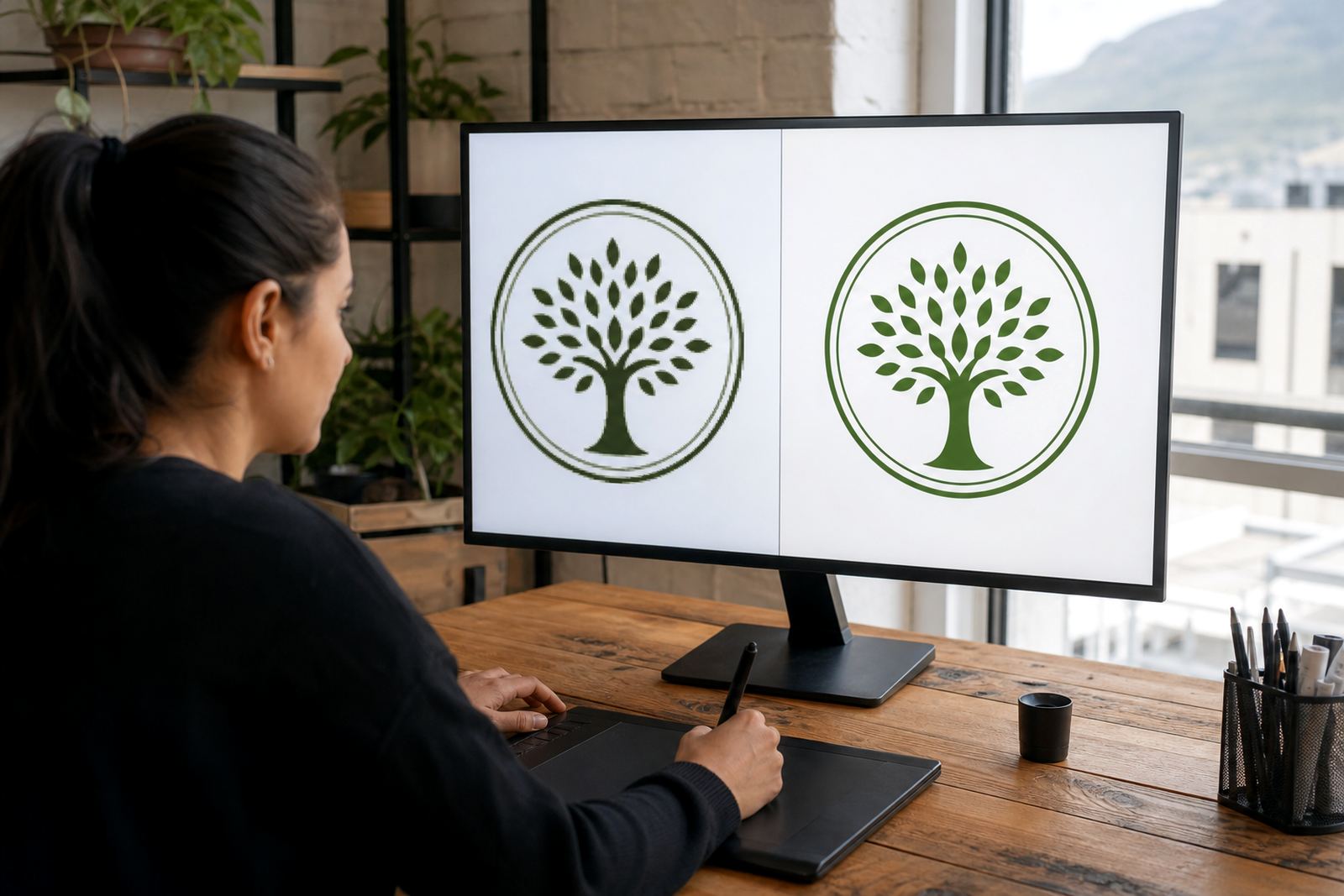
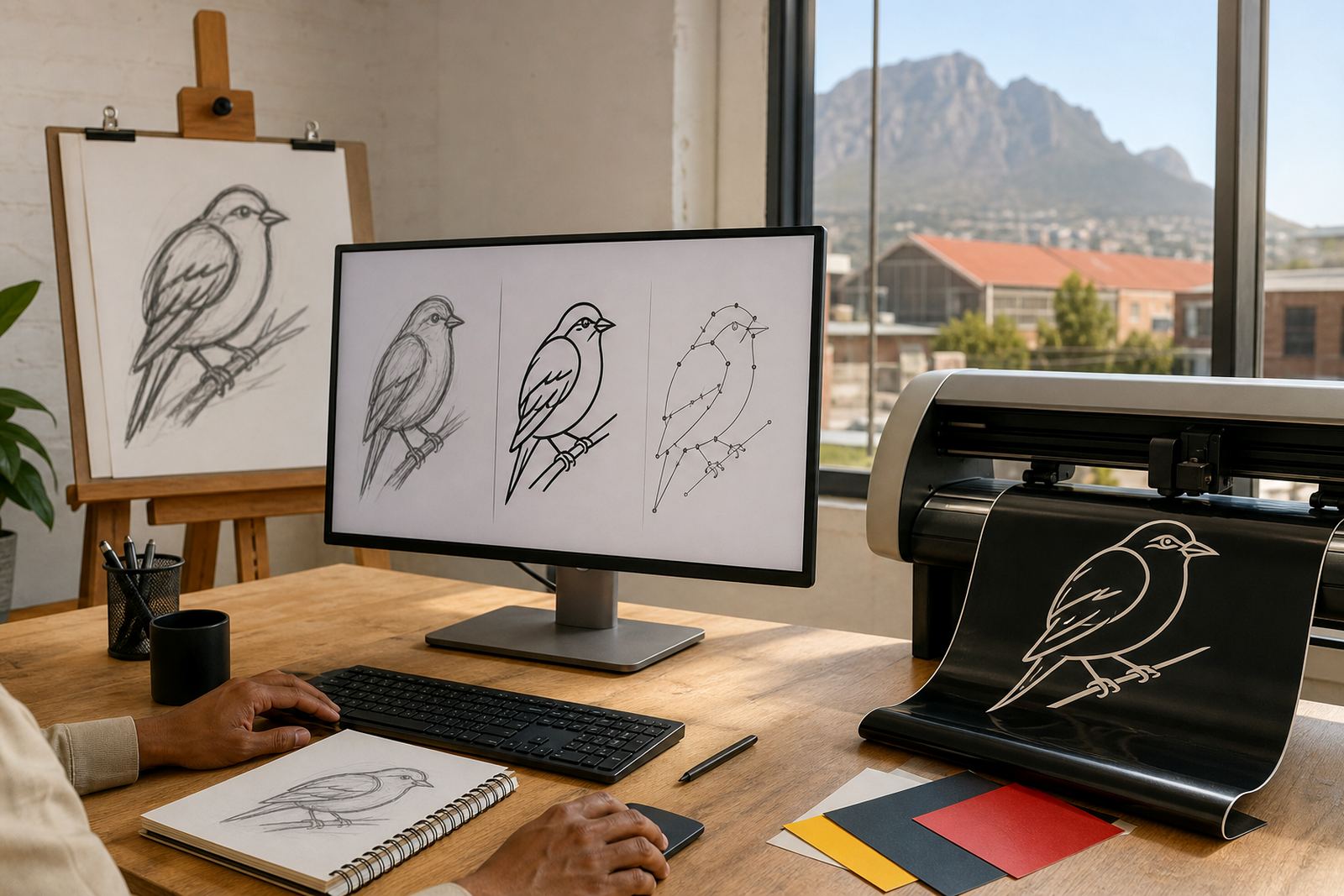
Not every image should be traced in the same way. A bitmap trace follows the pixels in a low-resolution image and can be useful for simple shapes, but it may also pick up rough edges, uneven curves or extra anchor points. That can become a problem when a logo has to be cleaned up for professional print.
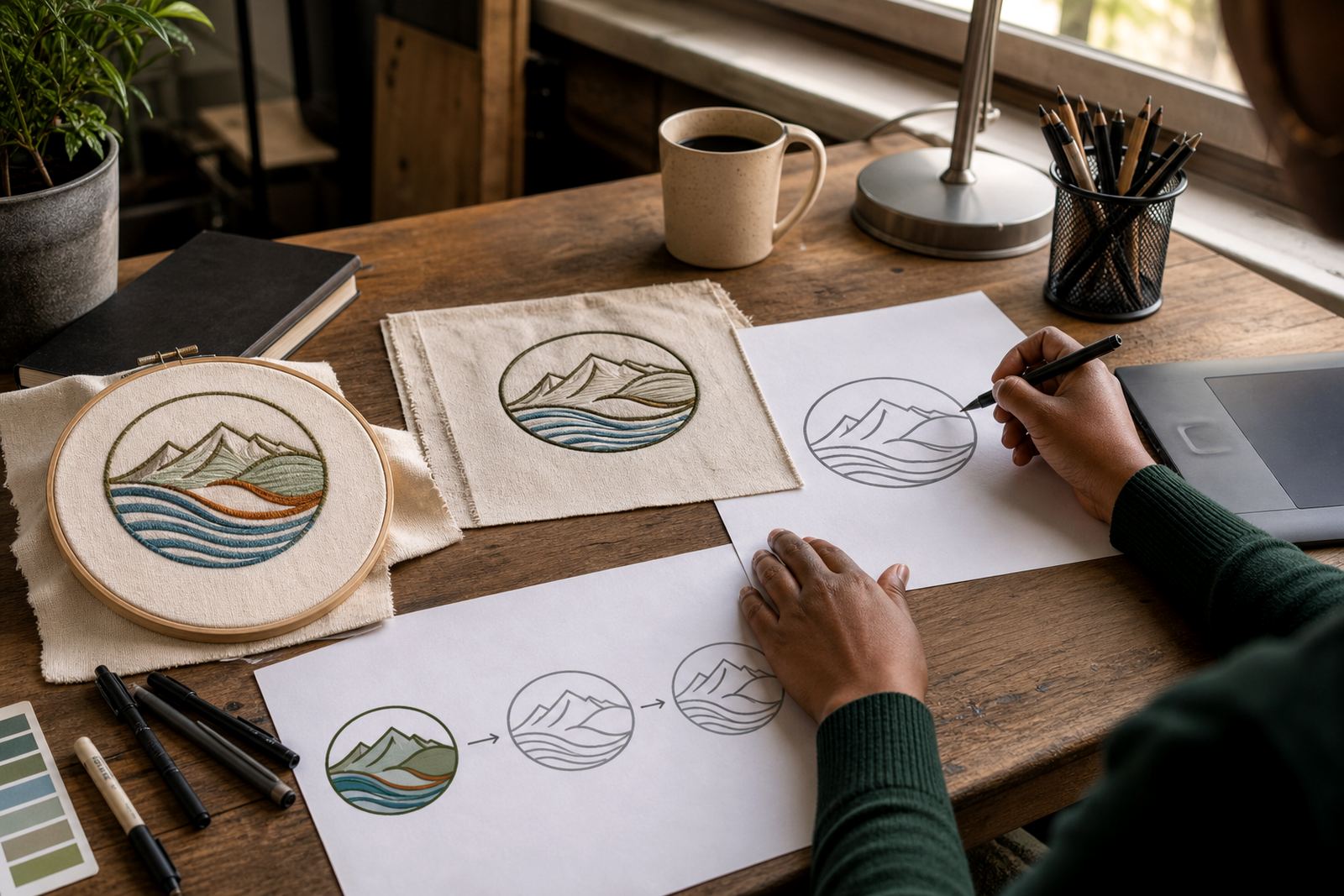
A hand redraw is different. The artwork is rebuilt manually as vector paths, which gives more control over curves, spacing and small details. For worn scans, old letterheads or blurry artwork sent in by clients, a proper redraw usually gives a better result than a quick trace. In many cases, the best output is a redraw rather than a straight trace, especially if the original file is not clean.
- Use tracing for simple, clear shapes where speed matters
- Use hand redraw for damaged, fuzzy or dated artwork
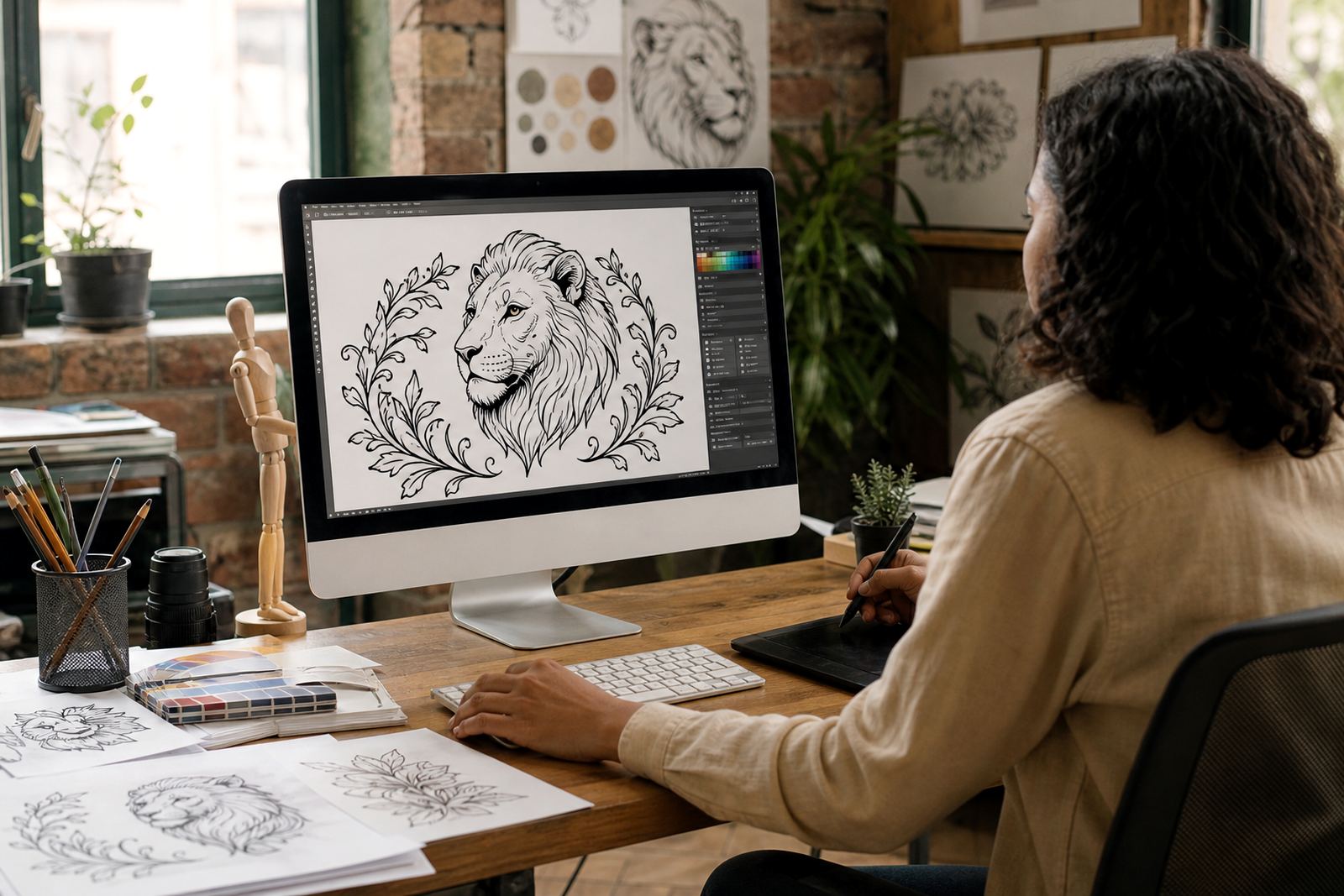
- Use illustration rebuilds when the artwork needs a more refined finish
What to send before we start a logo redraw
The cleaner the source material, the easier it is to rebuild the artwork properly. If you are sending a logo for redrawing or vector illustration, it helps to include the best version you have, plus any notes on spelling, colour and layout. You must own the artwork or have clear rights to use and reproduce it before sending it in.
For clients in Cape Town, Johannesburg, Durban, Pretoria, Bloemfontein and surrounding areas, this usually means sending artwork that can be checked against your current brand use. If the logo has changed over time, point out which version should be followed. A short note can save a lot of back-and-forth later on.
- Best available logo file, scan or photo
- Any colour references, if the brand has fixed colours
- Notes on missing text, proportions or old spelling
- Details on final use such as print, signage, packaging or web
How EPS fits with SVG, PDF and AI files
EPS is one format in a wider group of vector file types. It is often used for print handover, but different suppliers may ask for different deliverables depending on their software and setup. SVG is commonly useful for screen use, PDF is often the easiest all-round proofing file, and AI is frequently kept as a working file for future changes.
In practice, many projects need more than one export. A print team may want an EPS for production, a PDF for checking placement, and a clean SVG for digital use. If a logo redraw is done properly, the artwork can usually be prepared in several formats without losing shape, detail or clarity.
- EPS for many print and production workflows
- PDF for proofs and easy review
- SVG for websites and digital use
- AI as an editable master file for future updates
A simple EPS handover checklist for South African businesses
Before a file goes to print, it is worth checking the basics. This is especially useful when dealing with municipal notices, retail packaging, vehicle branding or multi-site marketing where mistakes cost time and money. A small spelling issue or mismatched colour can become a bigger problem once the job is in production.
Use this checklist before approval:
- Text is spelled correctly and matches the approved brand name
- Colours are clearly defined and suitable for the final print process
- All artwork is vector, not a low-resolution image pasted into the file
- Fonts are outlined or supplied as required by the printer
- Sizes, bleed and margins match the print brief
- The file opens correctly on another system, not just the one it was saved on
For businesses in coastal areas like Cape Town, Stellenbosch, Paarl and Port Elizabeth, it can also help to think ahead about paper stock, lamination and exposure to humidity. A neat EPS file does not replace good production choices, but it does make the handover easier for everyone involved.