What a vector PDF does for logo artwork
A vector PDF is a good working file when a logo needs to be reviewed, approved or sent to a printer. It can hold sharp lines, flat colour, text outlines and artwork that stays clear at any size, whether you are checking a business card proof in Cape Town or a large shopfront sign in Pretoria. For many South African businesses, the PDF is the file that brings the whole job together before production.
When a logo has been redrawn properly, the PDF can include the main artwork, alternate colour versions and notes for print use. It is also useful when a client needs to see the design on screen before final sign-off. If the file is built correctly, it opens on most systems without changing the look much, which saves time when approvals move between teams in different towns.
Bitmap tracing versus hand redraw in PDF files
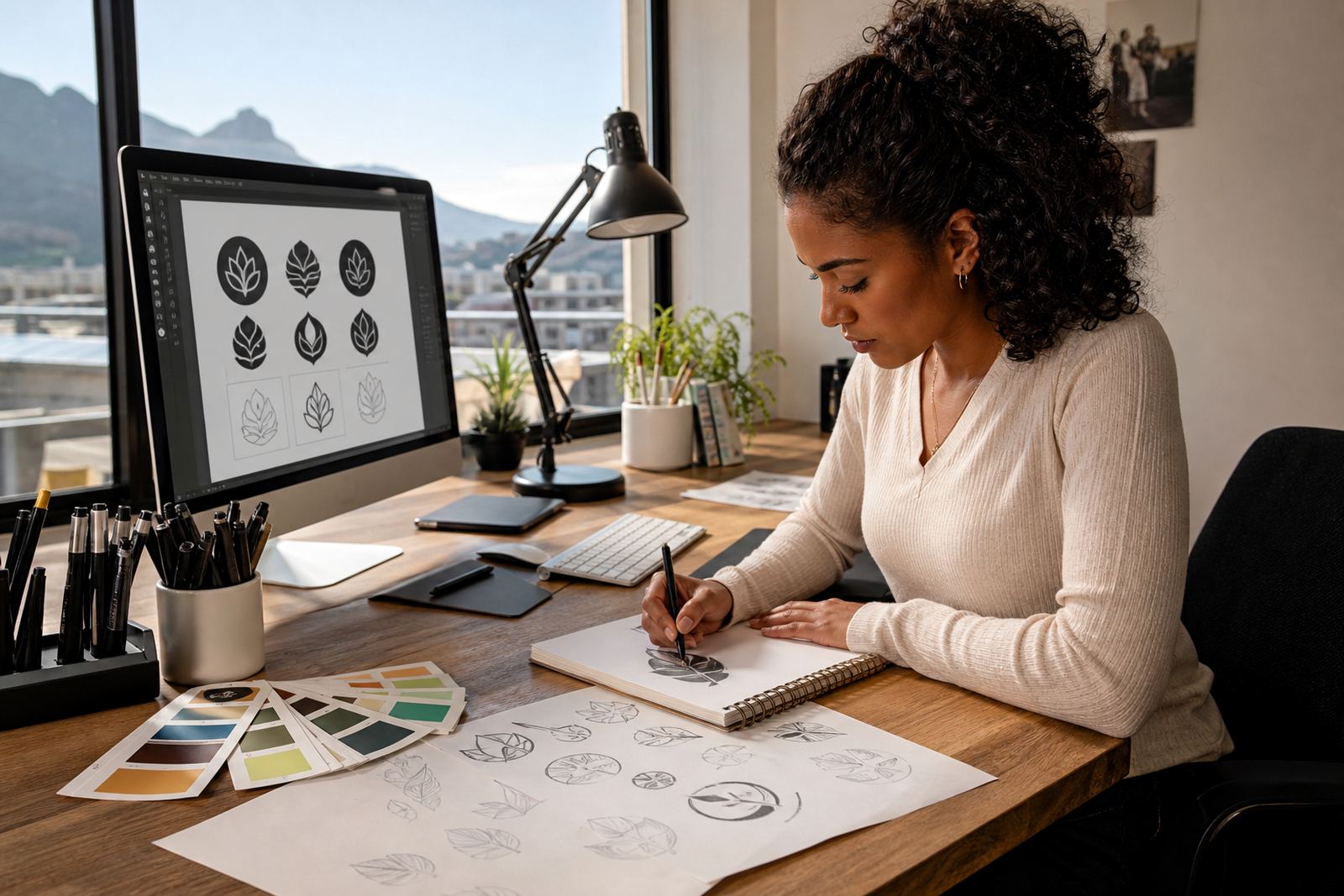
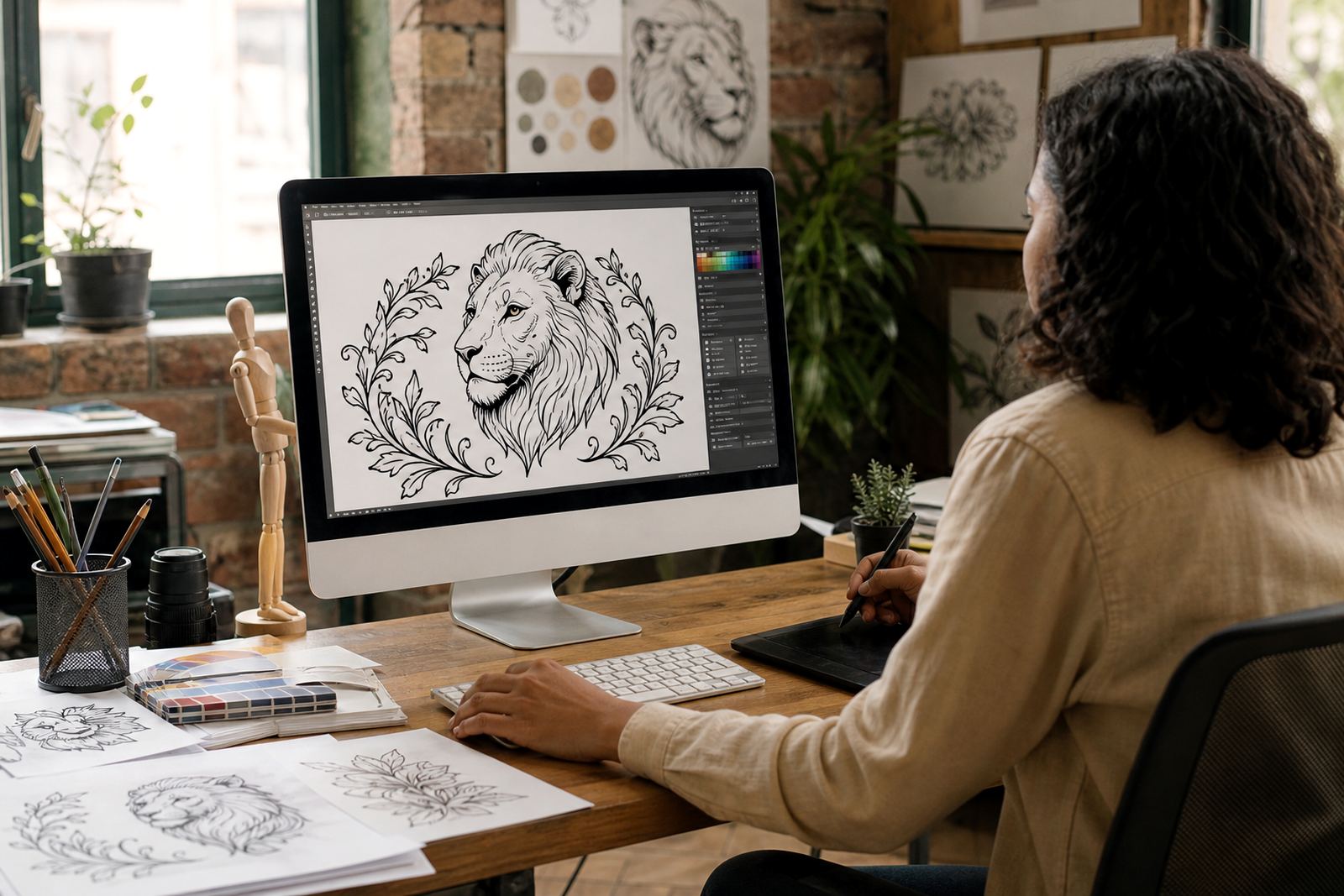
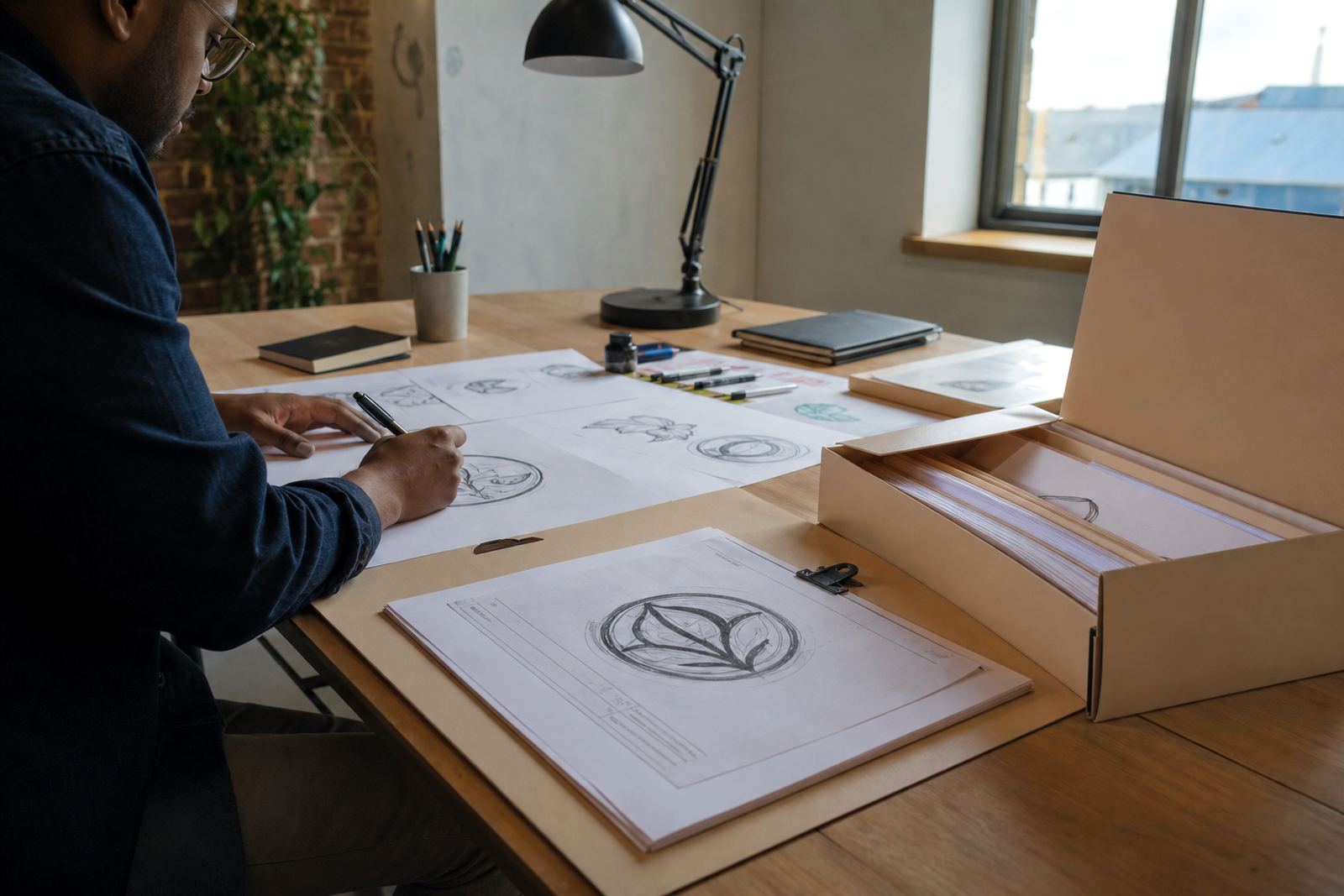
Not every PDF is built the same way. A traced bitmap can follow the shape of a low-resolution image, but it may carry rough edges, uneven curves or hidden artefacts from the original scan. A hand redraw is more controlled. The artwork is rebuilt from scratch as vector paths, so the lines are cleaner and the final PDF is easier to scale, edit and print.
For logos that need to be used on labels, packaging, menus or uniforms, hand redraw often gives the neater result. Tracing can be suitable for simple shapes, but it is not always the best option where fine details, small text or exact curves matter. If a client sends an old JPEG or photographed logo, the team should assess whether it can be traced, or whether a proper redraw will produce a better file.
- Use tracing for simple shapes when the source is clear enough.
- Use hand redraw when the original is soft, distorted or low quality.
- Choose redraws for print jobs that need clean edges at different sizes.
- Keep the original artwork on file for reference, if rights allow it.
Checklist before you approve a PDF proof
Before approving a PDF, check the content carefully. A small error in a phone number, slogan or colour setup can affect the whole print run. It is worth taking a few minutes to zoom in and confirm that everything matches the brief.
- Check spelling in names, taglines and product descriptions.
- Confirm that the logo appears in the correct version and colour.
- Look at page size, margins and crop marks if the file is for print.
- Make sure any fonts have been outlined or embedded correctly.
- Review image quality for any placed photos or icons.
- Confirm that the PDF opens well on your phone and your laptop.
If the PDF will go to a printer in Durban, Bloemfontein or Port Elizabeth, ask whether they need bleed, trim marks or a specific page size. Different printers may want different output settings, and a quick check now is better than sorting out a reprint later.
Which PDF settings help with print and proofing
PDF settings affect how the final file behaves. For proofing, the aim is usually a file that is easy to view and share through our contact form or through a client portal. For print, the file must preserve colour, vector paths and layout. A print PDF should normally be created with the correct page size, enough bleed if artwork runs off the edge, and fonts handled properly so nothing shifts on opening.
South African print shops often work with mixed equipment, so it helps if the PDF is made in a practical way from the start. If the file is for a signboard, label sheet or brochure, the artwork must stay sharp at the required scale. A compressed file can be easier to send, but over-compression may soften images and make the proof look uneven.
- Keep a proof PDF separate from the final print PDF.
- Use clear file names with version numbers, such as v1, v2 or final.
- Save a flattened copy when the printer asks for one.
- Keep a fully editable vector file for future changes.
Passing artwork safely between client, printer and supplier
PDFs make handover simpler, especially when several people need to approve the same job. A client in Johannesburg may approve a logo redraw, while a printer in Stellenbosch needs the print file and a sign maker in Cape Town needs the same artwork in another size. The PDF is often the common file that keeps everyone looking at the same version.
It is important that the customer owns the artwork they send, or has the right to use it. If a business sends in a logo, illustration or map from another source, the sender must be able to prove permission to use it. That protects both sides and avoids problems later if the artwork is printed on packaging, menus or public signage.
- Send one clear PDF for proofing and one production PDF for print.
- Keep notes on colours, sizes and any changes agreed during review.
- Share only the latest approved version so old copies do not circulate.
- Save source artwork separately from the final PDF files.
What to include when requesting a redraw or illustration PDF
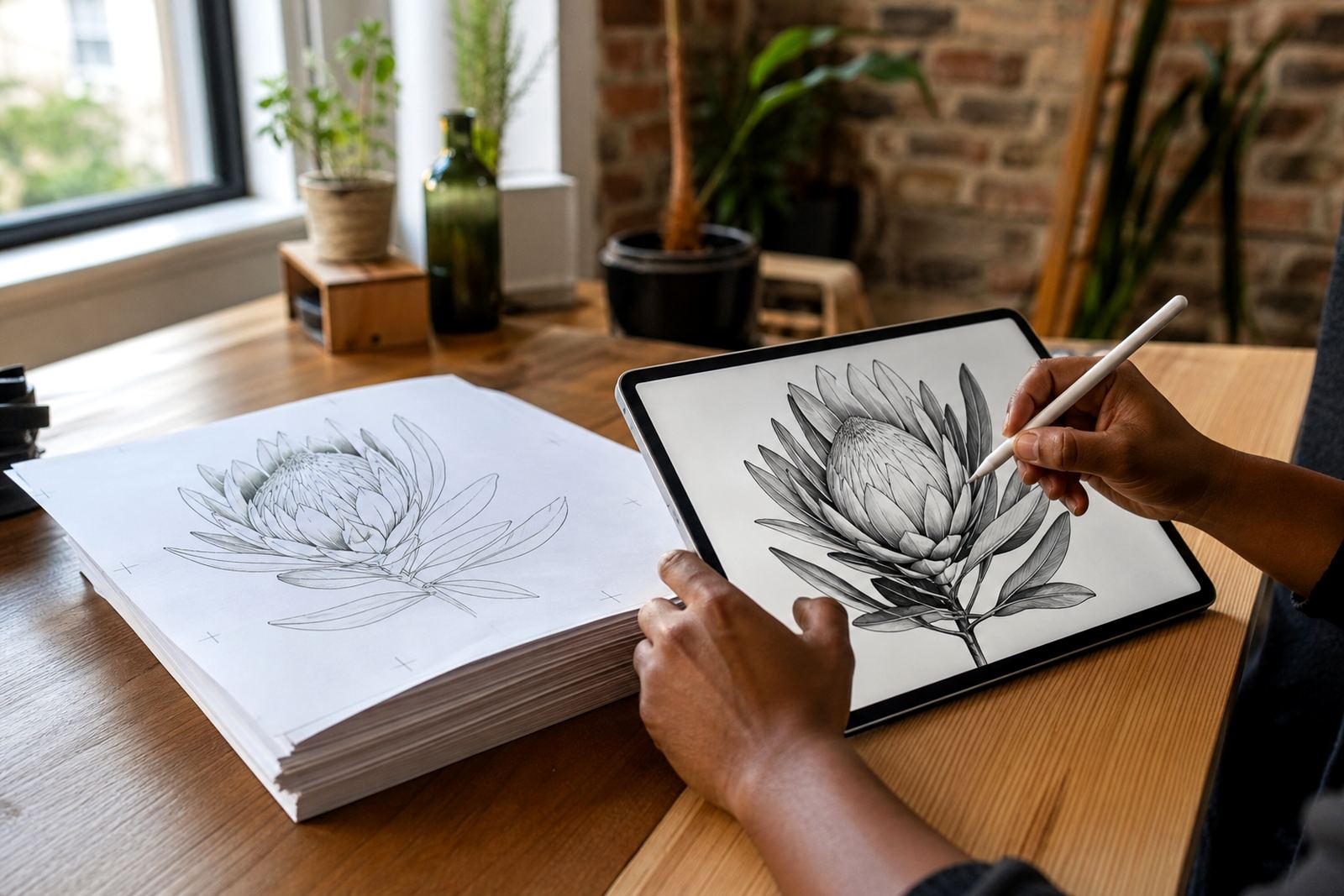
If you are requesting a logo redraw or a hand-drawn vector illustration, the more detail you provide the better the PDF proof will be. A clear brief helps the artist understand where the file will be used, whether it is for a sticker, menu, badge, infographic or packaging panel. It also helps them decide whether the file should be prepared as SVG, EPS, PDF or AI for future use.
For businesses across Cape Town, Durban, Pretoria, Bloemfontein and other South African centres, the practical details matter. Say where the artwork will be printed, what size it needs to work at and whether the final file must suit a printer, sign maker or internal team. If you have old artwork, send the clearest copy you can find, plus any notes on colours or layout. A clean brief saves time and reduces back-and-forth, even if the source file is a bit rough.
- State the intended use: print, signage, web or internal approval.
- Say whether you need a redraw, a traced conversion or a new illustration.
- List the file formats you need at the end.
- Attach any reference images, rough sketches or existing brand files.
When the brief is complete, the PDF proof becomes much easier to review and approve. The final handover is then smoother, and the artwork can move into production without extra guesswork.