What an AI master file gives you
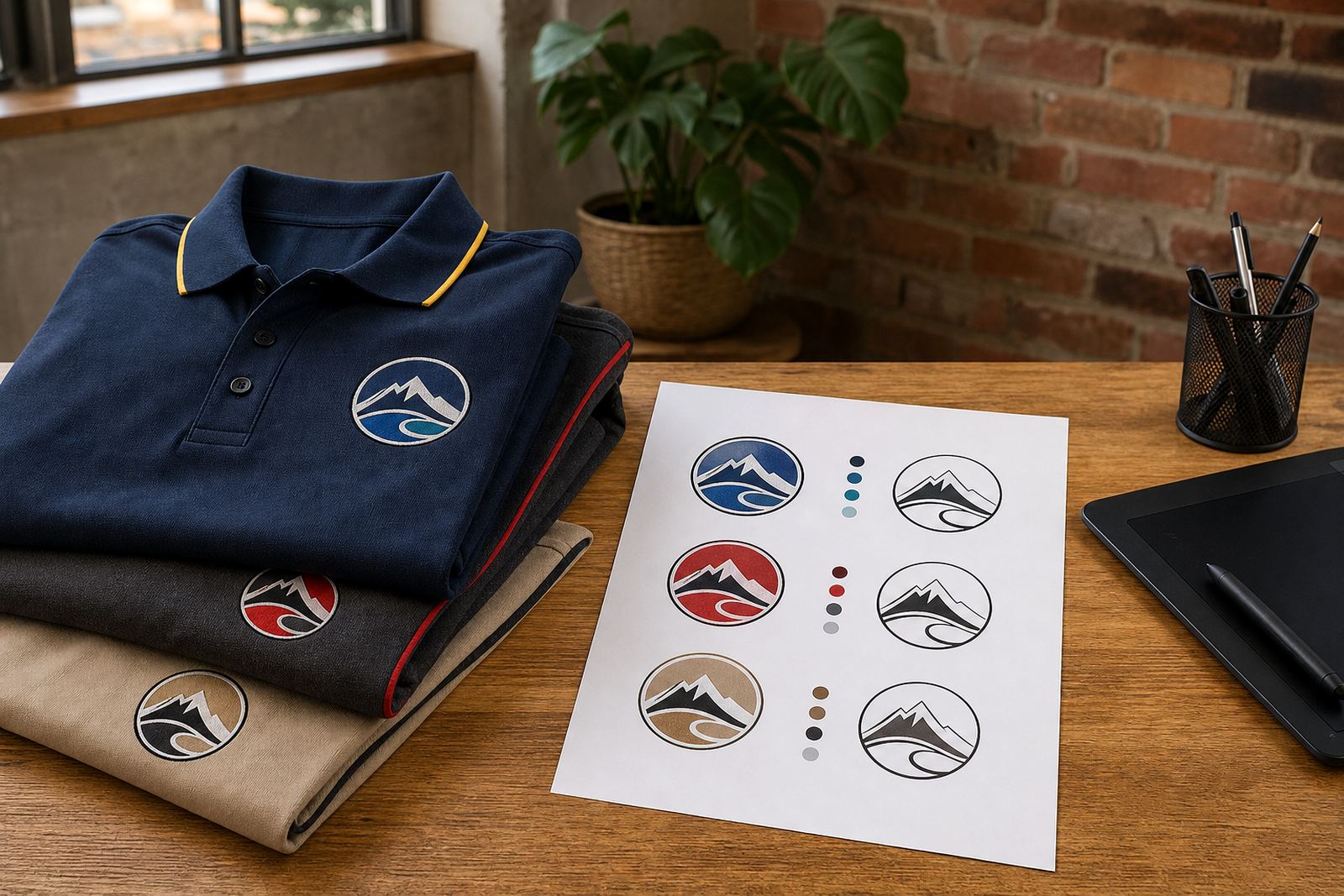
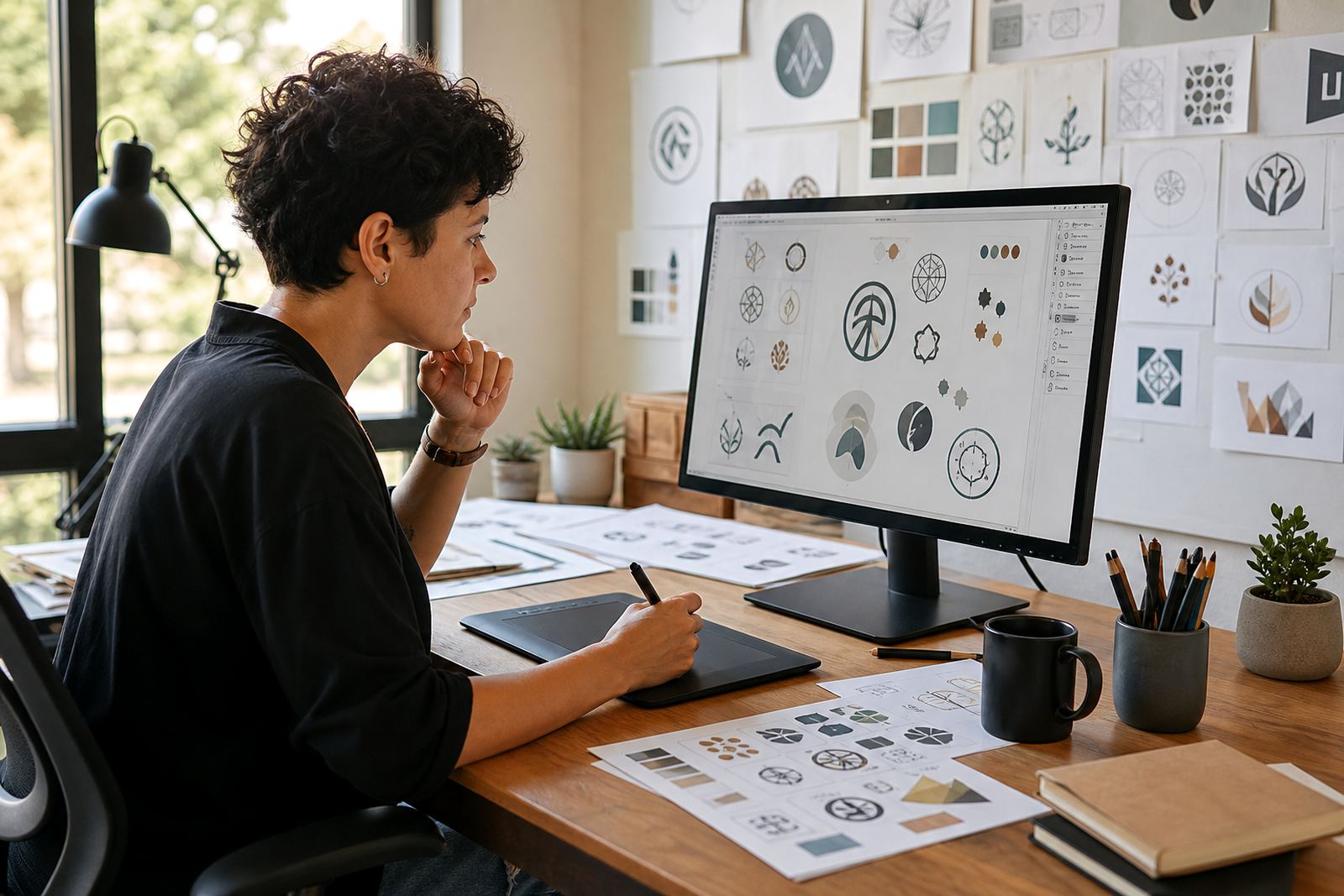
An AI file is a working master for vector artwork. It keeps line work, shapes, text outlines and colour areas editable, so your logo or illustration can be adjusted without starting from scratch. For businesses that need repeated use across signage, packaging, uniforms, menus and social graphics, a properly prepared master file saves time and avoids messy rework.
We set up AI files for redraws, hand-drawn vector illustrations and clean artwork rebuilds from suitable source files. If you have a bitmap image, we can trace it where suitable, but bitmap tracing is not always the best answer. Fine detail, soft edges and poor scans often benefit from a hand redraw instead, especially when the final file needs crisp print output or scaled artwork for larger applications.
- Editable layers for artwork, text and colour blocks
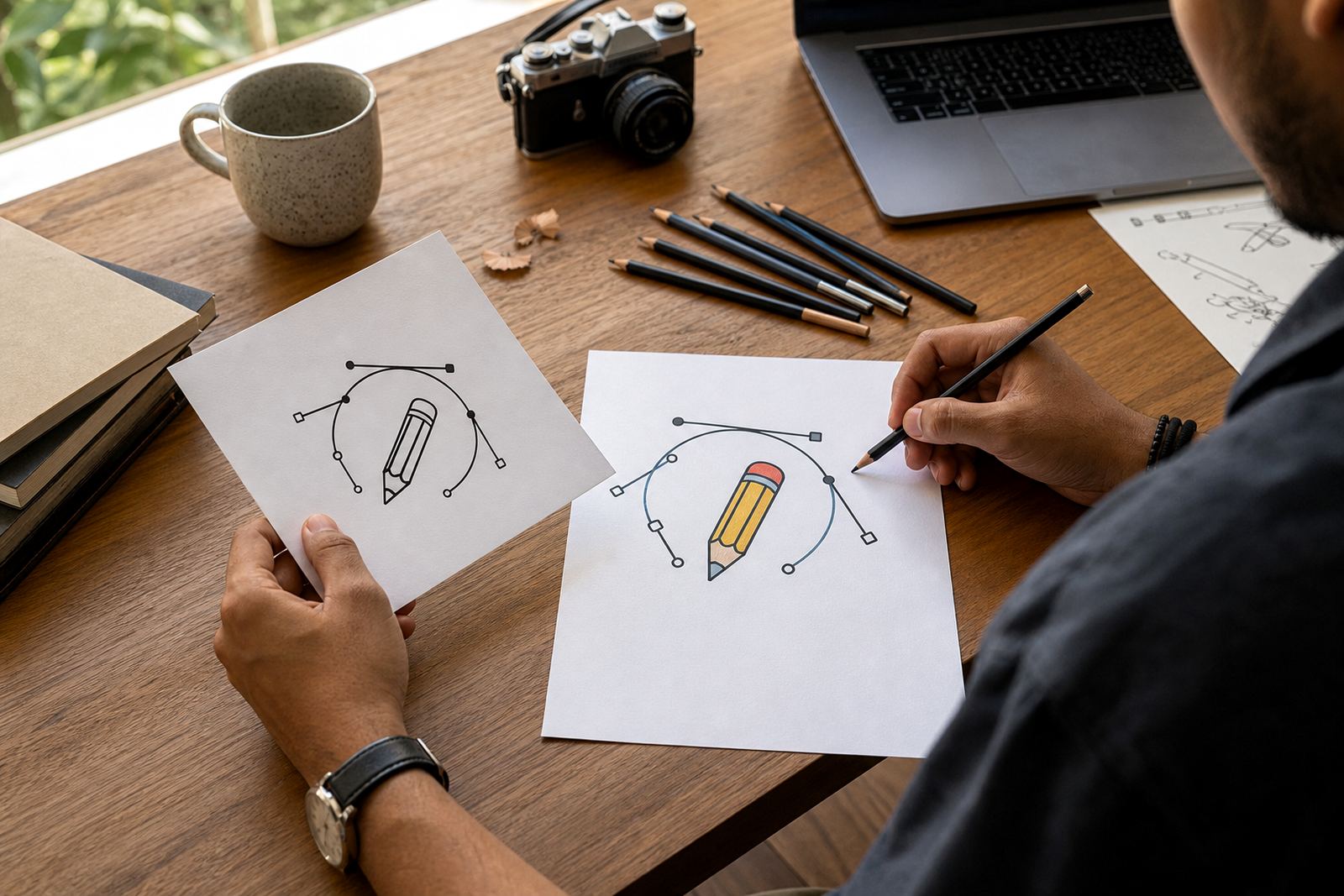
- Clean paths and anchor points for easier future changes
- Artwork arranged for internal use or supplier handover
- Suitable for logos, icons, badges, patterns and illustrations
When bitmap tracing is enough, and when it is not
Some jobs only need a straightforward trace. If the original image is sharp, high contrast and simple in shape, bitmap tracing can convert it into a usable vector base. That said, a trace copies the source image more literally, including wobbly edges, compression marks and odd spacing. When the goal is a polished identity file, a hand redraw usually gives a better finish.
We look at the source artwork first and recommend the right approach for the job. A hand redraw is usually better for older logos, low resolution files, scanned artwork and designs that need refined line weight. It also works well for mascot illustration, scene illustration and detailed line art where the visual style matters just as much as the outline.
- Use tracing for simple, clear artwork with solid shapes
- Use hand redraw for low resolution, damaged or uneven source files
- Use illustration rebuilds where proportions, line quality or layout need fixing
- Ask for a review if the artwork will be used at large sizes
File formats and what each one is for
We prepare AI master files with practical export options for suppliers and in-house teams. The main working file stays editable, while the export formats are chosen for the job. That makes it easier to send artwork to printers, sign makers and packaging teams without losing control of the original.
Common formats include SVG, EPS and PDF for general use, plus AI for the editable master. If needed, we can also prepare flattened versions for review or simple handover, but the master remains the file with the most flexibility. This matters when a client needs to update a logo redraw, separate colours for print, or reuse the same illustration on different substrates.
- AI for the editable master file
- EPS for broad vector compatibility
- SVG for digital use and scalable artwork
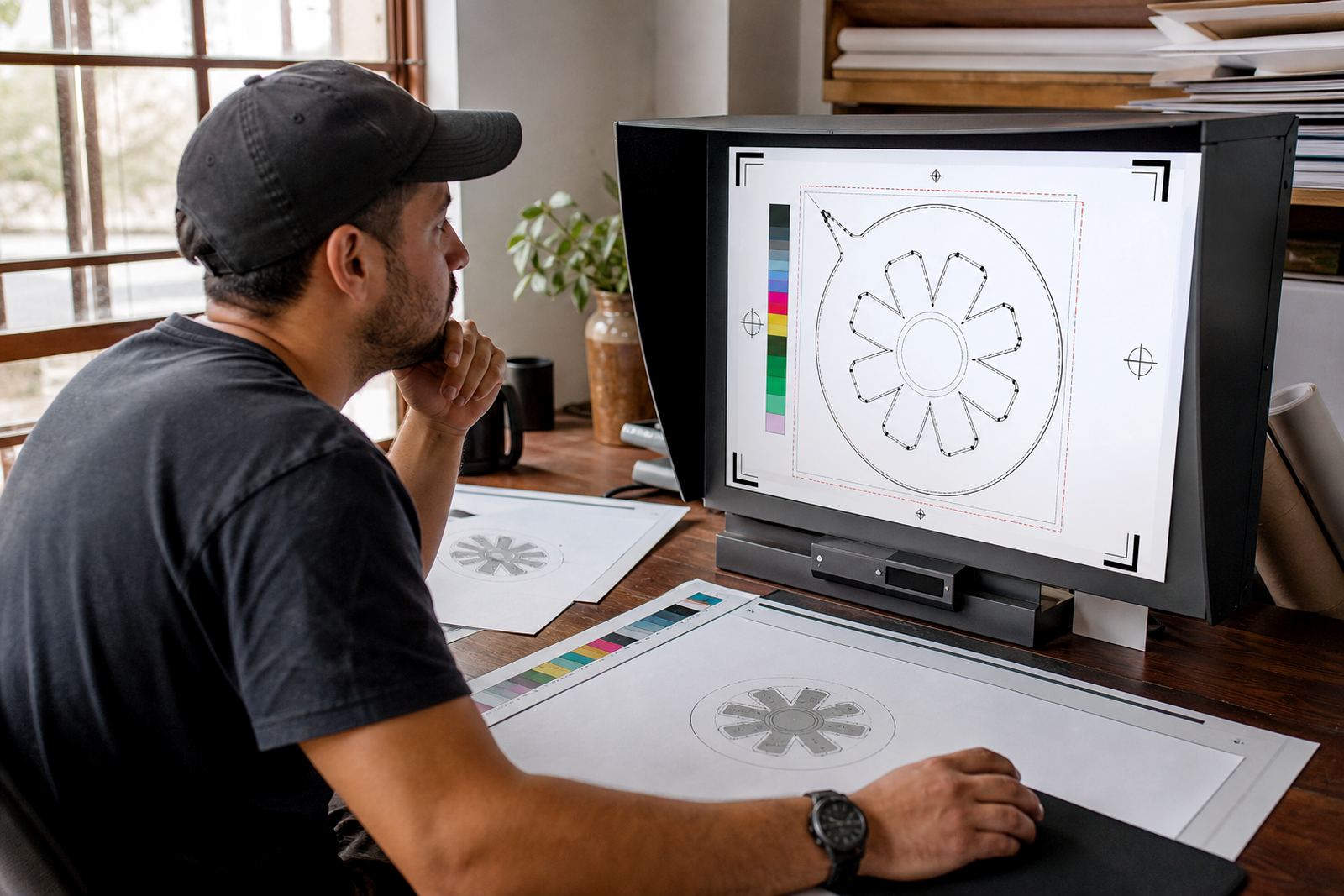
- PDF for proofing, sharing and print handover
Where AI file setup suits best
AI file setup suits businesses that need artwork to travel between suppliers without losing quality. In Cape Town, Johannesburg, Durban, Pretoria and Bloemfontein, we often see this need in packaging, signage, restaurant menus, sticker sets, presentation graphics and internal brand libraries. It is also useful for businesses in Stellenbosch, Paarl and Port Elizabeth that work with several printers or design teams over time.
This service is practical for startups as well as established companies. If you are launching a new label, updating an old brand mark or building a library of custom icons and patterns, an organised master file makes later changes much easier. It also helps when a client needs one image in several versions, such as full colour, single colour, reversed white or a simplified production version.
- Brand identity artwork for repeat use
- Packaging and label production
- Menus, stickers and promotional material
- Illustrations for digital and print rollout
What we need from you before setup starts
Please only send artwork that you own or have permission to use. That includes logos, icons, sketches, scans and reference images. If the source is borrowed from another business or designer, we cannot use it as a base without the proper rights. This protects you as well, especially when the final file is going into print or public-facing brand use.
To keep the setup clean, send the clearest source you have and tell us how the file will be used. A short note on size, print method and where the artwork will appear helps us choose the right structure. If there are specific colour references, line weights or layout rules, include those too. A bit of context saves back-and-forth later, and helps keep the artwork tidy.
- Source artwork or scan in the highest quality available
- Notes on intended use, print size and output format
- Any existing colour references or brand rules
- Confirmation that you have the rights to the artwork sent
How to keep your master files in good shape
An AI file lasts longer when it is stored and used properly. Keep a clean copy of the master, and use exported versions for day to day sharing where possible. If the file is going to a printer, ask them what format they prefer and whether outlines, linked images or embedded artwork are needed. That small step can prevent missing fonts, broken links or unwanted changes.
For care and servicing, think of the file as something that should be checked whenever the artwork changes. If you add a new branch, change a product line or need a fresh illustration variation, the master should be updated in one place. That is easier than tracking several old files with different names.
- Keep one master file and label exports clearly
- Check fonts, outlines and linked images before handover
- Back up files in more than one safe location
- Review the artwork whenever the brand or product range changes
Key facts
| Service type | AI master file setup for editable vector artwork |
|---|---|
| Source artwork | Logo redraws, bitmap traces, sketches and illustrations with rights cleared |
| Output formats | AI, SVG, EPS and PDF |
| Typical use | Print, signage, packaging, menus, stickers and digital artwork |
| Coverage | Observatory, Cape Town and clients across South Africa |
| Best suited to | Businesses needing clean, organised artwork for repeat use |