What EPS file setup covers for print jobs
An EPS file is a common print format for vector artwork. It suits logos, icons, badges and line-based illustrations that need to scale from a small label to a large sign without going soft or jagged. We prepare the artwork so the file opens neatly in print workflows and can be used by designers, signmakers and prepress teams across South Africa.
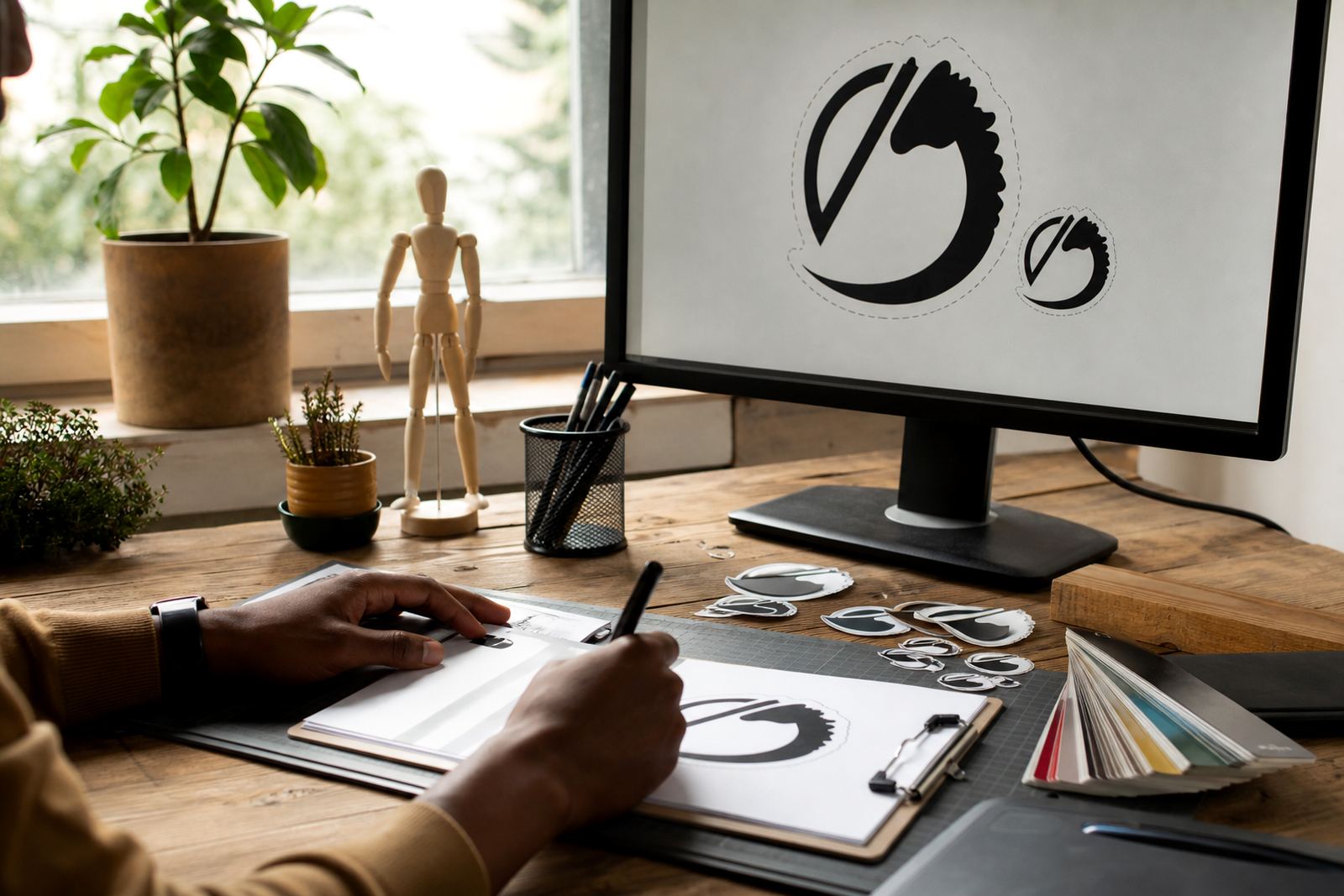
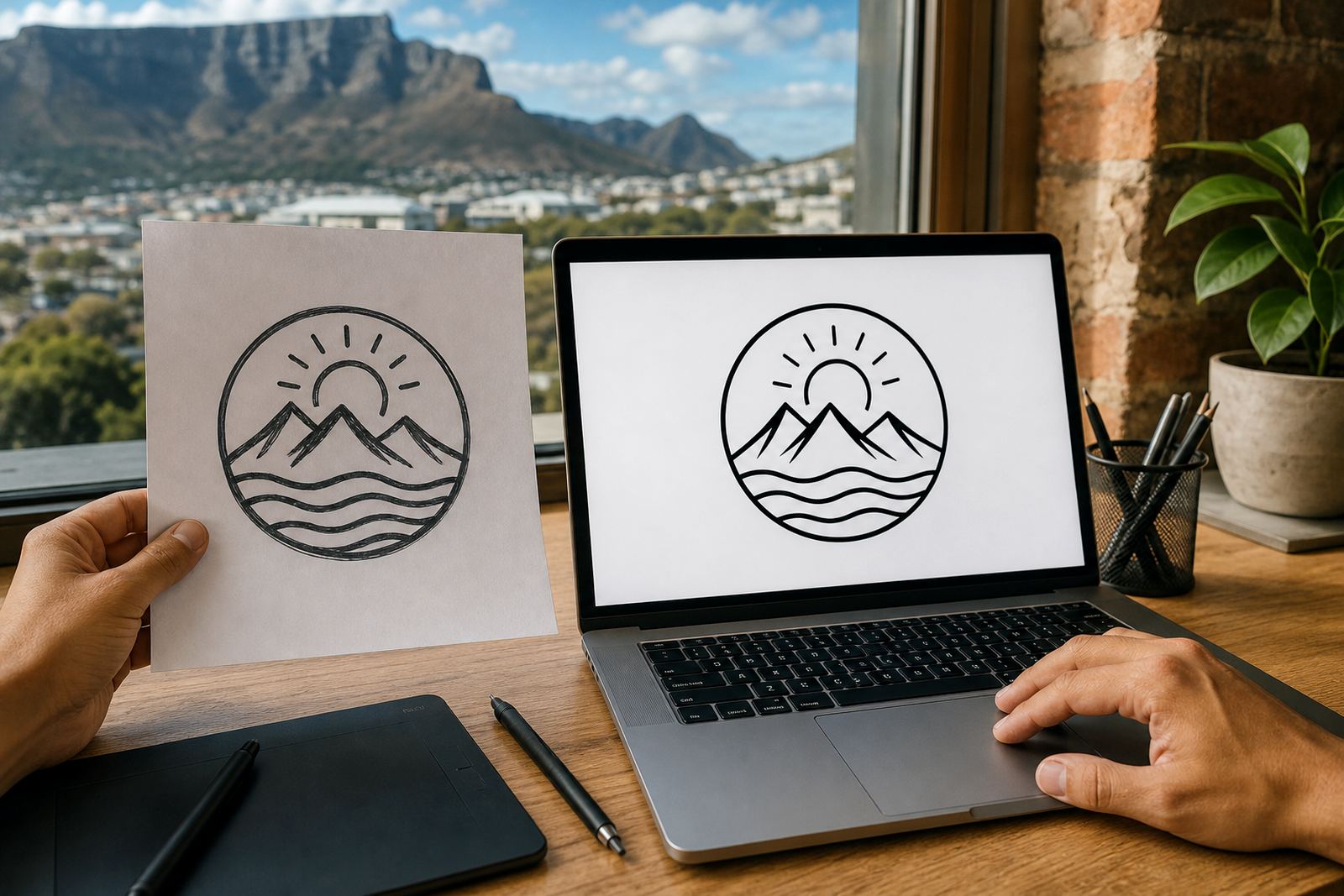
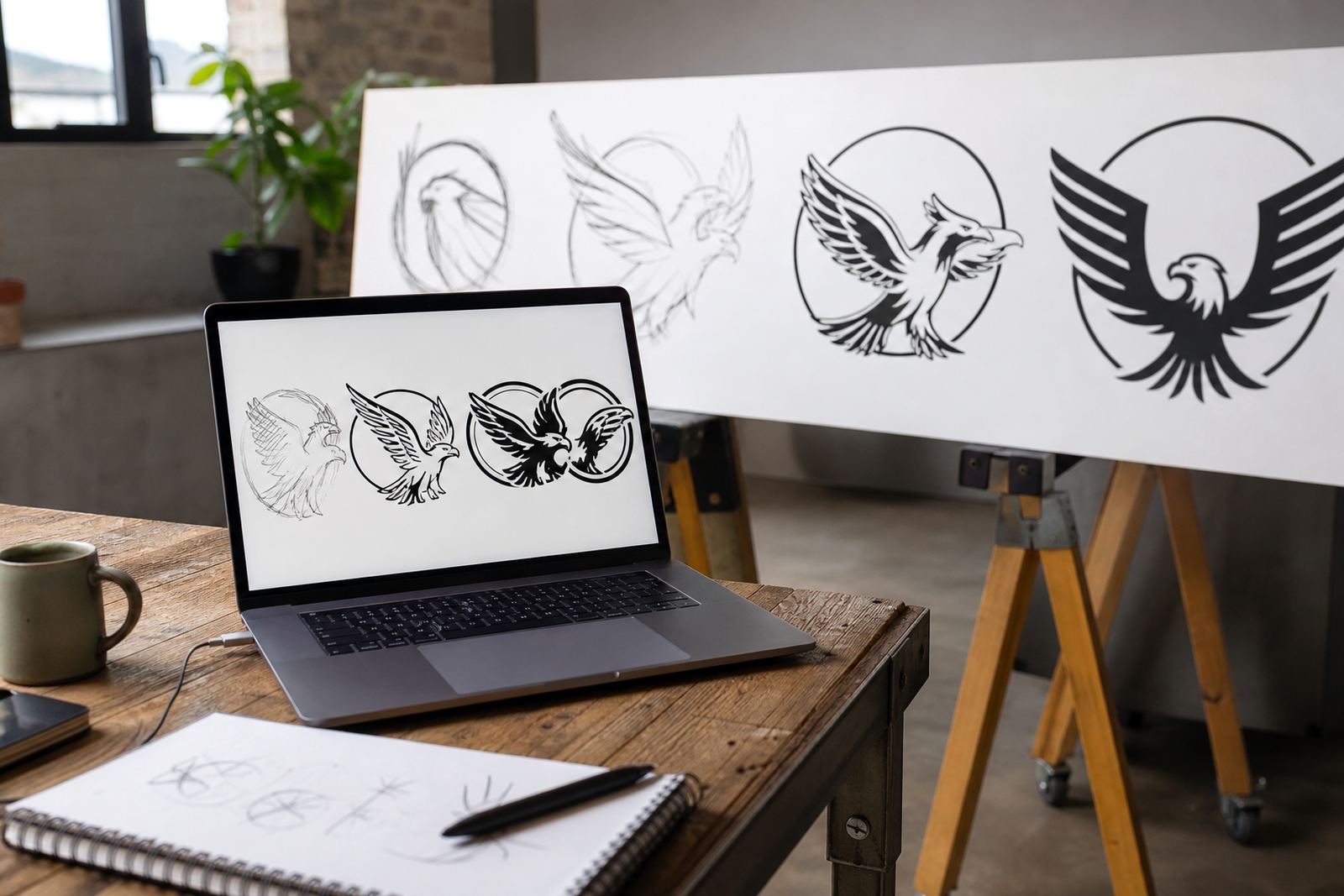
Where the source artwork is clean, we can rebuild it as a vector file with crisp curves and properly aligned shapes. Where the source is a bitmap, we may trace the artwork or redraw it by hand depending on the quality of the original and how accurate the final result must be. A traced image can work for simple marks, but a hand redraw is usually better when you need cleaner corners, steadier curves and better control over small details.
- EPS setup for logo redraws and artwork clean-up
- Vector export for use in print, signage and packaging
- Preparation for colour separation, spot colours and black-only artwork
- Versioning for full colour, single colour and reversed versions
File sizes, versions and export options
Most EPS jobs are not about physical size, they are about setup. We prepare the artwork at a practical working size, then build it so it can scale properly when the printer or sign shop places it into a layout. If the logo has fine lines or small text, we keep those details legible at small sizes and check that they still hold up when enlarged.
We can set up common vector file formats such as SVG, EPS, PDF and AI depending on what the production team needs. EPS remains useful in many print environments because it is widely accepted for vector artwork and can sit comfortably in older or mixed workflows. PDF is often helpful for proofing, while SVG suits web use. AI is useful for design handover when the artwork must stay editable.
- Artwork can be prepared for one-colour, two-colour or full-colour use
- Fonts can be converted to outlines where required
- Curves, nodes and joins are checked for print clean-up
- Transparent, white and reversed versions can be prepared on request
When EPS setup is the right choice
EPS file setup suits businesses that need reliable artwork for repeated printing. It is a good choice for letterheads, invoices, packaging sleeves, stickers, menus, embroidered layouts, vehicle graphics and signage. If a printer in Cape Town, Johannesburg, Durban, Pretoria or Bloemfontein needs a file that behaves well in production, EPS is often one of the safer options.
It also helps when the original artwork is old, pixelated or saved in a low-resolution image format. Instead of stretching a bitmap and hoping for the best, we rebuild the mark in vector form so the final file is cleaner and easier to work with. That matters for municipal submissions, industrial labels, and jobs where the artwork must sit neatly on a very small or very large surface, especially in coastal humidity where some print finishes are more finicky.
- Useful for printers, signwriters, packagers and label producers
- Suitable for artwork that must be reused many times
- Good for logos with clean geometry, text and line work
- Helpful when the source file is missing, damaged or low quality
What we need from you before we start
Please only send artwork that you own, or have permission to use. If a logo, illustration or image belongs to someone else, we cannot redraw or trace it unless you have the right to do so. This keeps the process clean and avoids problems later with printers, distributors or brand owners.
To set up the file properly, send the best source you have. A clear vector file is ideal, but we can also work from a high-resolution bitmap, a scan, a photo, or an older PDF if that is all you have. Tell us where the artwork will be used, what size it needs to reach, and whether you want an exact redraw or a cleaner interpretation. If your printer has special requirements for bleed, overprint or colour setup, include those notes too.
- Confirm ownership or usage rights for the artwork
- Send the highest quality source file available
- Share intended use, size and output format
- Tell us if you need spot colour, black-only or reversed artwork
How we handle setup for South African print workflows
We work from Observatory in Cape Town and support businesses in Stellenbosch, Paarl, Port Elizabeth, as well as main centres such as Johannesburg, Durban, Pretoria and Bloemfontein. Files are prepared for the kind of print production used locally, including short-run digital printing, large-format signage, label production and packaging work where consistency matters.
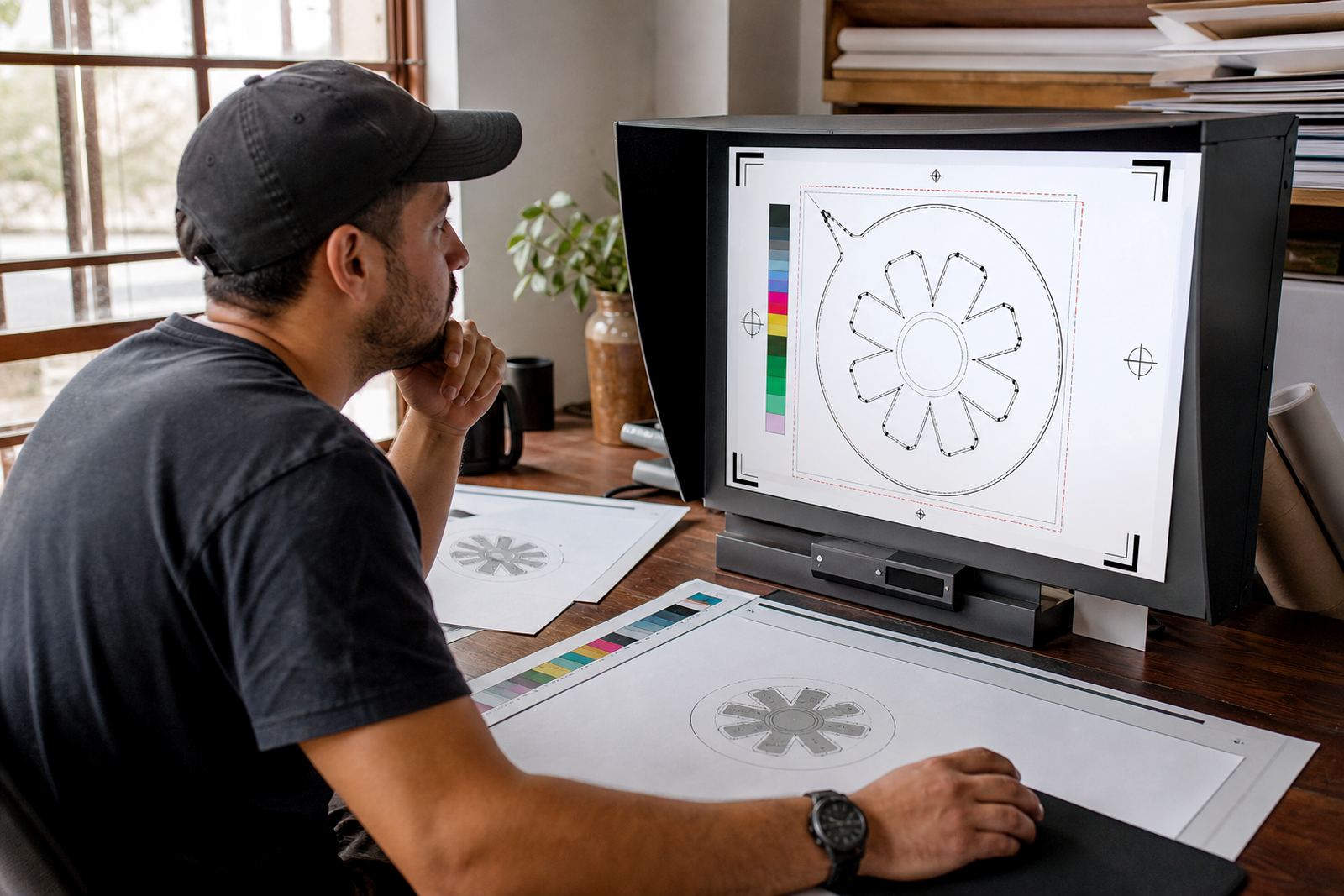
There is no physical fitting, so the process stays straightforward. The important part is preparing the artwork properly. We make sure the file is saved in the right format, the lettering is handled accurately, and the colours are set out in a way your printer can use. If the job is for a sign board, we can also help you check whether the design needs a cut contour, outline stroke or a version without small internal details. That bit of preparation cuts down on unnecessary back and forth.
- No on-site fitting required
- No workshop setup needed for the service itself
- Useful for printers using RIP software or prepress checks
- Can be set up for cut vinyl, print, embroidery reference or display use
Artwork care and ordering notes
Once your EPS file is delivered, keep a clean master copy and avoid editing the exported version unless a designer is updating it on purpose. If the artwork will be reused often, store the matching PDF and AI versions too, so there is a fallback if one production house asks for a different format. If you change your logo later, ask for a fresh setup rather than patching an old file with quick fixes.
When ordering, check the spelling, the layout, the colour references and the final use case. A logo that looks fine on screen may need adjustments for embroidery, foil, engraving or small labels. If a file is going to a printer on short notice, double-check the final dimensions before approval because a tiny shift in scale can change how the detail prints.
- Keep a backed-up master copy in a safe folder
- Check spelling, colours and size before approving
- Ask for separate files if you need print and web use
- Request a new setup if the logo changes later
Key facts
| Service type | EPS file setup for logo redraws and vector artwork |
|---|---|
| Common formats | EPS, SVG, PDF, AI |
| Artwork sources | Vector files, scans, photos, high-resolution bitmaps, old PDFs |
| Use cases | Printing, signage, labels, packaging, menus, stickers, embroidery references |
| Setup options | Full colour, one-colour, black-only, reversed, outlined text |
| Coverage | Observatory, Cape Town and clients across South Africa |