What Bitmap Trace Cleanup Actually Does
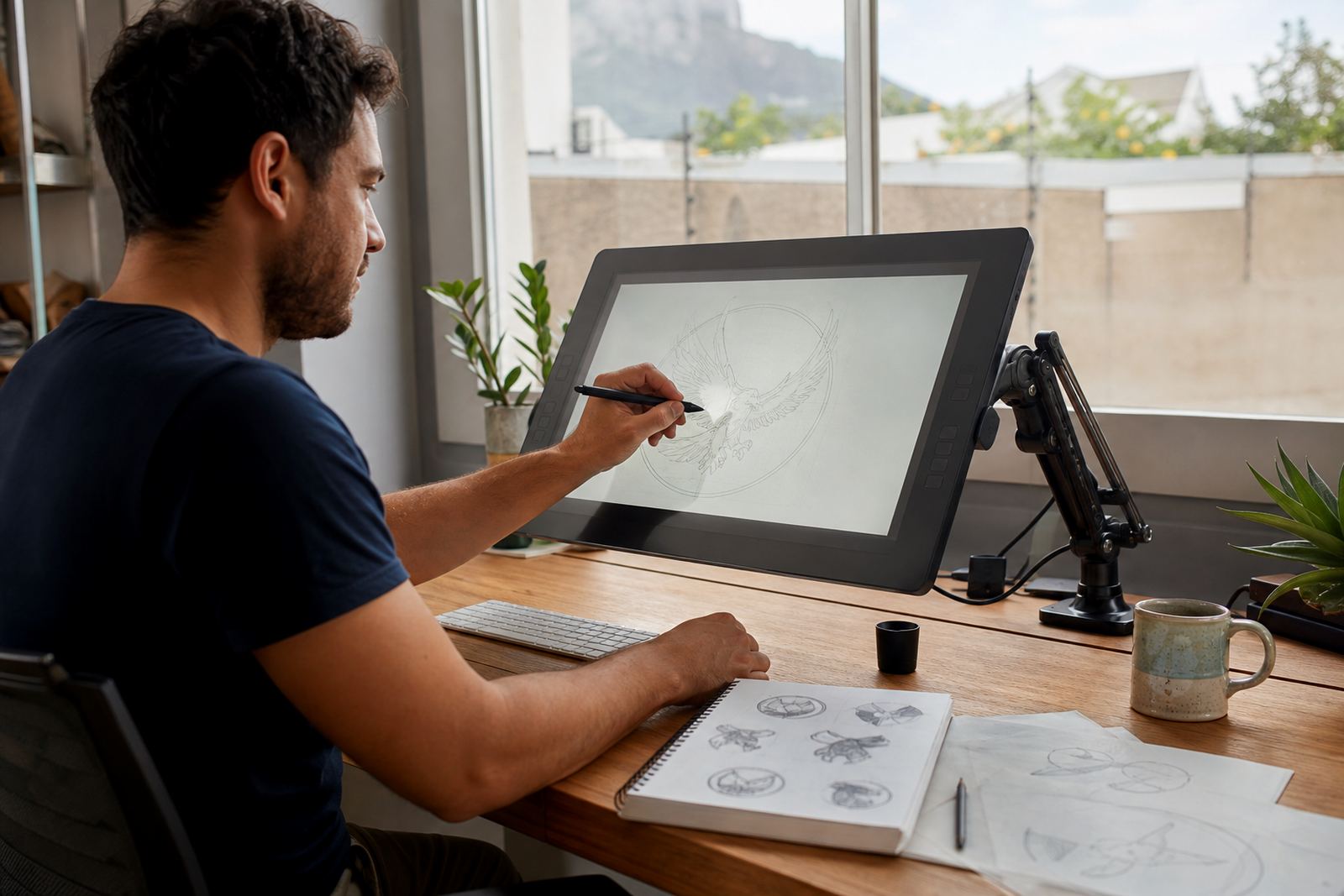
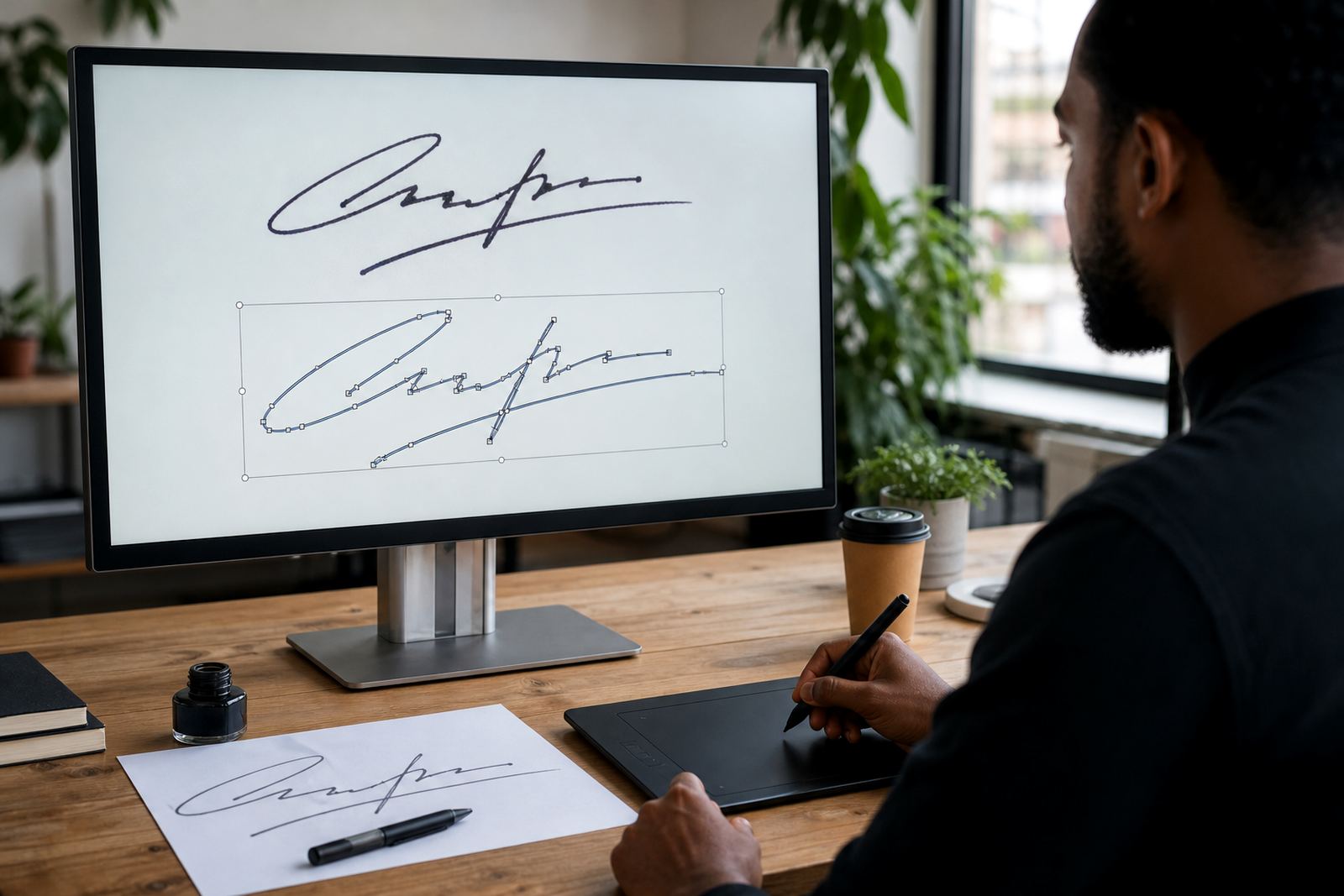
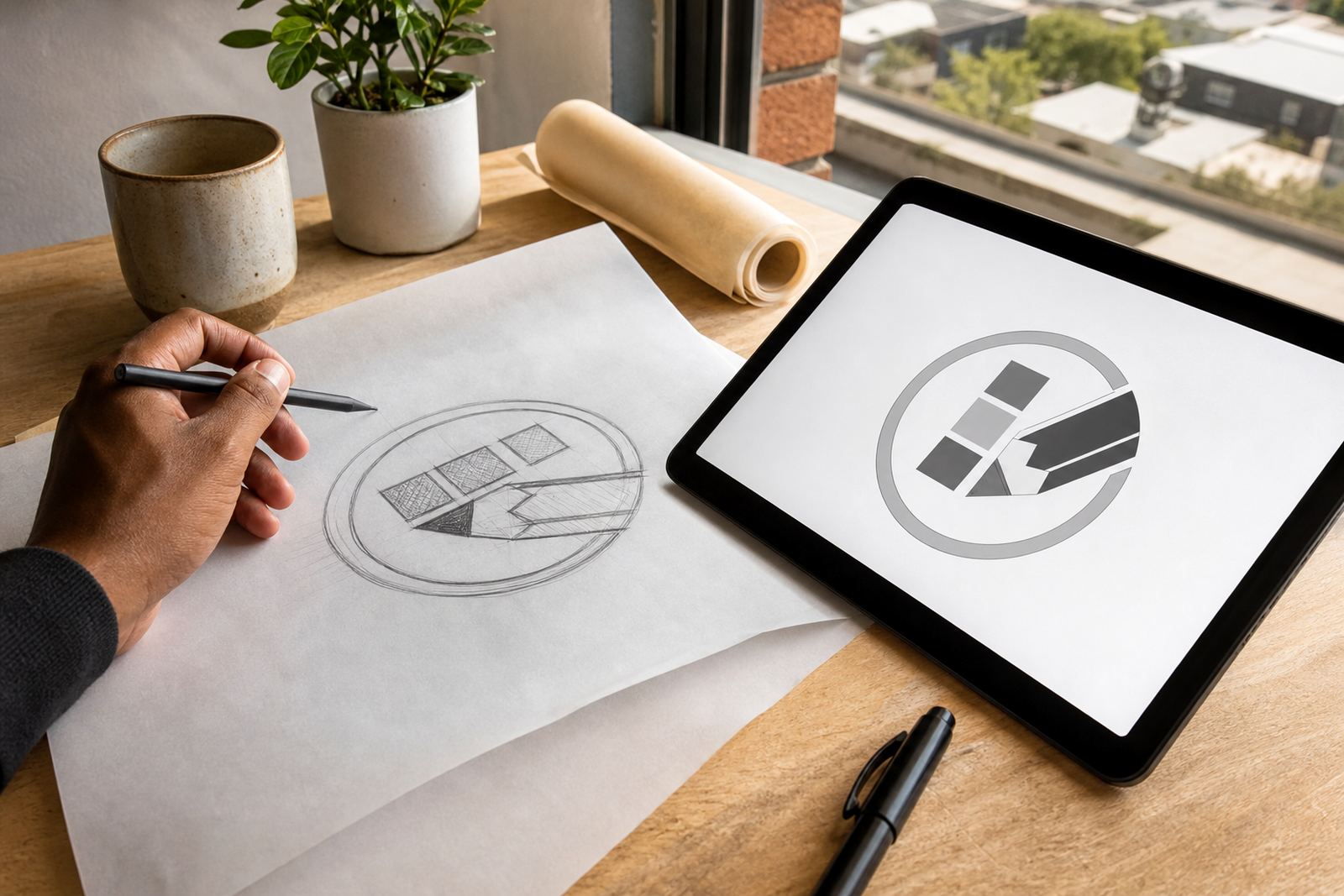
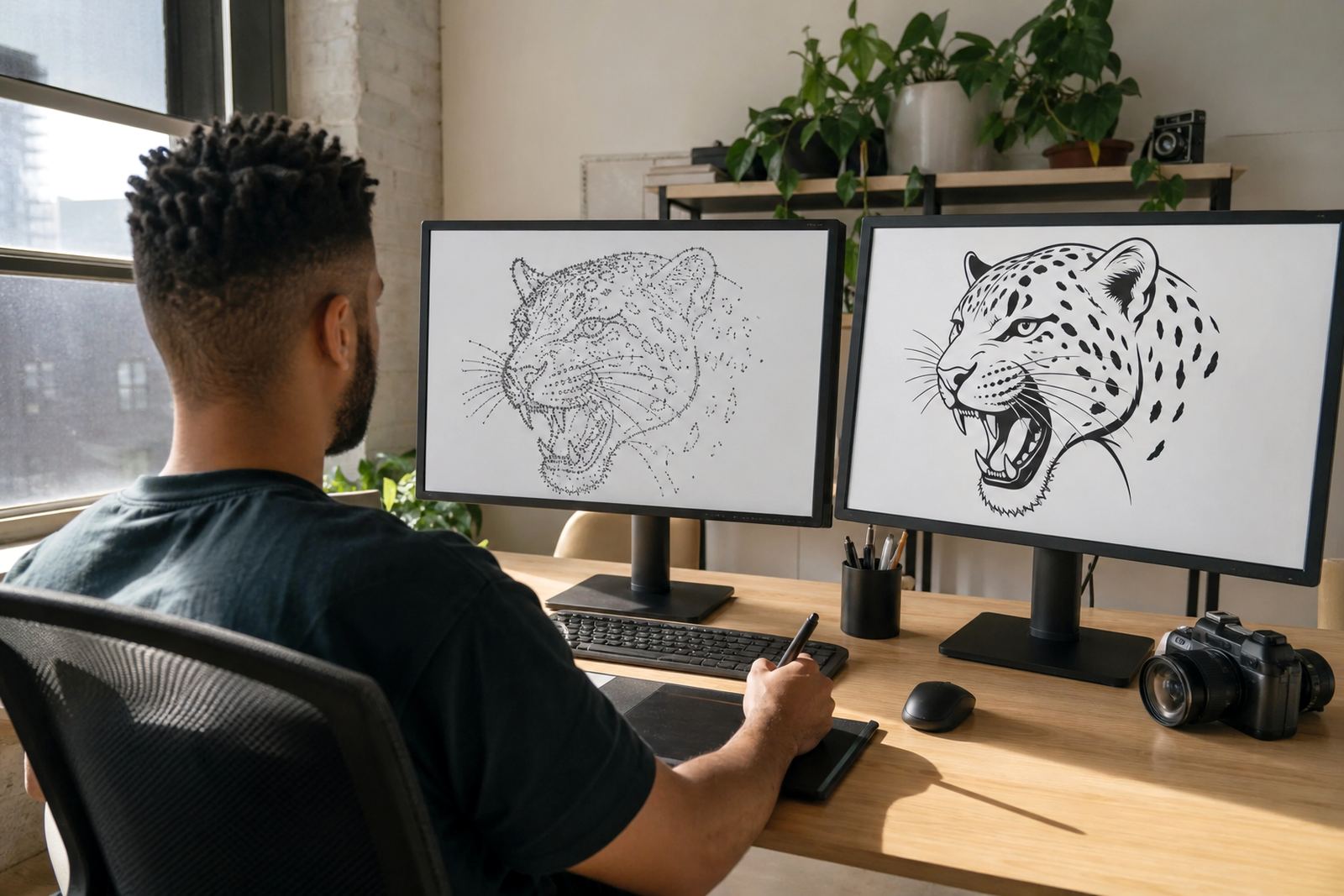
Bitmap trace cleanup is the process of taking a rough traced image and refining it into artwork that behaves properly in vector software and in print. Auto trace can be useful for a quick start, but it often leaves jagged edges, too many points, awkward corners and fills that do not hold up when artwork is enlarged. Our cleanup work tightens those paths, corrects curves, simplifies the structure and gives the final result a more deliberate, usable finish.
It suits logos, icons, badges, simple illustrations and lettering that started as a low quality scan, photo, screenshot or exported image. If the source file is fuzzy, noisy or has uneven edges, we can usually reduce the clutter and rebuild the shape more cleanly. In some cases a full hand redraw is the better option, especially where the artwork needs exact proportions or a more polished line. We will advise which route makes sense for the file you send, because a trace is not always the best starting point.
When To Choose Cleanup Over A Full Redraw
Cleanup works best when the source artwork is already close to the final shape and only needs tidying. That can include a scanned logo from old stationery, an image lifted from a low resolution PDF, or a bitmap export that was traced too aggressively. If the picture has one main colour, a simple outline, or clear lettering, bitmap trace cleanup can save time and still produce a neat result.
Choose a full redraw when the artwork has multiple textures, gradients, fine detail, warped proportions or hand drawn features that must be recreated properly. A quick trace may pick up unwanted speckles and rough contours, while a manual rebuild gives more control over spacing, stroke weight and the way curves flow. For businesses that need a logo for embroidery, signage, packaging or a municipal submission, the cleaner route is often worth it.
- Best for simple logos, symbols and line based artwork
- Useful when the image is low resolution but still recognisable
- Not ideal for shaded artwork, photographs or detailed painting styles
- Better than a trace when you need cleaner paths and fewer anchor points
File Formats And Output Options For Print And Digital Use
We supply cleaned artwork in vector file formats commonly used for design, print and production work. That usually includes SVG, EPS, PDF and AI, depending on what your printer, sign maker or internal team needs. If you need one master file and smaller exports for everyday use, we can prepare the artwork in a way that is easier to manage across different jobs.
Vector output is ideal because it scales without losing quality. You can use the same cleaned artwork on a business card, a shop sign, a vehicle door or a social media graphic without the image going soft. If the artwork needs to be separated into single colour versions, reversed versions or simplified line versions, those options can be included as part of the brief. We can also keep fill shapes solid and closed so the file behaves properly when sent into production.
- SVG for web and digital applications
- EPS for general professional print workflows
- PDF for sharing, proofing and print handover
- AI for layered working files where required
Artwork Standards, Rights And What We Can Work From
Please only send artwork you own or have clear rights to use. That includes your own logo, old company artwork, internal brand graphics, or files supplied with permission from the owner. We do not work on artwork that has no clear rights position, and the client remains responsible for confirming that the source material may be redrawn or adapted.
For the cleanest outcome, send the highest quality source you have, even if it looks rough. A scan at 300 dpi or higher is useful for printed material, and original vector files are best if they exist. If the file has been flattened, cropped or compressed many times, tell us where it came from and what it needs to do. That helps us decide whether trace cleanup is enough or if the artwork should be rebuilt from scratch. Small notes about intended use save a lot of back and forth later on.
- Source file should be readable, even if it is not perfect
- High resolution scans help with old logos and artwork from print
- Tell us the final use: print, signage, embroidery, web or packaging
- Rights to the artwork must be clear before work starts
Where The Service Suits South African Businesses
We work with businesses in Observatory, Cape Town and across South Africa, including Johannesburg, Durban, Pretoria, Bloemfontein, Port Elizabeth, Stellenbosch and Paarl. Bitmap cleanup suits companies updating old branding, preparing artwork for a new printer, or needing a neater version of a logo that came from a screenshot or a poor scan. It is also common for startups that inherited a rough mark from a previous supplier and need a cleaner file set for daily use.
In coastal areas like Cape Town and Port Elizabeth, artwork often needs to hold up on signage, stickers and packaging where moisture and handling can expose weak file construction quickly. In inland cities, the main issue is usually consistent output across multiple suppliers. A properly cleaned vector file helps keep the same shape and proportions whether it is used on a letterhead, a menu, a banner or a vinyl decal. For businesses that need practical files for municipal forms, shop fronts or branded vehicles, file discipline matters more than fancy effects.
Process, Turnaround And What To Expect
Our process starts with the source file and the end use. We inspect the bitmap, trace where suitable, then clean the paths manually so the curves and joins are better controlled. If the artwork is noisy or heavily pixelated, some parts may need to be redrawn by hand rather than traced directly. That gives a cleaner final file and prevents ugly bumps from showing up when the artwork is enlarged.
There is no on-site fitting involved, which keeps the process direct. Send the source artwork through the enquiry form on our contact page, together with any notes about format, size or intended use. Once the redraw is approved, we supply the finished files digitally. If you need more than one version, such as colour and monochrome options, add that to the brief so the output is prepared correctly first time round.
- No site visit needed
- No equipment setup at your premises
- Provide your source file and intended usage details
- Ask for the output formats you need before approval
Care, Reuse And What To Check Before Ordering
Once the artwork is cleaned up, keep the master vector files in a safe folder and use copies for daily work. That way the original stays untouched if a printer asks for changes later. If the artwork will be used on embroidery, engraving, laser cutting or small sticker work, ask us to keep the design as simple and legible as possible. Tiny details that look fine on screen can cause trouble when the file is reduced or made one colour.
Before you place an order, check the spelling in the artwork, confirm the intended company name and decide whether you need outlines, fills or both. Also think about colour use, because one version may be enough for some jobs while another job will need a reversed or simplified form. If you have a brand guide, old print sample or previous file set, send that too. It helps us match the existing look more accurately and avoid unnecessary rework.
- Keep the master file stored safely for future edits
- Confirm spelling, line weight and final use before approval
- Request single colour versions if you need embroidery or cutting
- Send any old artwork that must be matched closely
Key facts
| Service type | Bitmap trace cleanup and vector refinement |
|---|---|
| Input files | Bitmap images, scans, screenshots and low resolution exports |
| Output formats | SVG, EPS, PDF and AI |
| Best for | Logos, icons, badges, simple illustrations and lettering |
| Suitable regions | Cape Town, Johannesburg, Durban, Pretoria, Bloemfontein and elsewhere |
| Requirements | Artwork must be owned by you or used with permission |