What an SVG file setup includes
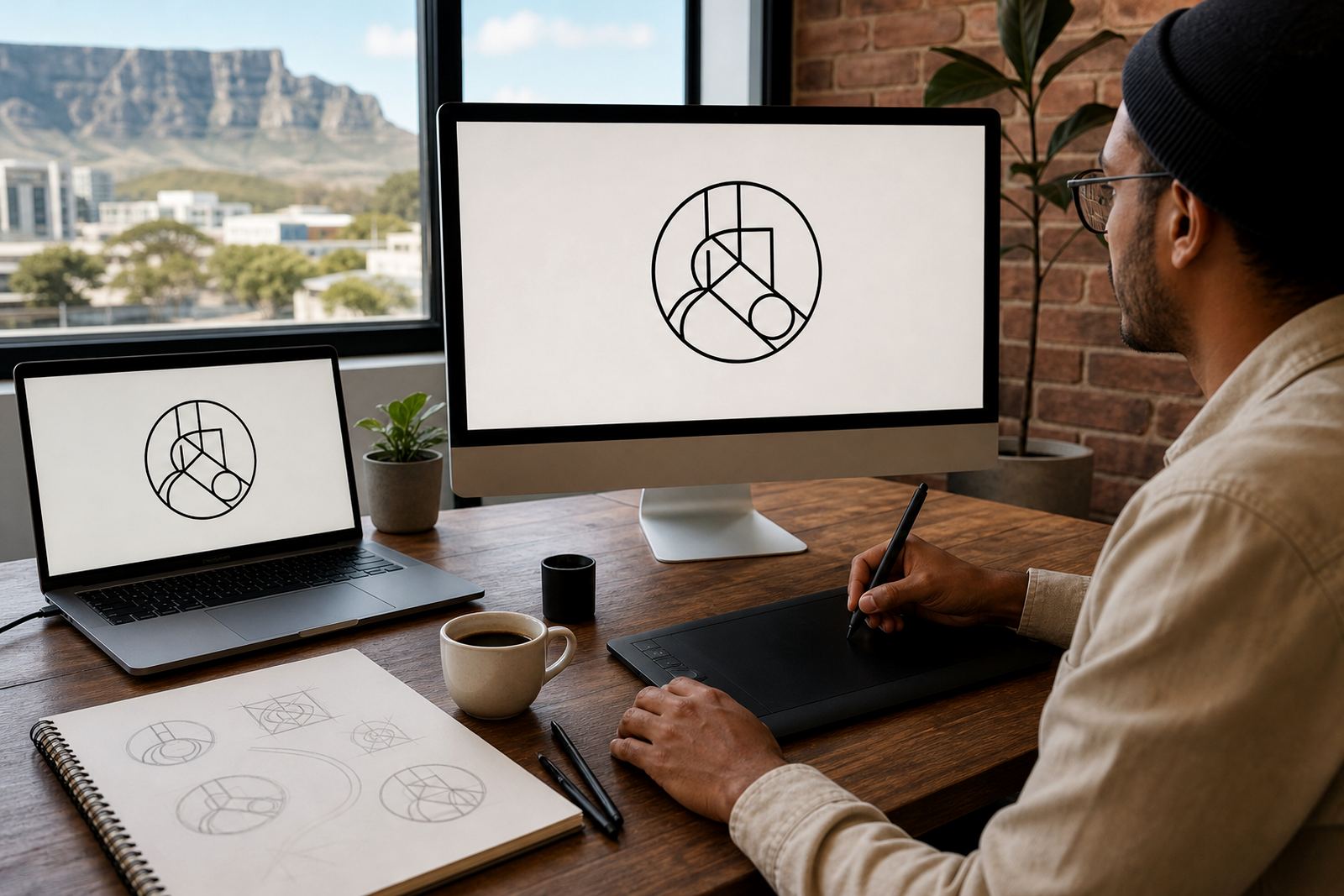
An SVG file is a scalable vector format built for digital use. Instead of pixels, it uses paths and points, so your logo can scale up or down without going soft. That makes it useful for websites, app icons, social media graphics and presentation slides where a clear edge matters.
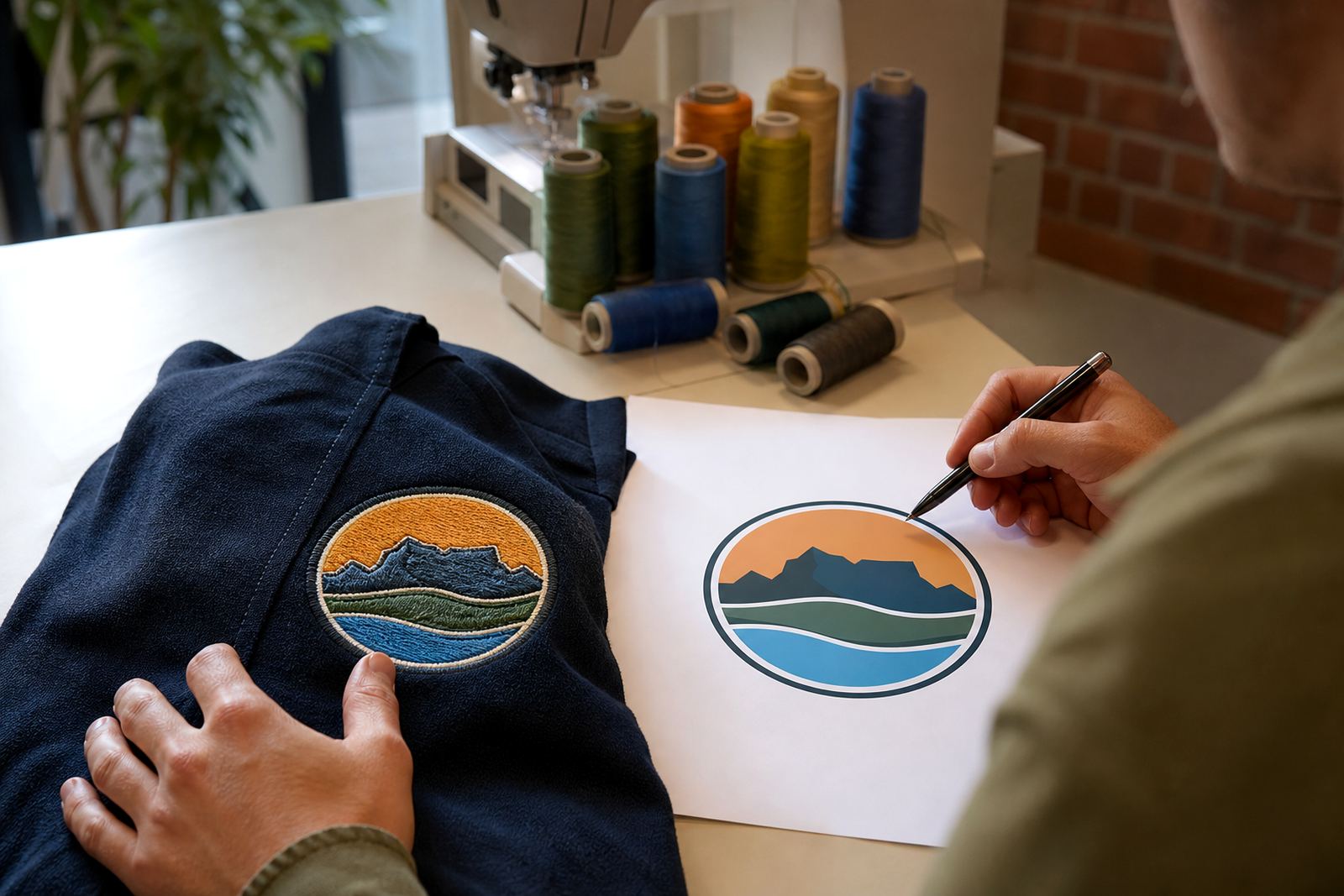
We prepare the artwork so it opens properly in common design and web workflows, with colours kept consistent and shapes cleaned up where needed. If the source file is a low-resolution bitmap or a rough scan, we can trace it as vector or redraw it by hand depending on what the artwork needs. Hand redraws are often better when the original is distorted, faded or built from uneven lines.
When SVG is the right choice
SVG works well when you want a file that is light, sharp and easy to reuse across digital platforms. It is not the best format for every printing task, but for screens it is one of the most practical options. Businesses in Cape Town, Johannesburg, Durban, Pretoria and Bloemfontein often use SVG for brand assets that need to stay clear on different devices.
- Website logos and header marks
- Favicon and app icon setups
- Message signature logos
- Social media profile artwork
- Simple animation or interactive web use
If your logo includes fine text, small line work or detailed symbols, SVG can help keep the artwork readable. It also makes it easier to produce related files later, such as PDF, EPS or AI versions for print and prepress work.
Bitmap tracing or hand redraw
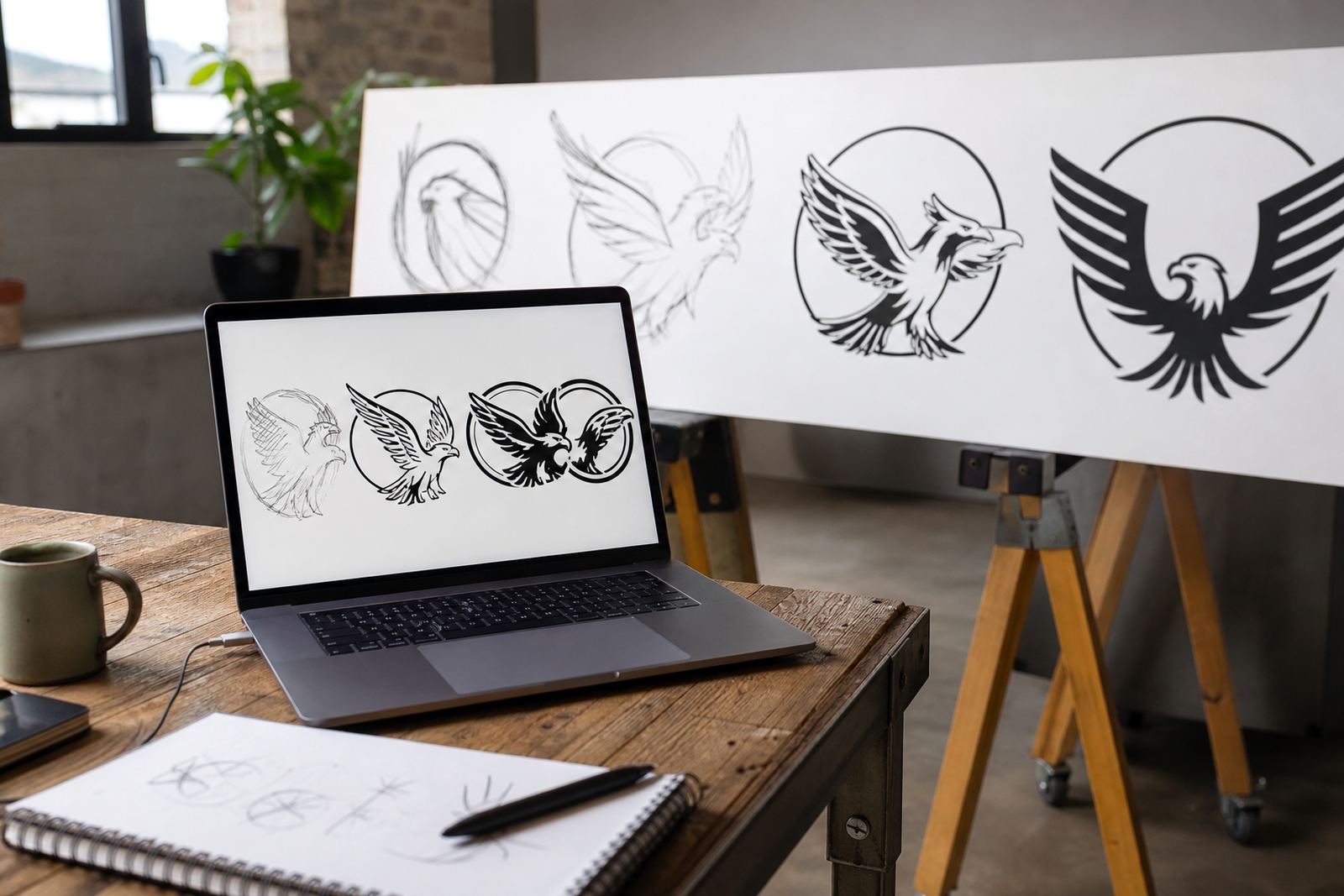
There are two common ways to convert a logo into vector form. Bitmap tracing follows the shapes in a raster image and rebuilds them as paths. It can work well when the original artwork is clean and balanced. Hand redraws are better when the logo needs careful correction, especially if the scan is crooked, blurred or built from mixed line weights.
For more complex logos and illustrations, a hand-drawn vector approach gives better control over curves, spacing and detail. That matters for mascots, badges, icons, packaging art and line illustrations where a traced result can look too mechanical. We match the method to the file, not the other way around, and that usually gives a better final result.
- Tracing suits simple shapes and clear scans
- Hand redraw suits damaged, old or awkward artwork
- Illustration work often needs both cleanup and redraw judgement
- Final files can be supplied in SVG, EPS, PDF and AI formats
File formats and working sizes
SVG is the main output for digital use, but many businesses ask for a small file set so the logo can move between web, print and internal documents. We can supply the same artwork in SVG, EPS, PDF and AI, depending on how it will be used. That way your team is not stuck if a printer or designer asks for a different format later.
There is no single standard size for SVG because it scales, but the file should still be set up with practical viewBox values and tidy layers. For web use, we keep the structure clean and the paths unnecessary points removed where possible. If the artwork includes multiple colour versions, outline text or grouped elements, those are checked before export so the file behaves properly in editing software.
- SVG for websites and digital platforms
- EPS and PDF for print handover
- AI for advanced editing workflows
- Single colour, full colour or reversed versions where needed
What to send before we start
Please only send artwork that you own or have the right to use. That includes original logos, approved brand marks, sketches, scans, existing artwork files or reference images from your own business. If the file is low quality, that is usually fine, but the clearer the reference the easier it is to keep the redraw accurate.
It helps to include any colours you already use, the font style if it is known, and where the file will be used most often. If you need a logo for a municipal tender pack, a local shop front, or a digital campaign across South Africa, say so upfront. That helps us set the file up for the right output and avoid rework later.
- Original artwork or a clear copy you have rights to use
- Brand colours, if known
- Notes on how and where the logo will be used
- Any print or digital requirements from your designer, printer or platform
Care, revisions and handover
Once the SVG file is delivered, keep a clean master copy and do not save over it repeatedly in different software versions. Some apps can change path data or flatten features in ways that make the file harder to edit later. If you need colour changes, layout changes or extra versions for stickers, menus, social graphics or packaging, it is better to ask for the edited source than to keep tweaking a copied file.
We also check the artwork for common issues before handover, such as stray nodes, open paths, broken curves or text that has not been converted correctly. That matters when the file is opened in different programs, or when a printer needs a PDF version with reliable output.
Key facts
| Primary format | SVG vector file |
|---|---|
| Additional formats | EPS, PDF, AI |
| Artwork method | Bitmap tracing or hand redraw |
| Typical use | Websites, apps, message signatures, social graphics |
| Artwork requirement | Customer must own or have rights to the source artwork |
| Service area | Observatory, Cape Town and clients across South Africa |