What an icon redraw gives you
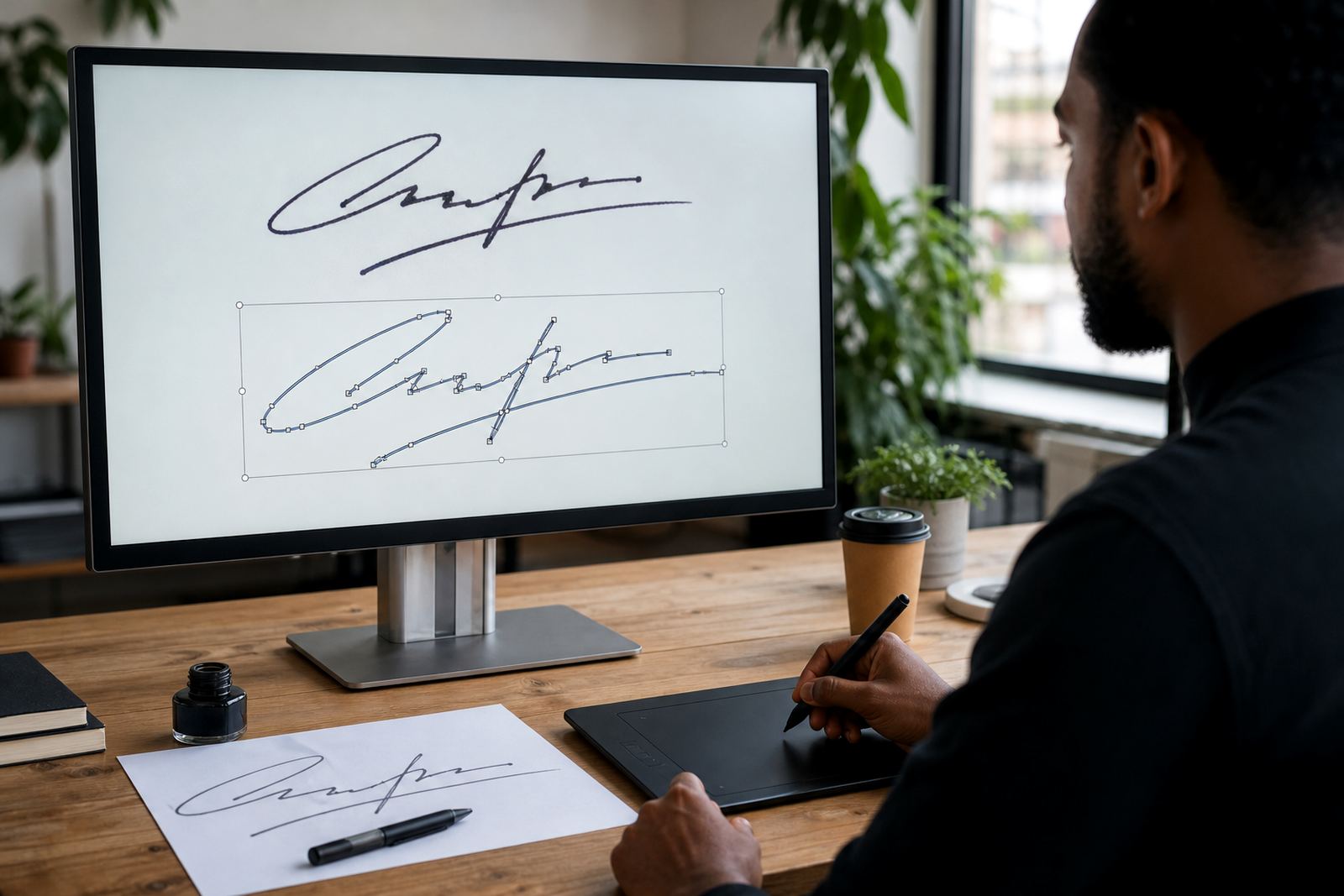
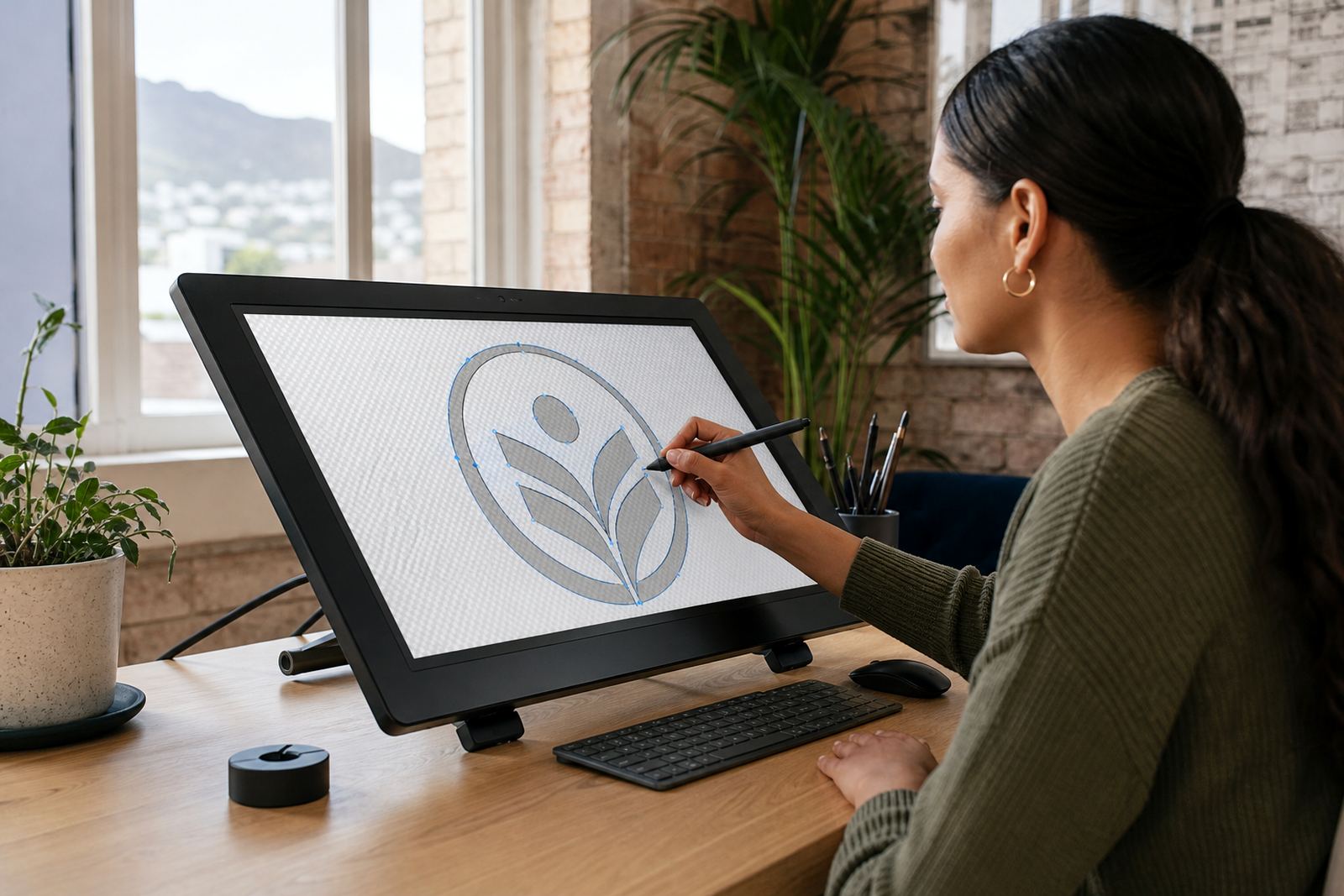
An icon redraw turns a small bitmap, sketch or low resolution logo mark into a proper vector artwork file. That means the image can be scaled up for a billboard mock-up, pulled down for a website favicon, or used in a brochure without jagged edges or soft corners. For businesses in Cape Town, Johannesburg, Durban, Pretoria and Bloemfontein, this is often the quickest way to get a clean mark that prints well and stays sharp on screen.
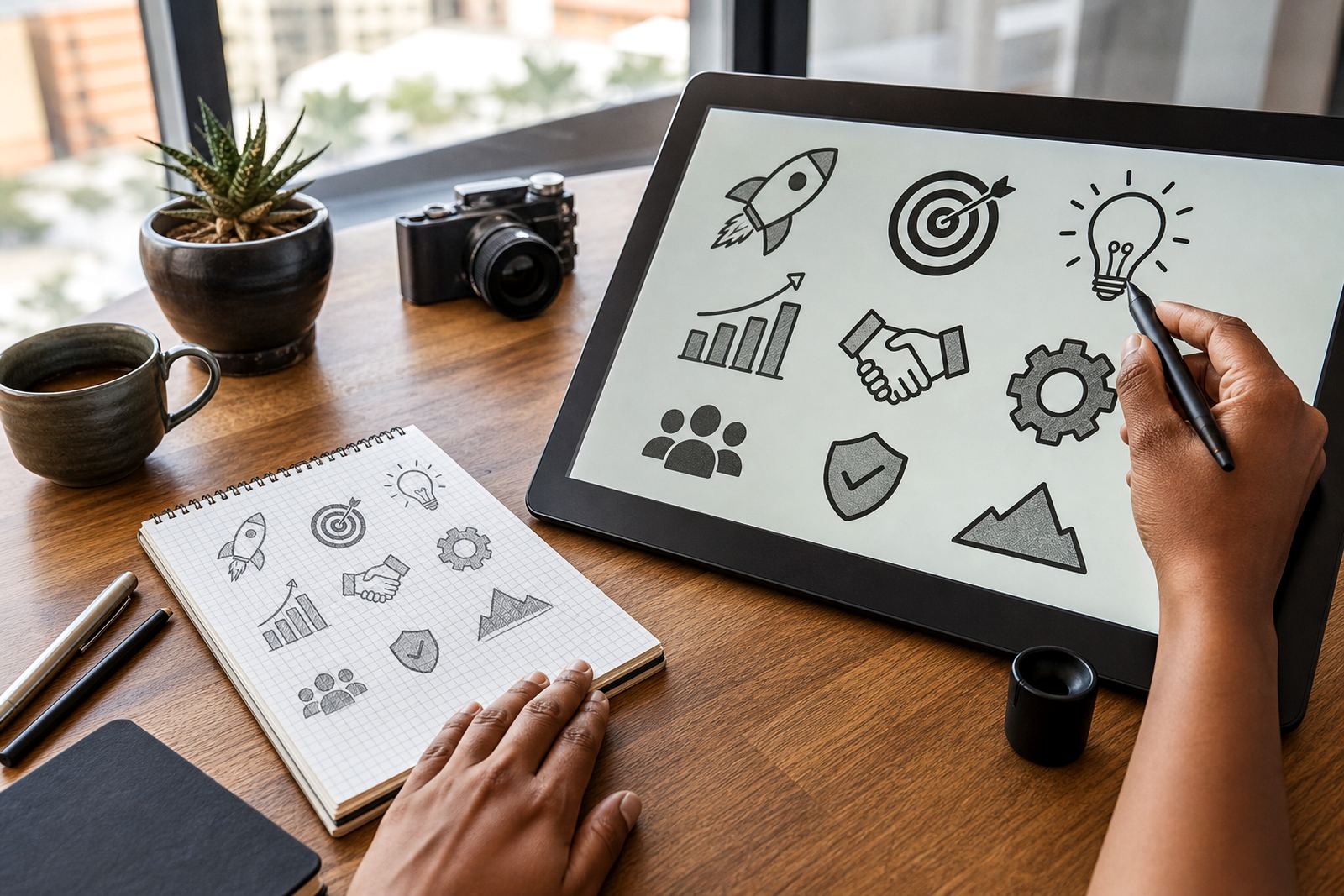
We work with small brand icons, simple symbols, app marks and badge style elements. If the original is pixelated, clipped, faded or taken from a poor scan, we rebuild it so the shapes are neat and consistent. The aim is not to overcomplicate the artwork. It is to make the icon clear, balanced and ready for proper use across your brand material.
- Scales cleanly for tiny and large applications
- Reduces blur, stair steps and uneven edges
- Works for web, print, packaging and signage files
- Can be supplied with transparent backgrounds where needed
Bitmap tracing or hand redraw, what fits best
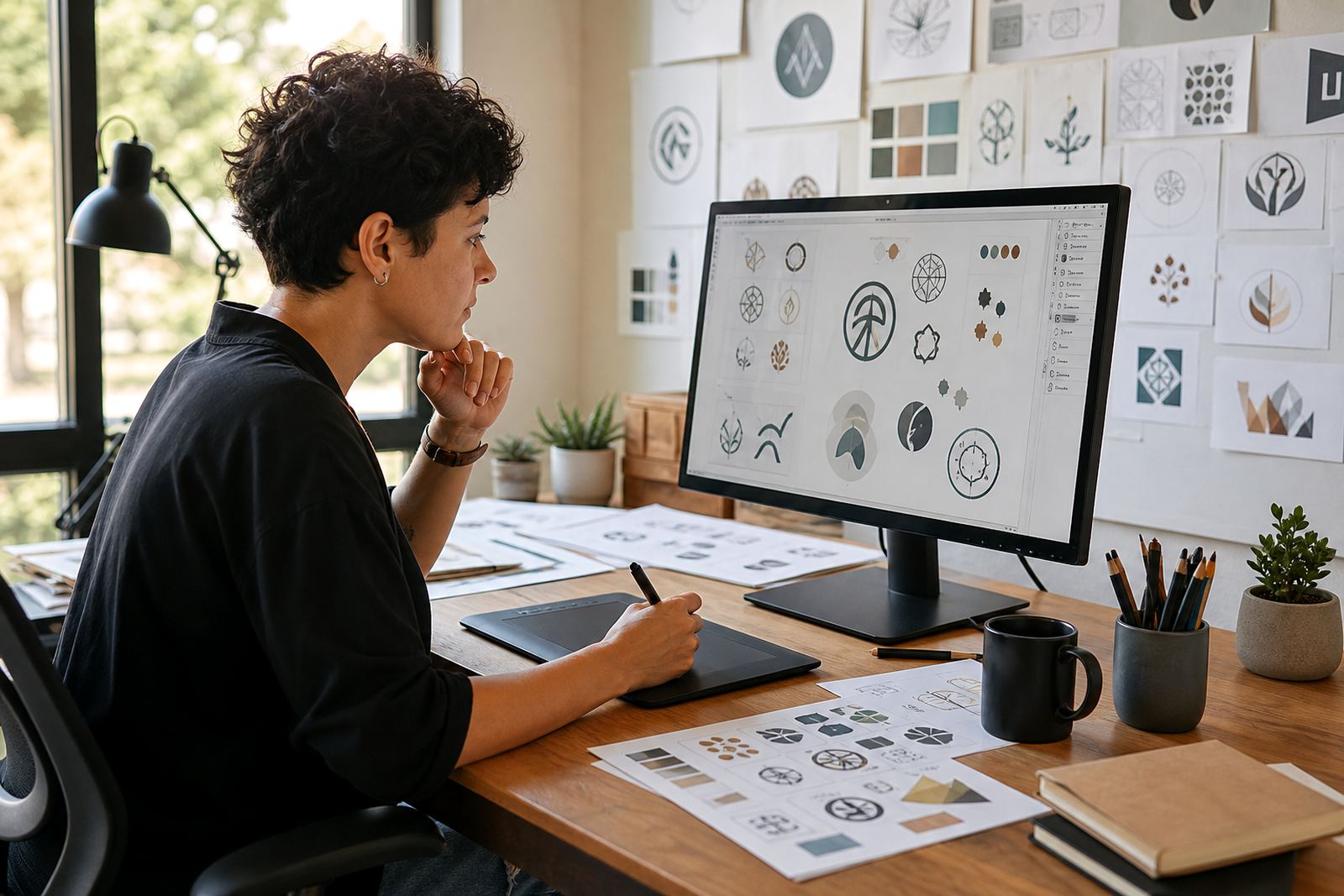
Not every icon needs the same approach. Bitmap tracing can work when the source is clean and the shapes are simple, such as a flat symbol with solid fills. A hand redraw is better when the artwork has awkward curves, uneven line weight, low contrast, tiny details or a scan that has picked up noise. In practice, hand redrawing usually gives the neatest result because each curve is rebuilt with care instead of being copied in a rough way.
We assess the file first and decide whether a trace, a redraw, or a mix of both will give the cleanest outcome. For some jobs, one pass is enough. For others, we refine the icon so the curves sit properly and the spacing feels right. It matters when the icon is used at small size on packaging, an app screen or a label where every millimetre counts.
- Best for poor scans, screenshots and low resolution artwork
- Suitable for simple icons, symbols and brand marks
- Hand redraw gives tighter control over curves and corners
- Can preserve the original style while improving clarity
File formats and how they are supplied
Vector icon redraws are usually supplied in SVG, EPS, PDF and AI formats. SVG is useful for websites and digital product interfaces because it stays light and sharp. EPS and PDF are often preferred for print, signage and supplier handovers. AI is useful when a design team or printer needs editable working files. If you need a black version, a white version or a reversed version for dark backgrounds, we can prepare those as separate files too.
We also keep the artwork organised so it is easier to use later. That includes setting the size proportions correctly, cleaning stray points and making sure the paths are tidy. If your team works with a printer in Stellenbosch, Paarl or Port Elizabeth, a neat vector file saves time at handover and avoids the back and forth that happens when a bitmap is sent by mistake.
- SVG for websites, apps and responsive use
- EPS for commercial printing and supplier workflows
- PDF for easy review and general print use
- AI for editable production files
Where icon redraws suit your business
Icon redraws suit businesses that need a clean symbol across more than one format. That can be a startup building a website, a retail brand updating packaging, a manufacturer needing a tiny logo on labels, or a company that wants a simple mark for social graphics. They are also useful for menu icons, app interface elements, badges, map markers, custom stamps and sticker artwork.
Because we serve businesses across South Africa, we often handle icons that must work in different settings. A mark used on a website header may also need to print on invoice books, banners, uniforms or product inserts. If the artwork must stay legible in monochrome, at 12 mm wide, or against a busy background, we make sure the redraw holds up. That planning saves hassle later when the file gets passed to printers, developers or signage suppliers.
- Web and app icons
- Packaging and label marks
- Social media graphics
- Badges, stickers and small brand devices
What to send before we redraw an icon
The best starting point is the clearest version you have, even if it is not perfect. A PNG, JPG, PDF, scan or screenshot can all work, but the sharper the source, the easier it is to match the original shapes. If you have the original artwork file, send that too. Please only send artwork that your business owns or has permission to use. That keeps the process straightforward and avoids rights problems later.
It helps to mention the exact use, the size you expect, and whether the icon needs to sit on light or dark backgrounds. Tell us if the final file must be simple enough for embroidery, engraving, laser cutting or tiny app use. If there are any parts that must not change, say so upfront. One small note now is easier than fixing it after the artwork has already been approved.
- Best source file available, even if low resolution
- Notes on size, background colour and use
- Any style rules, line weights or colour limits
- Proof that you own or may use the artwork
Checking the redraw, use, care and servicing
Before ordering, check whether the icon needs to be supplied as one colour, full colour or a few named colours. Confirm the exact shape, the line thickness and whether the icon must match existing brand artwork. The file itself just needs a computer and the right software to open it.
Care is simple once the files are delivered. Keep the master files in a safe folder, label the versions clearly, and avoid resaving a vector as a low quality image unless you really need a preview. If the icon changes later, we can update the artwork and keep the style consistent. That helps when a brand grows and needs the same symbol across packaging, menus, screens and print. A tidy file today saves a mess later.
- Confirm colour mode and background needs
- Check final width, height and line weight
- No fitting or servicing required for digital files
- Store the master vector files safely for future use
Key facts
| Service type | Icon redraw and vector rebuild |
|---|---|
| Artwork styles | Flat symbols, small brand icons, badges and simple marks |
| Source files accepted | PNG, JPG, PDF, scan, screenshot or original artwork file |
| Output formats | SVG, EPS, PDF and AI |
| Best use | Web, app, print, packaging, labels and social graphics |
| Coverage | Observatory, Cape Town and clients across South Africa |