Why a Social Logo Redraw Matters on Small Screens
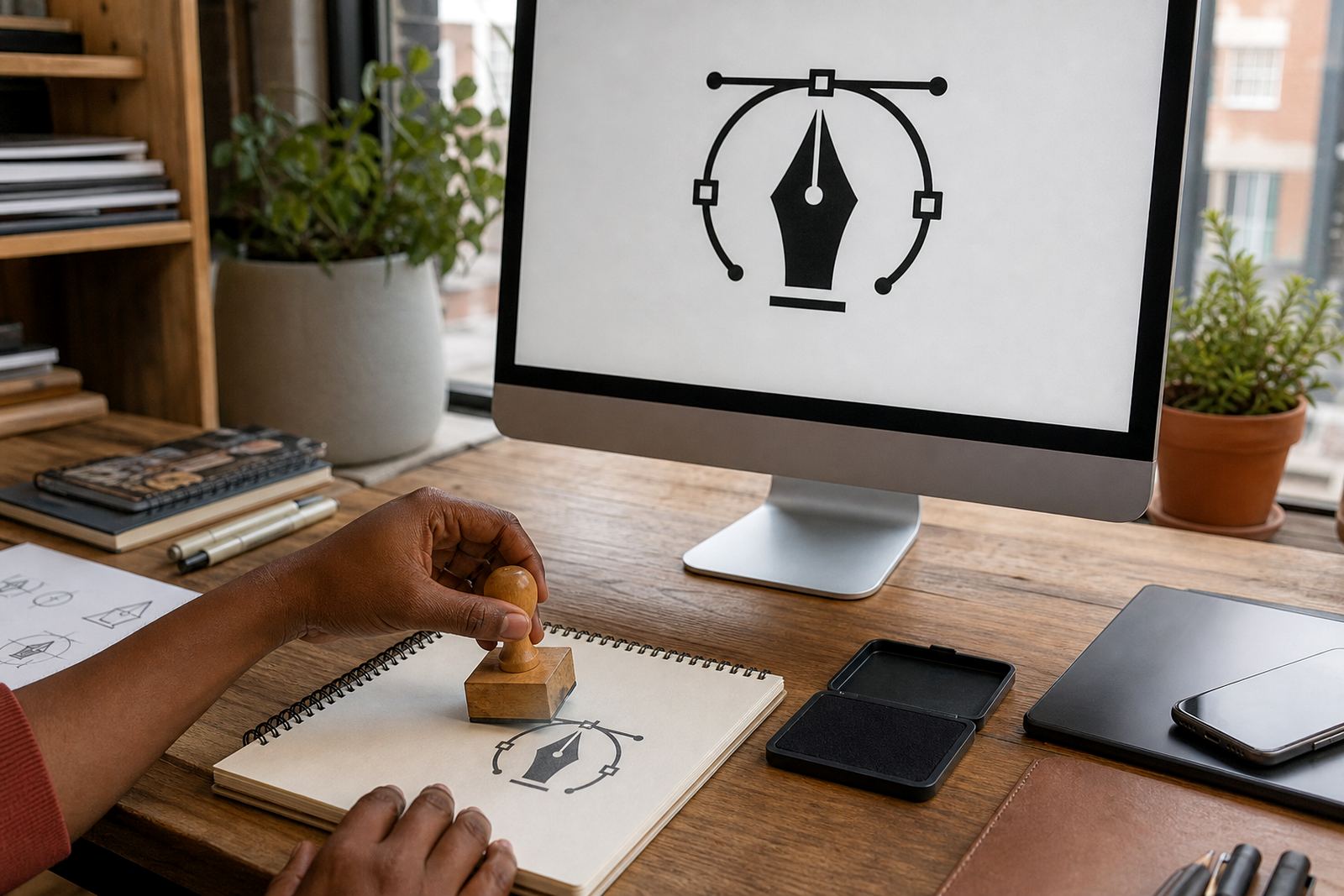
Social platforms compress artwork hard, so a logo that looks fine on paper can become blurry, pixelated or too busy when it is reduced to a tiny circle or square. A social logo redraw rebuilds the mark as vector artwork so the edges stay sharp and the shapes stay clean at any size. That is useful when your logo must sit inside a profile image, a cover header, a post template or a highlight icon. It also helps when you need one version for a dark background and another for a light one, because the artwork can be separated into neat layers and simplified where needed.
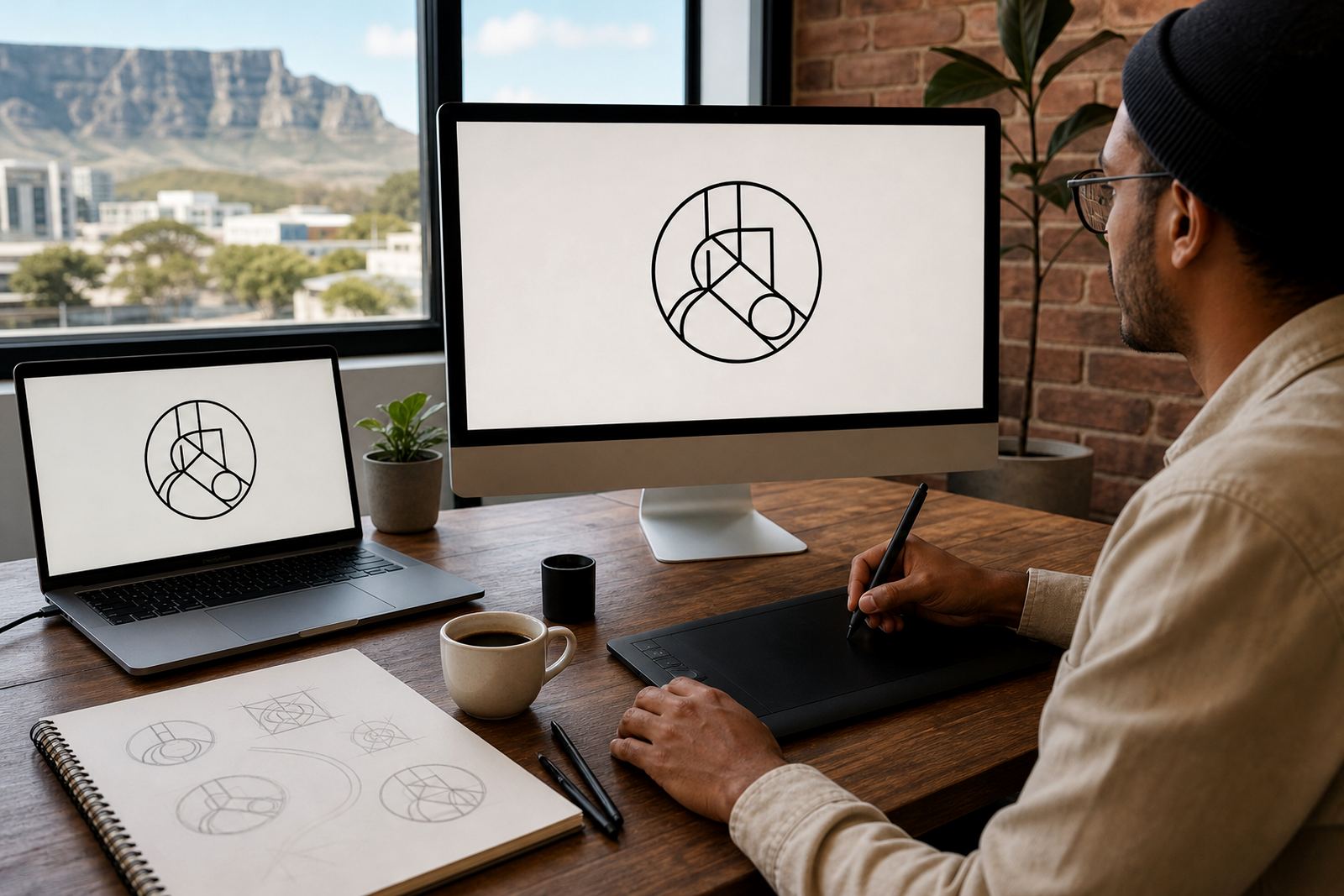
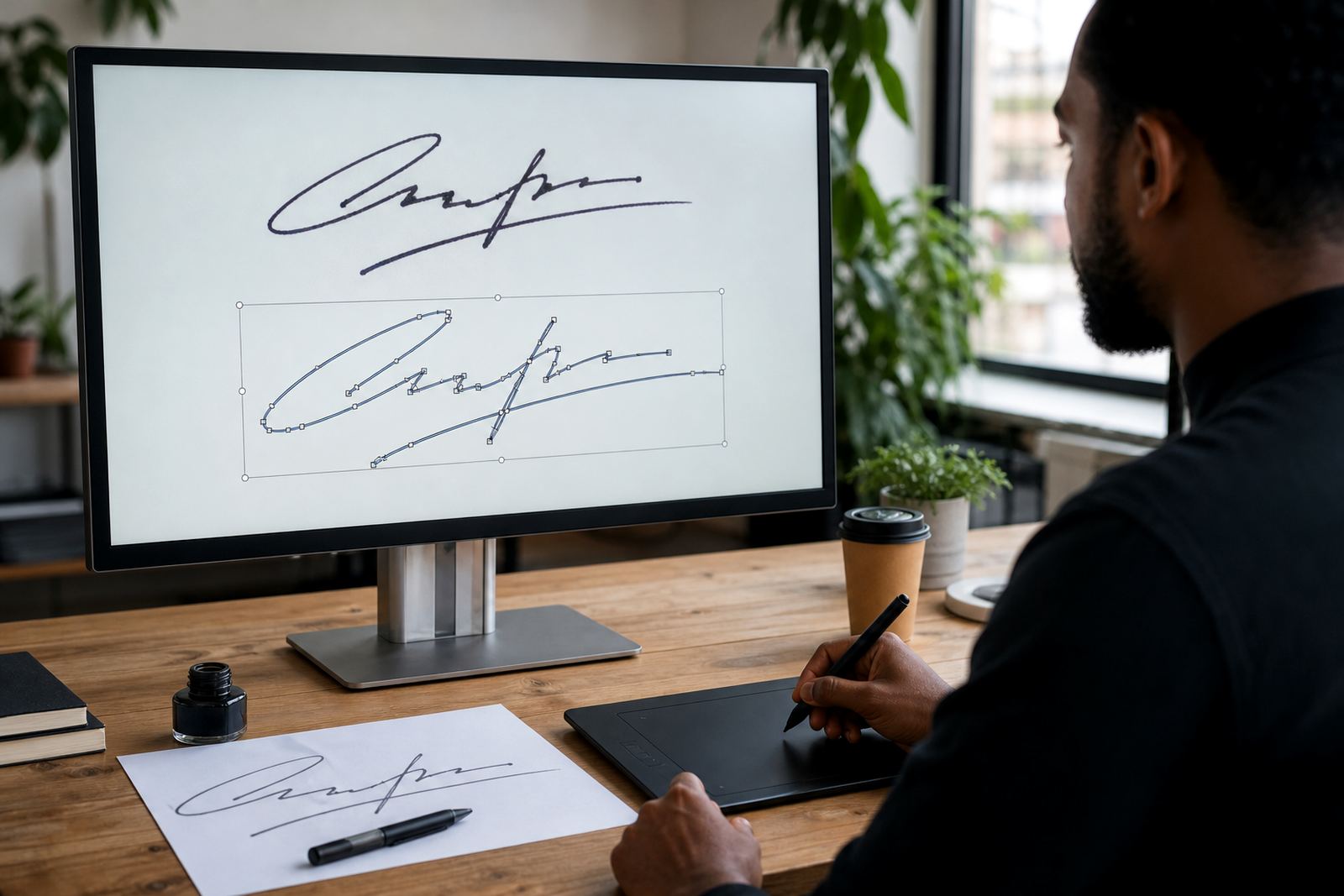
We work from artwork you own or are allowed to use. If the source is a low-resolution bitmap, faded scan or compressed image, we can either trace it into vector format or redraw it by hand where the details need more care. Bitmap tracing is quicker for simple shapes, but a hand redraw gives better control over corners, line weight and spacing. That matters when a logo has thin lines, small text or awkward joins that would look rough if traced mechanically.
- Best for profile images, cover images, story graphics and digital brand packs
- Suitable for simple marks, monograms, emblems and detailed logos with fine lines
- Useful when the original file is only available as JPG, PNG or a screenshot
What You Receive in a Social Asset Pack
The finished artwork is supplied in vector formats that suit editing, sharing and production across different channels. Common delivery formats include SVG for web use, EPS for print workflows, PDF for general sharing and AI for layered working files. If you need a flat export for immediate use, we can also prepare PNG files at the sizes agreed for your social channels. The point is to give you a file set that stays usable whether your marketing team is posting from a phone in Cape Town or sending artwork to a printer in Johannesburg.
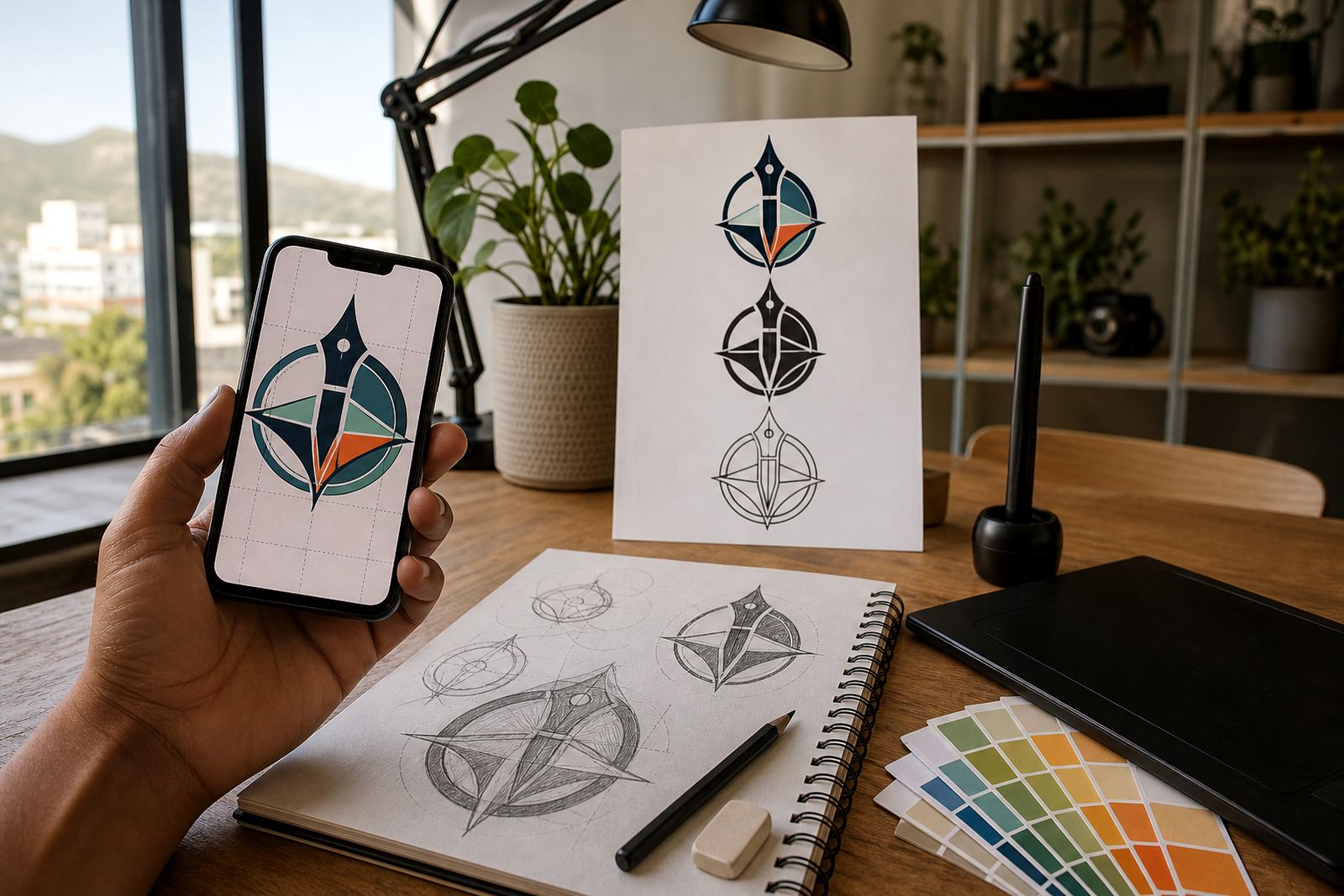
Social redrawing is not only about the logo itself. We can set the artwork up so it sits correctly inside a square crop, a horizontal header or a tall story format. Where needed, we can create alternate layouts, remove tiny detail that disappears on screen and adjust spacing so the mark does not feel cramped. If the logo needs to be used over imagery, a dark panel or a plain white field, we can prepare versions that hold up in each setting.
- SVG for responsive digital use and web-ready scaling
- EPS and AI for layered artwork and production handover
- PDF for easy review and approved sharing
- PNG exports can be prepared in agreed pixel sizes
When a Trace Is Enough and When to Redraw
Some logos can be traced neatly from a clean source file and still keep their character. Others need a proper hand redraw because the source is soft, warped, cut off or built from messy pixels. If a logo has a simple icon and bold type, vector tracing may be enough. If it has hand lettering, uneven curves, old scan damage or complex ornament, a redraw gives a better result. We look at the artwork first and choose the method that gives the cleanest finish, not the fastest shortcut.
For social use, the most important test is legibility at a small size. A logo that reads well at 300 mm on a sign may fail at 120 pixels. We often simplify tiny details, tighten spacing and balance the mark so it survives Instagram, Facebook, LinkedIn and other platforms without looking crowded. In some cases, a simplified social version works alongside the full brand logo, especially where the original mark has a wide shape that becomes too narrow in a circular crop.
- Choose tracing for clean, simple source artwork
- Choose hand redraw for damaged, low-res or hand-drawn originals
- Use a simplified social version where tiny detail would disappear
Sizes, Crops and Layout Options for Social Media
Social platforms change their crop rules often, so the file should be prepared with practical use in mind. We typically set up the logo for square avatar use, wide header use and post-ready digital artwork. For profile images, the logo must sit comfortably inside a circle or square with enough breathing room around it. For headers, the horizontal composition needs clear left and right margins so nothing gets clipped by a mobile view. We can prepare one master logo and several layout versions if your brand needs flexibility across different pages and campaigns.
Typical digital preparation includes square exports, transparent background versions and versions with a solid background colour where needed. If you already have brand colours, we keep them consistent and can test how the logo reads on light, dark and photographic backgrounds. For teams running adverts or social packs across multiple branches, it helps to have one approved file set that everyone can use without guessing. That saves time and keeps the branding steady from one post to the next.
- Square avatar crop for profile images and icon use
- Horizontal header crop for cover images and banner spaces
- Transparent and solid background options
- Light and dark background versions available where needed
How the Artwork Is Supplied and Used
The final files are supplied digitally, ready for your marketing team, designer or printer to use. There is no physical fitting or site work required. If someone is applying the logo to packaging, signage or printed stationery, the output can be sent onward from the approved files. For social use specifically, the work is usually placed straight into your platform assets, content templates or brand folders. That means the practical step is not fitting, but proper file handling and correct export sizes.
We recommend keeping the master vector file safe and using exports for day-to-day posting. That way the original does not get overwritten or compressed by mistake. If a social media manager needs a PNG today and a printer needs an EPS tomorrow, the same approved artwork can cover both. It is also worth checking whether your team needs transparent backgrounds, editable text, or a locked final version for consistent posting.
- No physical setup or plumbing is required
- Master files are best kept separate from day-to-day exports
- Use PNG for posting and vector files for editing or production
What to Check Before You Enquire
Before sending artwork, make sure you have the right to use it. We only work on logos and illustrations you own or have permission to redraw. It also helps to send the best source file you have, even if it is not perfect. A scan, old PDF, screenshot or low-res image can still be useful as a starting point. If there are special rules for the logo, such as colour limits, clear-space rules or a required background, include that upfront. The more accurate the brief, the cleaner the result.
Tell us where the logo will live. A mark intended for a circular profile image may need different spacing from one used across a LinkedIn banner or a tiled social template. If you need matching illustration work too, we can handle custom brand icons, mascot illustration, pattern illustration, infographic illustration and other support artwork for campaigns. That gives you a more consistent look across your digital channels, without having to patch things together from mismatched files.
- Confirm ownership or permission to use the source artwork
- Send the clearest source file available, even if it is rough
- State the platforms and crop shapes you need
- List any colour or background rules your brand follows
Key facts
| Service type | Social logo redraw for digital and social media use |
|---|---|
| Source files accepted | JPG, PNG, PDF, scans and other existing artwork |
| Output formats | SVG, EPS, PDF, AI and PNG on request |
| Common uses | Profile images, headers, posts, story graphics and avatars |
| Artwork method | Bitmap tracing or hand redraw, depending on source quality |
| Use rights | Customer must own or have permission to use the source artwork |