Why auto trace often looks fine on screen, then fails in print
Automatic tracing converts a bitmap image, such as a JPG or PNG, into vector paths by guessing where the edges are. That can work for a simple icon with bold shapes and strong contrast, but it gets messy very quickly when the artwork has small type, thin strokes, gradients or uneven scan quality. On a phone screen it may look acceptable, yet once it is enlarged for signage, packaging or a supplier proof, the flaws show up.
We see this often with logos that were saved from social media or lifted from a low resolution image. The trace may create too many points, rough curves, broken counters and odd corners. It can also flatten subtle shapes into heavy blocks, which changes the look of the mark. If the original file is already soft or pixelated, tracing only copies those problems into vector form.
For businesses in Cape Town, Johannesburg or Durban that need artwork for vehicle graphics, labels or embroidery, a traced file can cause avoidable revisions. A clean vector file should scale without becoming jagged, and it should still read clearly when reduced for a small stamp or invoice header.
Bitmap tracing versus a hand redraw: the practical difference
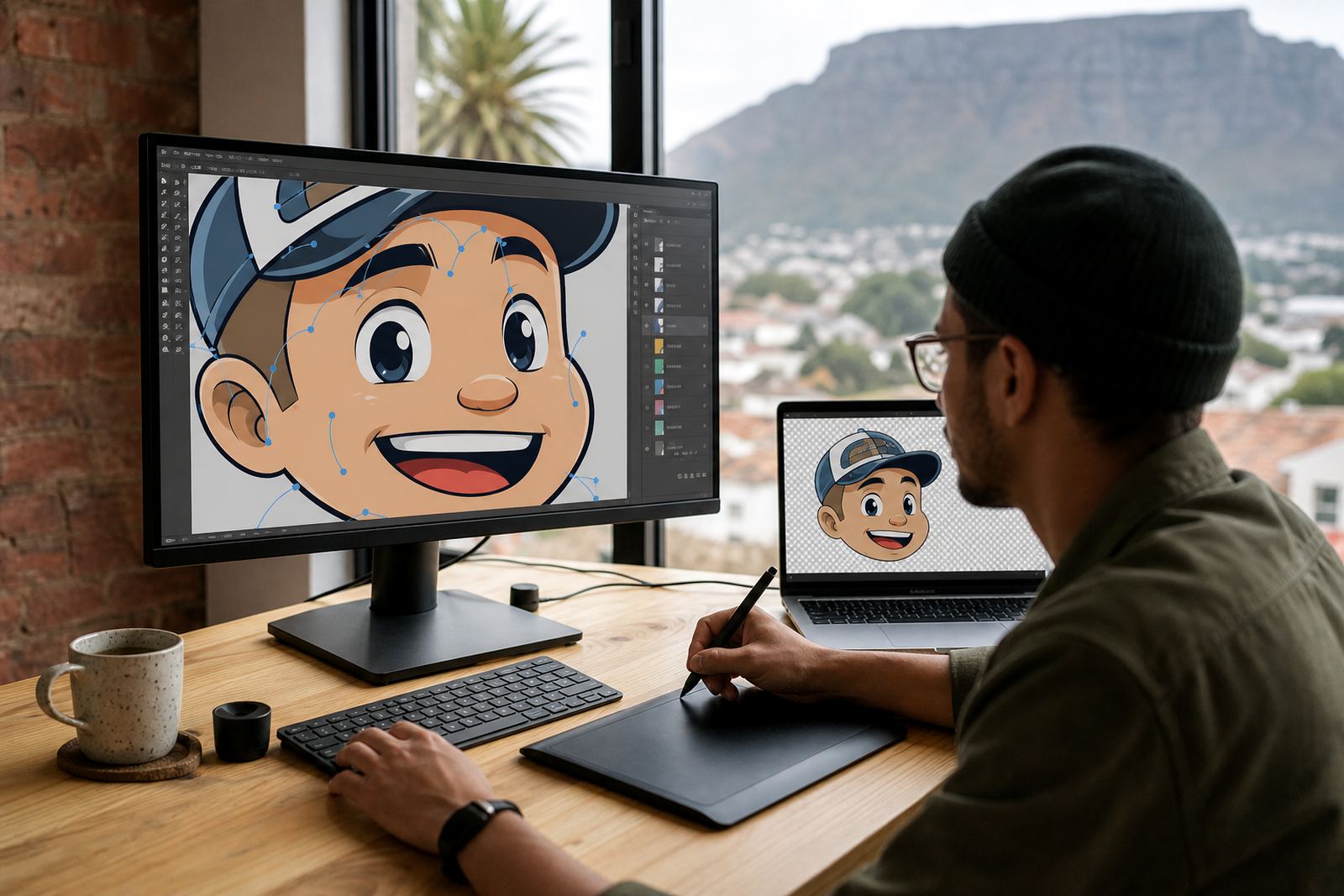
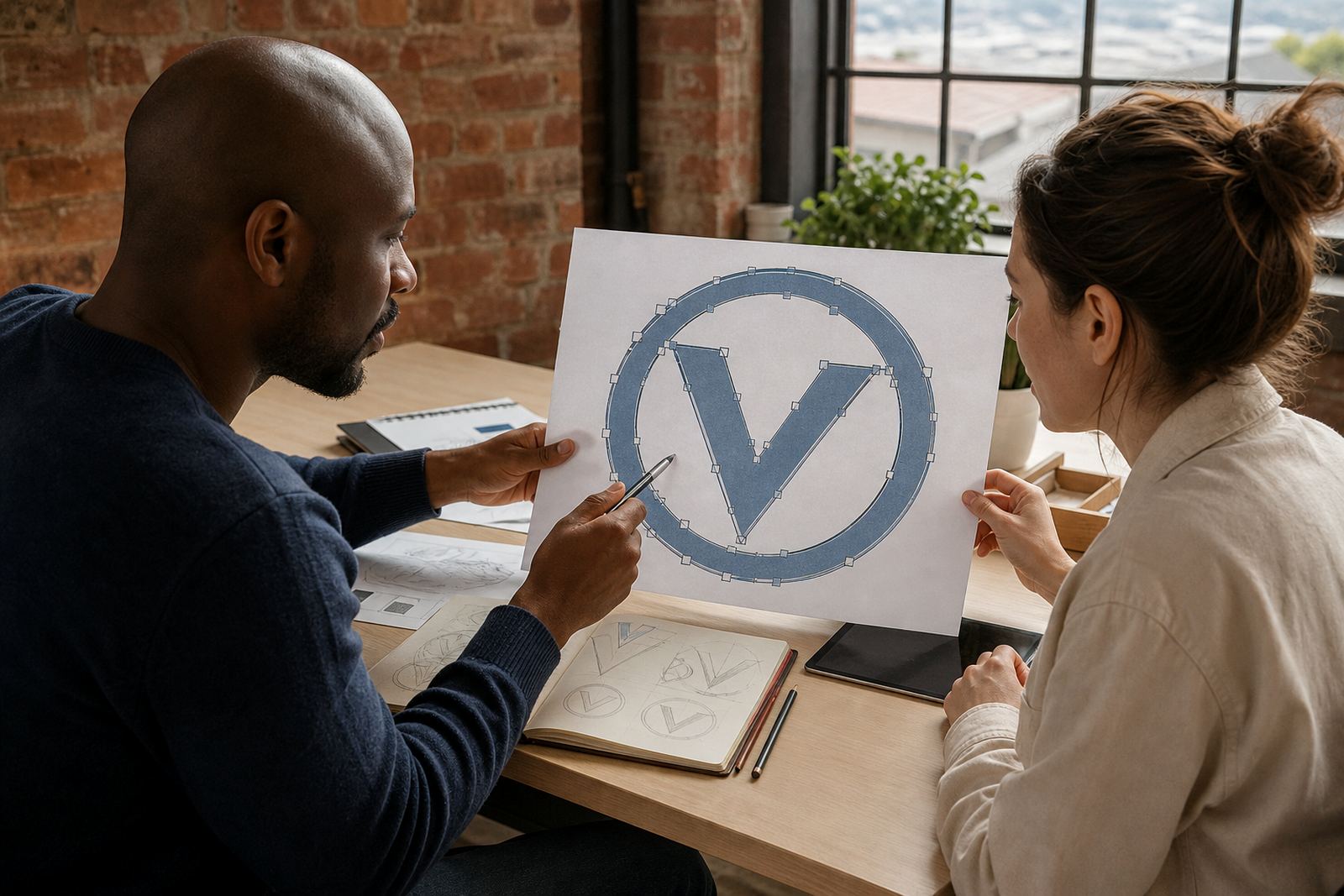
Bitmap tracing is a mechanical conversion. A hand redraw is a careful rebuild of the artwork using proper vector paths, correct spacing and cleaner curves. That difference matters when the logo has lettering, fine linework, or a custom symbol that needs to feel balanced. A hand redraw is slower, but it gives far more control over the final shape and the file is easier for printers and sign makers to use.
Manual work is also the better option when the source image is low quality, a photocopy, a watermarked sample, or an old file pulled from a scanned letterhead. The artist can match the visible design, but improve the geometry at the same time. That means the artwork is not just traced, it is rebuilt properly for current use.
In our Observatory studio, a good redraw normally starts with checking what the client actually owns or has rights to use. That matters before any work begins. If the artwork belongs to someone else, it should not be reused or modified without permission. For a business that is refreshing its identity, the safest route is to work from approved source material or from a fresh brief with clear ownership.
- Use auto trace for rough internal mock-ups, not for final brand files.
- Choose a manual redraw when curves, lettering or spacing must stay accurate.
- Ask for SVG, EPS, PDF and AI outputs so the file can move between uses easily.
The most common problems we see in traced artwork
Automatic tracing usually struggles in the same few places. Thin strokes may disappear, black fills may bleed into each other, and small gaps may be closed by accident. A traced lion, leaf or monogram can pick up extra points that make the shape look stiff instead of smooth. In some cases the software even creates tiny stray paths that do not show on screen but cause trouble later in prepress.
Text is another weak point. If the letters are part of the logo, tracing can distort them so they no longer match the original. This is especially common with older files where the letters are slightly blurred. The trace may turn a neat wordmark into something clumsy and uneven, and that can be a real nuisance when the same mark needs to appear on a sign board, invoice, brochure and social graphic.
- Jagged curves on circular marks and badges.
- Lost detail in fine illustration work or pattern artwork.
- Too many points, which makes the file hard to edit cleanly.
- Wrong spacing between letters, icons or parts of a mascot.
- Poor reproduction on small labels, stickers and menu graphics.
These issues are not always visible in the first proof. They tend to show up when the file is sent to a printer, embroiderer or sign shop that needs clean output and accurate separations.
When manual illustration is the better path
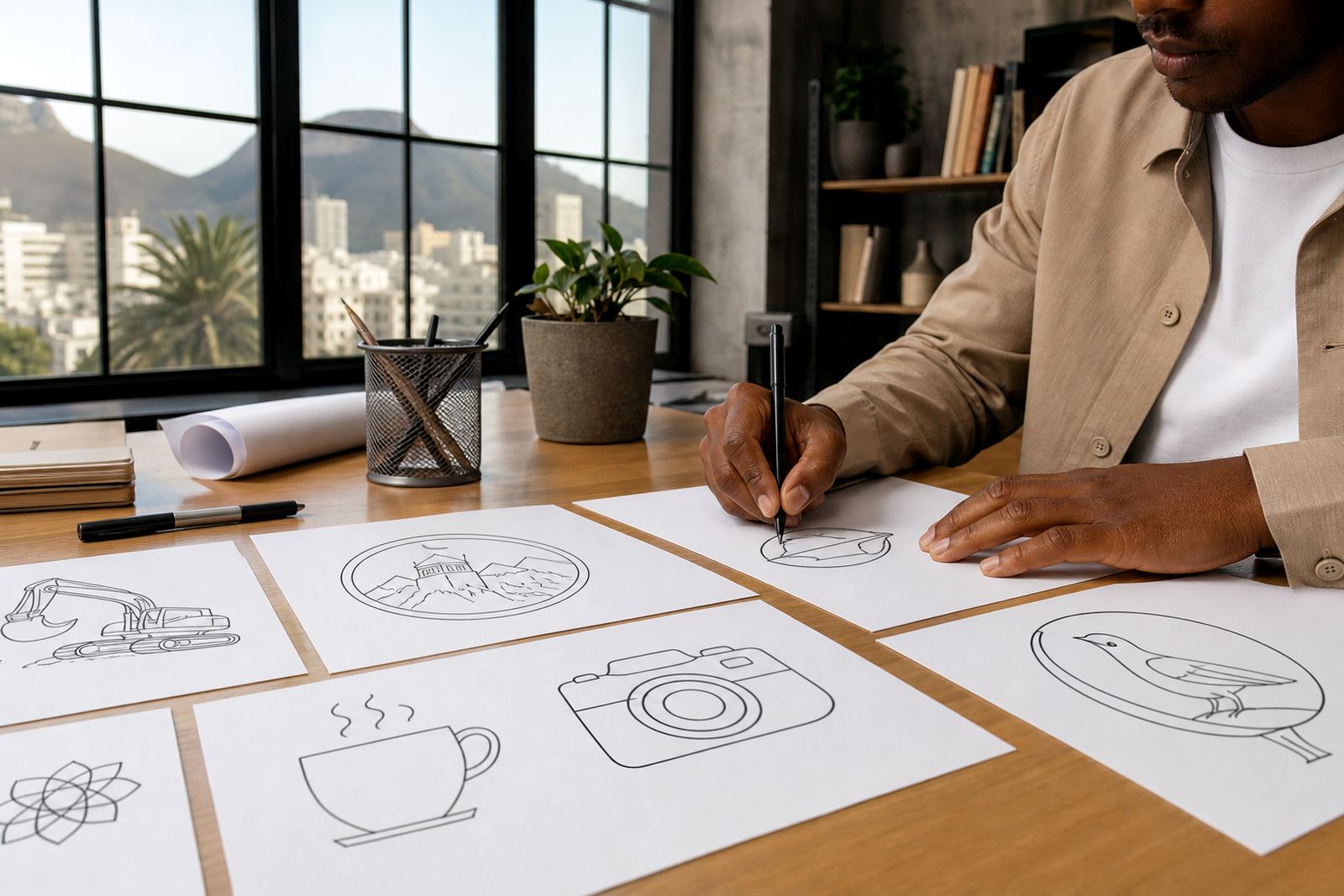
Manual illustration is the better choice when the artwork is more than a simple logo. A mascot, map, scene, badge or packaging illustration needs judgement, not just conversion. The artist has to balance detail with readability, keep the style consistent, and make sure the final vector file still works at different sizes. A traced image can make the art feel flat, while a hand drawn version keeps the character intact.
This is also true when the client wants several linked assets, such as a main logo, a social icon, a pattern and a line illustration. The style has to carry across all of them. A careful redraw gives room to set that visual system properly, rather than forcing one software trace to do everything at once. For businesses serving areas like Stellenbosch, Paarl and Port Elizabeth, that consistency is often what keeps printed material looking professional across branches.
Manual work is useful if the artwork must be adapted for municipal notices, retail packaging, delivery labels or outdoor signage where the file will be handled by different suppliers. Clean vector construction saves time later, especially when a file needs to be adjusted for vinyl cutting, large format printing or coastal humidity that can affect certain materials.
What files a supplier should hand over after the redraw
A proper redraw is not finished until the right vector formats are supplied. Different printers and designers ask for different files, so it helps to have a neat set ready from the start. In most cases, the core formats are SVG, EPS, PDF and AI. Each one has its own use, and the cleanest handover is the one that matches the client’s real production needs.
SVG is useful for digital use and responsive layouts. EPS remains common for print production and sign work. PDF is practical for proofs and sharing across different systems. AI is often used when the file needs to stay editable in a layered vector format. If the artwork also needs a flat preview, a high resolution PNG can help, but it should sit alongside the vector originals, not replace them.
- Keep the main logo in vector form for scaling and editing.
- Ask for outlined and editable versions where appropriate.
- Check that colours are supplied clearly for print and screen use.
- Store a copy with the correct rights and approval notes.
For South African businesses working with more than one supplier, this avoids confusion. A file that is clean in one programme should still open properly in another, without missing fonts or broken paths.
A local example: when the quick trace was not good enough
Consider a small bakery in Bloemfontein that needs a refreshed logo for boxes, stickers and a menu board. The owner sends a compressed image that has been shared many times on WhatsApp. A quick trace might produce a shape that looks close at first glance, but the fine lettering turns muddy and the flour detail disappears. On a business card it may seem passable, but on a shop front it would look rough and difficult to read.
In a case like that, a manual redraw gives the client a much better outcome. The main mark can be rebuilt with smoother curves, the lettering can be spaced properly, and the illustration details can be simplified without losing the feel of the original. If the bakery later needs icons for packaging, menu illustrations or pattern work, the same cleaner style can carry through. That makes the whole set more consistent and far easier to use.
Auto trace still has a place for quick reference work, but it should be treated as a starting point, not the final answer. When the artwork matters for print, signage or repeat use across branches, manual work is usually worth it. It saves time later and gives the business files that are ready for real production, not just a screen preview.
The best rule to follow before you send artwork for redraw
If the source image is simple, clean and owned by you, auto trace may be enough for a basic job. If the artwork is blurry, detailed, old, or tied to a brand that must be accurate, manual redraw is the safer choice. The cleaner the brief and the clearer the rights, the better the result. That is the simplest way to avoid rework and get proper vector files first time.
For clients across South Africa, from Cape Town and Pretoria to Durban and Johannesburg, the same rule applies. Send the clearest source you have, confirm that you have the right to use it, and be specific about where the artwork will be used. That gives the artist the information needed to choose between tracing, redraw or full illustration. In practice, that usually means less back and forth and a file that prints properly the first time round.