What a master logo pack should cover
A master logo pack is not just one file. It should give you the versions you need for regular work, from a small WhatsApp profile image to a signboard, a menu, or a printed invoice. For businesses in Cape Town, Johannesburg, Durban, Pretoria and Bloemfontein, this matters because each supplier asks for something slightly different and the wrong file can slow the job down.
A proper pack usually starts with the main logo, then includes simplified versions for tight spaces and special uses. If a file is only supplied in a flat image format, it can look fine on screen but break up when enlarged. That is why a vector master set is the practical choice for most South African businesses, especially when the logo must work across vehicles, uniforms, stickers and packaging.
- Main logo in full colour
- Single-colour version for stamping, engraving or one-colour print
- Reverse or white version for dark backgrounds
- Icon or mark-only version for profile images and favicons
- Horizontal and stacked layouts where needed
Vector files, bitmap files and why the difference matters
Many people send a bitmap file such as a JPG, PNG or low-resolution PDF and expect it to behave like a clean artwork file. Bitmap files are made of pixels, so they can blur or show jagged edges when scaled up. Vector files are built from paths, which means they stay sharp at almost any size.
For day-to-day use, the most useful master file formats are SVG, EPS, PDF and AI. SVG is handy for web and digital use, EPS is often asked for by printers and signage shops, PDF works well for sharing and proofing, and AI is useful for editing inside design software. A proper pack should include file versions that open cleanly for different suppliers, because a printer in Observatory may not work the same way as a signage company in Pretoria.
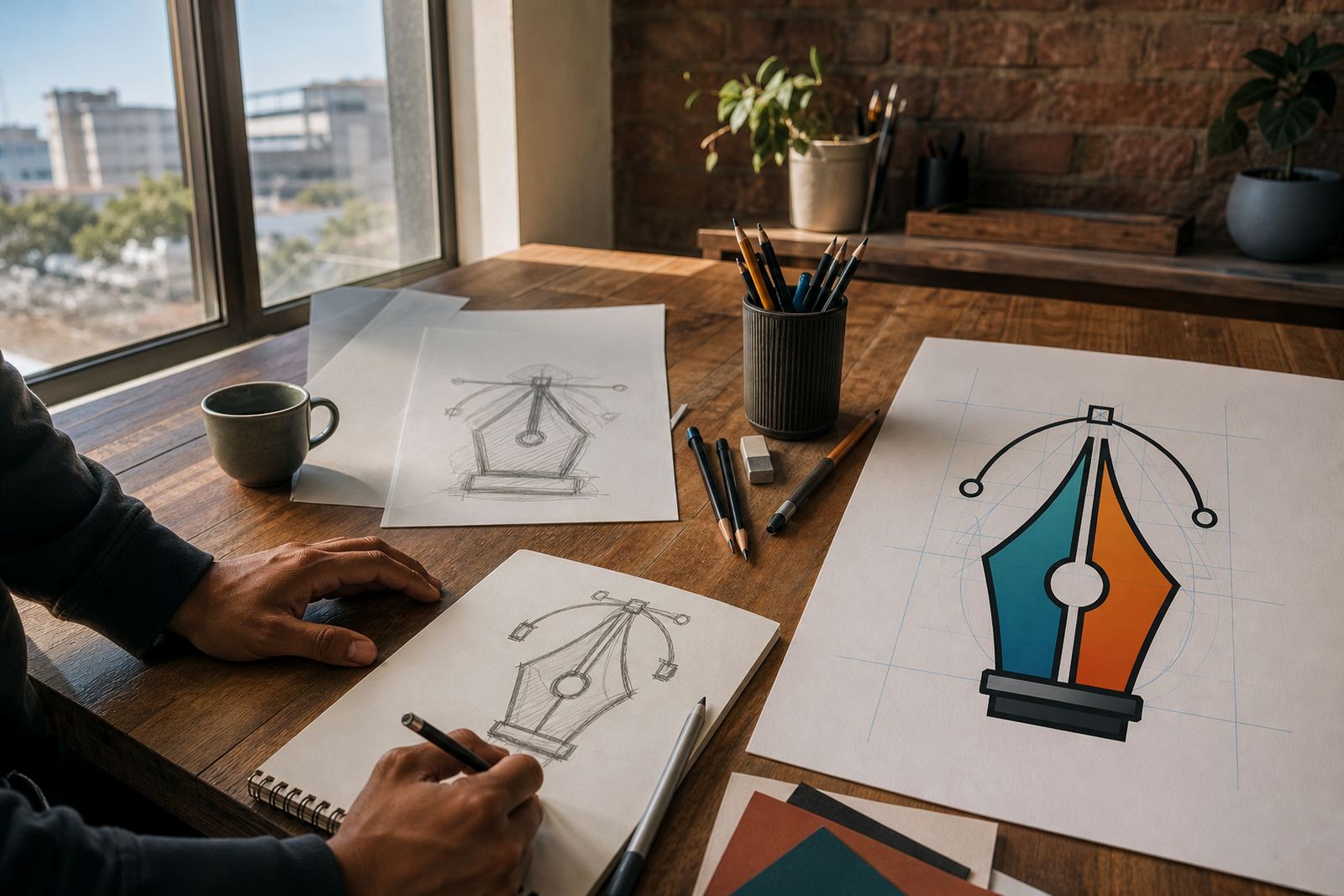
When you are choosing between vectorisation and a redraw, ask what the source artwork needs. Simple logos can sometimes be traced from a clean bitmap, but a tracing job can still carry over rough corners, uneven curves and little distortions. A hand redraw is better when the logo needs neater geometry, better spacing or more precise line work.
Bitmap tracing versus hand redraw and illustration
Bitmap tracing is useful when the artwork is already clear and the shapes are straightforward. It can be a sensible starting point for a simple mark, but it should not be treated as the final answer in every case. If the source image is noisy, blurred or taken from a screenshot, tracing may follow the flaws instead of fixing them.
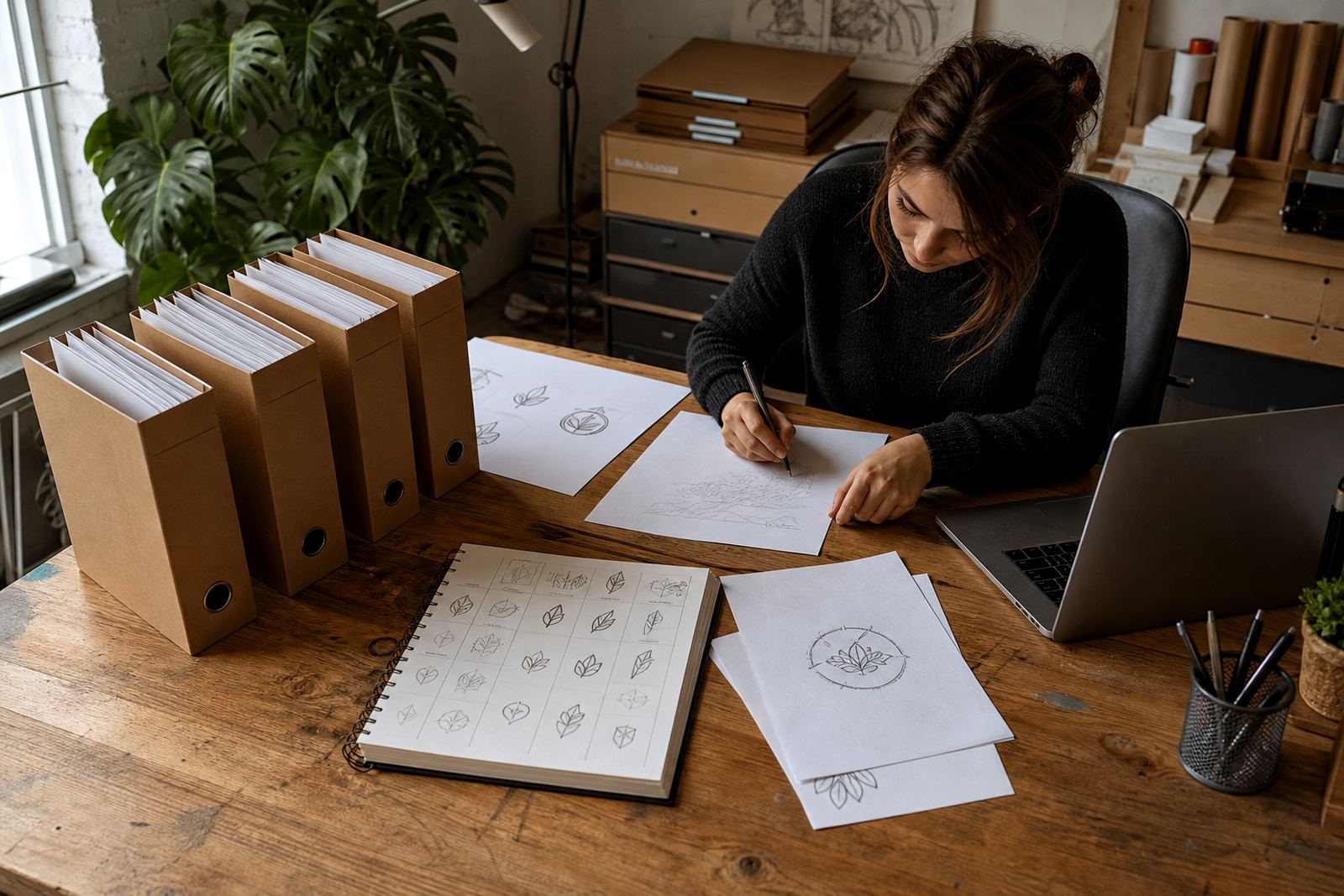
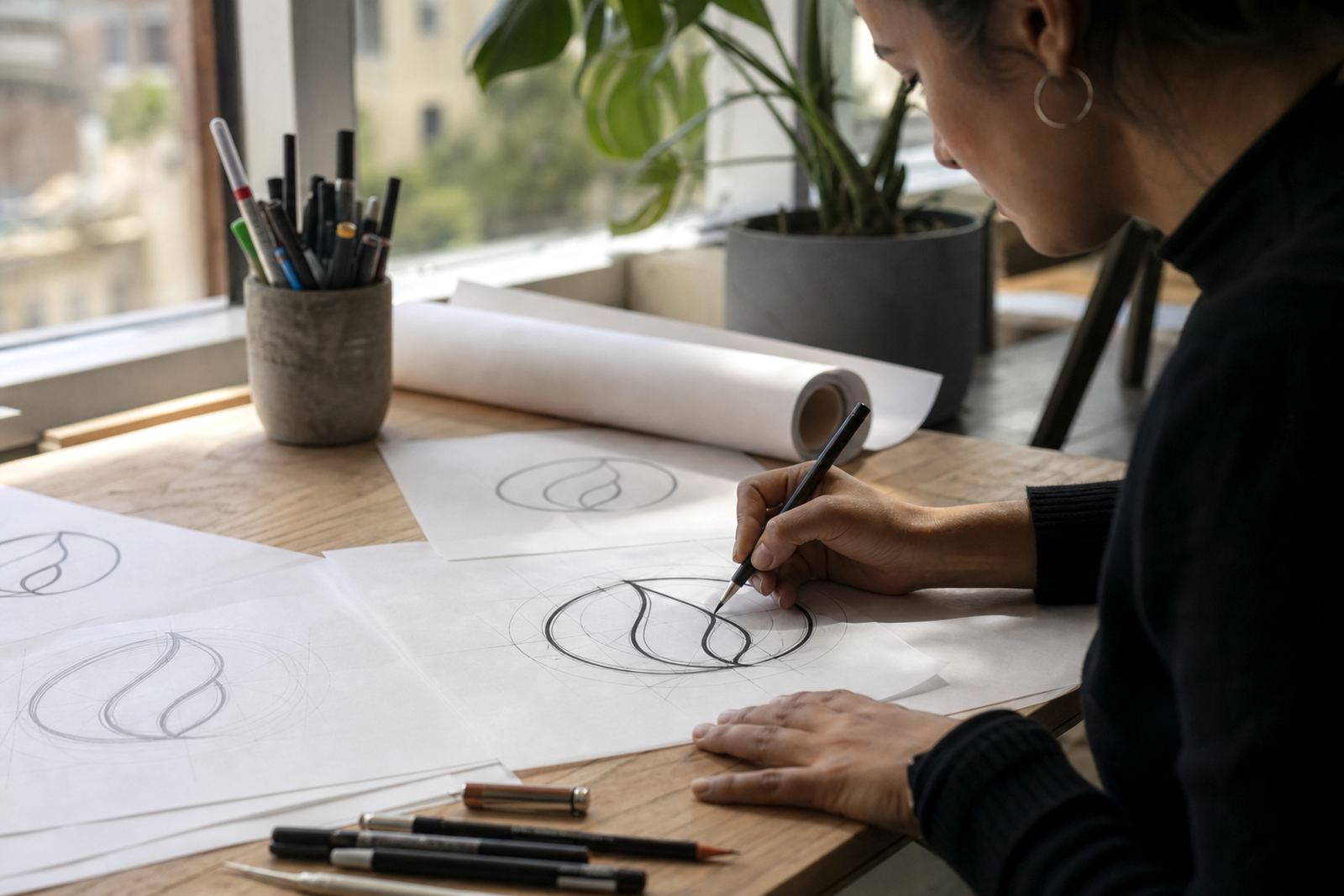
A hand redraw gives the artist more control. It is the better route when the original artwork is old, uneven or built from mixed sources. It also helps where a logo includes custom lettering, small symbols or line work that must be cleaned up before the file is used for print or signage.
- Use tracing for clear, simple shapes with minimal detail
- Use hand redraw when curves, spacing or lettering need correction
- Use illustration when the brief asks for a mascot, badge, map, scene or custom icon set
- Use both methods together when a logo needs cleanup and a matching illustration system
If you are sending artwork from a business in Stellenbosch, Paarl or Port Elizabeth, it helps to include the best available source file and a note on where the logo will be used. That saves back-and-forth and keeps the output suited to the job.
What should be inside the folder you receive
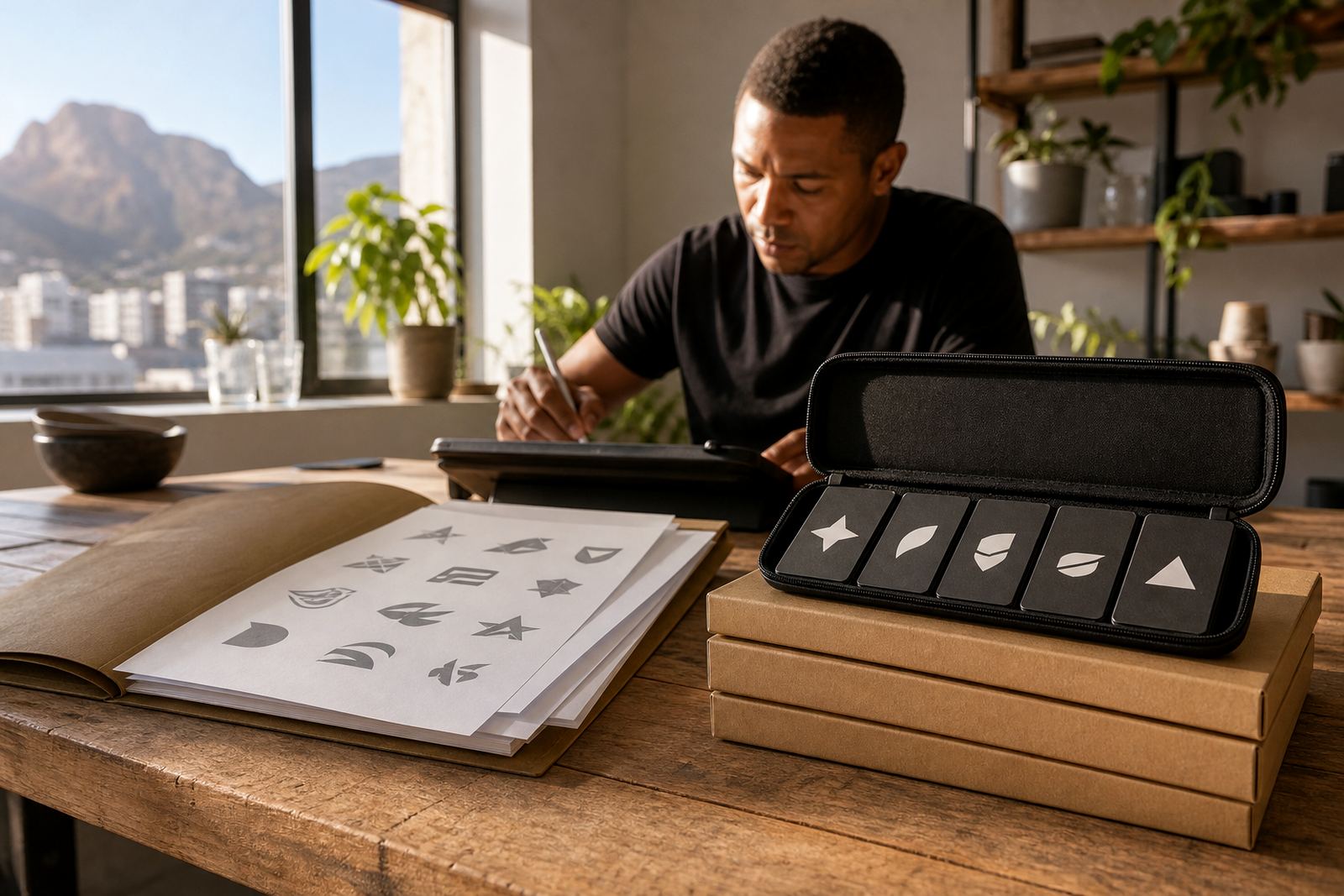
A useful master logo folder should be ordered and easy to hand to a printer, web developer or sign writer. It should not force you to guess which file is for what. Clear labelling saves time and reduces mistakes when different suppliers ask for specific formats. It also helps staff members who are not design trained but still need to send artwork to a supplier or municipal office.
At minimum, expect files that are named clearly and arranged by use. If you work with packaging, menus or labels, you may also need colour separations or one-colour versions. For a business that handles seasonal promotions or social graphics, it is also useful to have a version that works well against photographs and textured backgrounds.
- Colour version for normal use
- Black version for single-colour printing
- White version for dark or busy backgrounds
- Vector master file for future editing
- PNG or JPG previews for quick viewing
Local practicalities: print shops and municipal use
South African businesses deal with a mix of print methods and local compliance needs. A logo that works on screen may still fail when it is sent to a Durban print shop for stickers or a Cape Town sign maker for shopfront panels. That is why a clean master pack should be built for practical use, not just for presentation.
A small business in Observatory might need a menu update, a new badge for staff uniforms and a social graphic set all in one week. If the files are organised properly, those jobs can move quickly without repeated corrections. For municipal paperwork or supplier registration, a crisp vector logo is often easier to place on forms and supporting documents than a fuzzy image.
Vectorization Studio in Observatory, Cape Town works with businesses across South Africa on logo redraws and hand-drawn vector illustrations, including custom brand icons, mascot illustration, packaging illustration, map illustration, menu illustration, sticker illustration, pattern illustration, infographic illustration, badge illustration, line illustration, scene illustration and social graphics. That kind of work is especially useful when a brand needs a cleaner identity system, not only one logo file.
What to send and what rights you need
Before any redraw starts, make sure you own the artwork or have the right to use it. This is important when the logo was drawn by someone else, copied from old stationery, or used by a previous partner. If the rights are unclear, the new files can create problems later when you try to print, register or share them.
The best thing to send is the cleanest source you have, plus a short note on what must stay the same and what may be improved. If you only have a faded scan, a photograph of a signboard or a screenshot from social media, that can still be worked from, but it helps to know the intended use and any details that should remain unchanged.
Clients contact Vectorization Studio through the enquiry form on the contact page. Luyanda Mthembu leads the business as Managing Director, with Ayesha Mafokeng as Senior Vector Artist, Pieter Skosana as Illustration Lead, Zanele Kajee in Client Services, Teboho Molefe handling Prepress, and Megan Khoza managing Quality Control. That team structure suits businesses that need careful logo prep and a practical handover.
A simple checklist before you approve the files
Before you sign off a master logo pack, check that it will work in the places you actually use it. A file may look fine on a screen and still be awkward on a label, a cap, a courier bag or a large board. A good check at the end saves money later.
- Is the spelling correct in every version?
- Do the colours match the brand use you expect?
- Are there versions for light and dark backgrounds?
- Are the vector files editable and properly named?
- Do the files suit print, web and supplier handover?
If the answer is yes, you have a pack that can support daily work instead of causing extra admin. That is the real value of a master logo set: less confusion, cleaner output and files that are ready when a supplier asks for them.