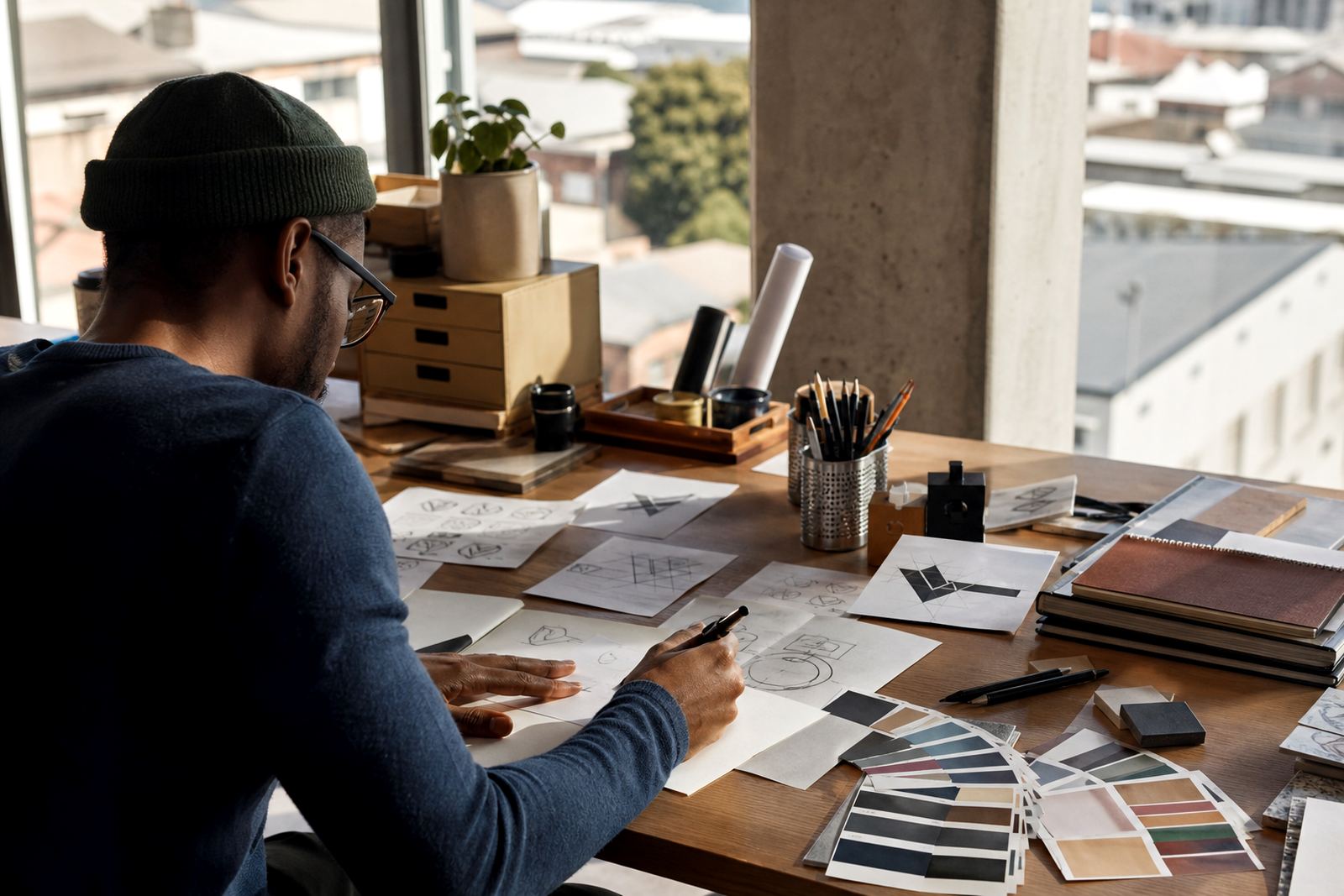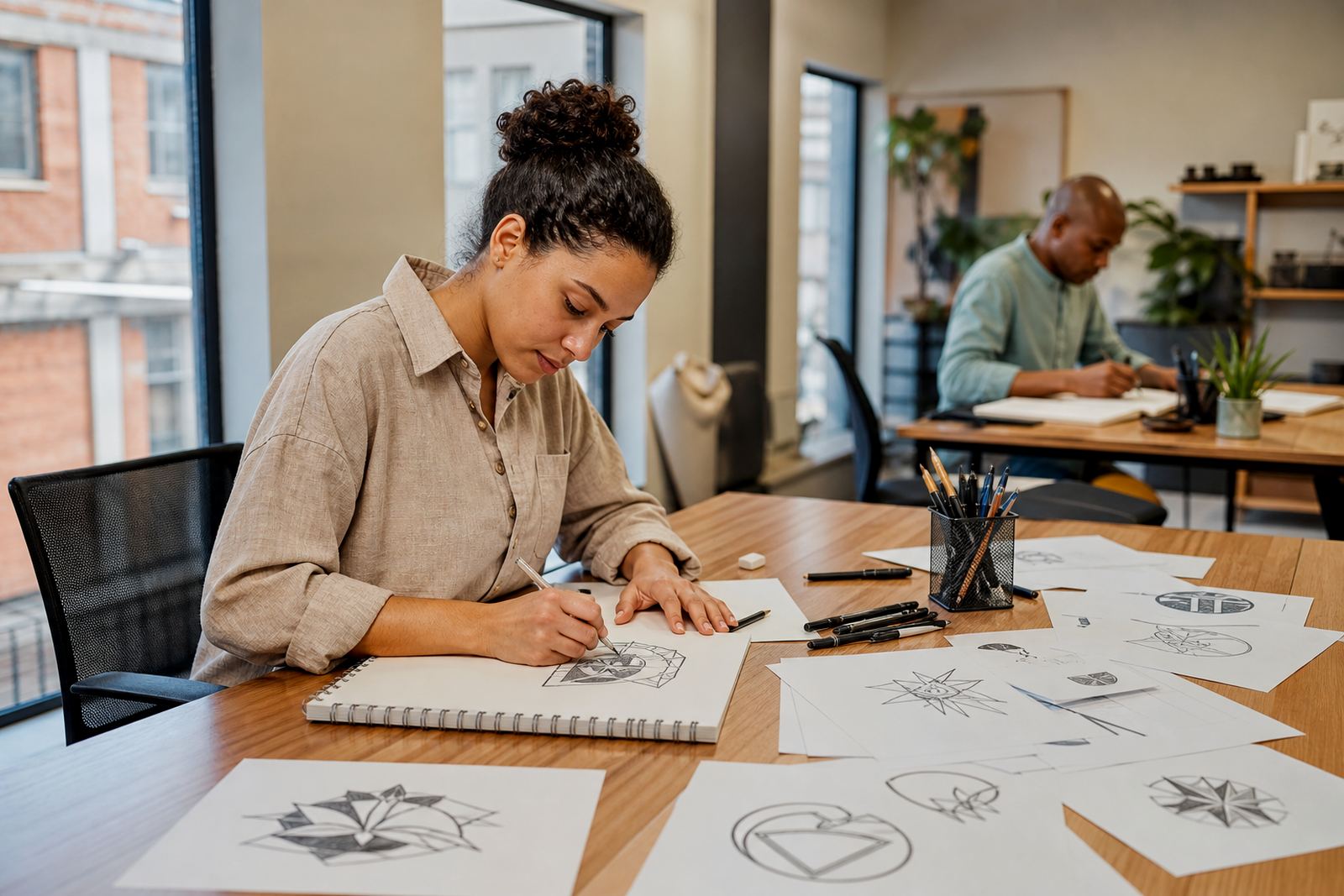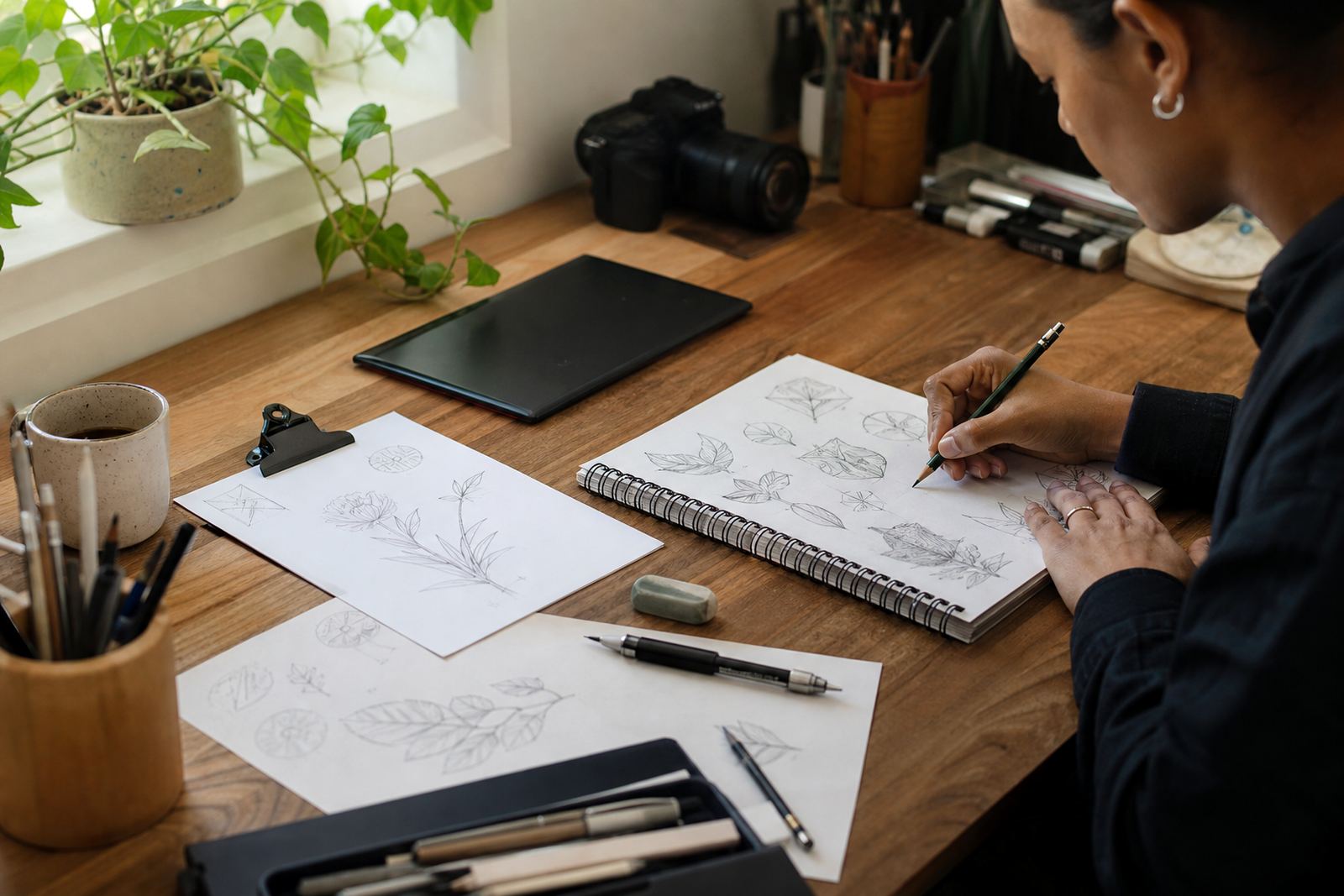
1. Start with the artwork you own the rights to
Before you send a logo, sketch or reference image, please make sure you own the artwork or have permission to use it. We can only work from material that you are allowed to reproduce or adapt, especially where a redraw or illustration will be used on packaging, signage, menus or social graphics.
When you send the source file, include the clearest version you have, plus any notes on what must stay unchanged. If the artwork is faded, low resolution or cropped, tell us what you want preserved. A clean brief here avoids guesswork later on.
2. Say whether you want a redraw, trace or fresh illustration
Not every job is handled the same way. A bitmap trace follows the shapes in a raster image and is useful when the original is simple, but it can also carry over rough edges, poor curves and old scan marks. A hand redraw is usually better when the logo needs cleaner structure, better spacing or a more polished finish.
For some briefs, we build the artwork as a new vector illustration from the ground up. That works well for mascots, map illustrations, badge artwork, icon sets and scene illustrations where the goal is a cleaner result with stronger line control. Tell us which route suits your use, or ask us to advise based on the file you have.
- Use trace when the artwork is basic and the source is already very clear
- Use a hand redraw when the logo needs sharper curves or better proportion
- Use a fresh illustration when the original is too rough or too small to fix properly
3. Point out the details that must stay exact
The best revision notes are specific. Instead of saying the logo is wrong, tell us which part needs attention. That could be the letter spacing, the angle of a line, the thickness of a stroke, the shape of a leaf, or the position of a symbol above the name. If the artwork includes text, please double-check spelling, capital letters and punctuation before you send feedback.
It also helps to separate must-fix items from nice-to-have changes. If the logo must remain recognisable for municipal forms, product labels or customer records, say so. That tells us where to keep the structure intact and where we can refine the form without losing the original identity, which saves a lot of back and forth.
4. Give feedback in the order you would like it fixed
When reviewing a draft, group your notes by priority. Start with the main shape, then move to smaller details such as colour, line weight and spacing. If more than one person is commenting, one clear summary from your side is best. Mixed messages from different people slow things down and can lead to changes being made then undone.
- Lead with the most important correction first
- Use simple wording like wider, smaller, darker or straighter
- Refer to the draft by page, version or file name if you have more than one
- Say if the change is for print, web or both
Tight instructions help us move quicker without missing the key point, especially when multiple files are being prepared at once.
5. Check file formats before final approval
Once the revision is approved, we can supply common vector formats such as SVG, EPS, PDF and AI, depending on what you need the file for. SVG is often used for web and digital layouts, while PDF is handy for sharing and print handover. EPS and AI are often requested by sign makers, printers and designers working with editable vector artwork.
If you need a version for a label, banner, garment print or municipal submission, tell us the output size and use case. Coastal humidity, small text and rough handling can affect production, so the final file must stay crisp at the intended size. If something needs to be converted to outlines or kept editable, say that before approval, not after.
6. Final sign-off keeps the project moving
When the artwork looks right, confirm the version you are approving and any file types you still need. If you want one version for print and another for digital use, mention that in the same message. That makes it easier to package the final set properly and avoids later confusion over which file is the master.
For clients across Cape Town, Johannesburg, Durban, Pretoria and Bloemfontein, clear sign-off is especially useful when artwork is moving between a marketing team, printer and installer. It keeps the handover tidy and helps us finish with fewer corrections. A careful final check now can save a costly reprint later on, so take the extra minute.