Start With the Source Artwork and Your Rights
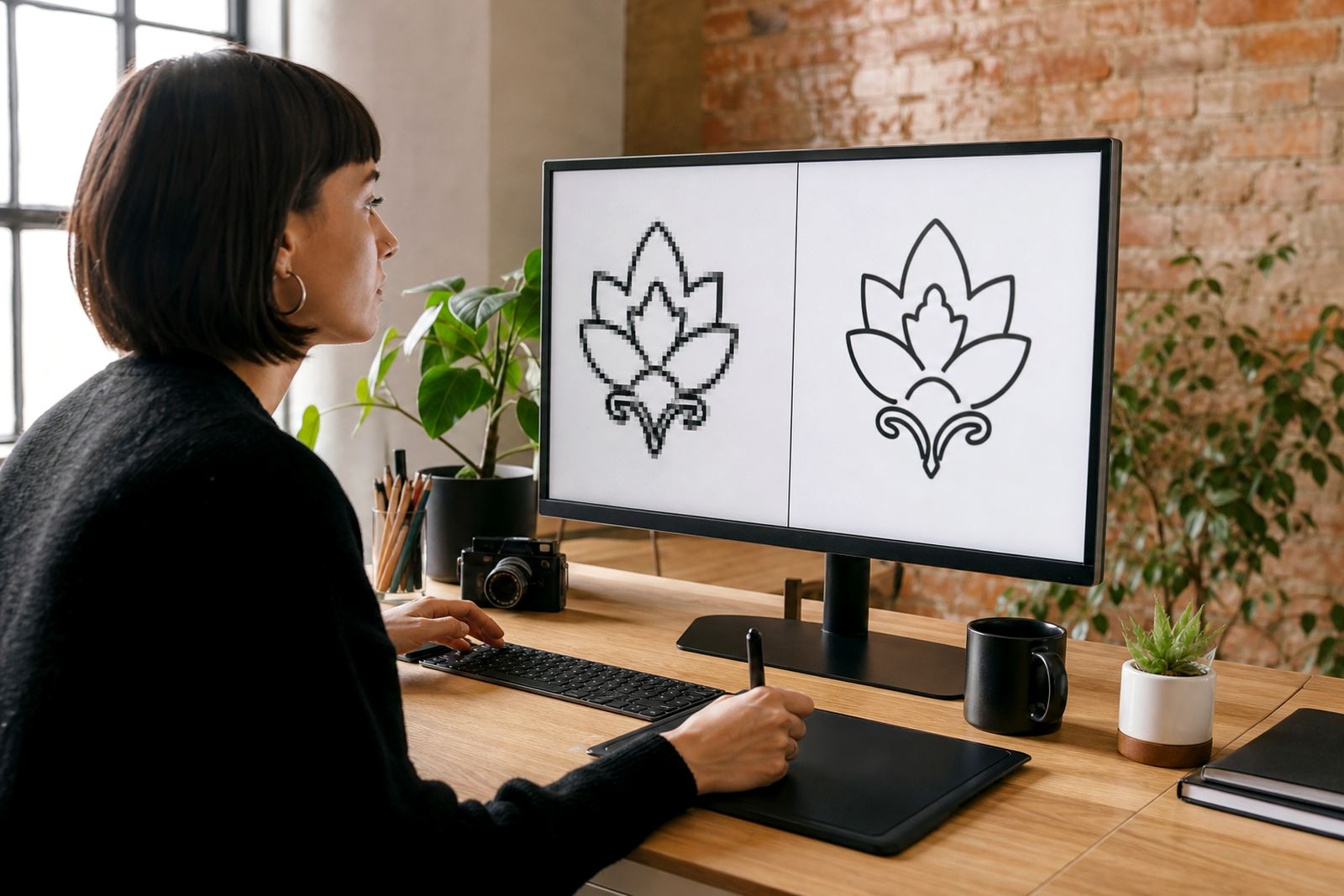
The first check is simple: make sure you own the logo or have permission to use the artwork you sent through. A redraw can only be prepared from material the client has the right to use, whether that is a sketch, old print file, scan, or a low resolution image pulled from an archive of company files.
When reviewing the redraw brief, confirm that the source art really is the version you want carried forward. If the logo has changed over the years, decide which elements must stay and which ones should be cleaned up. This is especially important where the original artwork was pixelated, crooked, or saved in a format that cannot be used directly for print.
- Check that the sender has permission to use the artwork
- Confirm the correct logo version is being redrawn
- Note any missing detail that must be rebuilt by hand
Know the Difference Between Tracing and Hand Redraw
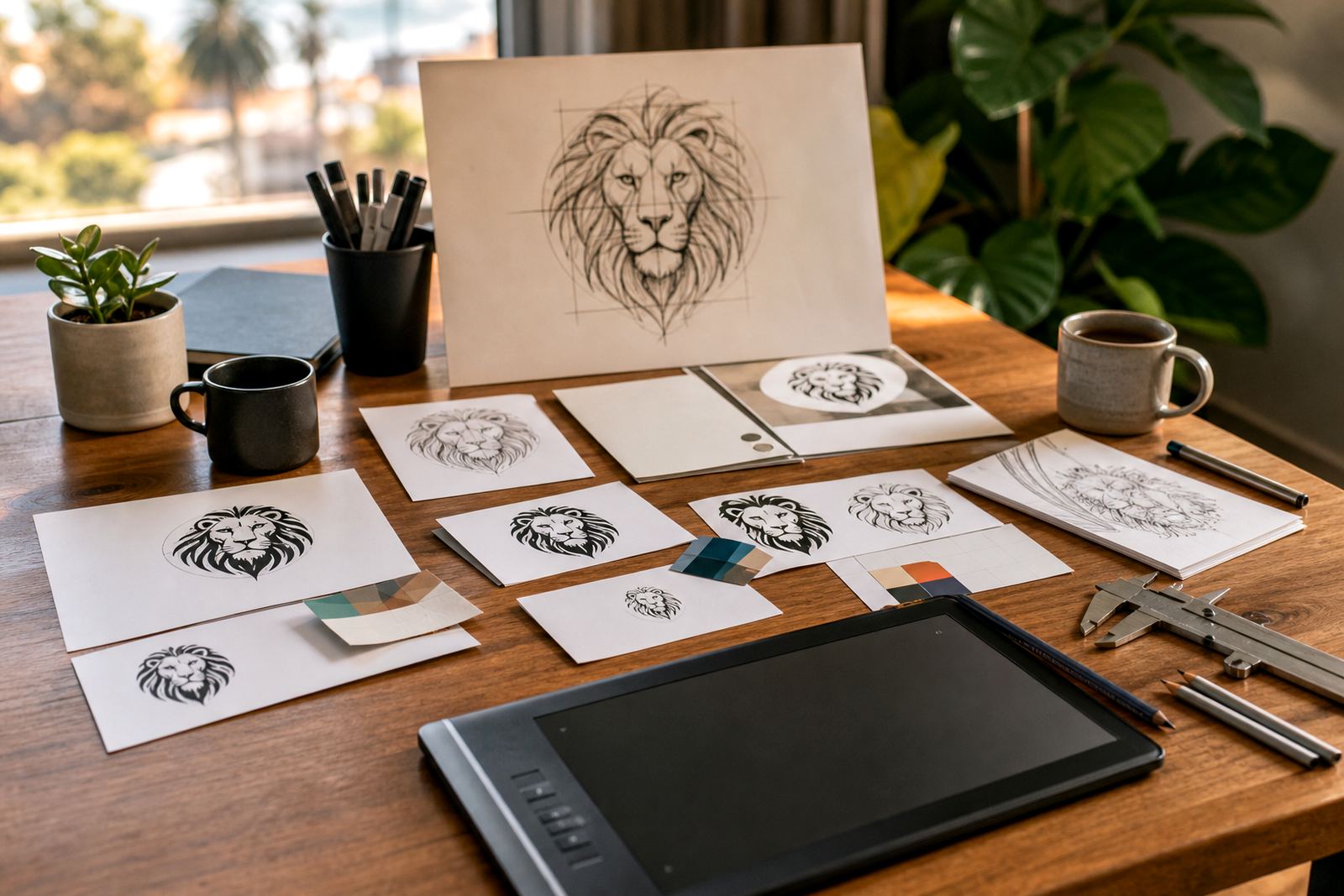
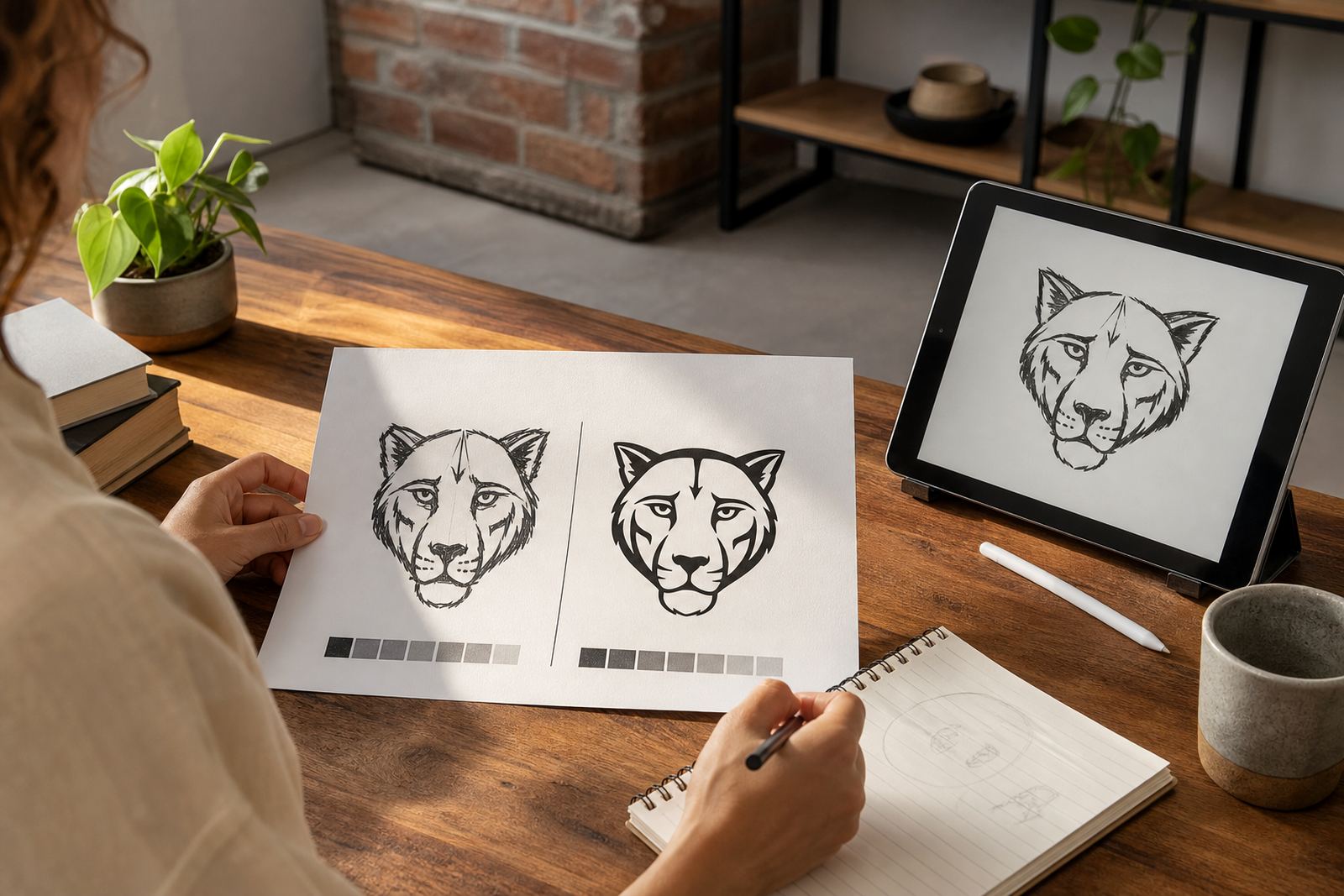
Bitmap tracing and hand redraw are not the same thing. Tracing follows the edges of a raster image, which can be useful for very simple artwork but it also keeps flaws from the original file. A hand redraw rebuilds the logo from scratch in vector form, which gives cleaner curves, better spacing and stronger control over fine details.
For review purposes, look closely at letter shapes, corner points and stroke weight. If the artwork has a badge, mascot or icon with small features, check that those details have not been over-simplified. On a curved script mark, even a small change in spacing can alter the feel of the brand.
- Inspect letter spacing and alignment
- Check curve smoothness on all rounded shapes
- Compare the redraw to the original at both small and large sizes
Check the Logo at Real-World Sizes
A logo can look fine on a screen and still fail on a trailer, business card or shop front. Before approval, test it at the sizes it will be used in. A mark that works on a social graphic may lose detail on a small label, while a large sign may expose line errors that were not visible in the proof.
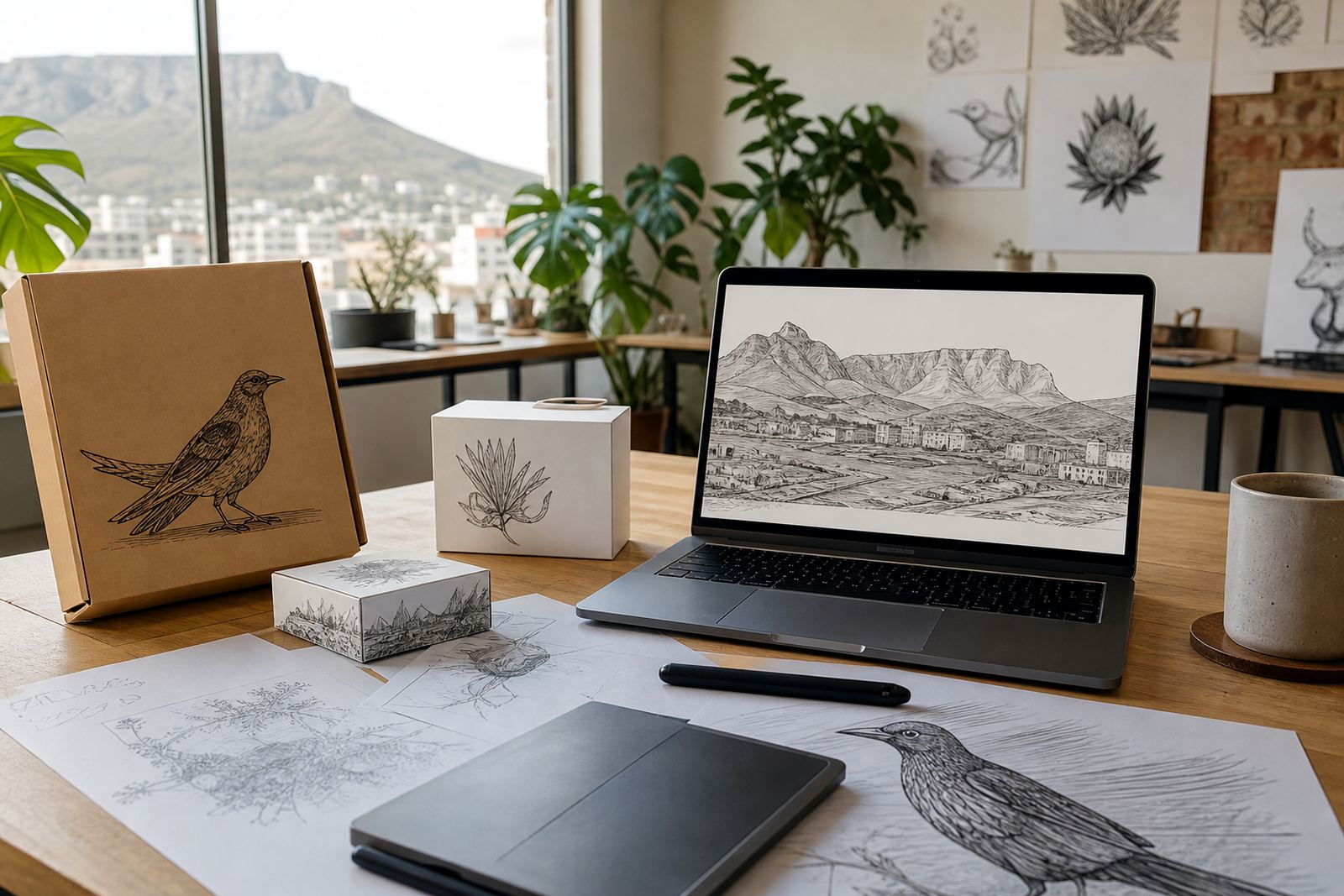
For South African businesses, this matters when artwork is used on vehicle branding, packaging, invoices, uniforms and municipal applications. A logo in Observatory may be approved for a laminated menu board one day and sent for a signboard permit the next. The file must hold up across all of those uses without distortion or missing parts.
- Reduce the logo to small sizes and check legibility
- Enlarge it to confirm curves and joins are clean
- Look for distortion in thin lines or small text
Confirm the Vector File Set Before Final Sign-Off
Final supply should include the right vector formats for the job. Common deliverables include SVG, EPS, PDF and AI, each serving a different production need. SVG is useful for digital use, EPS and PDF are often requested for print workflows, and AI remains practical for editable artwork in design environments.
When approving the files, check that the artwork opens correctly and that text has been converted where needed. If the logo includes spot colours, gradients or layered elements, make sure those are set up cleanly. A file set that looks fine in one app can still cause trouble for a printer if the structure is untidy.
- Confirm which file formats are included
- Check that outlines and layers are tidy
- Make sure the colours match the approved version
Review Colour, Spacing and Fine Detail in the Proof
Colour is often where small mistakes show up. Check that the palette matches the approved artwork, especially where a brand uses a specific blue, green or warm neutral. If the logo will be printed on textured stock, fabric or signage in coastal humidity, ask whether the artwork has been prepared with that use in mind.
Spacing is just as important. A badge with a narrow border, a mascot with a tiny eye line, or a wordmark with close letter pairs can all shift slightly during redraw. In practice, those small changes are what most people notice first. A careful proof lets you catch them before final supply, rather than after print.
- Check colour consistency across all elements
- Review borders, joins and small internal details
- Look for any uneven gaps in lettering or icons
Use a Local Example to Spot What Matters
Say a café in Stellenbosch sends in a scanned logo from an old menu. The scan is fuzzy, the corner of the badge is missing and the type has been compressed by photocopying over the years. In a proper redraw, the linework is rebuilt, the badge is squared up and the lettering is rebalanced so the mark can be used on menus, stickers and a window graphic.
That is the point of the approval stage. You are not just checking whether the artwork looks neat, you are checking whether it is practical for real use in Cape Town, Johannesburg, Durban, Pretoria, Bloemfontein and beyond. Once the final files are supplied, they should be ready for print, digital use and future brand work without extra correction.
If you are not sure whether a mark needs a clean redraw or a more detailed hand illustrated rebuild, ask for the option that best suits the original source. It is better to question the file now than to find the issue after the printer has already started.
- Use one real application example when reviewing the proof
- Think about future uses, not just the current one
- Raise any uncertainty before final sign-off