Why file type matters when a logo leaves the screen
A lot of business artwork starts life as a small image sent on WhatsApp or pulled from an old flyer. That can be fine for a quick view, but it often causes trouble when the same logo needs to be printed on packaging, cut as signage, or scaled for a vehicle door. The difference usually comes down to whether the artwork is vector or bitmap.
For companies in Cape Town, Johannesburg, Durban, Pretoria and beyond, the right file type saves time later. A clean vector file can be enlarged for a building sign in Observatory or reduced for a loyalty stamp and still stay sharp. A bitmap image may look fine on a phone, but once it is enlarged the edges become soft or blocky.
In practical terms, the file you choose affects artwork clarity, print quality and how easy it is for a sign maker, printer or packaging producer to work with the design.
Bitmap images: useful, but limited when resized
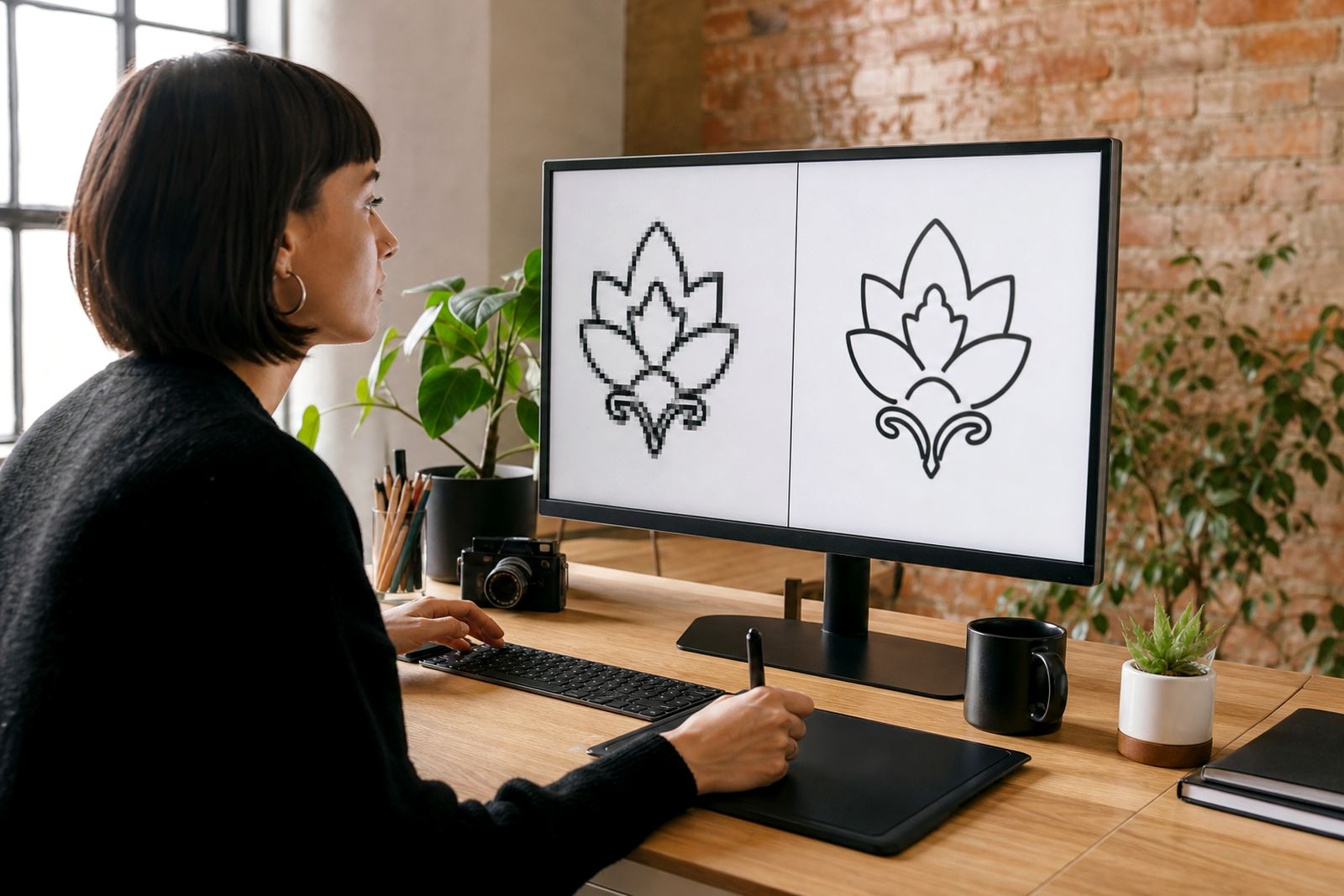
A bitmap image is made up of pixels, which are tiny squares of colour. Photos are the clearest example. If you zoom in far enough, you can see the pixel structure. That is normal for bitmap files, but it means the image has a fixed size and resolution.
Bitmap files are common in everyday use because they are easy to create and share. They work well for photographs, social media posts and web graphics where the final size is controlled. The problem starts when someone tries to stretch a bitmap beyond its original dimensions. The artwork can become fuzzy, jagged or soft around the edges.
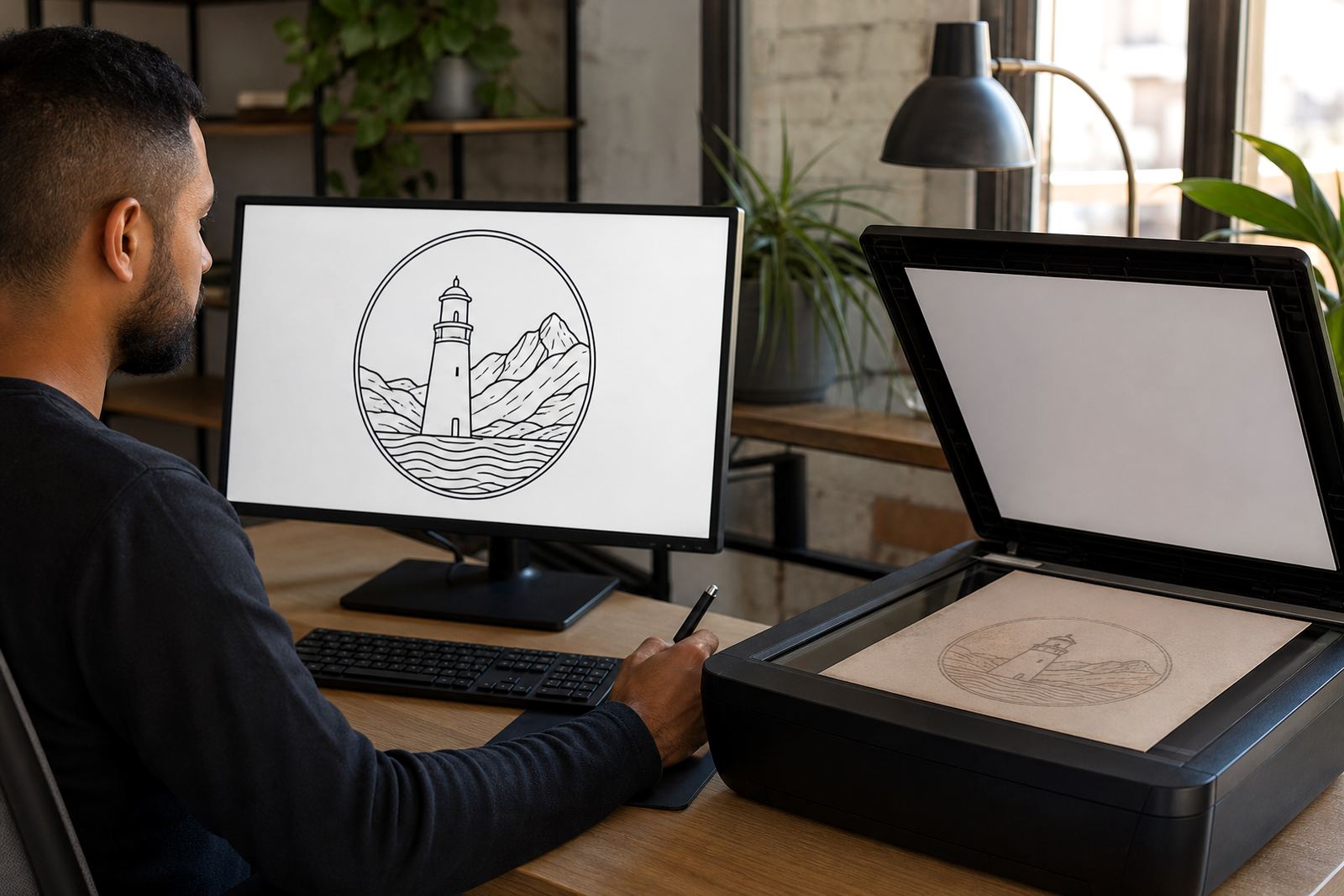
For logo redraw work, bitmap artwork is often used as a reference rather than the final output. If the only source is a low-resolution scan, a hand redraw may be needed to rebuild the lines, shapes and spacing properly.
- Best for photographs and shaded artwork
- Fine for web use at a fixed size
- Can lose sharpness when enlarged
- Not ideal for precise print production
Vector artwork: built for sharp lines and easy scaling
Vector artwork is built from points, lines and curves instead of pixels. That means it can be scaled up or down without losing clean edges. A logo can move from a business card to a shopfront sign and still stay crisp. For most business marks, icons and simple illustrations, vector is the better long-term format.
Vector files are also easier to adapt. Colours can be changed, elements can be separated, and the artwork can be prepared for different uses without starting over each time. That is useful when one business needs a logo for embroidery, another version for print, and a simplified version for social graphics.
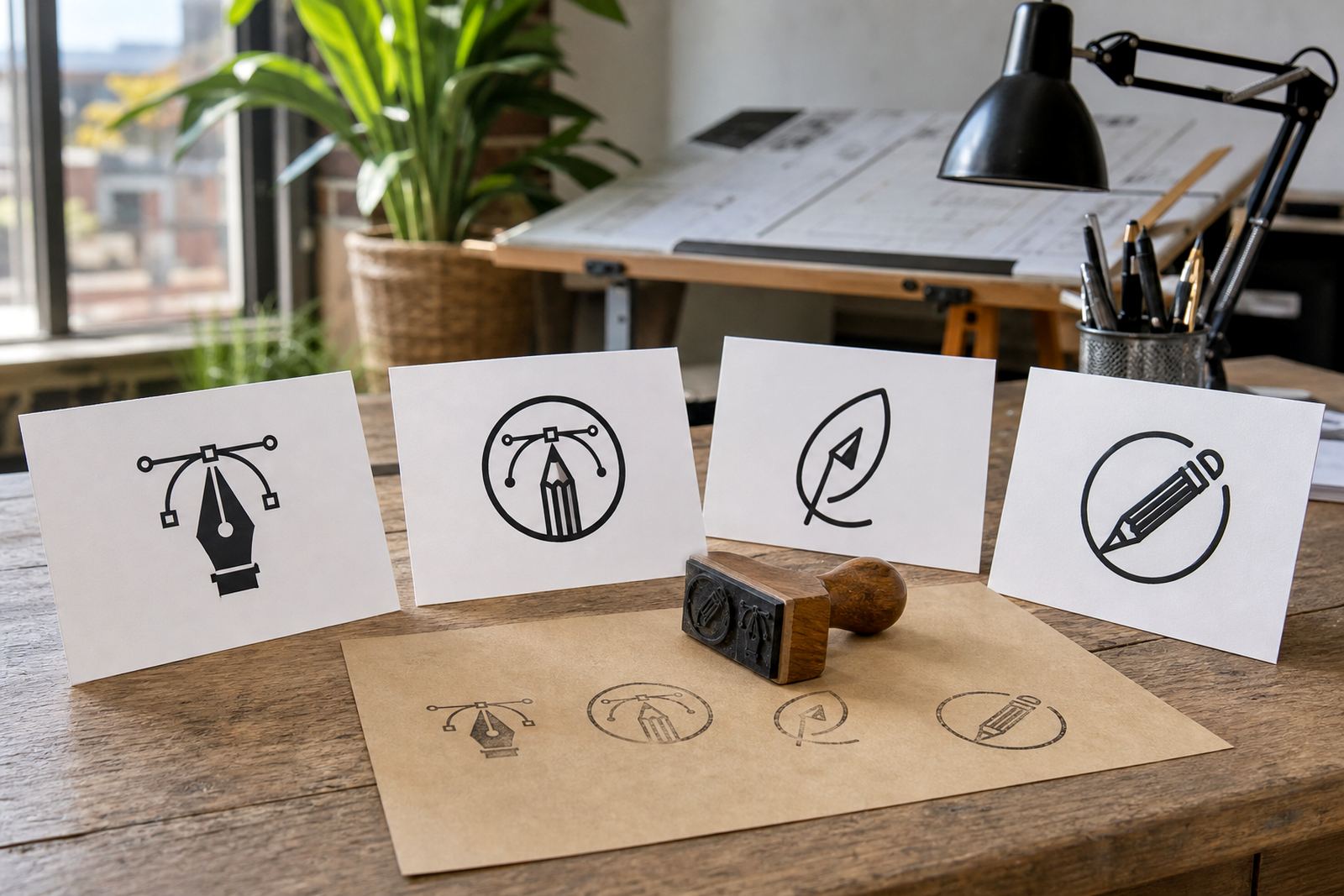
The common vector file formats used for business artwork include SVG, EPS, PDF and AI. Each one serves a slightly different purpose, but all of them are far more flexible than a flat bitmap when the goal is professional reproduction.
- SVG is useful for web and digital use
- EPS is widely accepted for print production
- PDF can carry vector artwork for sharing and proofing
- AI is a working file often used for detailed editing
Bitmap tracing versus hand redraw: not the same job
When a client sends an old logo, there are usually two ways to rebuild it. One is bitmap tracing. The other is a hand redraw. They sound similar, but the results are not always the same.
Bitmap tracing follows the edges of an existing image automatically. It can be quick, but it often copies rough edges, uneven curves and stray marks from the source file. It is useful for simple shapes, yet it can struggle with fine detail or old artwork that has been copied too many times.
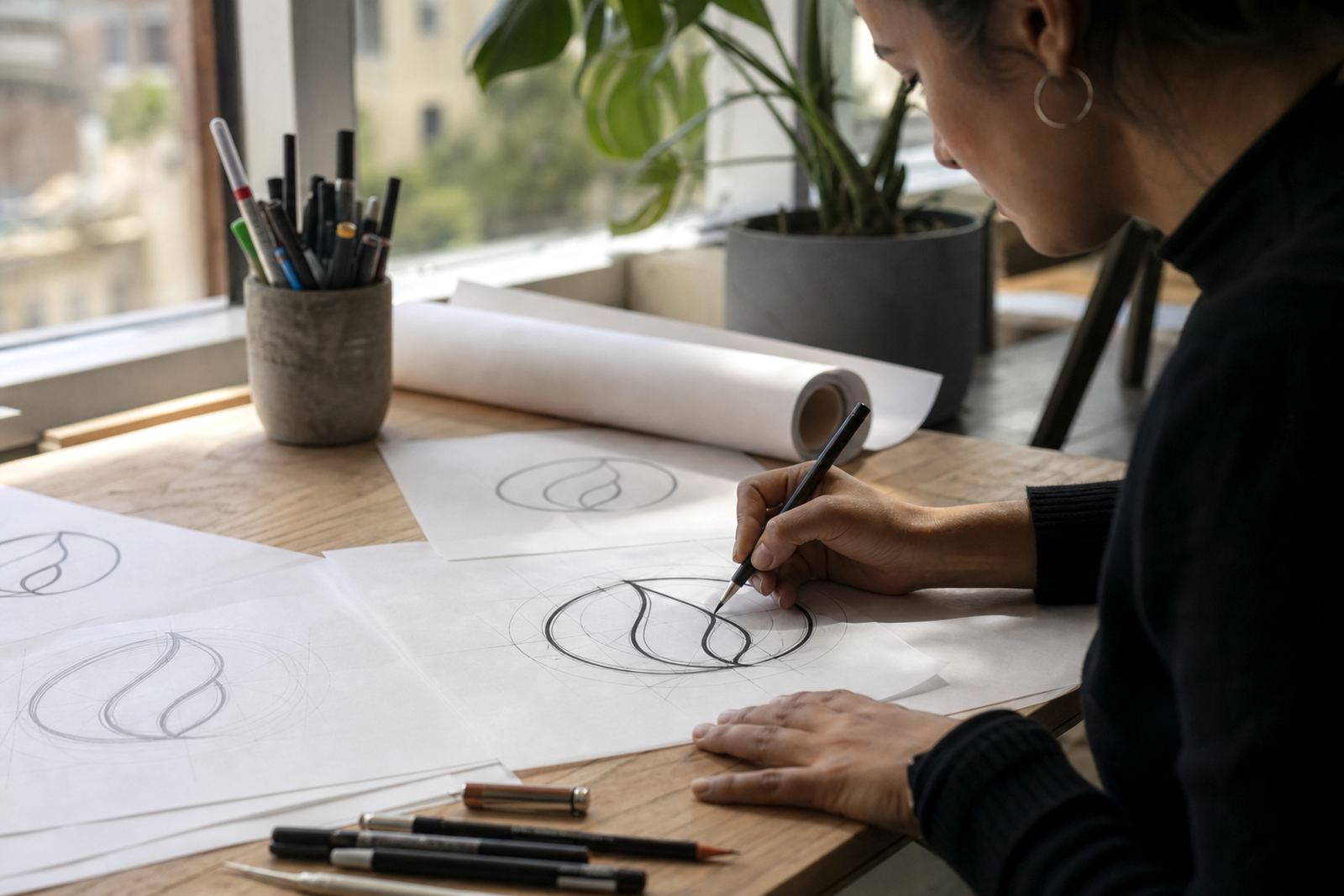
A hand redraw is more careful. The artwork is rebuilt by eye, using the source as a guide. That gives more control over line weight, spacing, symmetry and small details. For a logo that appears on packaging, signage or a printed menu, that extra attention can make a real difference.
Some projects only need a light clean-up. Others need a full redraw and then a fresh vector illustration layer on top. The right approach depends on the source quality and the final use.
- Tracing is quicker on simple, clean originals
- Hand redraw suits damaged, blurry or dated artwork
- Illustration work often needs custom line control
- The final output should match how the artwork will be used
Choosing the right format for print, signage and screen
The best file type depends on where the artwork will appear. A restaurant menu in Stellenbosch may need a neat PDF for the printer, while a courier label might only need a compact SVG. A branded box for a product line in Pretoria may need vector line art that can be adjusted by a packaging supplier without losing detail.
When artwork is going to print, vector usually gives the cleanest result for logos, badges, icons and line drawings. If the artwork includes a photo or painted texture, a bitmap may still be needed for that part of the design. Many jobs use both file types together, with vector text and outlines combined with bitmap images where needed.
It also helps to think about the final process. If the logo will be cut from vinyl, engraved, embossed or embroidered, vector is usually the safer starting point. If it is only for a social post or a temporary banner, a bitmap may be enough.
- Use vector for logos, icons and line-based artwork
- Use bitmap for photos and textured imagery
- Use PDF when sharing print-ready files
- Ask for editable vector formats if future changes are likely
What to send if you want a proper logo redraw
The better the reference material, the cleaner the redraw can be. If you have the original file, that is best. If not, send the sharpest image you have, plus any notes about colours, proportions or old usage. A faded scan, a photo of a sign, or a cropped image can still be worked from, but it may take more care to rebuild accurately.
Customers should own the artwork they send, or have permission to use it. That applies to logos, illustrations, mascots and any other source image. If the artwork belongs to someone else, it should not be redrawn without the proper rights. That protects both the client and the production side of the job.
For businesses across South Africa, a good redraw can save a lot of back and forth with printers and fabricators.
Our team in Observatory works on custom brand icons, mascot illustration, packaging illustration, map illustration, menu illustration, sticker illustration, pattern illustration, infographic illustration, badge illustration, line illustration, scene illustration and social graphics. The goal is to leave you with artwork that is clear, practical and ready for use.