Why print exposes weak logo artwork
A logo that looks fine on a phone screen can behave very differently on a flyer, invoice, tuck box or vehicle decal. Print files need clean edges, solid shapes and artwork that can scale without becoming fuzzy. If the source is a low-resolution image, the printer may have to guess at the detail, and that usually shows in the finished job.
In South Africa this comes up often with businesses that print locally and need the same logo to work across different jobs. A signwriter in Cape Town may need one file for a shop sign, another for business cards and another for a courier sticker. If the logo has gradients, tiny text or thin strokes, those details can disappear when reduced. That is why logo prep is not just about making it look neat, it is about making it hold up on paper, board and vinyl.
- Small type can fill in on coated stock.
- Hairline rules can break on low-quality print runs.
- Bitmap logos blur when enlarged.
- Some finishes need a single-colour version for better reproduction.
Bitmap tracing versus a proper hand redraw
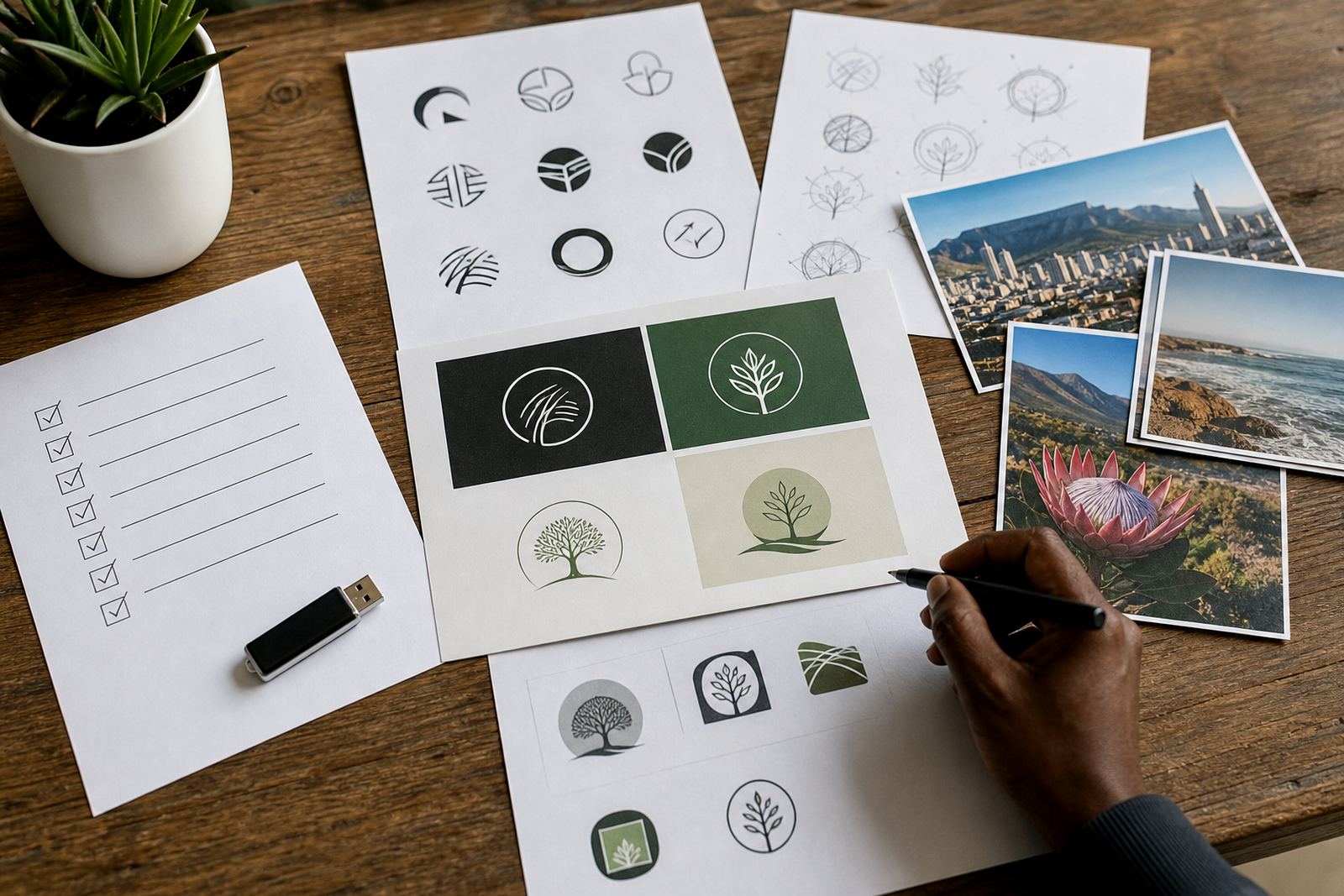
There is a difference between tracing a bitmap and redrawing a logo properly. Bitmap tracing follows the visible pixels in a raster image, which can be useful for quick cleanup, but it often carries through the flaws from the source file. Jagged edges, uneven curves and odd nodes can remain hidden until the file is printed at size.
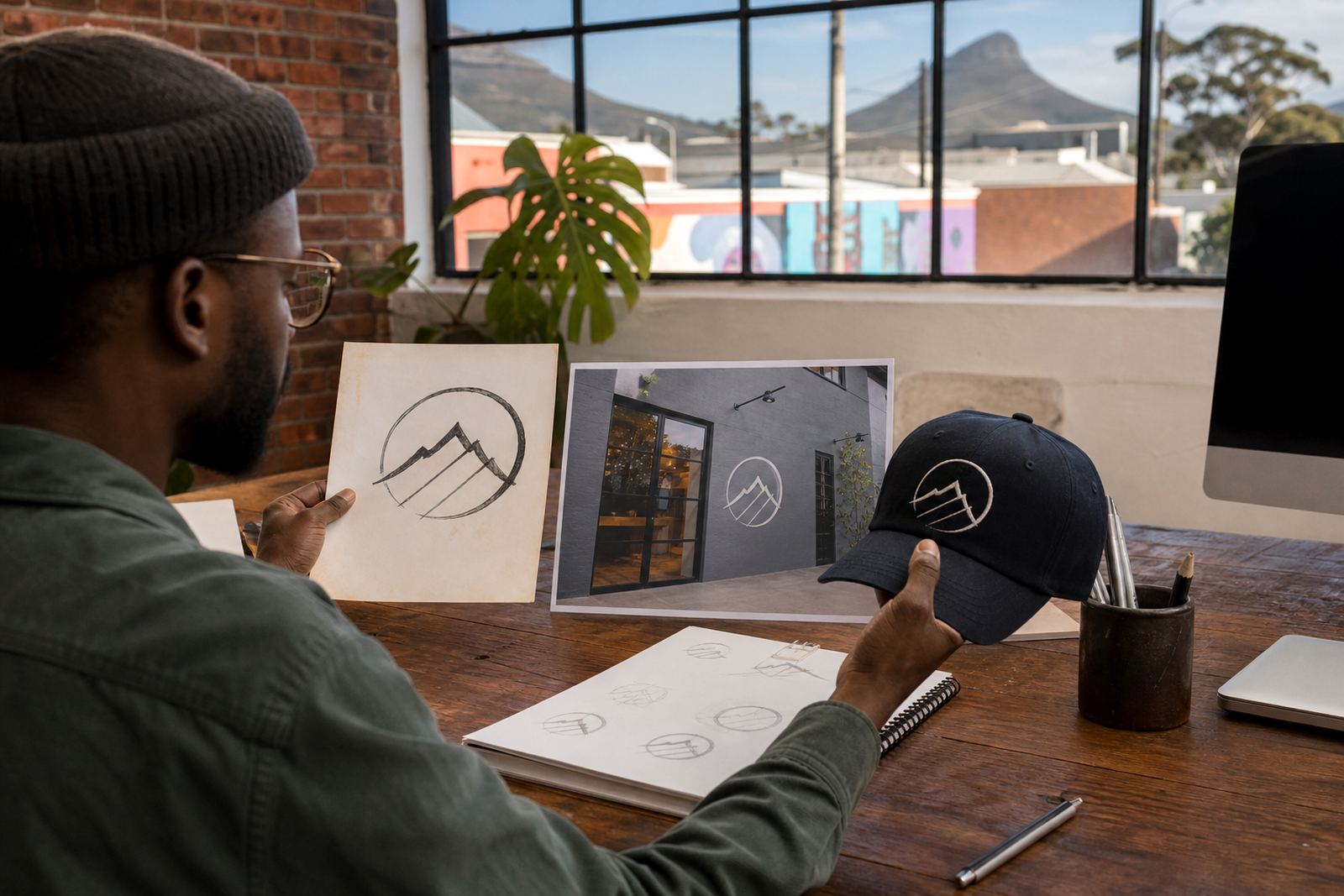
A hand redraw is slower but more reliable. The logo is rebuilt as vector artwork, which means the curves, spacing and line weights are made cleanly from scratch. This is especially useful when the original artwork is old, scanned from a card, or only available as a screenshot. For print work, a careful redraw gives the printer a file that behaves better across different sizes and finishes.
- Bitmap tracing is faster for simple cleanup jobs.
- Hand redraws suit ageing logos and detailed marks.
- Redraws usually give better control over curves and spacing.
- Vector artwork can be scaled without losing sharpness.
Vector file formats printers usually ask for
Once a logo has been prepared properly, it should be supplied in formats that suit print production. Common vector file types include SVG, EPS, PDF and AI. Each has its place, but the main point is that the artwork must remain editable and sharp when opened by a designer, printer or sign maker.
A PDF can be very practical for print because it is easy to share and keeps the artwork tidy. EPS is still used in many production rooms for older workflows. SVG is useful for digital use too, while AI remains a working file for design teams. The exact format depends on what the printer needs, but the artwork should also be supplied in a colour version and, where needed, a single-colour or reversed version.
- SVG for flexible vector use online and in layout work.
- EPS for older print systems and sign shops.
- PDF for easy sending and proofing.
- AI for editable working artwork in design workflows.
What to send before any redraw starts
Before any logo redraw begins, the artwork you send must be something you own or have the rights to use. That protects your business and keeps the process clean. If the source is a sketch, old printed sample, scanned image or rough social media file, it can still be worked from, but the more detail you provide the better the result.
It helps to send notes on what must stay the same. Maybe the font feel is right but the spacing is off. Maybe the icon needs a neater outline or the text must work on a small label. Clear instructions save time and reduce back-and-forth, especially when the logo has to go to print for multiple items at once.
- Send the best source artwork available.
- Confirm you own the rights or have permission to use it.
- Point out any lettering, icon or colour details that matter.
- Share where the logo will be used, such as print, signs or packaging.
Local print realities in Cape Town and beyond
Local print jobs are affected by more than the artwork alone. A label printer in Durban may work with different stock to a stationery supplier in Bloemfontein, and a sign shop in Pretoria may need artwork that holds up on outdoor vinyl under strong sun. Coastal humidity in places like Cape Town and Port Elizabeth can also affect paper, board and adhesive materials, so the logo must stay clear even when the substrate changes.
For example, a small restaurant in Observatory may need a logo for menus, takeaway stickers and a shopfront sign. The menu version may use fine detail, while the sticker version may need a simplified single-colour mark so it prints cleanly on a small diameter. Good logo prep keeps those uses aligned without forcing one file to do every job badly.
It also helps when municipal rules come into play. If a business needs exterior signage, the logo often has to be adjusted for size, contrast and legibility before the sign application is approved. A prepared vector file saves time when the printer asks for changes later.
How a print-ready logo file is checked before release
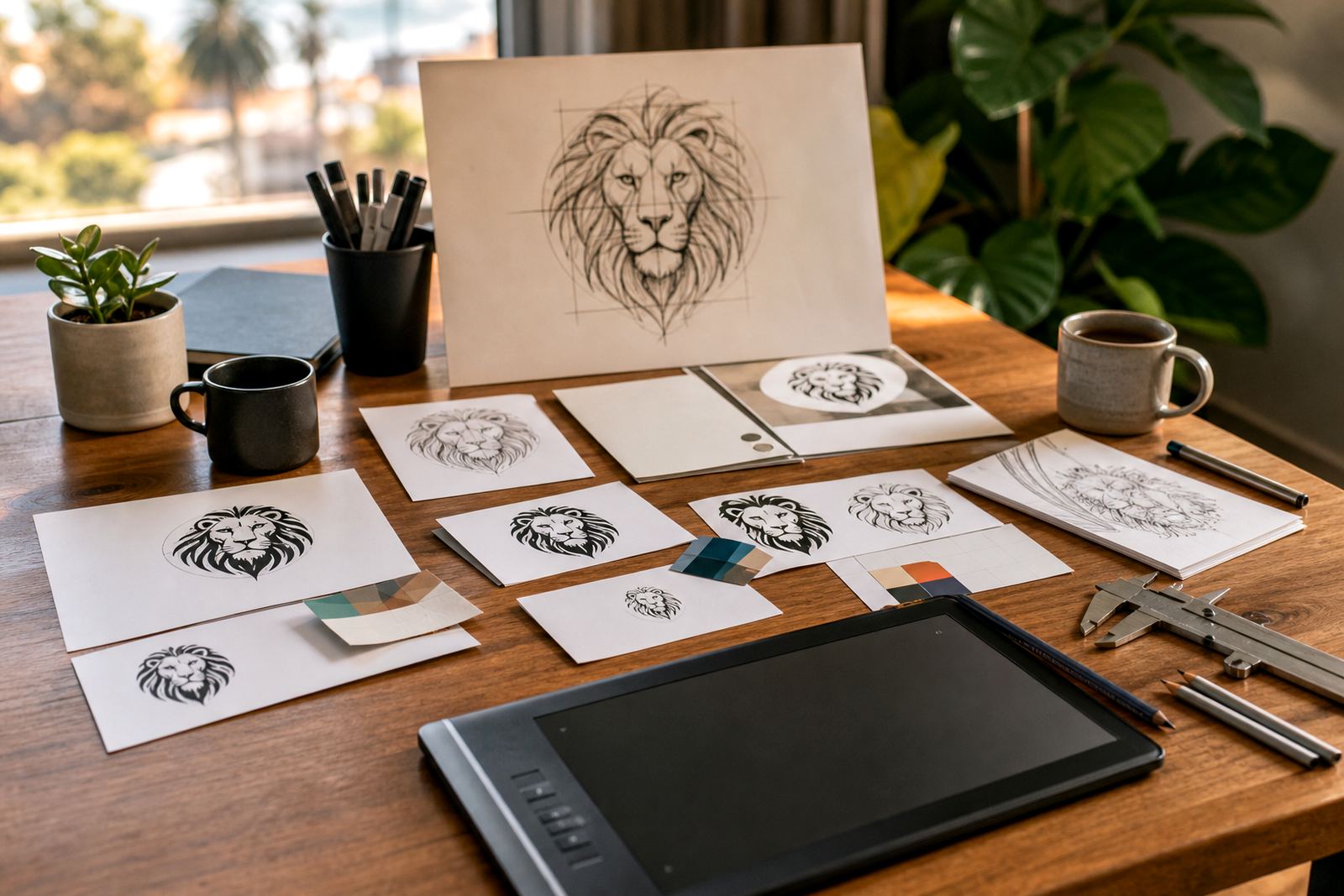
Before a logo is handed over for print, the artwork should be checked properly. That means looking at line thickness, spacing, colour behaviour and whether the design works at both small and large sizes. A print-ready file should not have stray points, hidden objects or odd overlaps that may show up when the printer separates colours.
At this stage, the artwork is usually tested in a few real use cases. Can it sit on a receipt? Does it still read on a box? Does it work in black only? These checks matter because a logo that looks neat on screen can still fail on a coat label or a folded brochure. A careful QC pass avoids reprints and keeps the brand looking consistent.
- Check legibility at small sizes.
- Confirm the logo works in black, white and full colour.
- Remove stray points and hidden shapes.
- Keep a clean master file and print versions separately.
A practical route for businesses that print often
If your company prints regularly, it pays to keep a properly prepared logo set on file from the start. That way your letterheads, catalogues, stickers and packaging all come from the same cleaned-up source. It is simpler for the printer, and it avoids the common problem of using different versions across branches or suppliers.
For businesses across Cape Town, Johannesburg, Durban, Pretoria and Bloemfontein, this can make everyday ordering much easier. A well prepared vector logo means less chasing for corrections, fewer surprises on press and better consistency across all print material. It is a small step, but it makes a visible difference on the final job.