Start with the files people actually need
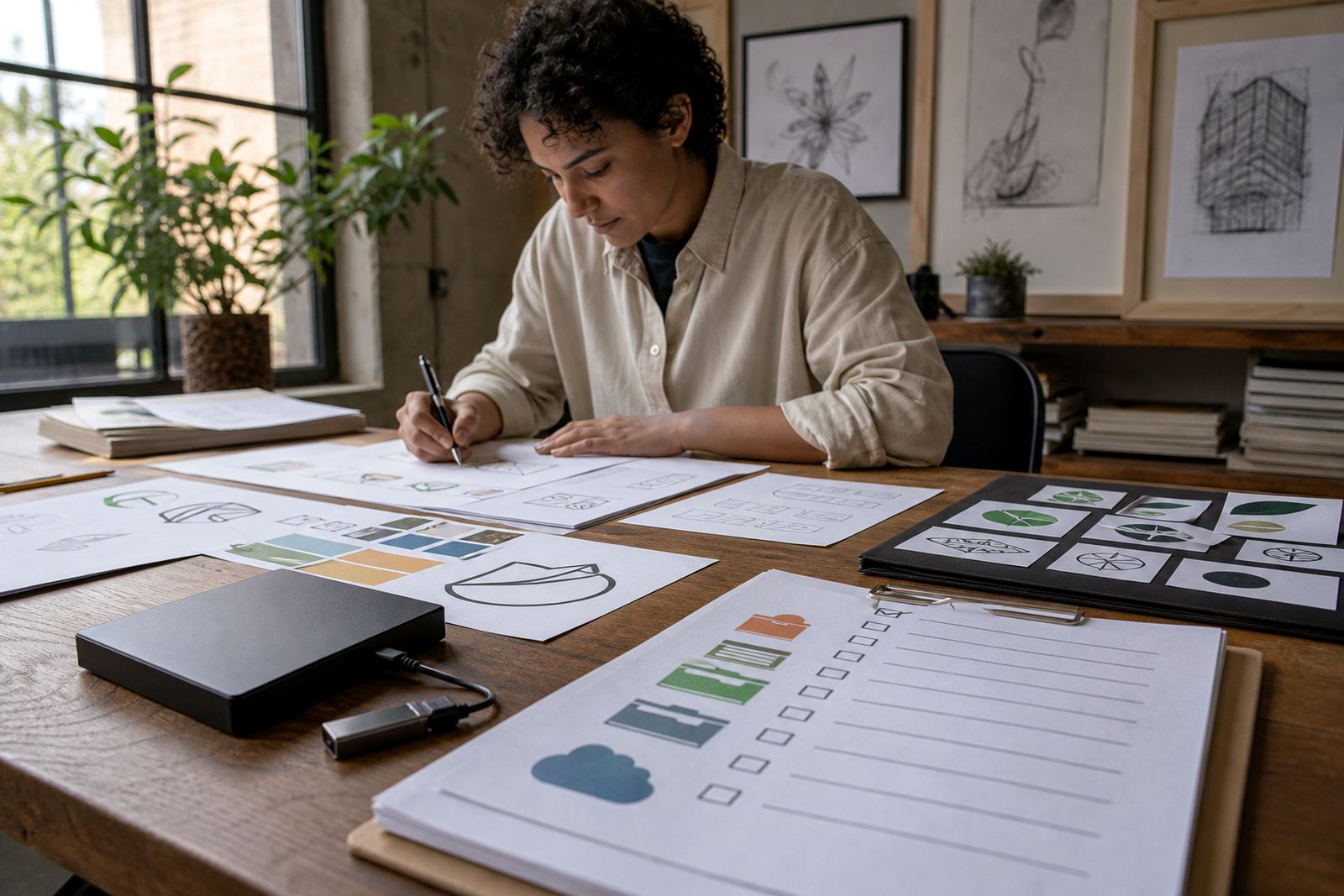
An archive should not be a random pile of artwork. It should hold the files a business is most likely to use again: final logo redraws, approved illustrations, source artwork, and the versions prepared for print or digital use. In South Africa, that often means keeping artwork ready for packaging, vehicle graphics, signage, tender documents and social posts, all in one organised system.
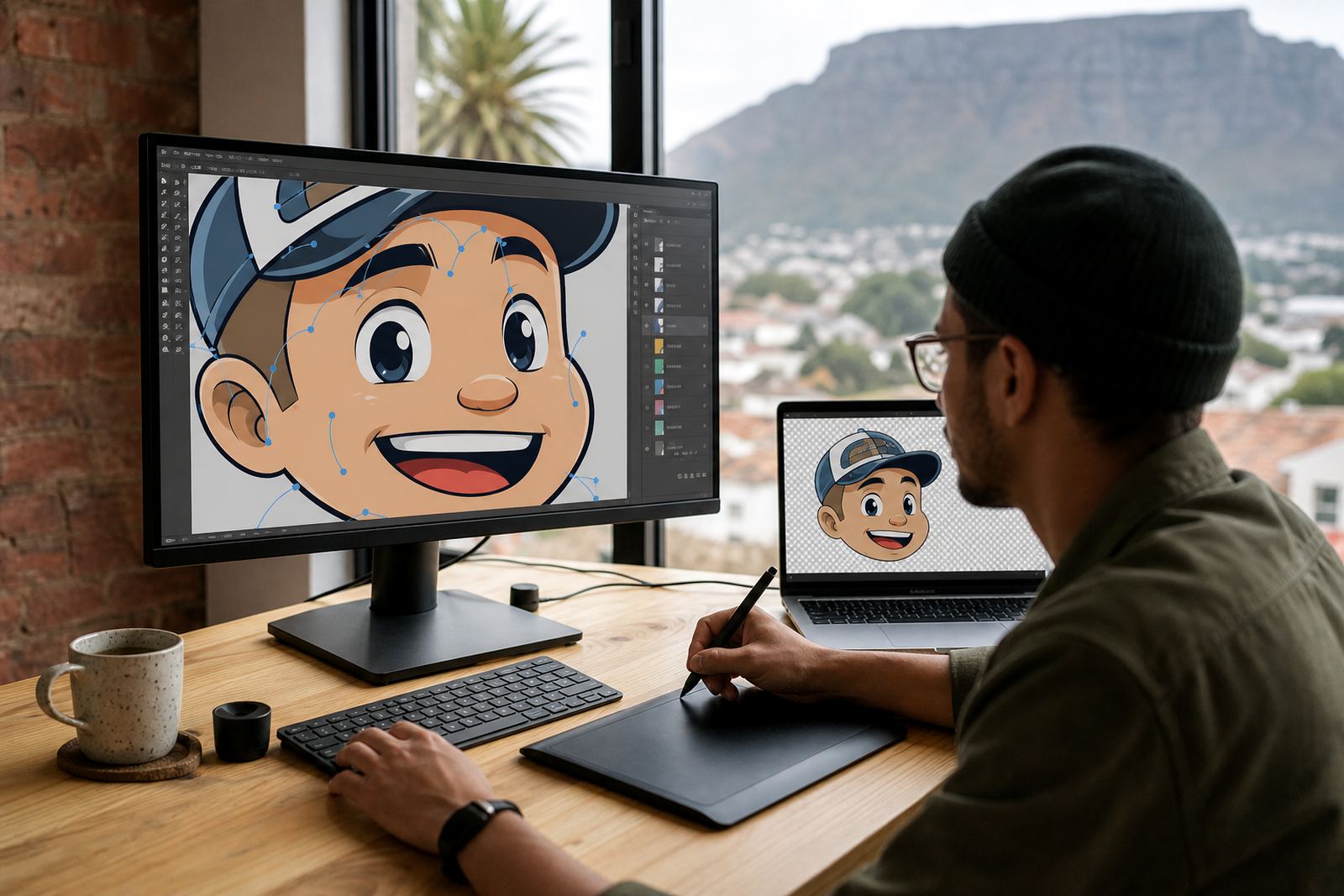
Vector files are the heart of that archive because they scale cleanly. SVG, EPS, PDF and AI files each have a place, depending on whether the artwork is going to a printer, a sign maker or a digital team. A bitmap trace may be enough for a quick reference, but a careful hand redraw usually gives cleaner linework, better shapes and fewer problems when artwork needs to be enlarged.
Name files so the next person can make sense of them
File names should tell the story at a glance. If someone finds a file called final_final2_newlogo.pdf, the archive is already failing. Use a simple naming pattern that includes the brand name, artwork type, version and file format. That way a staff member in Johannesburg, Durban or Bloemfontein can find the same file without phoning three people and guessing which copy is current.
- Use the brand name first, then the asset type: for example, brandmark, mascot, icon or packaging illustration.
- Add a version marker such as v01, v02 or approved.
- Include the format in the file name if useful: SVG, EPS, PDF or AI.
- Separate working files from final files so old drafts do not get used by mistake.
A neat naming system also helps when staff change. The folder should still make sense to someone who was not there when the logo was redrawn.
Keep ownership and usage rights with the artwork
Every archive should show who owns the artwork and what rights apply. If a business commissions a logo redraw or illustration, it should keep proof that it owns the approved result or has the right to use the material it supplied. That matters when a sign is replaced, a label is reprinted or a franchise opens in another town and needs the same graphics again.
It is worth storing the signed brief, approval notes and any source material details together with the final files. If the original artwork came from a supplier, photographer or illustrator, keep the permission record with it. Without that paper trail, a business can end up with a great looking file but no clear right to use it later, which is an expensive way to learn a lesson.
- Store the approval message or signed sign-off with the project folder.
- Keep any licence or permission note in the same location.
- Record whether the asset may be edited, resized or reused across branches.
- Note if the artwork is owned by the business or limited to a specific campaign.
Separate traced artwork from hand redraws and illustrations
Not every logo file should be treated the same way. A bitmap trace is often useful when an old logo only exists as a low-resolution image, but it may still carry rough edges, uneven curves or small flaws from the original source. A hand redraw is usually better when the mark needs cleaner geometry, balanced proportions or a fresh set of vector paths that can be used across print and digital work.
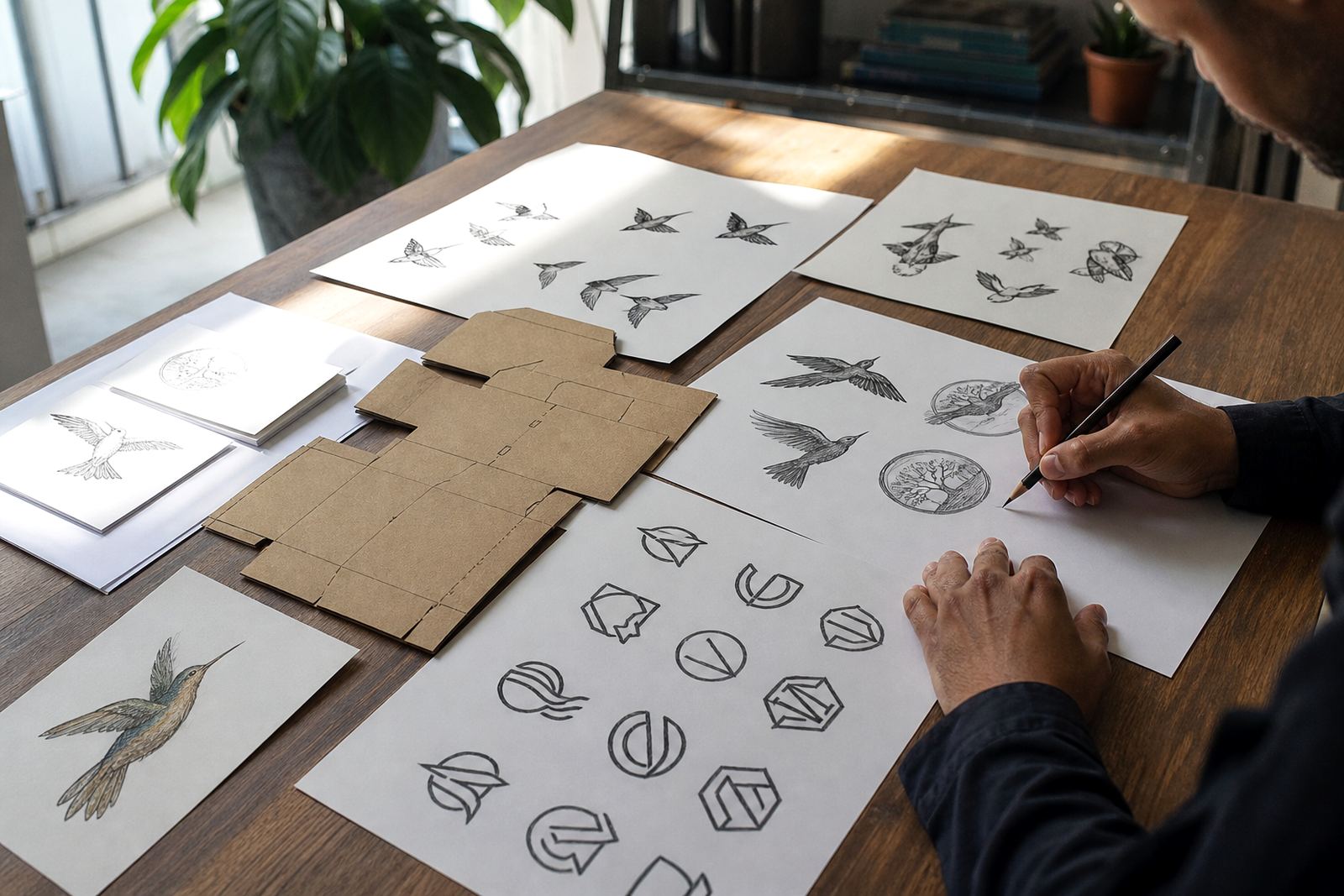
Illustrations need their own structure too. A mascot, map, badge or pattern should not sit in the same folder as a simple logo unless the names and subfolders are clear. Keep the source sketch, the vector build and the final export together so the team can see how the artwork was developed. That makes it easier to update a line illustration later without losing the style of the original drawing.
Build folders that match how your business works
The best archive usually follows the way the business operates. A retailer with branches in Cape Town and Pretoria may need folders for store signage, menus, stickers and social graphics. A manufacturer in Epping may need packaging illustration and badge artwork separated from product labels. The trick is to set up the archive around real jobs, not just art terms.
For a Cape Town company in Observatory, the practical setup might be simple: one main brand folder, then subfolders for logo redraws, illustrations, exports and approvals.That way the art is not stranded when someone needs a file before a print deadline.
- Main brand folder
- Approved final files
- Working files and source art
- Exported print files
- Permissions and approvals
Make archiving part of every new project
An archive should not be something done at the end if there is time. It should be part of the handover. When a logo redraw, mascot illustration or infographic is finished, the files should be saved in the right place straight away, with the right names and a short note on what was approved. That small habit saves a lot of time later, especially when staff turn over or a branch manager asks for the same file two years on.
The clearest archives are the ones that someone else can understand without asking questions. If the folder is tidy, the file names are sensible and the rights are noted, future staff can find what they need fast and use it properly. That is the real value of archiving: not just storage, but less confusion when the next job comes in.