Why a social logo needs more than a quick crop
Social media trims your branding into tight spaces. A detailed crest, a thin wordmark or a busy emblem can vanish when it is pushed into a small profile image or squeezed into a banner. That is why logo redraws for social use are not just about making a file bigger, they are about simplifying the artwork so it reads well on a phone screen.
We usually start by looking at what the logo needs to do online. A profile image may need a standalone symbol. A cover banner may need a wider layout with room for text. A post layout may need a version that sits on a coloured block, or a line version that holds its shape over a photo. For businesses in Cape Town, Johannesburg, Durban, Pretoria and Bloemfontein, this matters just as much as the main logo itself.
- Profile images need strong shapes and clean edges
- Cover banners need safe space so nothing gets cut off
- Post graphics need versions that work on light and dark backgrounds
- Small icons need fewer details than print artwork
Bitmap tracing or hand redraw: which one suits the job?
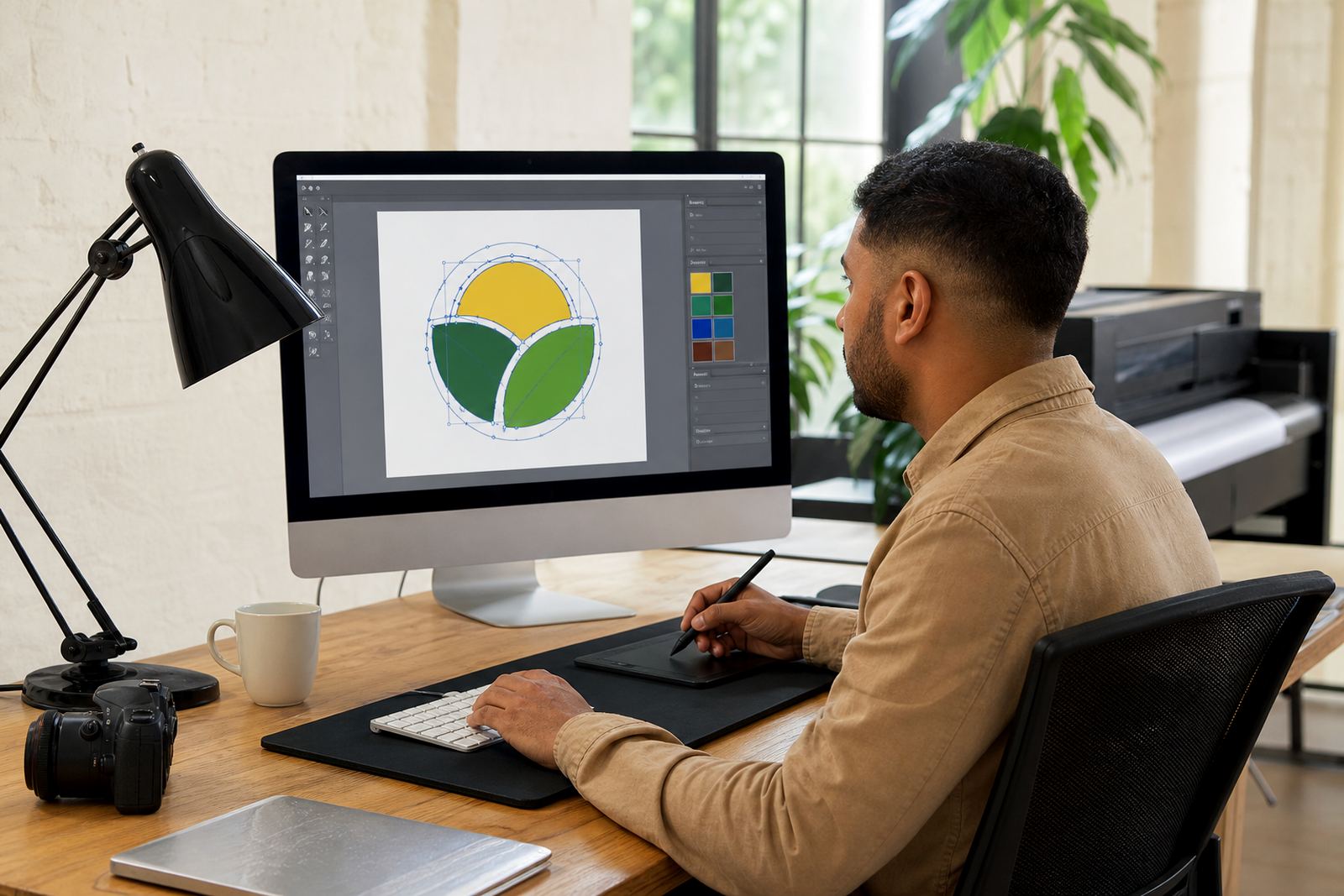
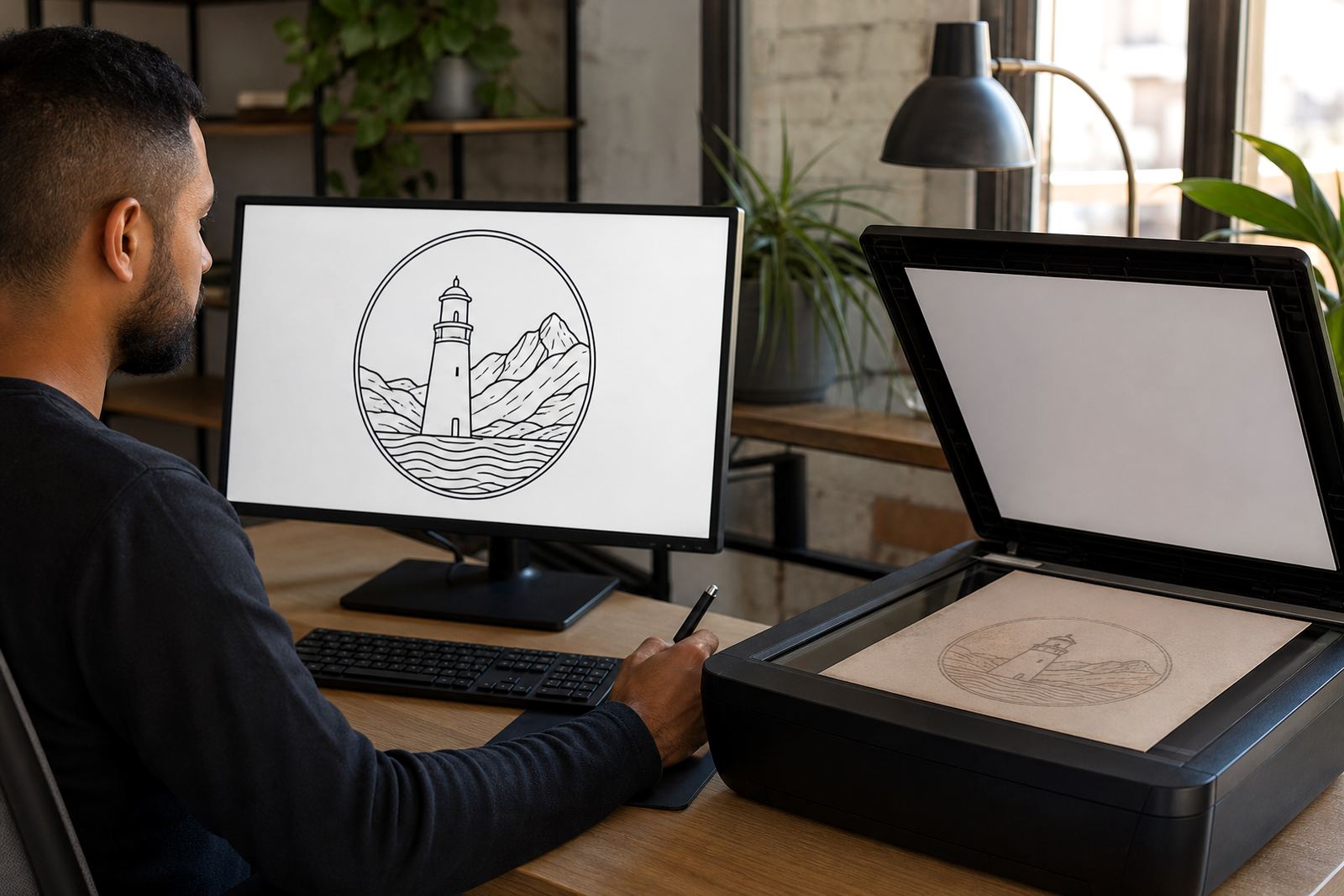
There is a big difference between tracing a bitmap and redrawing a logo by hand. Bitmap tracing can help when the source is decent and the shapes are already clean. It follows the existing pixels and turns them into vector paths. That can be useful for a straightforward mark, but it can also carry forward rough edges, uneven curves and awkward corners from the original file.
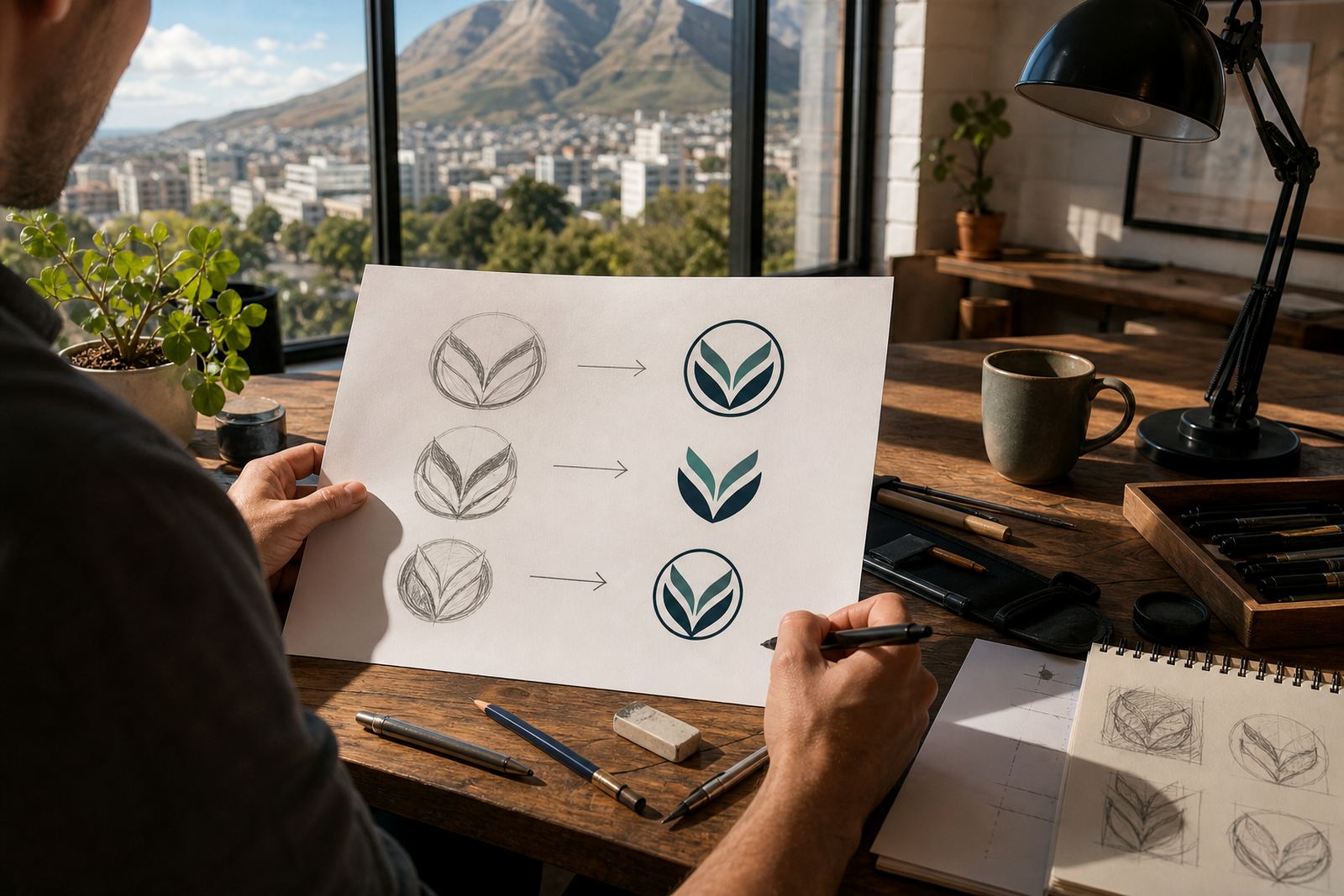
A hand redraw is better when the logo is old, low-resolution or badly scanned. In that case, the artwork is rebuilt properly from the ground up. Curves are corrected, spacing is cleaned up and details are redrawn to suit social use. If the logo is going to sit on a profile picure, banner or animated intro, the hand redraw usually gives a neater result.
- Use bitmap tracing for simple, clean source artwork
- Choose a hand redraw for scans, low-res images or messy files
- Redrawing is better when letterforms need correction
- Tracing is not ideal if the logo has fuzzy edges or distortion
The file formats that keep social artwork usable
Once the logo has been redrawn, it should be supplied in vector file formats that hold their quality at any size. Social teams often need a mix of SVG, EPS, PDF and AI files, because each one has a job to do. SVG is useful for web and digital platforms. EPS and PDF are practical for print and for sharing with other suppliers. AI is useful when edits are needed later.
For social media, we also prepare versions that are easy to use in real day-to-day work. That may include a full logo, a compact mark, a monochrome version and a reversed version for dark backgrounds.
- SVG for digital use and web-friendly scaling
- EPS for print handover and professional production
- PDF for viewing, proofing and general sharing
- AI for future editing and artwork control
What works in a profile image and what should be left out
A social profile image is tiny, so only the strongest part of the logo should carry the load. Long taglines, thin outlines, fine shading and tiny internal details can disappear. A clean symbol, initials or simplified badge usually works better than the full logo in that space. The goal is not to lose identity, it is to keep the identity readable at a glance.
When a logo is being adapted for social channels, we check contrast, line thickness and spacing. We also test how it behaves on different backgrounds, because a design that looks fine on white may disappear on a dark image or a busy photo. This is especially useful for businesses that post often, from Stellenbosch estates to industrial suppliers in Pretoria East.
- Keep the logo simple for small circular crops
- Avoid thin lines that blur on mobile screens
- Prepare light and dark background versions
- Leave enough breathing room around the mark
A practical Cape Town example for everyday social use
Think of a Cape Town café in Observatory that wants one logo for its storefront, another for Instagram and a third for Facebook banners. The full mark might work well on menus and packaging, but the social version needs a cleaner treatment. The icon is isolated for the profile image, the name is arranged for the banner, and a simple one-colour version is prepared for stories and post watermarks.
That same approach works for businesses in Durban, Bloemfontein or Port Elizabeth. A local contractor may need a social badge that is readable over photos of sites and equipment. A boutique in Paarl may need a softer hand drawn version that suits editorial posts. The layout changes, but the brand stays consistent across platforms.
We only work from artwork that the customer owns or has rights to use. If a file comes from a previous designer, a supplier or an old scan, it still needs to be cleared for use before any redraw begins. That protects the business and keeps the artwork process clean from the start.
How we set up social-ready logo files for South African businesses
Social artwork should be organised so it is easy to hand over, easy to upload and easy to reuse. A proper set up means the right versions are saved for different uses, from a square profile image to a wide banner and a simple post layout. It also means the logo can be supplied to staff, agencies or printers without confusion.
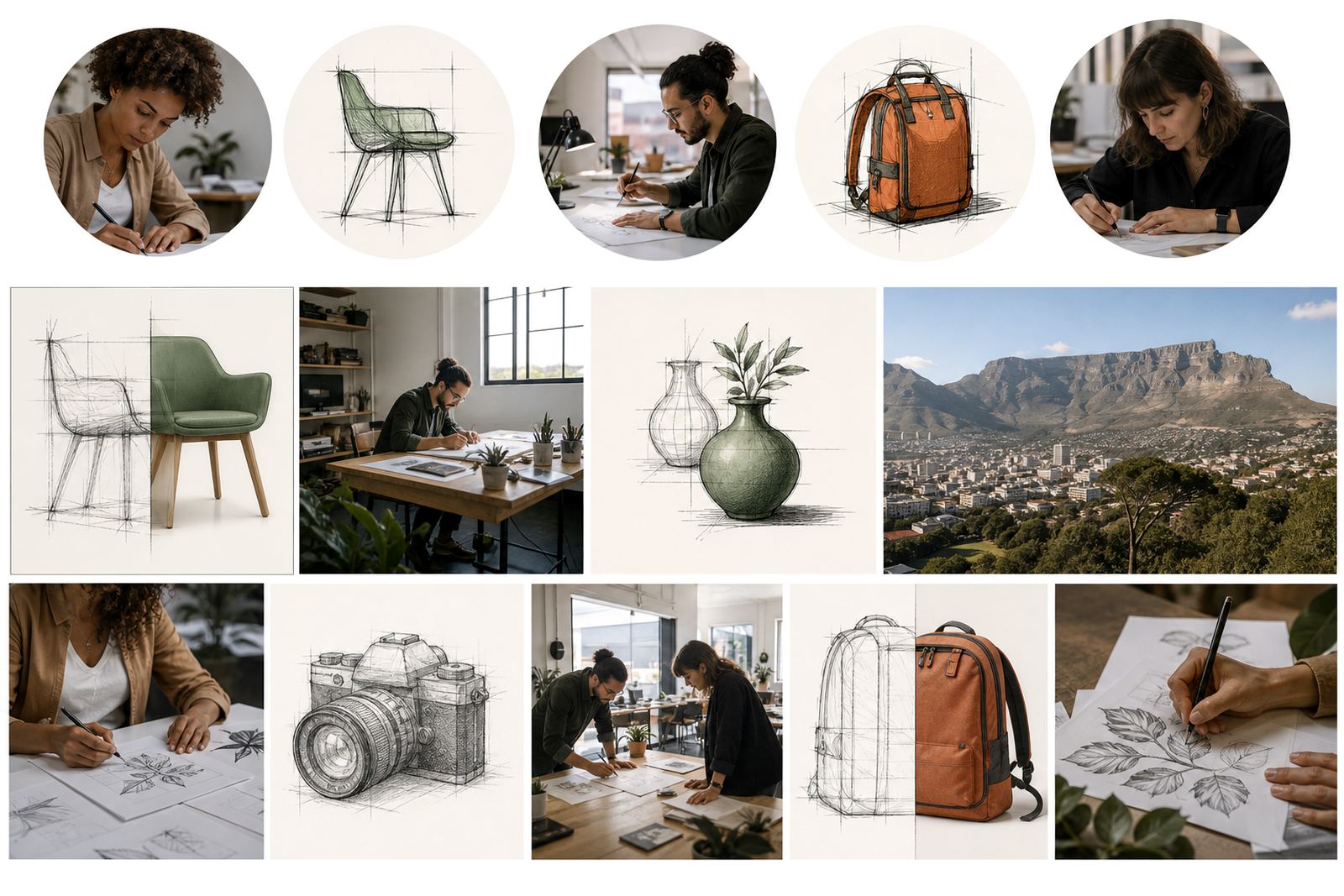
At Vectorization Studio in Observatory, Cape Town, we redraw logos and create hand drawn vector illustrations for businesses across South Africa. The team includes Luyanda Mthembu, Ayesha Mafokeng, Pieter Skosana, Zanele Kajee, Teboho Molefe and Megan Khoza. Clients reach us through the enquiry form on our contact page, and from there we map out the right format for the job.
- Review the existing artwork and check the rights to use it
- Decide which social spaces need a full logo and which need a symbol
- Redraw the artwork into clean vector files
- Export social-friendly versions for posts, banners and profile use
- Keep the files labelled clearly so the team can find them later