What EPS is actually used for
EPS stands for Encapsulated PostScript. In plain terms, it is a vector file format that can hold logos, line art and illustrated marks in a way that stays sharp at many sizes. A printer can place it into a layout, a sign shop can scale it for a board or vehicle panel, and a screen printer can separate elements for production. For businesses that still work across older software or mixed production systems, EPS can be a very practical handover file.
We often see EPS requested when a client needs artwork for packaging, menu boards, shop signage or a label layout that will be handled by a third party. If the artwork is built properly, the file usually behaves well across these jobs. If it started life as a bitmap image, though, it may need a proper vector redraw first so the result is clean and usable.
When EPS is the better call than a bitmap trace
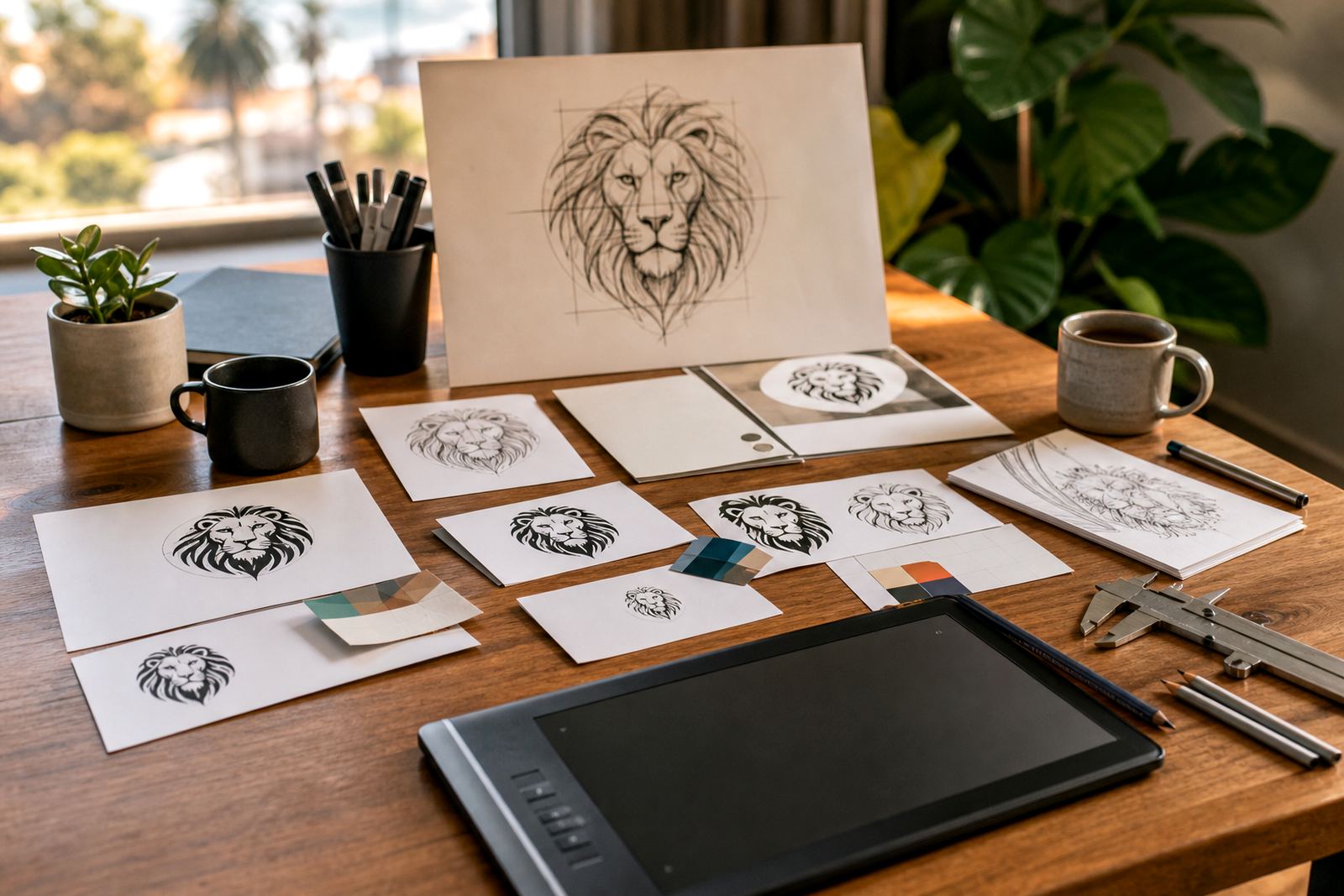
There is a difference between tracing a bitmap and redrawing a logo by hand in vector form. A bitmap trace can work when the source is clear and simple, but it may pick up rough edges, uneven curves or stray points. A hand redraw gives more control over the final shape, spacing and line weight, which matters when the logo must look right on a truck door, a stamped badge or a small print piece.
EPS is the right choice when the final artwork must remain editable in vector form and the production team wants a format they can place without quality loss. It is especially useful for:
- logos that need to print at different sizes
- single-colour marks for signs, engraving or embroidery setup
- illustrations with clear edges and solid shapes
- jobs that move between design, print and signage suppliers
If the source file is a low-resolution JPG or PNG, sending it straight into production can lead to soft edges and poor curves. In that case, an EPS built from a proper redraw is usually the safer route.
Why printers and sign makers still ask for EPS
Many print and signage workflows still rely on EPS because it remains familiar, stable and easy to place into production files. Not every workshop uses the same software version, and not every machine likes the same export settings. EPS gives a practical middle ground, especially where the job is moving from one supplier to another and no one wants surprises at the last step.
In South Africa, this matters when a business is sending artwork between Cape Town, Johannesburg or Durban while working to tight schedules. A client may need a menu print in Braamfontein, a shop fascia in Bellville, or a fleet decal in Pretoria. If the file is in a format the production team can open and re-size without drama, the process is a lot easier.
- works well for many signage and print setups
- keeps clean vector edges at different sizes
- can be paired with PDF, SVG or AI for other uses
- helps when suppliers need editable artwork rather than a flat image
When EPS is not enough on its own
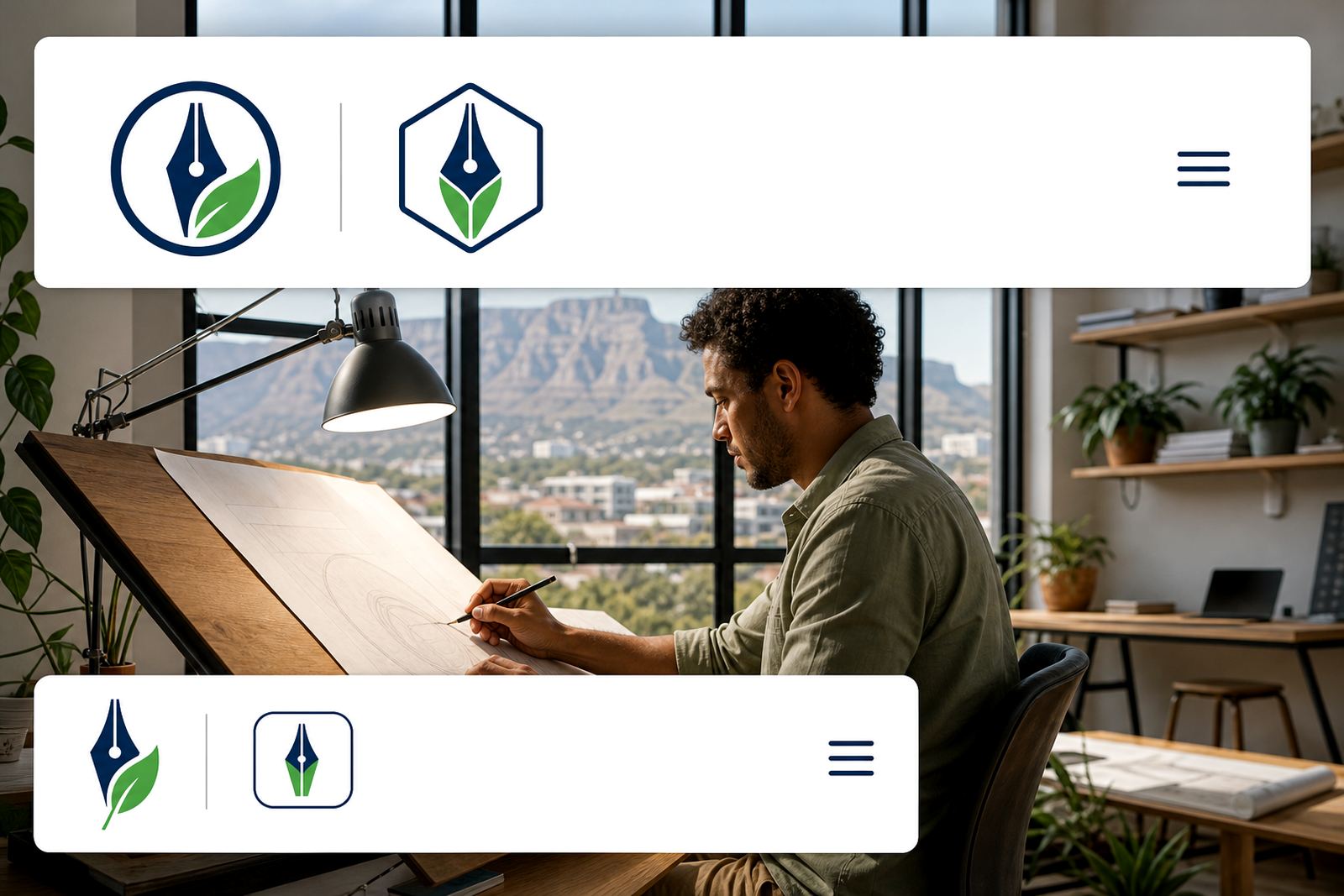
EPS is useful, but it is not always the only file to keep. Some clients need SVG for web use, PDF for easy proofing, or AI for deeper editing in design software. A proper artwork pack often includes more than one format so the client can hand the right file to the right supplier. That saves time later, especially if a brand grows into packaging, promotional items and signage at the same time.
EPS also has limits with some modern workflows. Certain software reads it differently, and some teams prefer PDF because it preserves layout, text and vector artwork in a simpler way. If a business wants a file for a website icon or on-screen use, SVG may be more practical. The key is to choose the format based on the job, not just because EPS sounds technical.
A local example from Cape Town production work
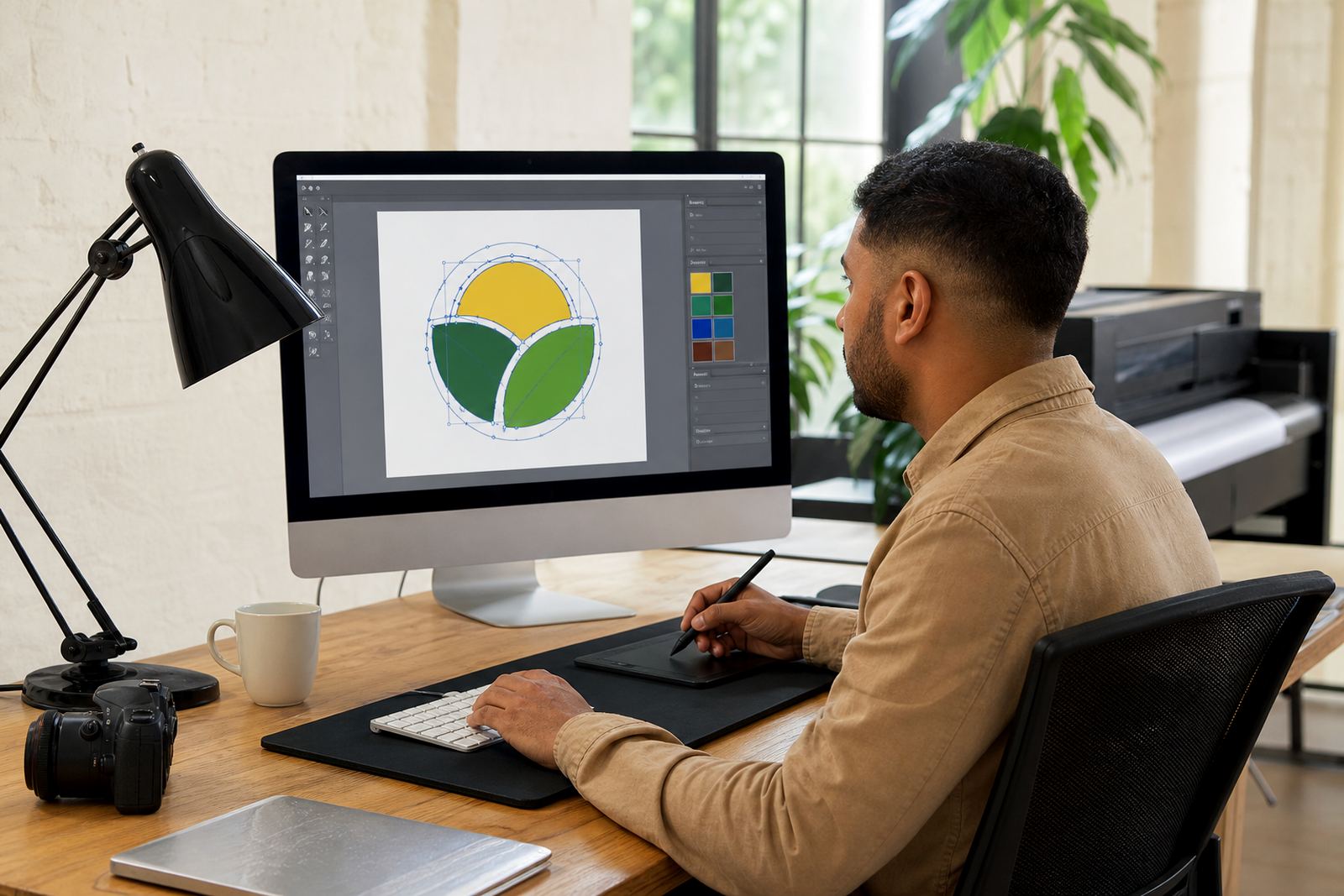
Take a small business in Observatory, Cape Town that needs a redrawn logo for a shop sign, a set of product stickers and a printed menu. The original logo may be an old PNG, perhaps copied from a scanned invoice or an early brochure. A bitmap trace might get the broad shape right, but a hand redraw gives cleaner curves, better spacing and a stronger result when the sign is enlarged.
For that same job, the sign maker may ask for EPS because the file needs to be dropped into their production software. The printer may want a PDF as well, and the client may also keep SVG for future digital use. That mix is normal. In a coastal area, where humidity and sun exposure can affect outdoor signage, clean artwork and correct file preparation matter just as much as the material choice. A file that prints badly now can cost time and money later, and no one wants that.
What to send before an EPS redraw is started
Before any redraw or illustration work begins, the client must own the artwork or have the right to use it. That part is important. A studio can only work from material that the client is allowed to submit, whether it is a logo, sketch, rough scan or reference image. Once that is clear, the process is usually much smoother.
Useful information to send includes:
- the best version of the current logo or artwork
- any notes about colours, proportions or spelling
- where the file will be used, such as print, sign, menu or packaging
- whether the end supplier needs EPS, PDF, SVG or AI
If the artwork is being redrawn for a business in Stellenbosch, Paarl or Port Elizabeth, it helps to know the final use from the start. A badge for a uniform, for example, needs a different approach from a large wall graphic. The more specific the brief, the better the final vector file will be.
A practical rule for choosing EPS
Use EPS when the job is headed for print or signage and the next supplier wants a reliable vector file they can place into production. Keep SVG, PDF and AI in the file set where needed, but do not force one format to do every job. A good redraw should suit the artwork, the supplier and the final use.
For many South African businesses, EPS remains the practical choice for legacy print systems, sign boards, labels and other production work where clean vector edges matter. If the logo has already been redrawn properly, EPS can sit comfortably alongside other formats and make handover simpler. The point is not to chase file types for their own sake, but to give the artwork the best chance of working well in the real world.