Why a web logo needs to behave differently on screen
Web use puts a logo in small spaces first. Think browser tabs, mobile menus, footer bars, profile circles and loading screens. A logo that looks fine on a printed invoice can become blurry or cluttered online, especially when it has fine detail, tiny text or thin strokes. For South African businesses that rely on customers checking details on a phone, clarity matters more than decoration.
The best web logo is usually simple enough to read at 24 to 48 pixels high, but still strong when it appears larger on a homepage banner. That usually means deciding on a main logo, a stacked version and a small mark for tight spaces. In practice, one size never suits every page layout, so planning a few versions upfront saves time later.
When bitmap tracing is enough, and when a hand redraw is better
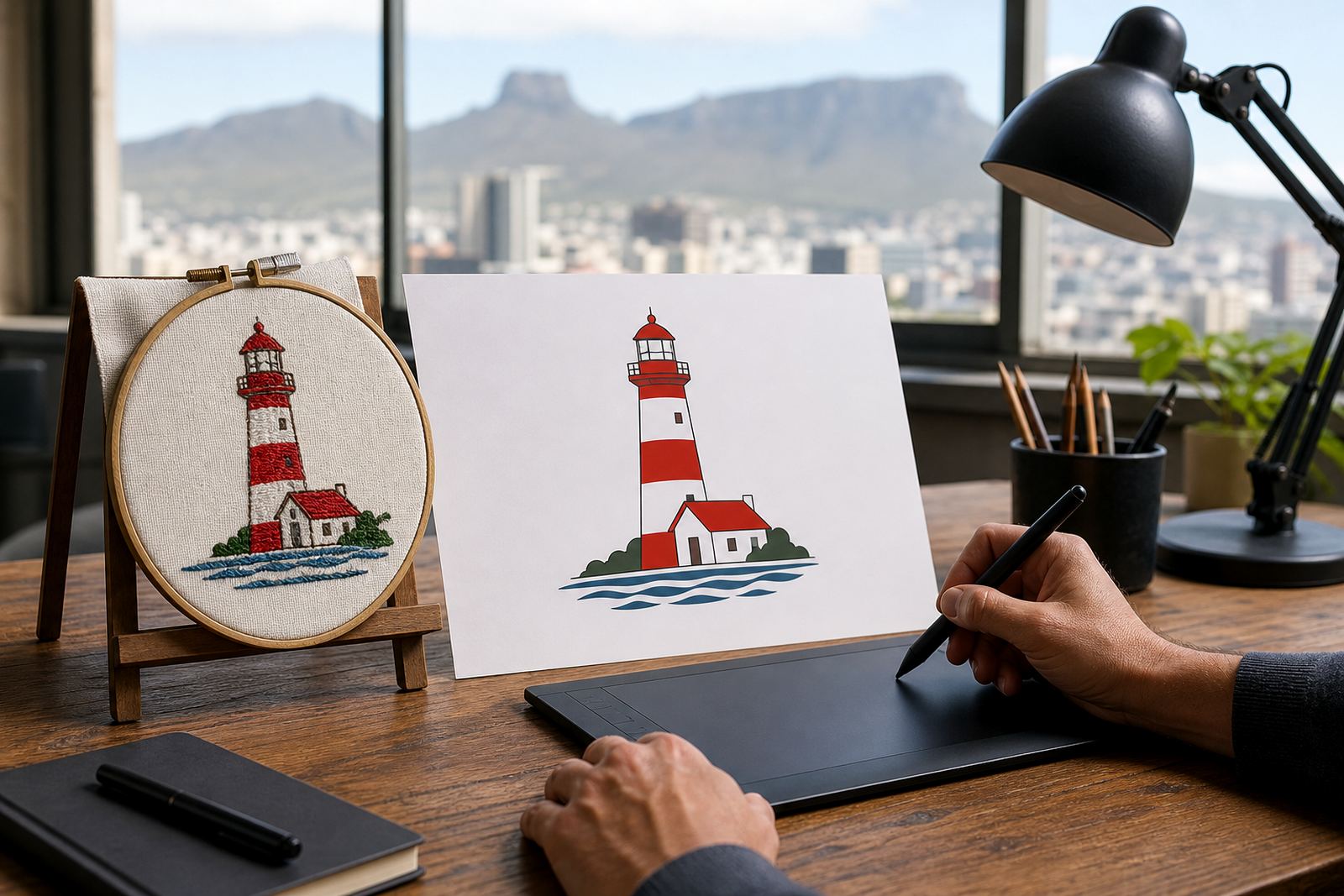
Bitmap tracing can be useful when the source artwork is already clean and well drawn. It follows an existing image and turns it into vector paths. But if the original is rough, faded, pixelated or copied from a low resolution JPEG, tracing can keep the problems in place. You may end up with awkward curves, jagged corners and gaps that show up on screen.
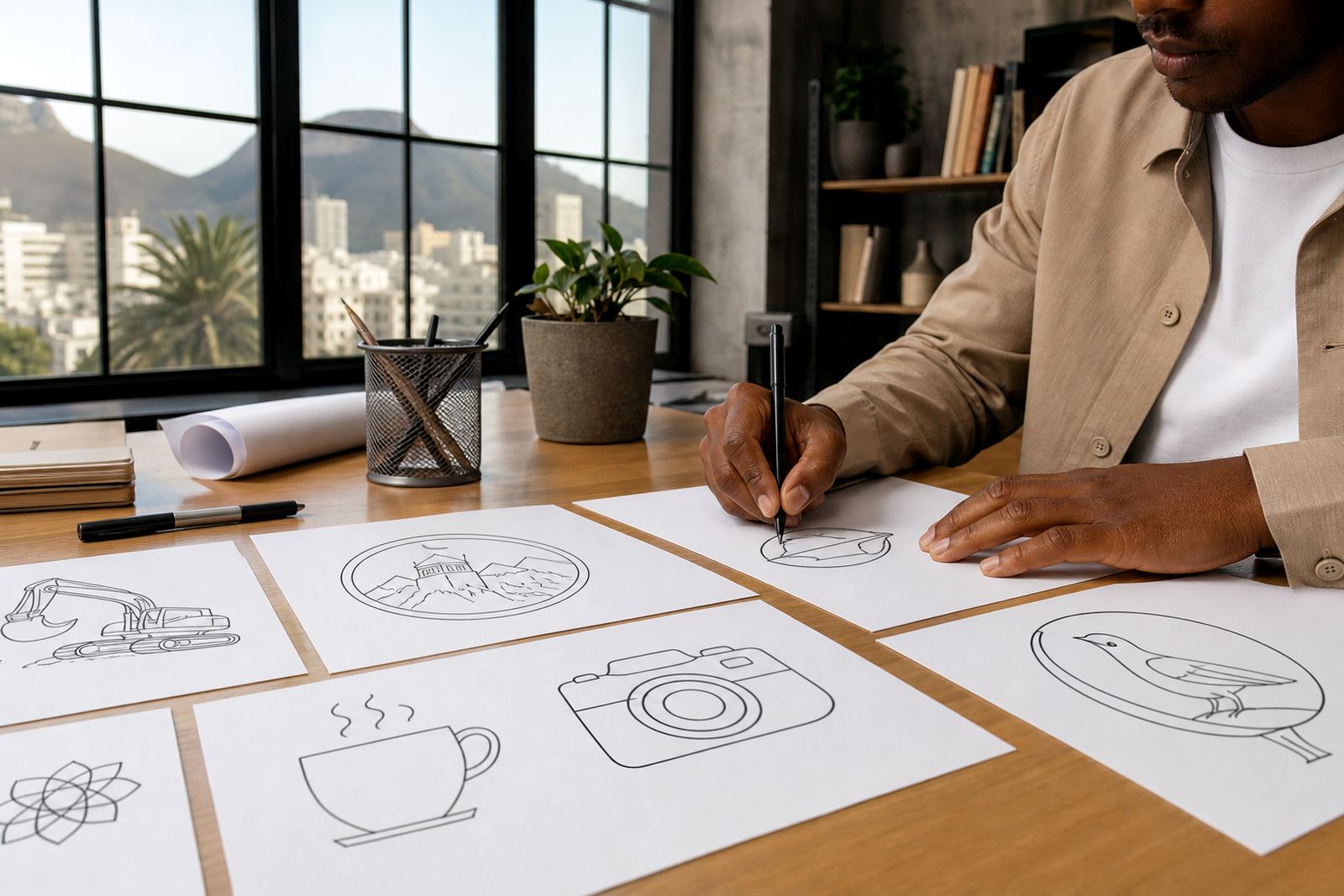
A hand redraw gives more control. The artist can correct uneven lines, rebuild letterforms, simplify detail and prepare the logo for modern digital use. This matters for older businesses, scanned artwork, or logos that were built long before online use became standard. If the original file is all that exists, a redraw often gives the cleaner result.
- Use tracing for clean source art with solid edges and simple shapes.
- Use a hand redraw when the file is fuzzy, broken or badly proportioned.
- Choose redraws if the logo must scale cleanly for web, apps and social media.
The web files worth asking for from the start
Once a logo has been redrawn or cleaned up, the file format matters. For websites and online platforms, vector files are best because they stay sharp at any size. A proper handover should include SVG, EPS, PDF and AI files where needed. SVG is especially useful for web work because it scales neatly and usually keeps file size sensible.
It also helps to ask for a clear set of uses. A site developer may need one file, while a printer, sign maker or marketing team may need another. Keeping the master vector files together avoids confusion later, especially when a logo gets updated for a new service page or a seasonal campaign.
- SVG for web use and responsive layouts.
- EPS and PDF for broad compatibility and print handover.
- AI for working edits where the format is needed.
- PNG only for temporary placements, never as the master file.
How to choose logo versions for a website layout
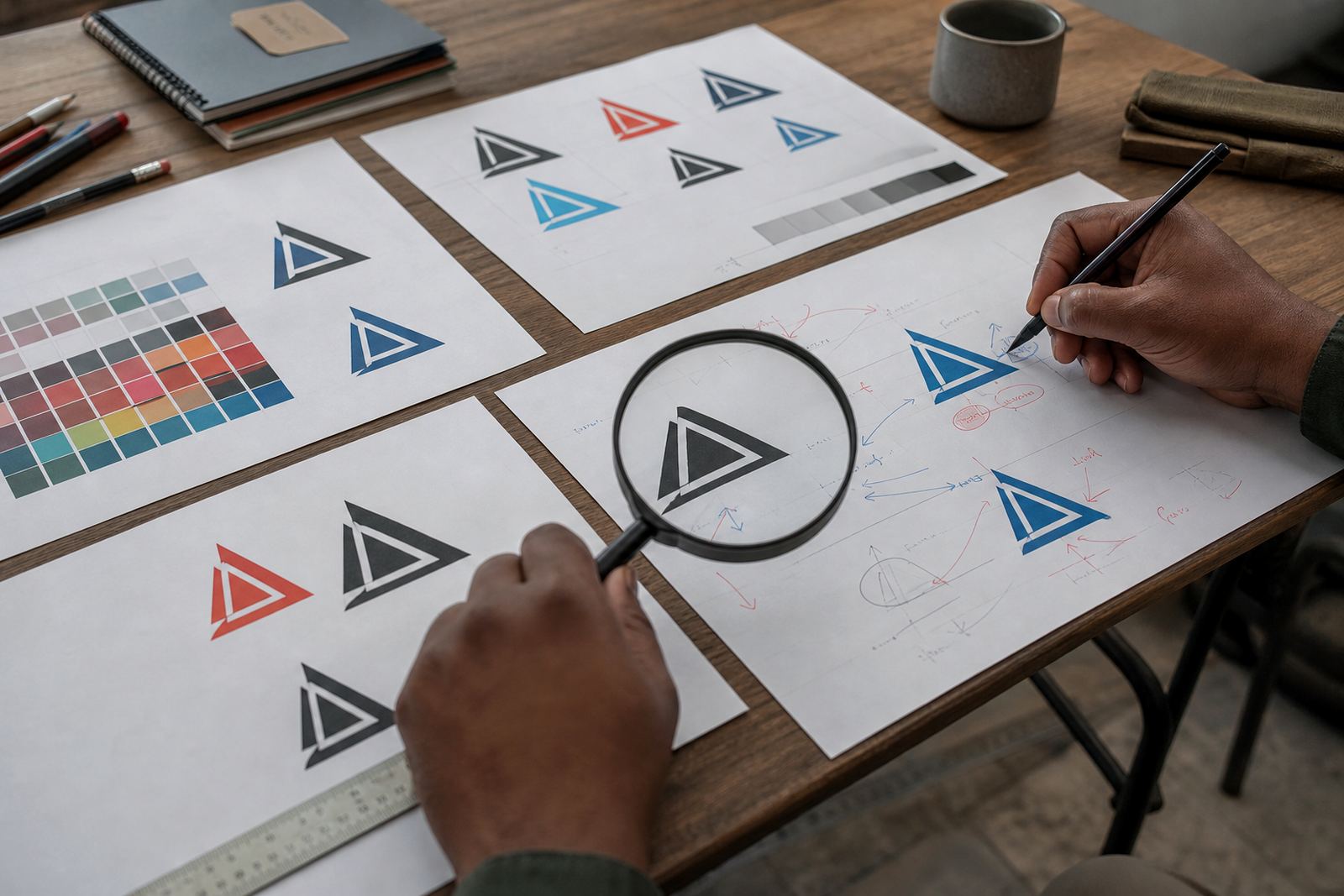
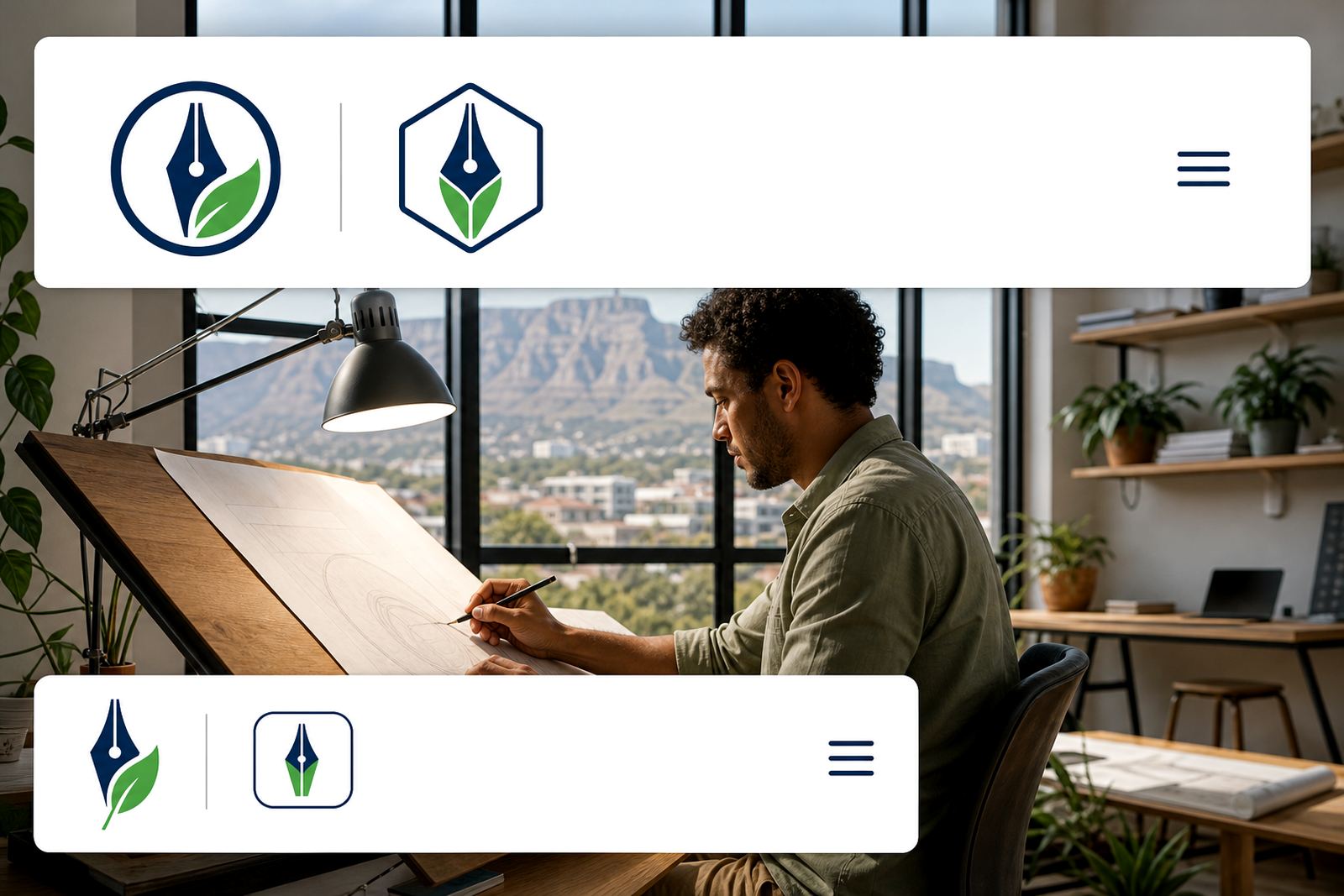
A good web system usually starts with three basic versions. The first is the full logo with name and any strapline. The second is a simplified stacked or horizontal version for tighter spaces. The third is a small icon or mark for profile photos, favicons and app-style uses. This is where many businesses go wrong, because they try to force one file into every job.
For example, a Cape Town company with a long name may need a compact mark for a sticky header, while a Johannesburg distributor may need the full wordmark for the footer and legal pages. On mobile, the logo should still read quickly without pinching and zooming. It sounds small, but if users cant identify you in a few seconds, they move on.
- Full logo for homepage headers and main brand placements.
- Reduced logo for mobile menus and footer areas.
- Icon or symbol for social profiles and browser tabs.
A local example: Observatory artwork for clients across South Africa
Consider a business based in Observatory, Cape Town that serves clients in Durban, Pretoria and Bloemfontein. Their website may need one logo version for a dark header, another for a white background and a compact mark for social media. If the logo was built years ago from a low quality scan, a careful redraw can make it work properly online without changing the brand character.
South African conditions also play a part.In that setting, a cleaner logo with fewer fragile details helps the brand stay readable. The same applies whether the audience is in Stellenbosch, Paarl or Port Elizabeth.
What to send so the redraw process stays clean
Before any redraw or illustration work starts, send the best source file you have and confirm that you own the artwork or have the rights to use it. That point matters for every project. If the logo belongs to someone else, or if a designer previously created it under different terms, permission may be needed before it can be redrawn or adapted.
It also helps to explain where the logo will be used: website header, social graphics, online ads, message signatures or a new product page. The more specific the use, the better the final files can be prepared. A few details now prevent a lot of back and forth later, and yes, that includes the small things like background colour and minimum size.
- Send the cleanest source file available, even if it is old.
- Confirm ownership or usage rights before requesting a redraw.
- List the online spaces where the logo will appear.
- Say if you need transparent, light or dark background versions.