Start with the smallest size first
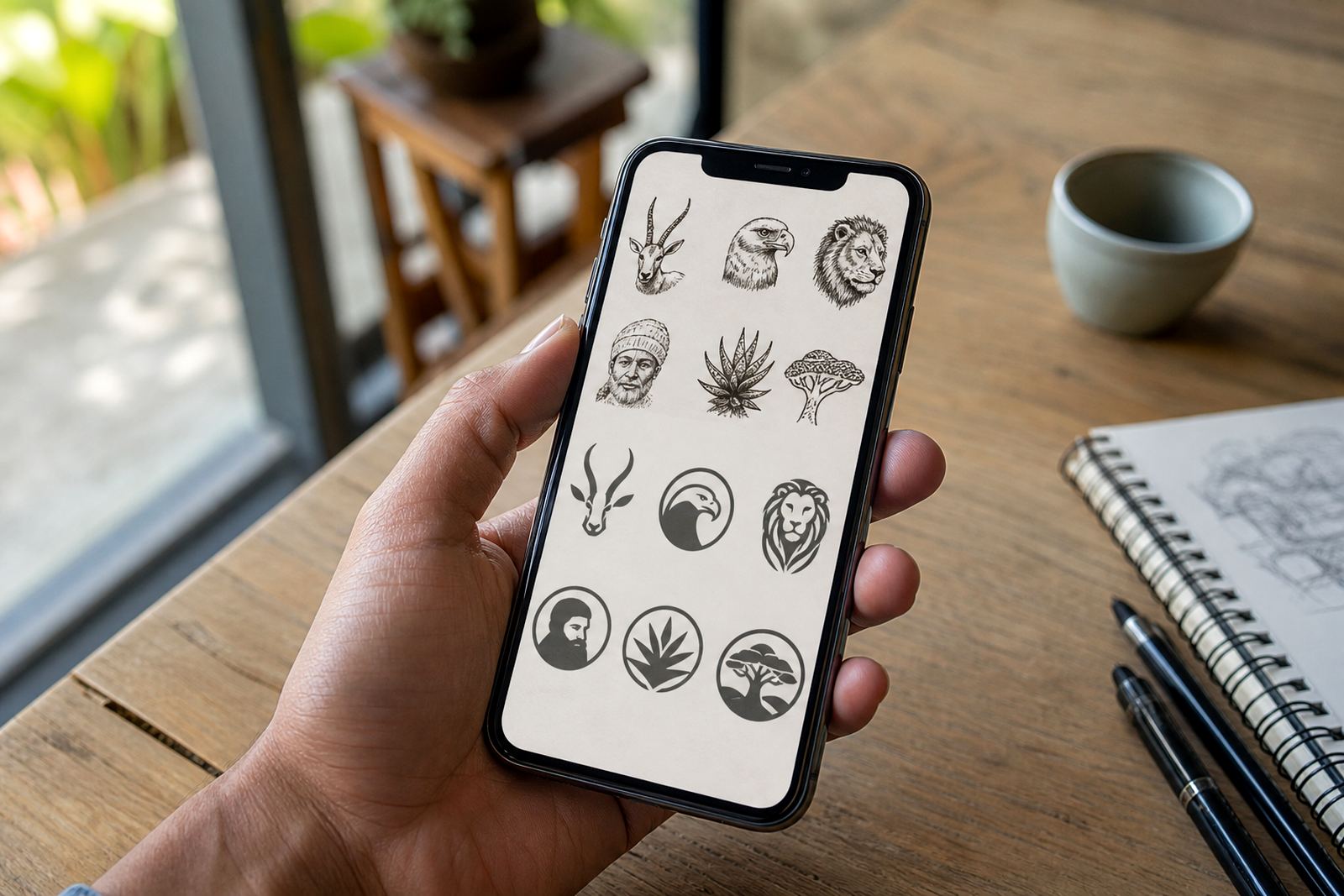
When a logo needs to work as an avatar, begin by asking what it looks like at 32 by 32 pixels, not at A4 size. A mark that reads well on a website header may still fail in a round profile image where the corners are cut off and the centre is very small. The safest route is to simplify the shape before you worry about colour or effects.
In practice, this means choosing one clear symbol, one strong outline, and a layout that does not rely on fine internal detail. If the logo has a long name, small slogan, or thin script, those parts often need to be removed from the avatar version and kept for larger uses. A clean avatar is not about losing identity, it is about keeping the part that people recognise most quickly.
- Test the mark in a circle and a square
- Check it in black only, then in one colour
- Remove any detail that disappears at thumbnail size
- Keep enough breathing room around the artwork
Bitmap tracing has limits, hand redraw gives more control
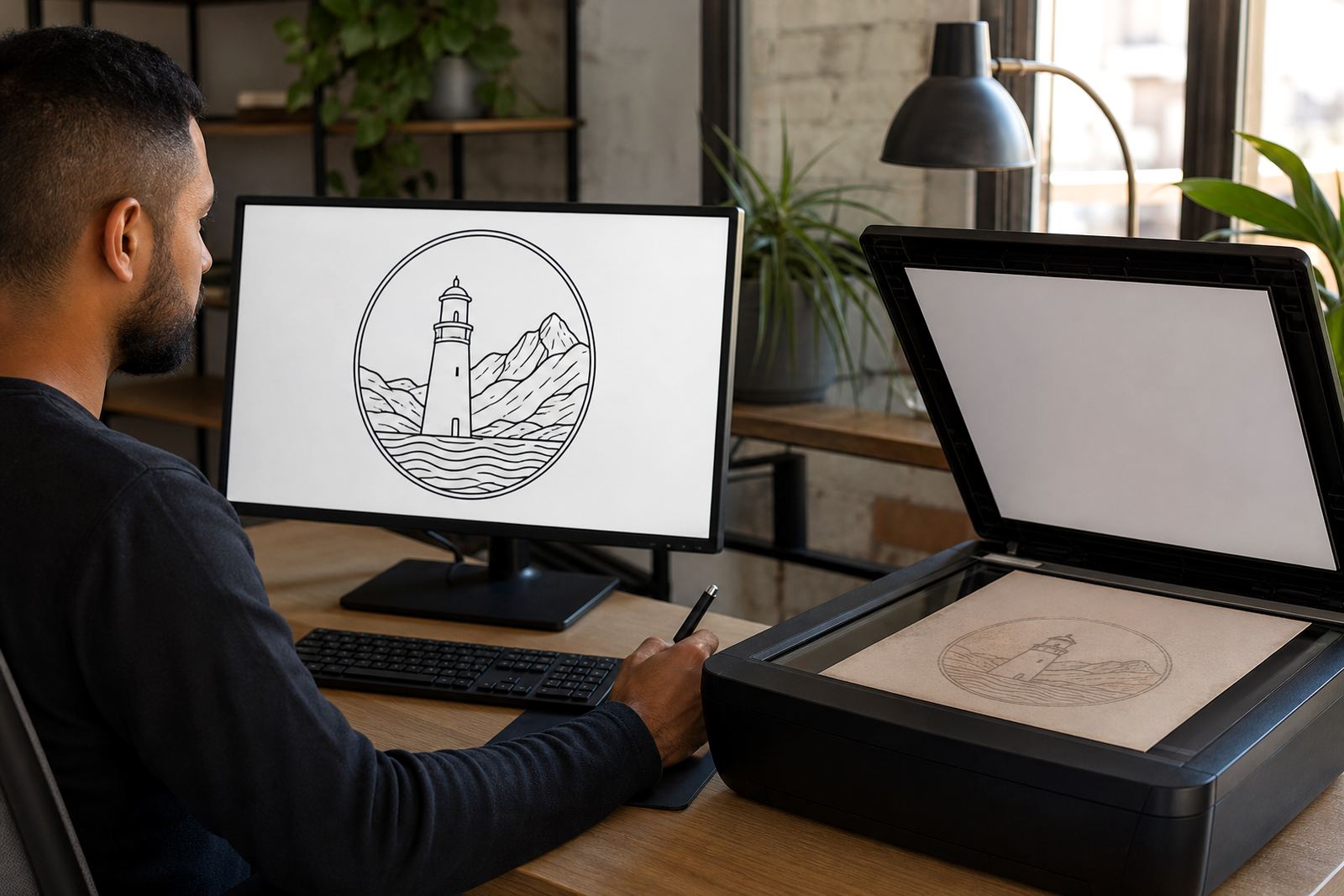
Some logos arrive as low-resolution bitmaps, often from old brochures, scans, or screenshots. Tracing that image can help, but it follows the flaws in the source. Jagged edges, uneven curves and soft corners can carry through if the original artwork is poor. That is why a careful hand redraw is often the better option for avatar work.
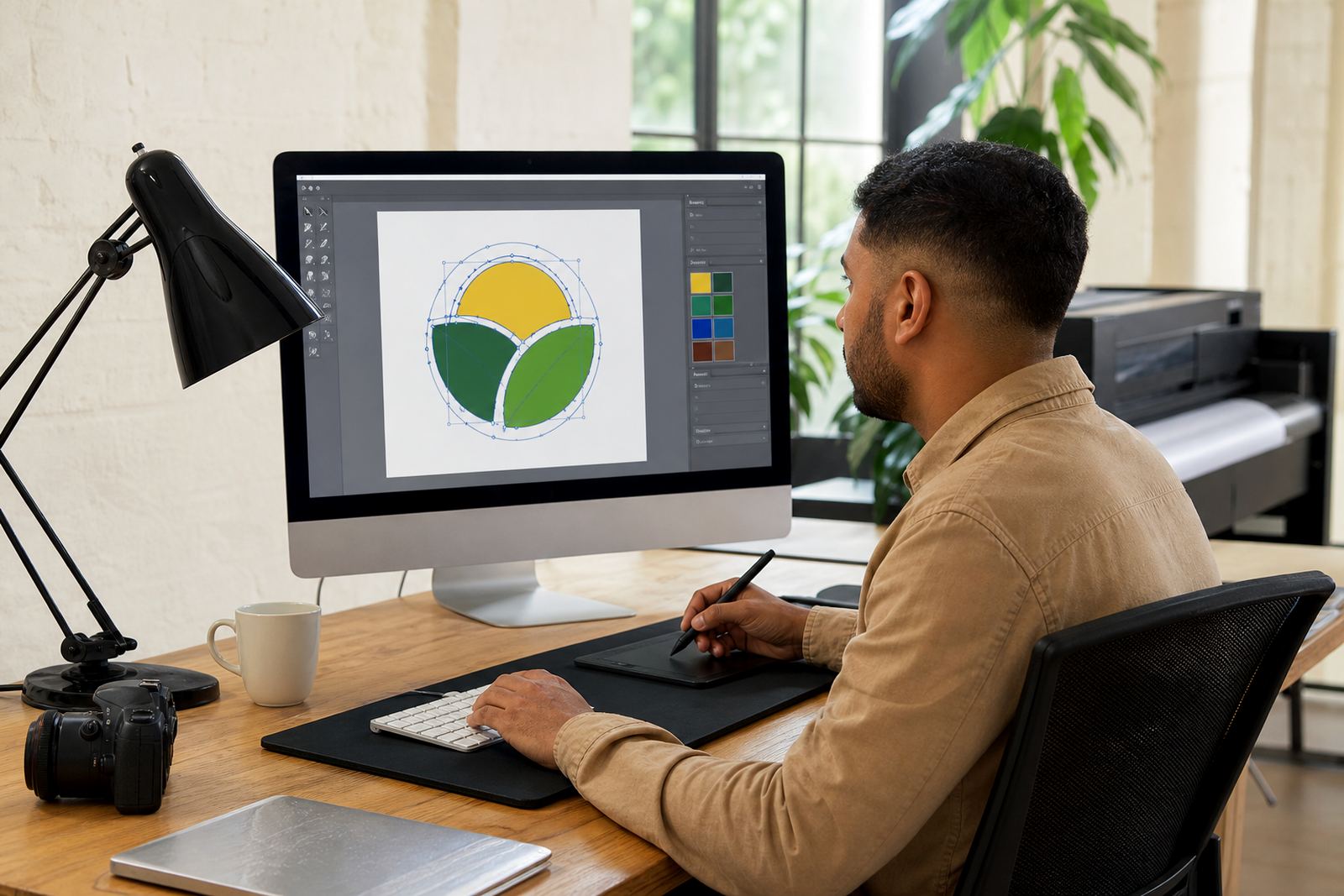
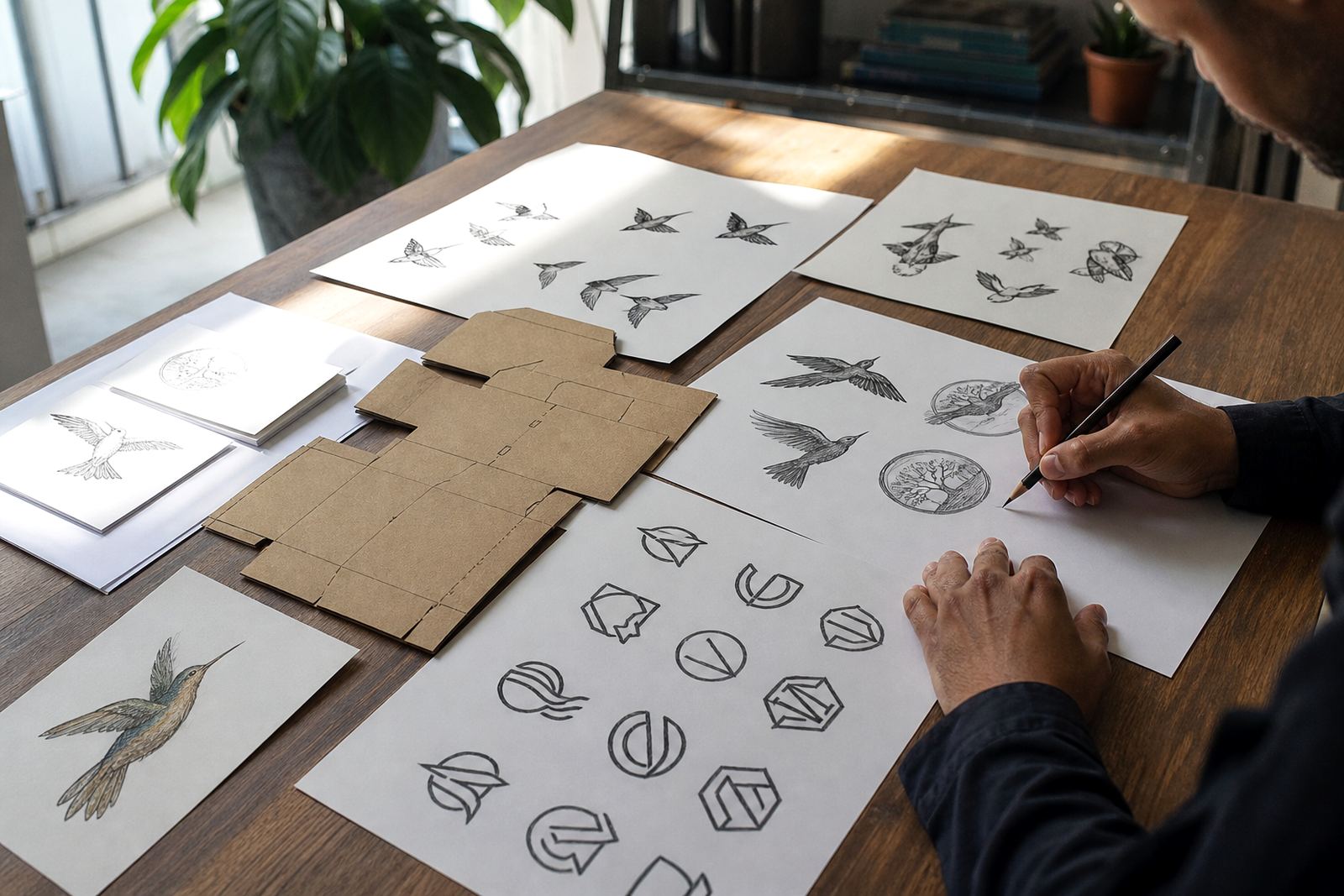
A hand redraw lets the artist rebuild the logo with proper vector paths, sharper curves and cleaner proportions. It also gives room to simplify the weakest parts. If a crest has too many internal lines, or a mascot has tiny features that collapse on a phone screen, those elements can be tidied so the artwork stays legible. For businesses in Cape Town, Johannesburg or Durban, that matters when the same mark must work on Instagram, WhatsApp, a website tab and printed labels.
- Use tracing for simple, clean source files
- Use hand redraw where edges, curves or text need correction
- Keep the shape consistent across SVG, EPS, PDF and AI files
- Ask for both full-detail and simplified versions
Keep the silhouette doing the heavy lifting
The silhouette is often the first thing people recognise, especially in a tiny icon. If the outline is strong, the logo can survive small sizes even when detail is reduced. That is why a mascot with a busy body, a badge with several rings, or a scene illustration with buildings and trees often needs a stripped-down avatar version.
One useful check is to fill the logo with a single solid colour and see whether the shape still holds up. If it does, you are on the right track. If it turns into a blob, then the design needs a clearer outline or fewer internal parts. This is especially useful for businesses in Pretoria or Bloemfontein that use one logo across municipal paperwork, social media and product stickers where clarity matters more than decoration.
- Strong outer edges beat tiny interior lines
- Use negative space to separate key parts
- Limit the number of colours in the avatar version
- Avoid thin borders that vanish on small screens
Choose what to leave out, not what to cram in
A common mistake is trying to keep every element of the main logo inside the avatar. A slogan, date, intricate border and detailed illustration all fight for space. On a phone screen, they usually lose. The smarter choice is to decide what is essential and leave the rest for longer formats.
For example, a Stellenbosch wine label might use a detailed illustration on packaging, but only the strongest icon for its profile image. A menu illustration for a Durban restaurant may keep the fork or bowl shape, while dropping the finer garnish details. The aim is a mark that feels related to the full brand, but is not overloaded. That kind of editing is normal in professional vector work, and it saves time later when the logo needs to be used on different platforms or printed at small sizes.
- Remove taglines from avatar versions
- Drop tiny textures, shadows and gradients
- Keep only the most recognisable letters if using initials
- Make sure the reduced version still belongs to the same brand
Use file formats that hold up across print and screen
Avatar work is not only about appearance, it is also about how the file behaves. Vector formats such as SVG, EPS, PDF and AI keep artwork sharp at any size, which is important when the logo is used for social icons, app spaces and print items. A good file set also makes it easier to supply artwork for different uses without starting again each time.
For South African businesses, this can help when the same logo is needed for a loading bay sign in Port Elizabeth, a sticker sheet in Paarl, and a social profile in Observatory. The simplified version should still hold its shape when exported for screen use or handed to a printer. If the artwork is built properly, the edges stay clean and the colour stays true, even when the original is shown small or used on a busy background.
- Ask for vector files, not just a flat image
- Keep a black version and a colour version
- Save a simplified avatar file alongside the full logo
- Check how the artwork looks on light and dark backgrounds
A local example from Observatory to client screens
A small hospitality business in Cape Town might want a hand-drawn logo that looks rich on a menu, but also works as a round social icon. In a case like that, the full illustration can stay detailed for printed use, while the avatar version is reduced to one strong symbol and a clean letterform. That way the business keeps its character without losing legibility on a phone screen.
We often see the same need from businesses serving customers across South Africa, from Johannesburg to Bloemfontein.A careful redraw makes those problems easier to manage, because the final artwork is planned for real use rather than just for display.
At Vectorization Studio in Observatory, Cape Town, logo redraws and hand-drawn vector illustrations are prepared with this kind of practical use in mind. Customers should own the artwork they send or have the rights to use it, and the final files can be set up for the formats most businesses ask for, including SVG, EPS, PDF and AI.