Why vinyl cutters need clean paths, not just a nice picture
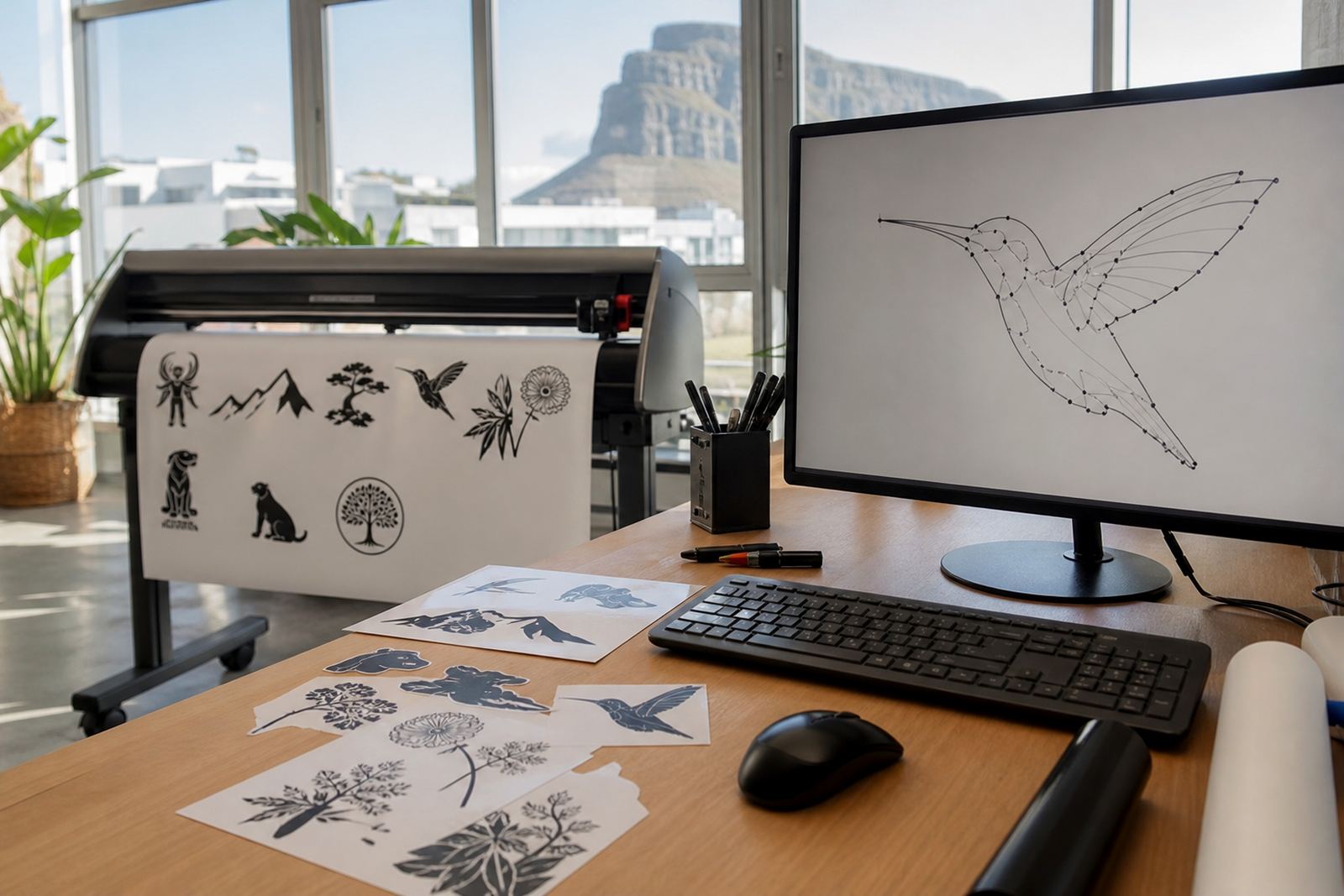
Vinyl cutting works by following paths, so the cutter is only as good as the artwork it receives. If a logo has jagged edges, extra anchor points or broken shapes, those problems can show up in the finished cut, especially on small lettering, thin outlines and complex curves.
A bitmap image can look fine on a screen, but a cutter cannot read pixels the way it reads vector paths. That is why a proper vector redraw is often the safer choice for signs, shop windows, security markings and vehicle graphics. Clean paths help the blade follow the shape smoothly, and they also make weeding easier for the sign writer or installer.
In practical terms, the difference shows up in the corners, curves and joins. A clean redraw keeps those areas tidy. A traced file that has been rushed can leave rough turns, uneven spacing and little points that catch when the vinyl is lifted.
Bitmap tracing versus hand redraw: the difference shows up at cut time
Bitmap tracing is useful for simple artwork, but it is not always the best answer. Automatic tracing can pull in noise from a low quality scan, uneven shading from an old brochure, or odd shapes from a compressed image. That may be enough for a rough proof, but not always for production.
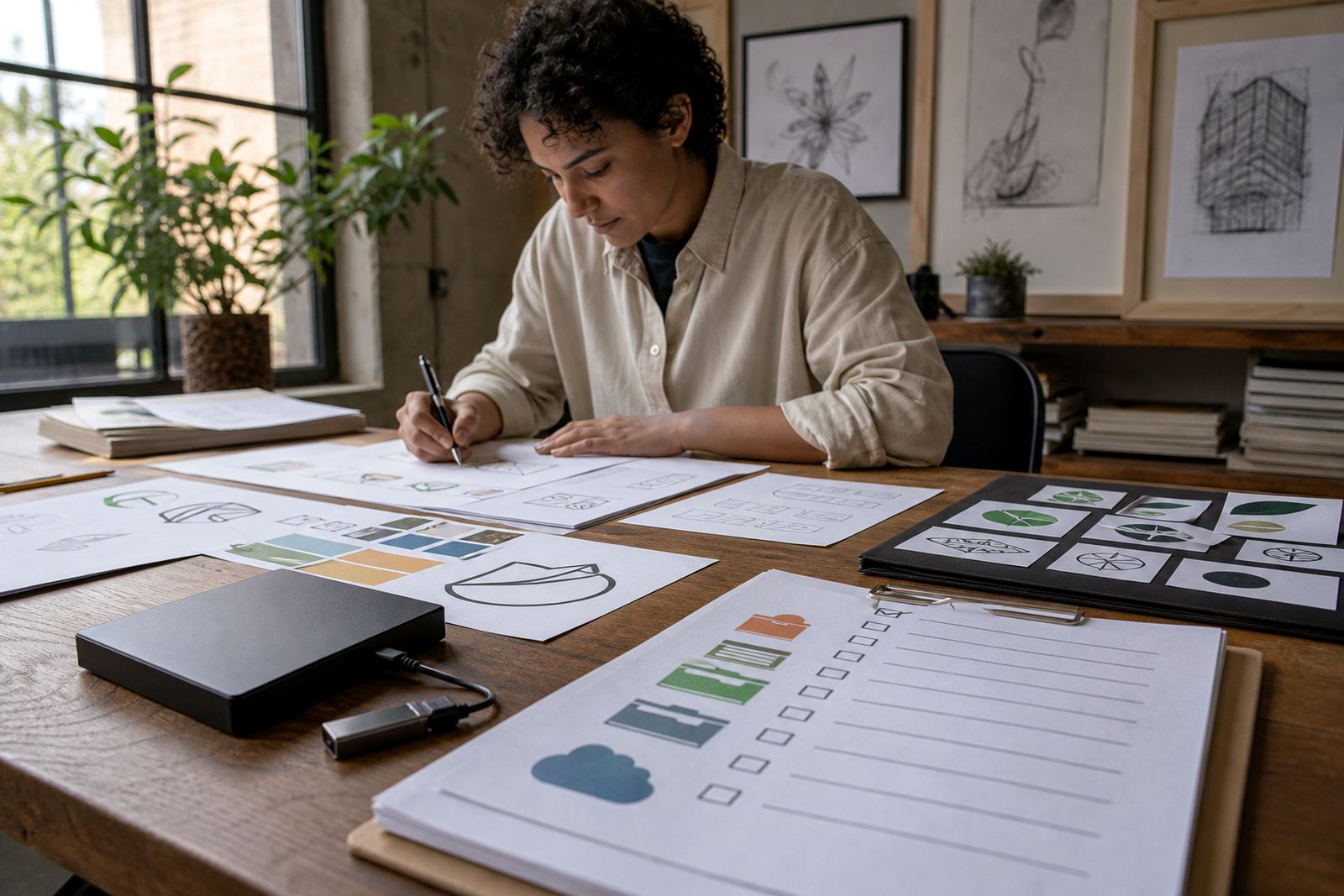
A hand redraw gives more control. Each line, curve and counter can be cleaned up with the final use in mind. That matters when the artwork must be cut from vinyl at a small size, or when several colours need separate layers. It also helps when the original logo has been printed many times over the years and different versions have drifted apart.
- Use bitmap tracing when the source is clear, simple and well lit.
- Use a hand redraw when the artwork is faded, low resolution or uneven.
- Use a full illustration when the job needs more than a logo, such as a mascot, badge or scene.
For South African businesses, this matters on everything from estate agent boards in Pretoria to café windows in Stellenbosch. If the file is not tidy, the cut can look untidy too, and that shows up quickly in public view.
What makes a file ready for vinyl cutting
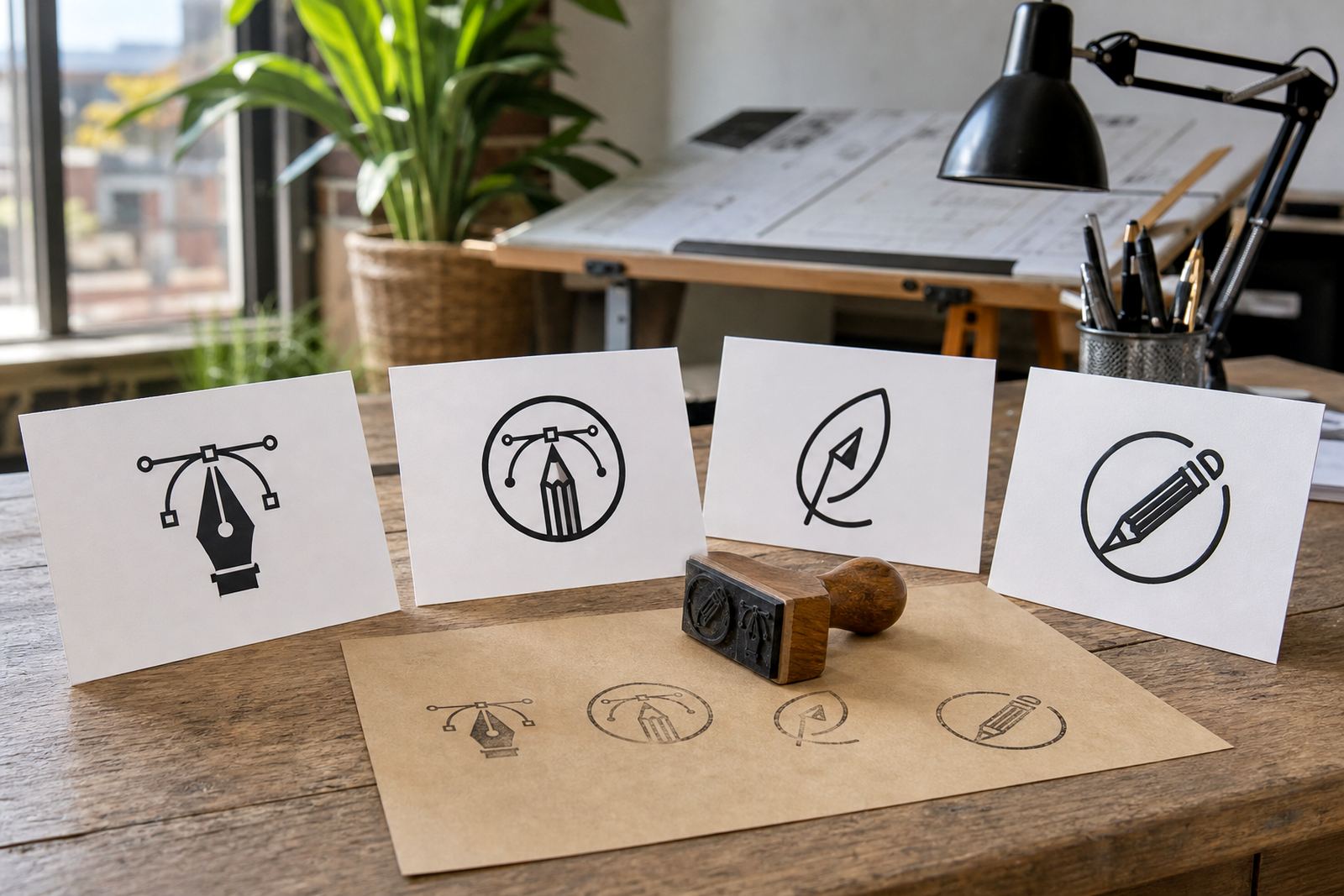
A vinyl ready file should be easy to open, easy to separate and easy to cut. That means clear paths, correctly closed shapes and artwork supplied in a vector format such as SVG, EPS, PDF or AI. These formats are commonly used because they retain shape information instead of flattening everything into pixels.
Good file prep also includes practical details. Text should be converted to outlines where needed. Overlapping shapes should be checked. Tiny gaps between objects should be removed. If the design includes multiple colours, each colour should be easy to isolate for production.
- Clean outlines with no stray nodes or hidden shapes.
- Correct scale so the design can be used at the intended size.
- Separate colour layers for multicolour vinyl work.
- Artwork supplied only where the sender owns the rights or has permission to use it.
That last point matters. If a client sends in artwork, they must have the right to use it. If the logo belongs to someone else, or the illustration has been borrowed from another source, it can cause trouble later. A proper redraw is only done on artwork that can be lawfully used.
How clean paths help with real production problems
In coastal areas like Cape Town and Port Elizabeth, humidity can also affect storage and handling. If the artwork is already untidy, those conditions make production harder. Clean vectors reduce the time spent correcting mistakes before the machine even starts cutting.
They also help on jobs that need repeat use. A fleet graphic for a contractor in Johannesburg may need to be cut in sections, applied on curved panels and matched across several vehicles. A clean vector file keeps those sections consistent. The same is true for window lettering, safety labels and wayfinding signs where even a small error becomes visible once installed.
For municipal or commercial work, neat paths can also make compliance easier when text and symbols must be readable from a distance. If a logo has fine serifs or crowded details, the redraw may need to simplify those elements so they survive at the chosen size.
Local example: a Cape Town shopfront with a faded old logo
Take a small retailer in Observatory with an old logo saved as a low resolution image from years ago. The artwork may look acceptable on screen, but the edges are soft and the black outline has uneven thickness. If that file is sent straight to vinyl, the cut can come out clumsy, especially around the lettering and icon details.
A proper redraw starts by cleaning the shapes and rebuilding the logo as vector paths. Then the file can be exported in SVG, EPS, PDF or AI for use across signage, labels and print. If the same brand later needs a menu board, a wall graphic or a sticker sheet, the artwork can be adapted without starting over from scratch.
This is where hand drawing still has value. A vector artist can keep the character of the original mark while making it practical for production. That balance is what most businesses want, and it saves time when the same artwork must work on different materials and sizes.
When a redraw is better than a straight trace
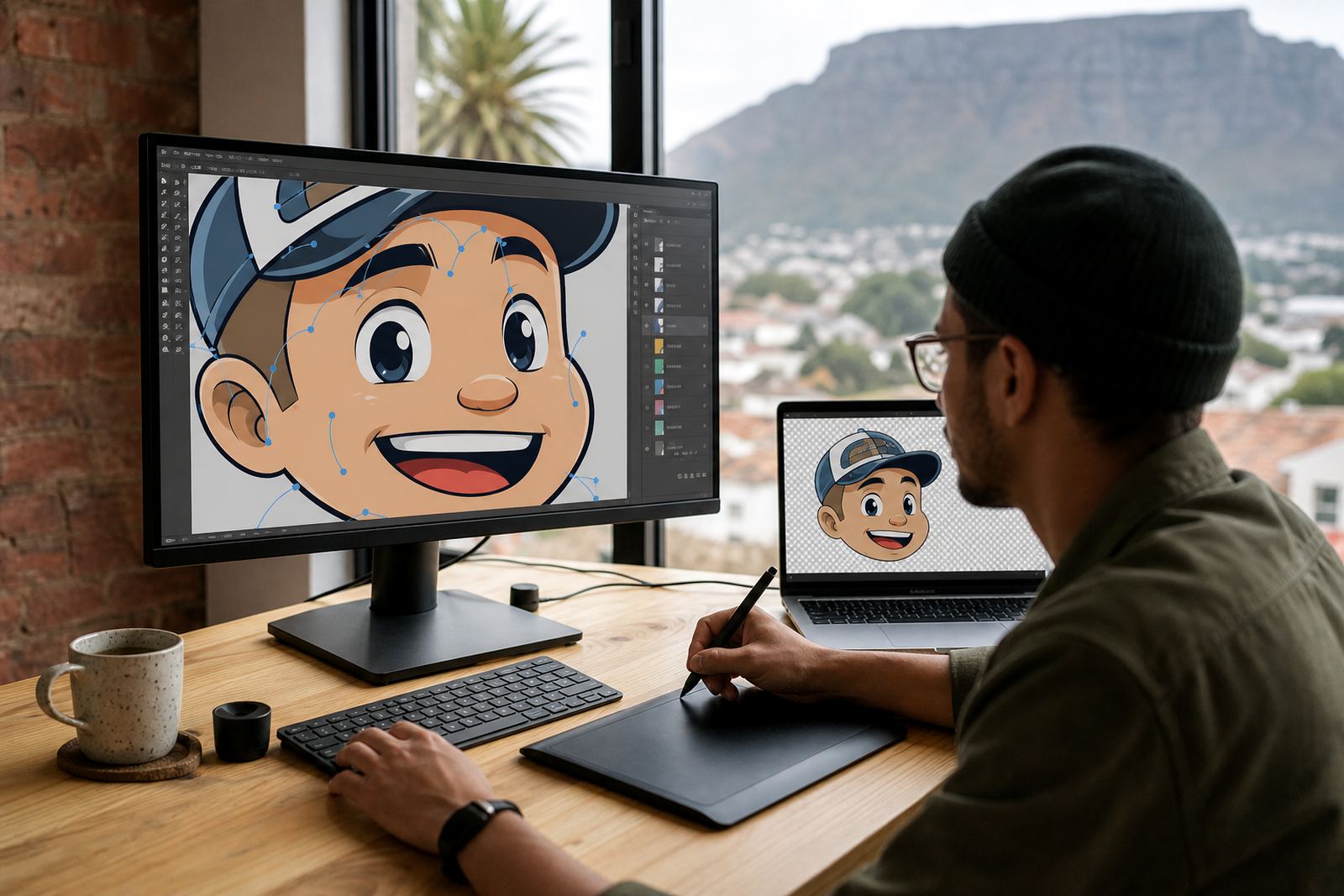
Not every project needs the same approach. A simple geometric icon may trace well. A hand drawn logo, mascot or illustrated badge usually needs more care. If the source has faded edges, a crooked scan or too much detail for vinyl, a straight trace can lock those faults into the final file.
A redraw is often the better choice when the artwork must be tidy enough for cutting and also suitable for other uses such as packaging, social graphics or a printed menu. That flexibility matters for businesses operating across South Africa, from Durban to Bloemfontein, where one artwork may need to support several branches and different production methods.
- Choose a redraw when the source is poor quality or incomplete.
- Choose illustration work when the artwork needs character and detail.
- Choose a vector clean-up when the file already exists but needs production adjustments.
At Vectorization Studio in Observatory, Cape Town, the focus is on getting the file right for the job at hand. That means clean paths, practical formats and artwork that can move from screen to cutter without drama.
What to send when you need vinyl-ready artwork
When you send through artwork for redrawing, send the clearest version you have. A higher quality scan, a good photo of signage, or the original digital file gives the artist more to work with. If the logo has changed over time, it helps to note which version should be followed.
It also helps to say where the artwork will be used. A sign for a shopfront in Paarl has different needs from a small decal for packaging or a large wall graphic for a premises in Pretoria. The intended use affects line weight, spacing and how much detail should be kept.
For businesses that want reliable vinyl output, the goal is simple: get clean vector paths, get the right file format, and avoid chasing corrections after cutting has started. That keeps the work neat, saves material and makes the final result look professional, even when the original artwork was a mess to begin with.