What SVG is, and why it behaves differently
SVG stands for scalable vector graphics. Unlike a bitmap image made of pixels, an SVG is built from points, curves and shapes, so it can be scaled up or down without going soft or blocky. That makes it a strong choice for logos, icons and line-based artwork that must look tidy on a phone, tablet or large monitor.
For many South African businesses, the real value is consistency. A logo can appear on a header, a contact form, a presentation slide, or a social post and still keep its edge. If your artwork has been drawn well from the start, the SVG version can carry that same clean finish across most digital uses.
When SVG is the right file for the job
SVG is usually the first file to reach for when artwork needs to be light, sharp and easy to place on a website. It is also useful when a logo must work in several sizes, because one file can serve a small footer mark and a large homepage banner without needing separate image versions for every use.
It is often the better option for simple illustrations too, especially when the artwork uses flat colour areas, clean outlines or icon-style detail. For a restaurant menu, a property map, or a social graphic with strong line work, SVG keeps the image neat and often loads quickly as well.
- Website logos and header marks
- App icons and interface graphics
- Simple illustrations with clean outlines
- Infographics, badges and icons
- Maps, diagrams and menu art
Where SVG helps most on digital platforms
Digital platforms need artwork that stays clear at different sizes and on different screens. SVG is useful because it can be styled and resized without losing quality. On a responsive website, that means one logo can sit in a mobile header, a benchtop menu and a footer without becoming fuzzy. It also works well on high-resolution screens where low-quality images show their weaknesses very quickly.
SVG files are also practical for quick editing. A designer can change a colour, adjust a stroke weight, or simplify a detail without rebuilding the whole image from scratch. That is handy when a business needs a white version for a dark background, or a single-colour version for a form or app button.
- Responsive websites that need flexible sizing
- Message graphics and digital documents
- Lightweight icon sets for service pages
- Brand marks that need dark and light versions
- Artwork that may need small colour changes later
Bitmap tracing versus a proper hand redraw
Not every image should be traced straight from a bitmap and called finished. Bitmap tracing can be useful for rough conversion, but it often follows the flaws in the original image, especially if the source file is blurry, compressed or low resolution. That can leave awkward curves, uneven corners and messy joins that show up more clearly once the artwork is scaled.
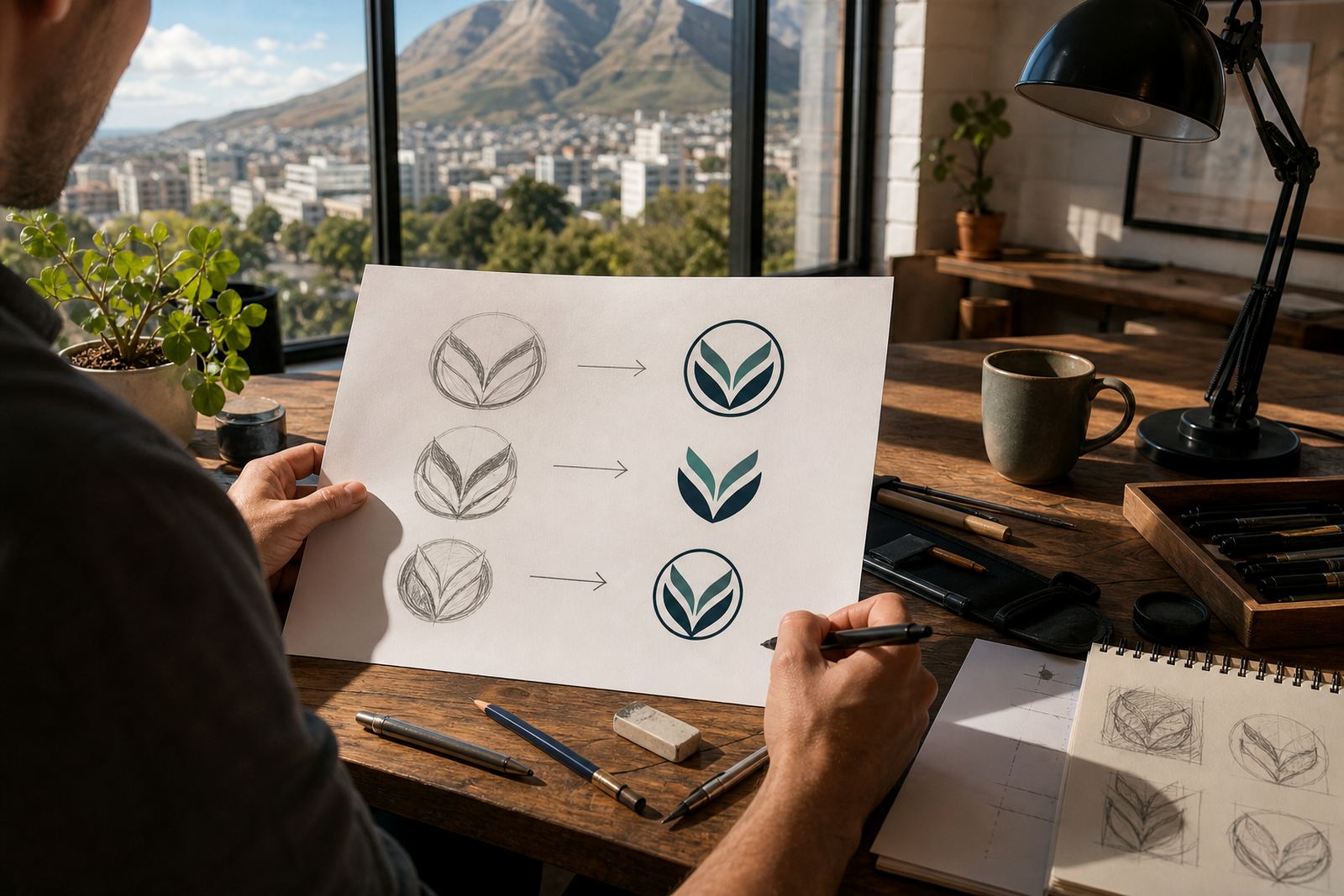
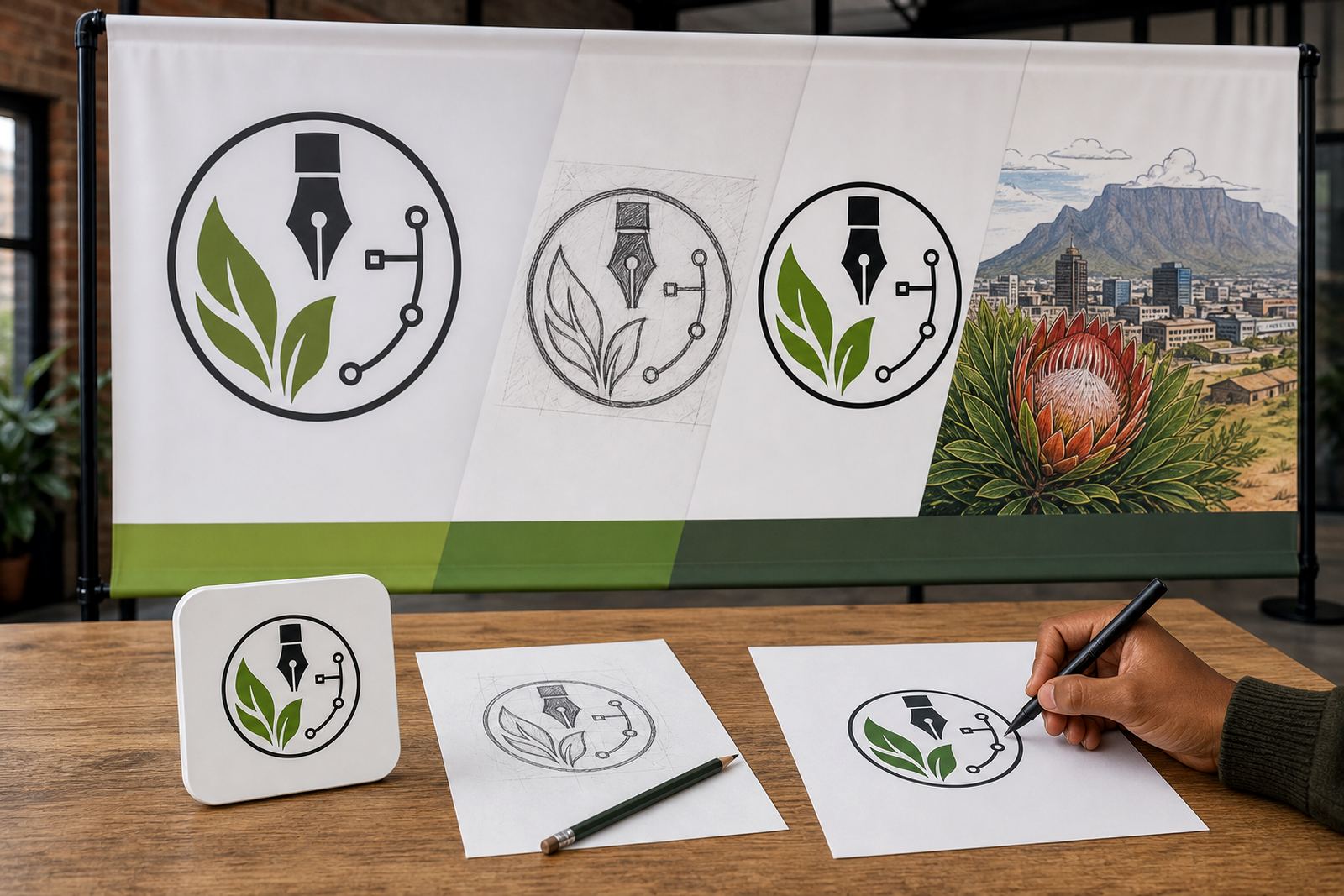
A proper hand redraw is more careful. The artwork is rebuilt as vector shapes, with cleaner curves, balanced spacing and better control over line weight. This matters when the logo will be used on a website, in a PDF proposal or inside a digital brand pack. If the source artwork belongs to your business and you have the right to use it, a redraw can make it far more usable across different formats.
We often see this with older local businesses that still have a logo saved as a small JPG from years ago. It may work on a noticeboard, but it will not hold up on a modern site. A redraw gives you a file that is prepared properly for screen use and future editing, not just a quick copy of what was there before.
File formats you may need alongside SVG
SVG is excellent for digital use, but it is not the only file worth having. Different situations call for different formats, especially if artwork must also go to print or prepress. A well-prepared artwork set usually includes more than one file type so the same logo can be used without fuss by your web team, printer or in-house staff.
These are the formats that often matter most:
- SVG for websites, apps and digital graphics
- EPS for older design and print workflows
- PDF for sharing, proofing and print handoff
- AI for source artwork in professional vector editing
If the file is going to be used in a print job, especially on packaging or signage, a press-ready PDF or EPS may still be required. For digital channels though, SVG is usually the cleanest option.
A practical South African example
Say a café in Observatory wants one logo for its website, another for social media, and a small mark for a delivery app. The same artwork must also work on takeaway stickers and a menu PDF.
In that kind of job, the logo can be redrawn properly, then supplied in SVG for the site, PDF for the menu, and EPS or AI for future print work. If the original art was supplied by the client, they need to own it or have permission to use it first. That keeps the file set clean and avoids trouble later, which is something every business should sort out before artwork goes live.
For coastal towns like Cape Town or Port Elizabeth, where humidity and salt air can be hard on printed materials, a digital-first vector file is still a sensible base. It makes updates easier and helps the brand stay consistent across all digital touchpoints.
When SVG is not enough on its own
SVG is excellent for line-based work and simple branding, but there are limits. Highly detailed shading, complex textures and painterly illustration styles may not translate well into SVG without losing the look that made the artwork work in the first place. In those cases, a different vector approach or a carefully prepared hybrid file may be better.
It is also worth remembering that SVG is a digital format first. If the artwork must go to offset print, large-format signage or specialised packaging, the file may need extra checks before release. That includes colour choices, stroke thickness, font outlining and spacing. A clean source file saves time here, and so does a clear brief from the start.
At Vectorization Studio in Observatory, Cape Town, we work with businesses across South Africa that need logo redraws, hand-drawn vector illustrations and practical file sets for real use. The goal is to give each artwork the right format for the job, rather than one file and hoping it suits every use. It usually does not.